
Compatibility
Minecraft: Java Edition
Platforms


Links
Tags
Creators
Details
Cinematic camera transitions for Minecraft networks, by qFane.
When a player leaves a server, the camera pulls up into the sky and fades to black. When they arrive on the next server, it stays black while the world and resource pack load, then fades in and flies down to the spawn.
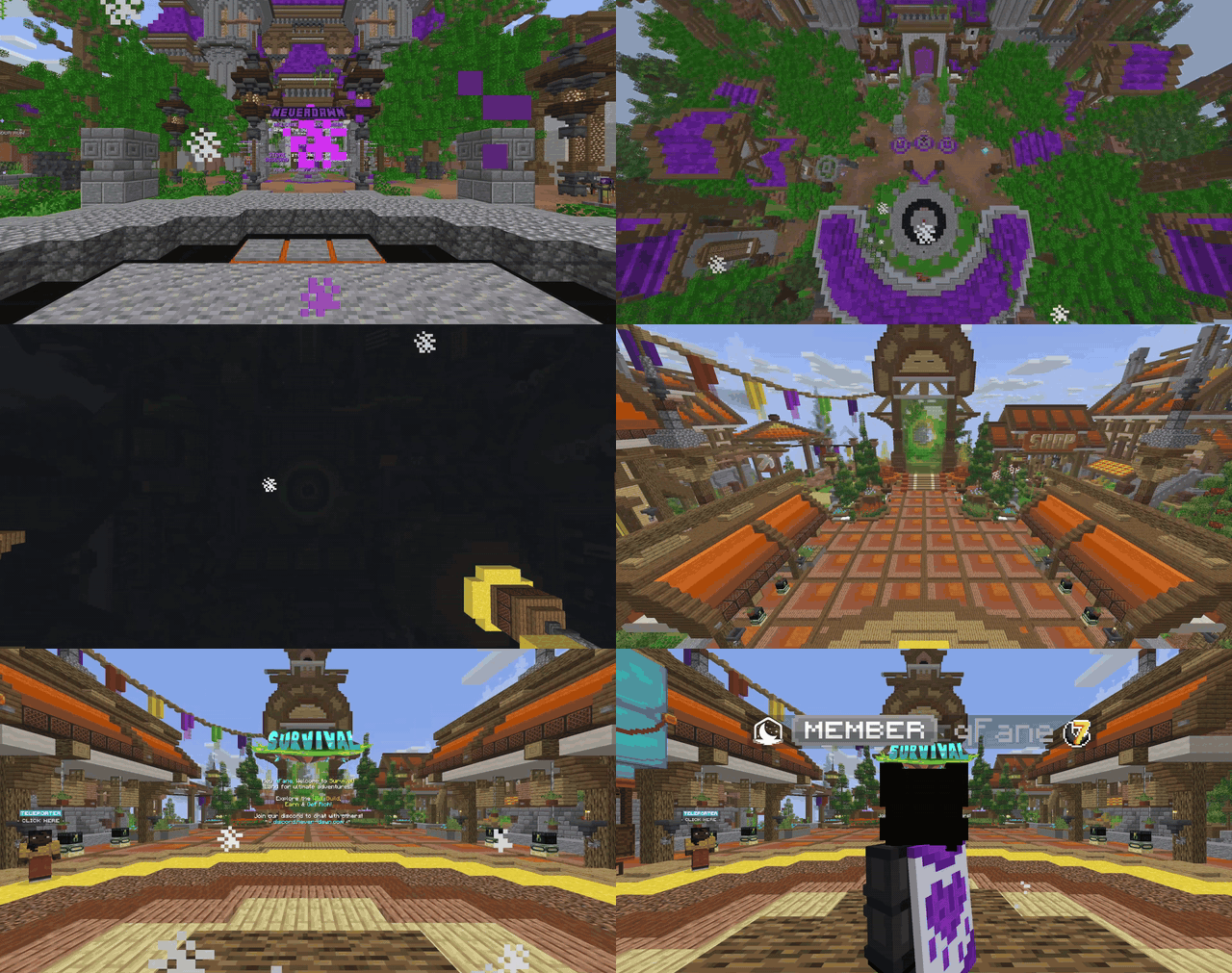
- Works with every server switch:
/switchserver,/lobby, Velocity's/server, ajQueue, menus and NPCs that send players to servers. - Checks that the target server is online before animating.
- With ajQueue installed,
/switchserver,/lobbyand server plugins join ajQueue's queue instead of switching directly, so full or offline servers queue; the animation plays when ajQueue sends the player. - Waits for the resource pack (Oraxen, ForcePack, Nexo, ItemsAdder) so the loading screen never hides the pan.
- Animations are simple YAML files: copy one, change a few numbers,
/dc reload. - Players who get motion sick can be exempted network-wide with one permission.
Animations
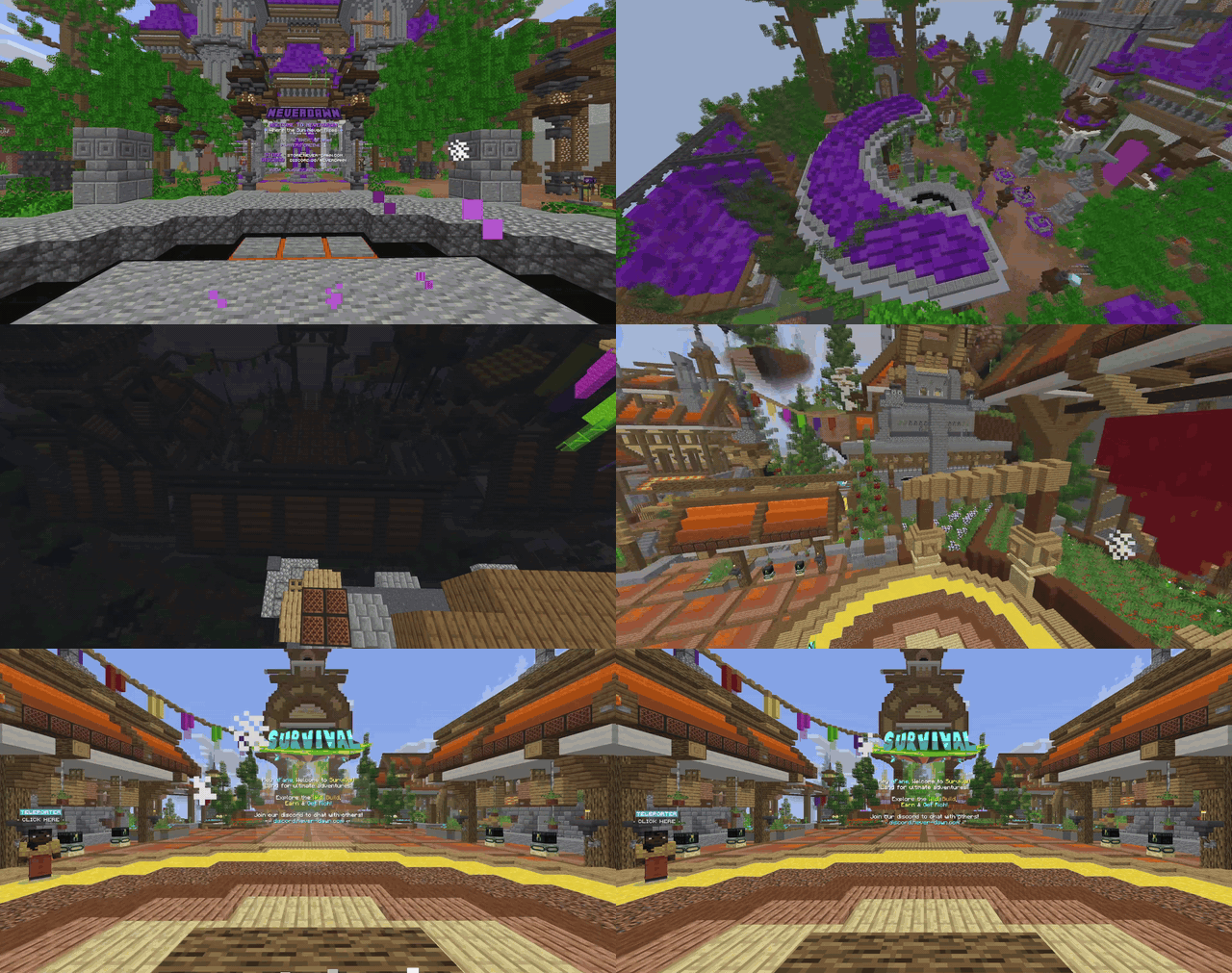
sky |
orbit |
shake |
|---|---|---|
|
 |
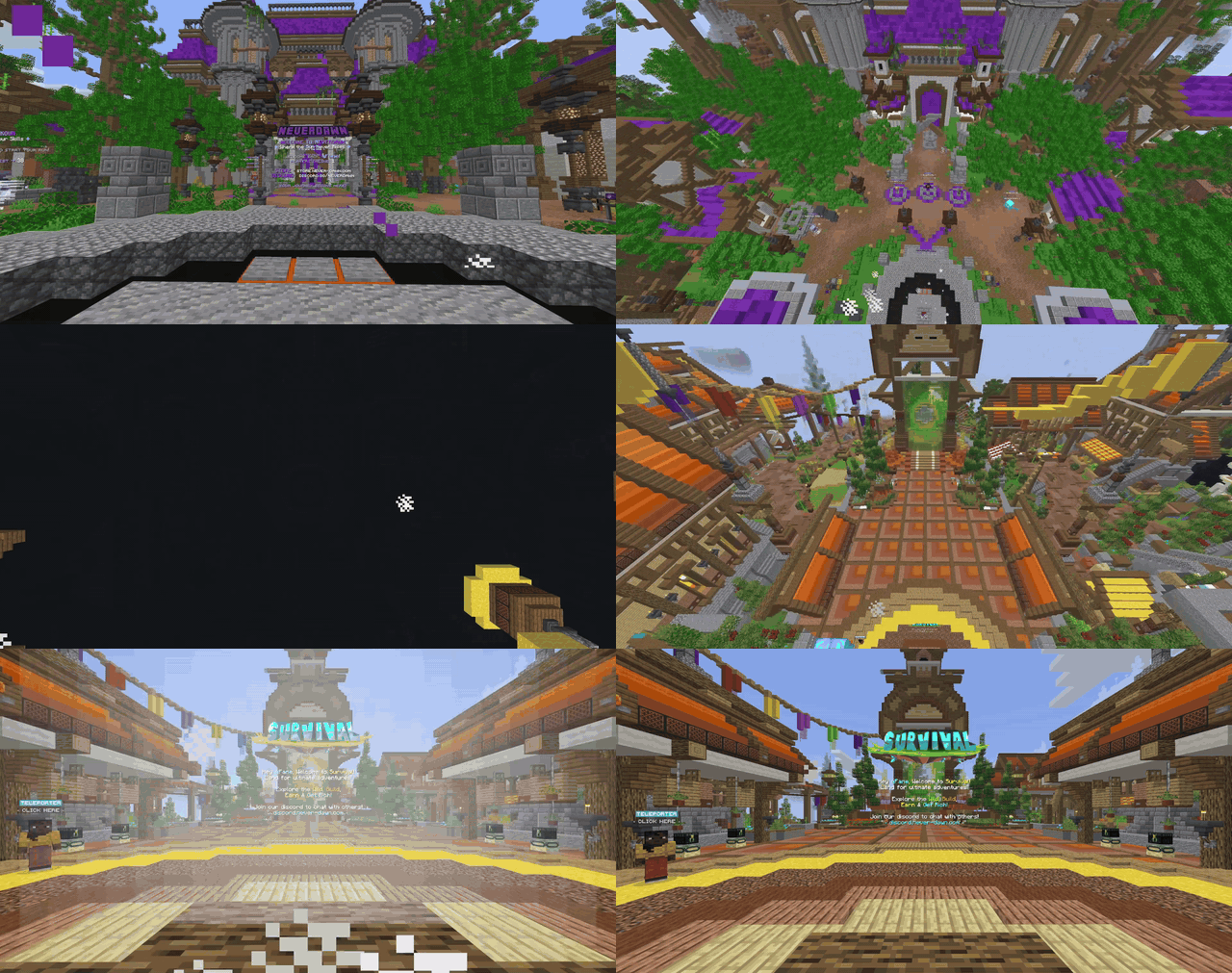 |
| Straight up and down | Spirals around the spawn | Straight up with a rumble |
Other players see the leaving player vanish in a swirl of particles:
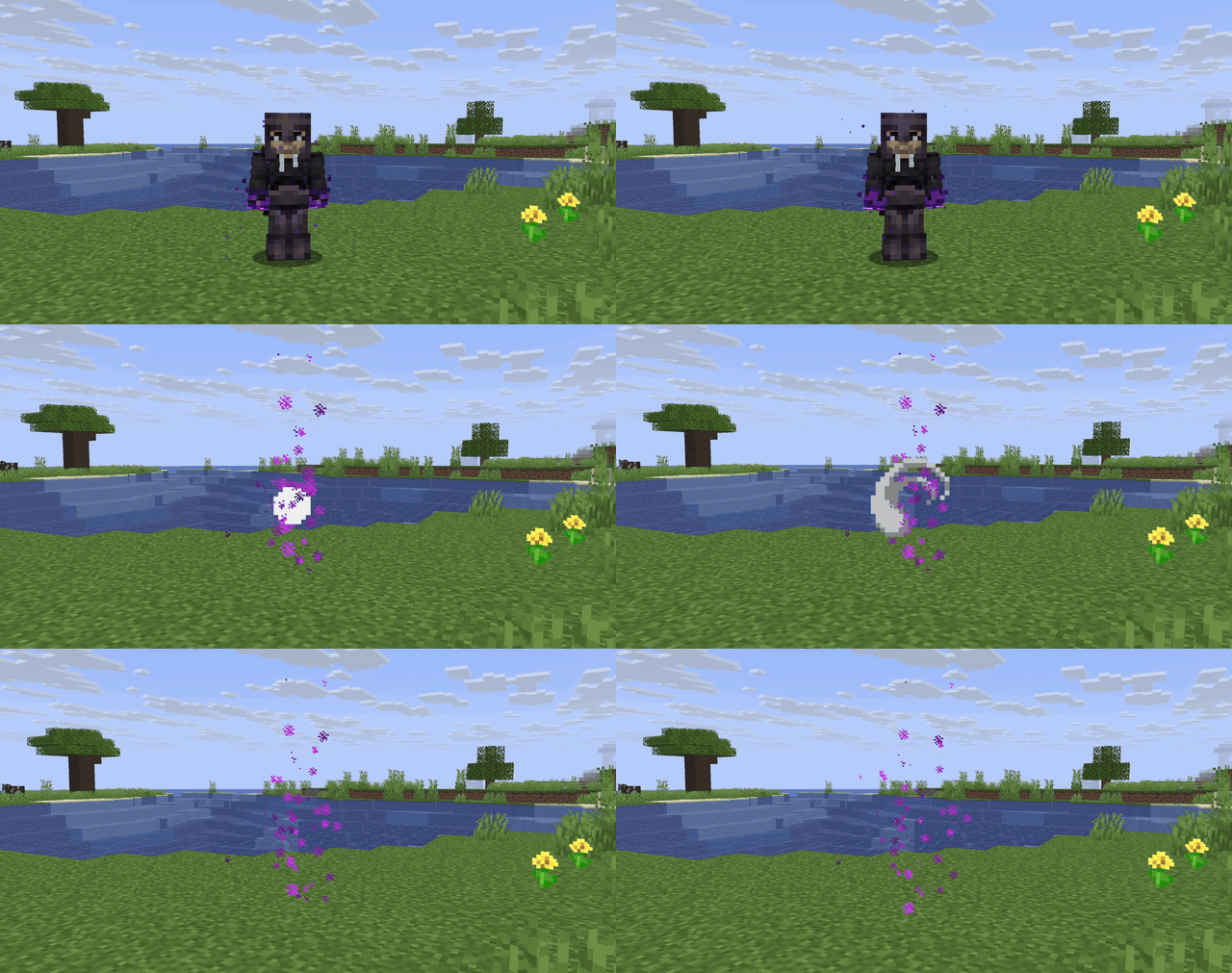
More animations are on the way. You can also make your own in a few lines of YAML.
Requirements
- Velocity 4.x proxy
- Paper 26.x servers behind it
- Java 25
- Servers must answer status pings from the proxy (
enable-status=true, the default, and no backend anti-bot limiting the proxy's pings): the proxy pings a server before animating and reports it offline if it doesn't answer.
Install
- Put
dawncamera-velocity-<version>.jarin the proxy'splugins/folder. - Put
dawncamera-paper-<version>.jarin theplugins/folder of every server that should animate. Servers without it (an auth or limbo server) are detected automatically and switch away instantly. - Restart the proxy and the servers.
- On each server, stand where players should land and run
/dc setspawn.
Commands
| Where | Command | Permission | What it does |
|---|---|---|---|
| Proxy | /switchserver <server> |
same as Velocity's /server (velocity.command.server) |
Switch server with the animation |
| Proxy | /switchserver <server> <player> |
dawncamera.send (console has it) |
Send any online player there, skipping ajQueue |
| Proxy | /lobby, /hub |
everyone | Switch to the first server in velocity.toml's try list (skipped if another proxy plugin already owns the command) |
| Server | /switchserver <server> [player] |
yourself: Velocity's /server rule; others: dawncamera.admin |
For plugins that run commands on the server; sending someone else skips ajQueue |
| Server | /dc (/dawncamera) |
dawncamera.admin (op) |
Show status |
| Server | /dc reload |
dawncamera.admin |
Reload config and animations |
| Server | /dc setspawn |
dawncamera.admin |
Set the landing spot to where you stand and look |
| Server | /dc animation <join|leave> <name> |
dawncamera.admin |
Choose this server's animations |
| Server | /dc test <join|leave> [name] |
dawncamera.admin |
Preview an animation on yourself where you stand, without switching |
| Server | /dc fade <on|off> |
dawncamera.admin |
Toggle fade to black |
| Server | /dc debug |
dawncamera.admin |
Log game-mode changes and teleports, and which plugin caused them |
NPCs, portals and menus: use their "send to server" action (e.g. FancyNpcs send_to_server, DeluxeMenus
[connect]). The proxy animates every switch, and the player needs no /server permission for it. Plugins can also
call DawnCameraPaper#transfer(player, server).
dawncamera.bypass (servers, default off): skip both the join and leave animation.
Grant it network-wide (e.g. with LuckPerms) to players who get motion sick.
If you give yourself or a staff group *, that includes this bypass: set dawncamera.bypass to false on that group
(lp group owner permission set dawncamera.bypass false) or you will never see the animations.
Configuration
Each server has plugins/DawnCamera/config.yml (which animations, fade, sounds, spawn, resource pack waiting,
titles) and an animations/ folder. The proxy needs no configuration.
Making animations
Every file in plugins/DawnCamera/animations/ is an animation; the file name is its name. Leaving plays it forward
from the player's eyes; joining plays it backwards onto the spawn.
# animations/drone.yml
duration-ticks: 50   # length; 20 = 1 second (1-100)
height: 40           # blocks the camera rises (0-512)
radius: 30           # blocks it drifts back behind the starting view; 0 = straight up (0-512)
turns: -0.5          # circles while moving; negative = the other way (-10 to 10)
end-pitch: 35        # where it looks at the top: 90 = straight down, 0 = the horizon (-90 to 90)
shake: 0             # screen shake in degrees, strongest near the ground (0-45)
Then /dc reload and /dc animation leave drone. Keys you leave out use the sky values. Bundled examples:
sky (straight up), orbit (spiral around) and shake (straight up with a rumble). More are coming in future
updates.
Share good ones: open a pull request adding your file to
dawncamera-paper/src/main/resources/animations/.
Building
mvn clean package
The jars are in dawncamera-paper/target/ and dawncamera-velocity/target/. The tests (animation loading and camera
maths) run as part of the build.
How it works
The camera is an invisible display entity the player spectates; display entities smooth their own movement on the
client, so the pan is fluid at any frame rate. The fade is a black text-display panel in front of the camera that only
its owner can see. The proxy holds every server switch, asks the current server to play the leave animation over the
dawncamera:main plugin channel, and connects once the server answers (or after 6 seconds). See AnimationManager
and DawnCameraVelocity for details.
License
DawnCamera License: free to use and modify on your own servers (including ones that earn money). Selling it, or publishing copies or modified versions, is not allowed without permission from qFane.