
Create Balloon
This mod is completely completed by AI.



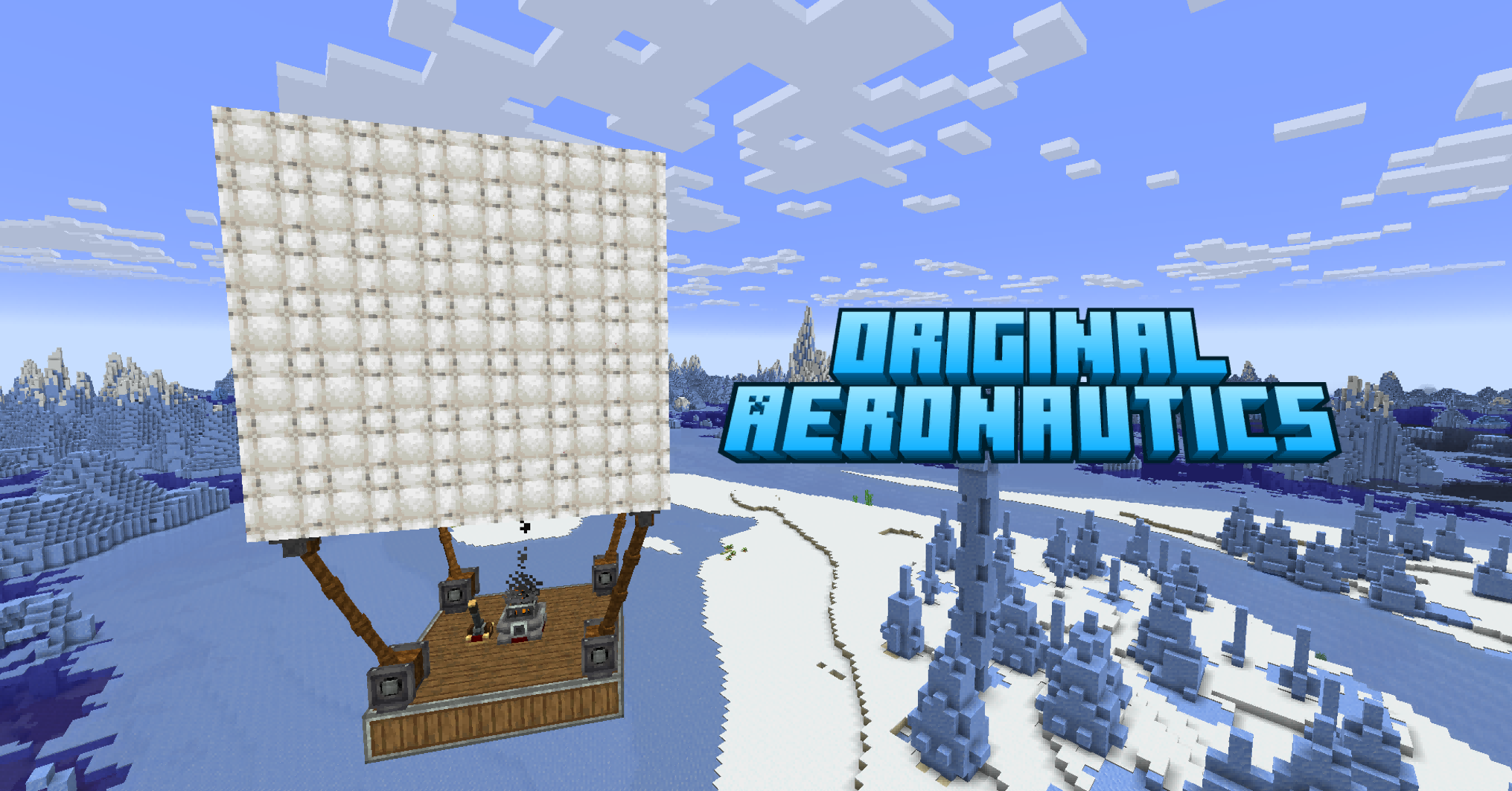
Hot air balloons for Create × Create: Aeronautics.
Add craftable, flyable balloon blocks that provide lift, stabilization, and movement to your Sable physics structures. Pilot them with WASD controls, automate them with CC:Tweaked, or integrate them into redstone automation.
Quick Start
To get a hot-air balloon into the air takes just a few steps:
- Place a Balloon Controller (
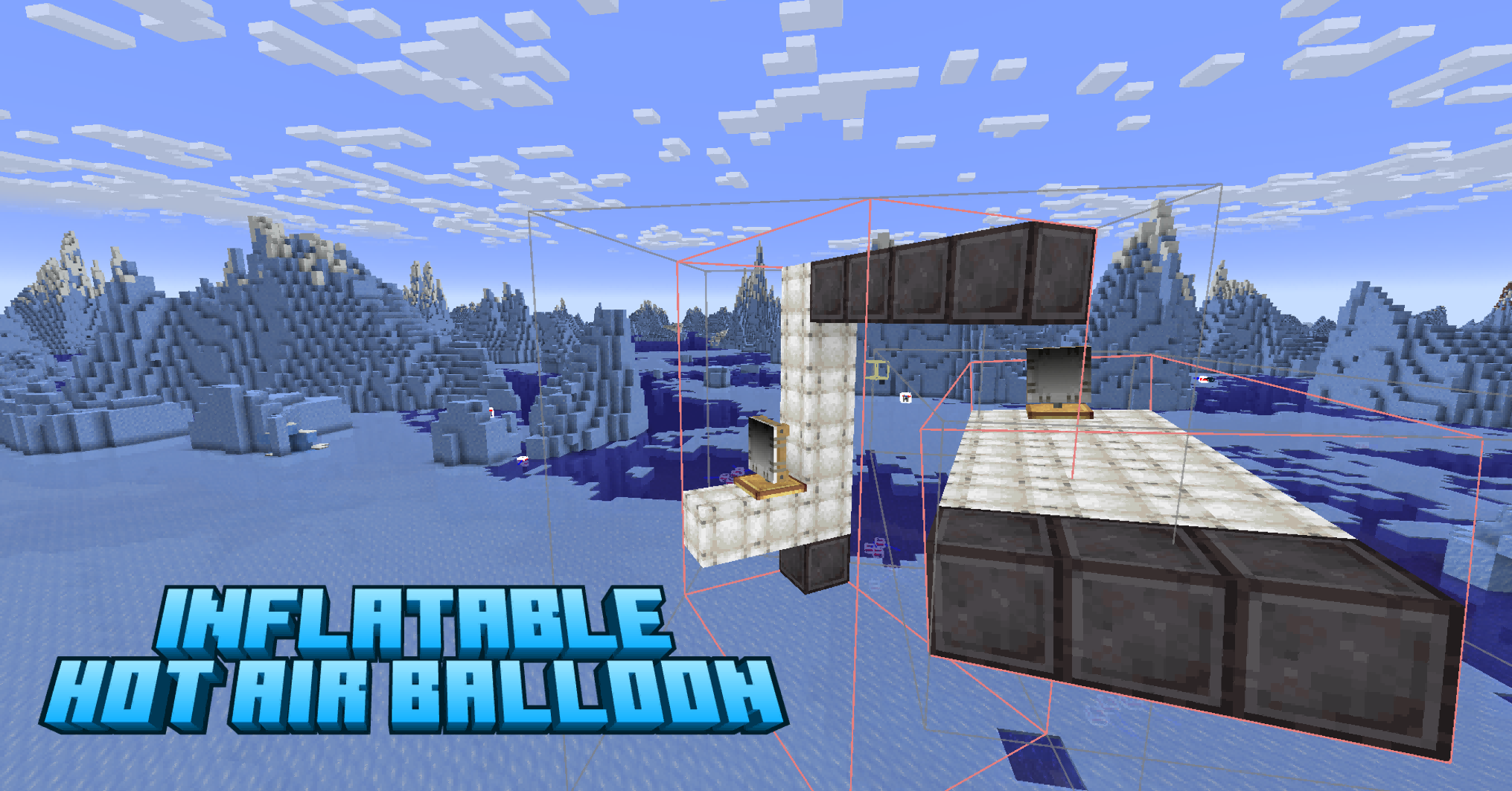
control_console): right-click to pilot, sneak + right-click to open the control panel. - Build the balloon structure: on the same physical structure as the controller, place several hot-air balloons (they provide lift); inflated wool can form the envelope shape. Total lift = per-balloon capacity × balloon count must be ≥ total structure mass, or you'll see "Overloaded! Insufficient lift".
- Take off: stand on the structure, right-click the controller to enter Control Mode, and press Space to ascend. The gas cools over time — keep balloons near a heat source to maintain lift.
- Tune (optional): sneak + right-click the panel → "Movement" for speeds, "Gyro" for stabilization; or click Config for global defaults; you can also enable "Local Config" on a single controller for per-ship tuning.
- Autopilot (optional): panel → "Navigation", set start / destination / via points, then "Launch" flies the structure along the A* route with avoidance.
Part 1 — Control
1.1 Basic Controls
-
Right-click the controller → enter Control Mode to pilot the structure directly with keybinds.
-
Sneak + right-click the controller → open the control panel (five tabs: Overview / Control / Movement / Gyro / Navigation).
-
Control Mode keybinds:
Key Action Space Ascend V Descend W / S Forward / Backward A / D Turn Left / Turn Right Shift Exit Control Mode -
Piloting requires the player to stand on the same physical structure that carries the hot-air balloons (hosted in a Sable sub-world). If there are no nearby balloons, you have left the structure, or lift is insufficient, you will see the messages "No inflated balloon found nearby", "You have left the structure", or "Overloaded! Insufficient lift" respectively.
-
Only one player can control a given controller at a time; if someone else tries, they get "This controller is already in use by another player".
1.2 Balloon Components
- Hot-Air Balloon (
hot_air_balloon, 16 dye colors)- Provides lift and thrust to the physical structure.
- Lift capacity is configurable; lift decreases with altitude due to falling air pressure (exponential).
- The gas cools over time — place balloons near a heat source to maintain lift (otherwise lift fades as it cools).
- Inflated Wool (
inflated_wool, 16 dye colors)- Used as the balloon envelope / skin material when building the balloon shape.
1.3 Controller Components
- Balloon Controller (
control_console)- Right-click to pilot; sneak + right-click to open the control panel.
- Receives neighboring redstone signals and triggers scheduled actions accordingly (see 1.4).
- Each controller has a unique ID; its local config and scheduled actions are persisted in the block's NBT and saved with the world.
- Gyroscope (
gyroscope)- Attitude-stabilization component that provides righting force to keep the structure level automatically.
- Now integrated into the controller (no longer offered as a separate creative-tab item; existing gyroscope blocks in old worlds remain for compatibility).
Overview Tab (Panel → "Overview")
The panel opens on the Overview tab by default, giving an at-a-glance live status of the structure:
- Structure wireframe: an isometric wireframe of the structure with its L × W × H dimensions (in meters) below it.
- Side view: a side-view box with 3 light-gray speed lines flowing left to right inside it (shown when speed ≥ 1 m/s, to convey motion); a small triangle at the right-center marks the nose direction.
- Coordinates / altitude: live X / Z coordinates and altitude.
- Attitude: X / Z tilt angles (°), gyro on/off, and righting force.
1.4 Control Tab (Sneak + right-click controller → "Control")
The Control tab implements redstone command scheduling:
- Action cards: each card binds a control action to a trigger condition.
- Action type: Forward / Backward / Ascend / Descend / Turn Left / Turn Right.
- Trigger signal: redstone signal strength (1–15), with Single / Interval / All signal modes.
- Action editor
- Scroll wheel to switch action type, signal direction (left / right, CW / CCW), and signal strength.
- Optional condition (redstone signal) and text note can be attached for labeling.
- Supports copy / delete / edit per card.
- Persistence: action cards are saved to the controller's NBT and execute when the redstone signal reaches the matching strength.
- The "Reset Config" button restores local config to defaults.
Part 2 — Configuration
The mod has two configuration layers: Global (applies to all controllers) and Local (applies only to a specific controller).
2.1 Global Config (NeoForge Native Config Screen)
- Click the Config button in the panel to open the NeoForge native
ConfigurationScreen(backed bycreate_balloon-common.toml). - Settings:
- Lift: lift capacity per balloon (kpg). Total lift = per-balloon capacity × balloon count; must be ≥ total structure mass to take off.
- Speed: ascend / descend / forward / backward / turn-left / turn-right speed, plus a general turn speed.
- Gyro: natural frequency, damping ratio, gyro authority, overall strength, yaw damping, enable toggle.
- Debug: log level (OFF / SIMPLE / DETAILED / DIAGNOSTIC).
2.2 Local Config (Per Controller)
- Click "Enable Local Config" in the panel to make that controller use its own values, overriding the global defaults (when disabled it shows "Using global config").
- Locally adjustable:
- Movement tab: ascend / descend / forward / backward / turn-left / turn-right speed.
- Gyro tab: gyro natural frequency, damping, authority, strength, yaw damping, enable toggle, lift capacity.
- Local config is saved with the controller's NBT and is independent — you can have one airship snappy and another sluggish.
Part 3 — Navigation
3.1 Navigation Tab (Panel → "Navigation")
The Navigation tab lets the airship fly a route automatically:
- Waypoints
- Set start / destination / via (waypoint).
- Right-side waypoint panel: enter coordinates to add a waypoint; "Save as Waypoint" records the current destination; each list row can "Set as destination / Add as via / Delete".
- Route Planning & Flight
- Multi-leg A* pathfinding generates a route through all waypoints.
- "Launch" flies the structure along the route automatically; "Stop" aborts.
- Reactive avoidance: climb over or route around obstacles when blocked, back out when boxed in; maintains a clearance bubble around the structure in flight.
- Flight Info
- Straight-line distance, ETA, current progress.
- Max altitude / max speed limits.
- History and status: Set / Cruising / Arrived / Stopped.
- Map Integration
- Via reflection into Xaero's Minimap / World Map, the navigation destination, waypoints, and via points are synced as map waypoints with connecting lines.
Part 4 — CC:Tweaked API
Create Balloon exposes a CC:Tweaked interface so computers can drive the airship as a peripheral.
Native global API (recommended)
balloon.ascend()
balloon.descend()
balloon.hover()
balloon.forward()
balloon.back()
balloon.turnLeft()
balloon.turnRight()
balloon.stop()
balloon.count()
balloon.isActive()
balloon.getHeight()
Legacy peripheral API (backward compatible)
local b = peripheral.find("balloon")
b.ascend()
b.descend()
b.hover()
b.forward()
b.back()
b.turnLeft()
b.turnRight()
b.stop()
b.count()
b.isActive()
Part 5 — Other
Dependencies
| Mod | Version | Required |
|---|---|---|
| NeoForge | 21.1.226+ | Yes |
| Minecraft | 1.21.1 | Yes |
| Create | 6.0.10+ | Yes |
| Create: Aeronautics Bundled | 1.1.3+ | Yes |
| Sable | 1.1.3+ | Yes |
License
MIT