Compatibility
Minecraft: Java Edition
Platforms
Supported environments


Tags
Creators
Details
About
Tired of someone stealing items from your chest? Trading with villagers on your base without permission? Worried that someone will destroy your buildings? There’s a solution for all these problems:
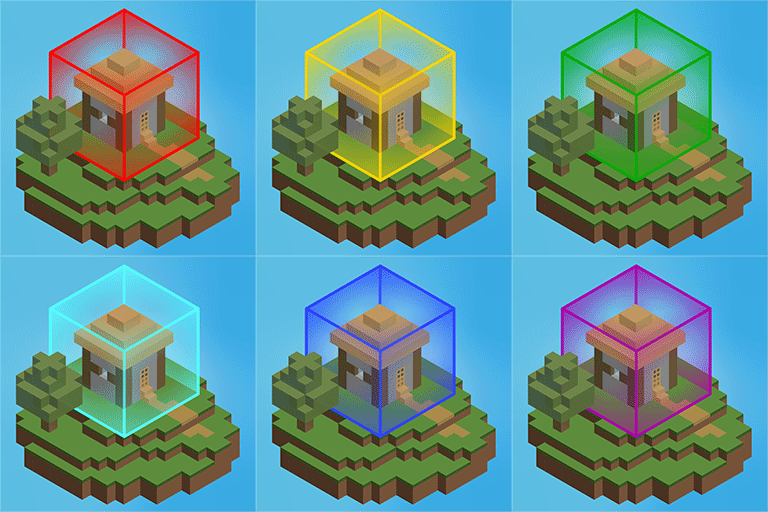
Privit (short for Private IT) is a territory protection mod. It lets you create regions with per-player rules, so you can limit griefing and other unwanted interactions!
This mod is suitable both for a single‑player world that you will share with your friends or installation on full‑fledged dedicated server.
✨ Key Features
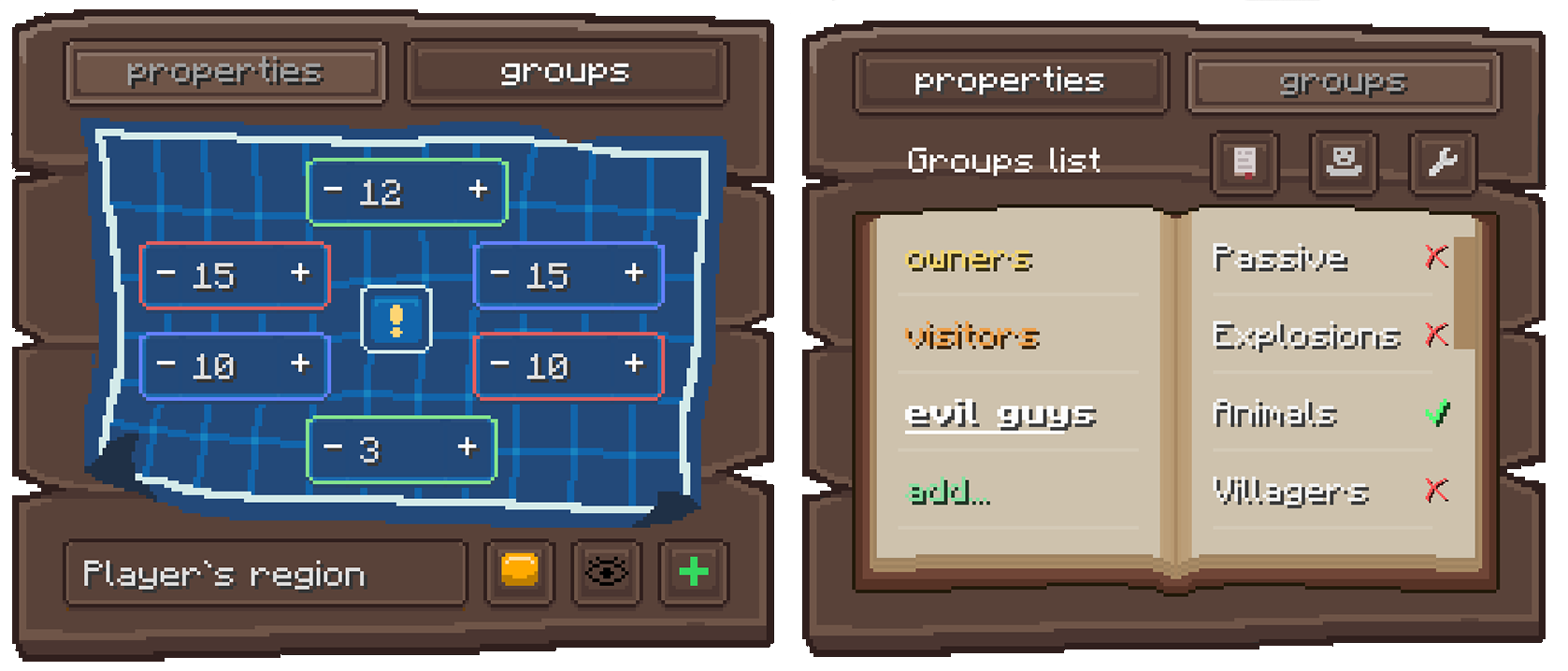
- Convenient Management: Create and edit regions using the Region Table block and a beautiful, intuitive GUI. No need to memorize complex commands to create protected area!
- Deep Customization: Control everything with rules. Decide exactly who can build, fight, open chests and much more.
- Flexible Permission System: Create custom groups for your friends and assign specific permissions to each.
- Visual helpers: See exactly where your region ends with customizable visual grids. The HUD in the corner of the screen will always tell you when you’re in a particular region.
- Admin Controls: Server admins can set global limits, disable unnecessary rules, and manage regions via commands.
How It Works
Instead of typing commands, you simply take a Region Table, place it down, and open the GUI. Here you can:
- Set region borders using visual coordinates
- Create player groups with custom permissions
- Enable or disable specific rules (like building, PvP, chest access)
- Visit the auxiliary guide on the wiki to learn how to work with Region Table.
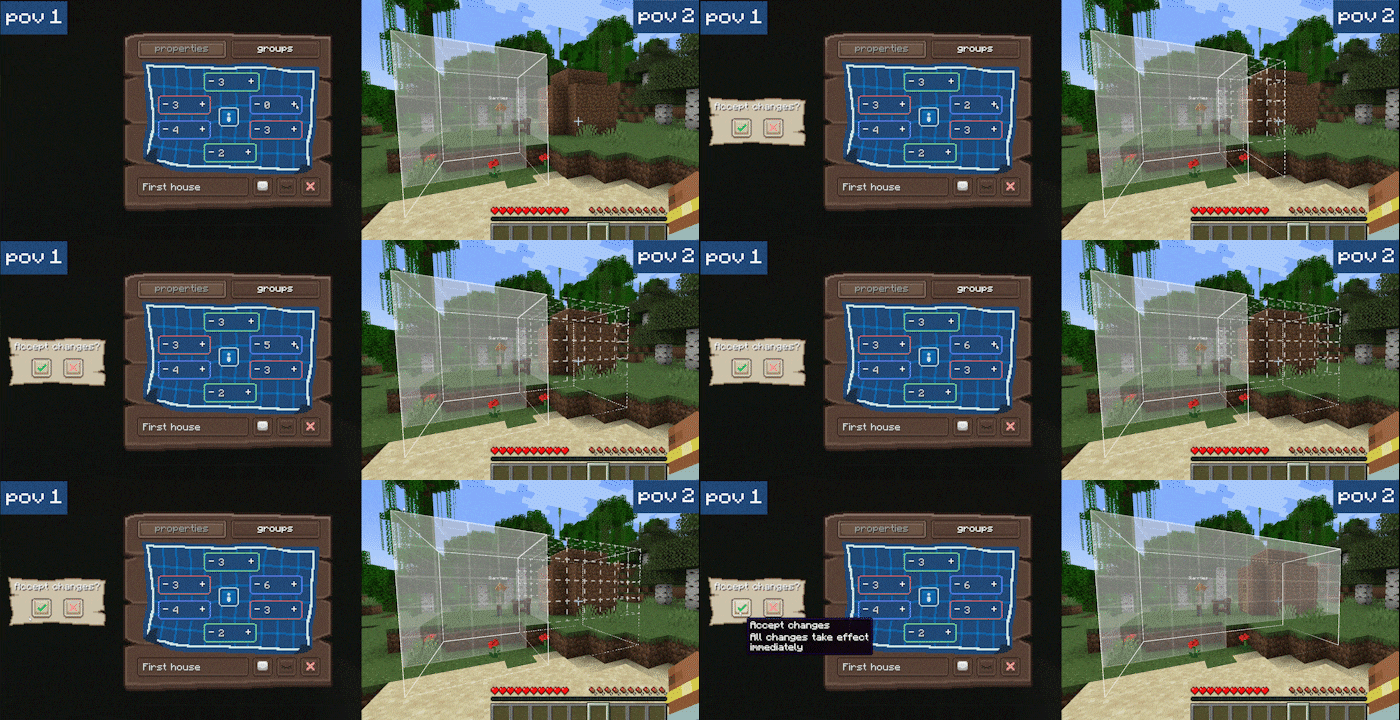
The GUI is fully synced in real-time: if multiple players have it open, they see each other's changes instantly.
Requirements
- Minecraft: 1.20.1, 1.21.1
- Loader: Fabric
- Dependencies: Fabric API
- (Optional but recommended) Mod Menu & Cloth Config for easy in-game configuration.
Why only 1.20.1/1.21.1?
Privit is actively developed! Not all planned features are implemented yet, and some bugs may still appear. Bug reports and clear feedback are very welcome on our GitHub Issues page. I’m focusing on finishing the planned feature set for the current version before porting to other versions. Forge / NeoForge won’t be in the foreseeable future.
❓ Frequently Asked Questions
Q: Can I add this mod to an existing world?
A: Yes. It will not corrupt your world data. Player-action tracking only starts after the mod is installed, so delayed effects that began before that may not be attributed and can be ignored.
Q: Can I remove the mod and keep playing?
A: Absolutely. Mod data is stored in a separate folder inside the world directory and does not touch vanilla saves. If you reinstall the mod later, its features and data come back.
Q: If I break the Region Table inside a region, is the region deleted?
A: No! The table is only an entry point to the GUI. You can place and break as many tables as you want.
Q: I lost my region! How can I find it?
A: Use the /privit regions command to see a list of all regions where you are an owner. The information output line for each region includes the region’s coordinates.
Q: Why only 1.20.1/1.21.1?
A: Other versions will come after the planned feature set is done.
Q: Forge?
A: No. Not in the foreseeable future.