
Compatibility
Minecraft: Java Edition


Tags
Creators
Details
Licensed ARR
Published 2 months ago
Updated 2 months ago
Showcase
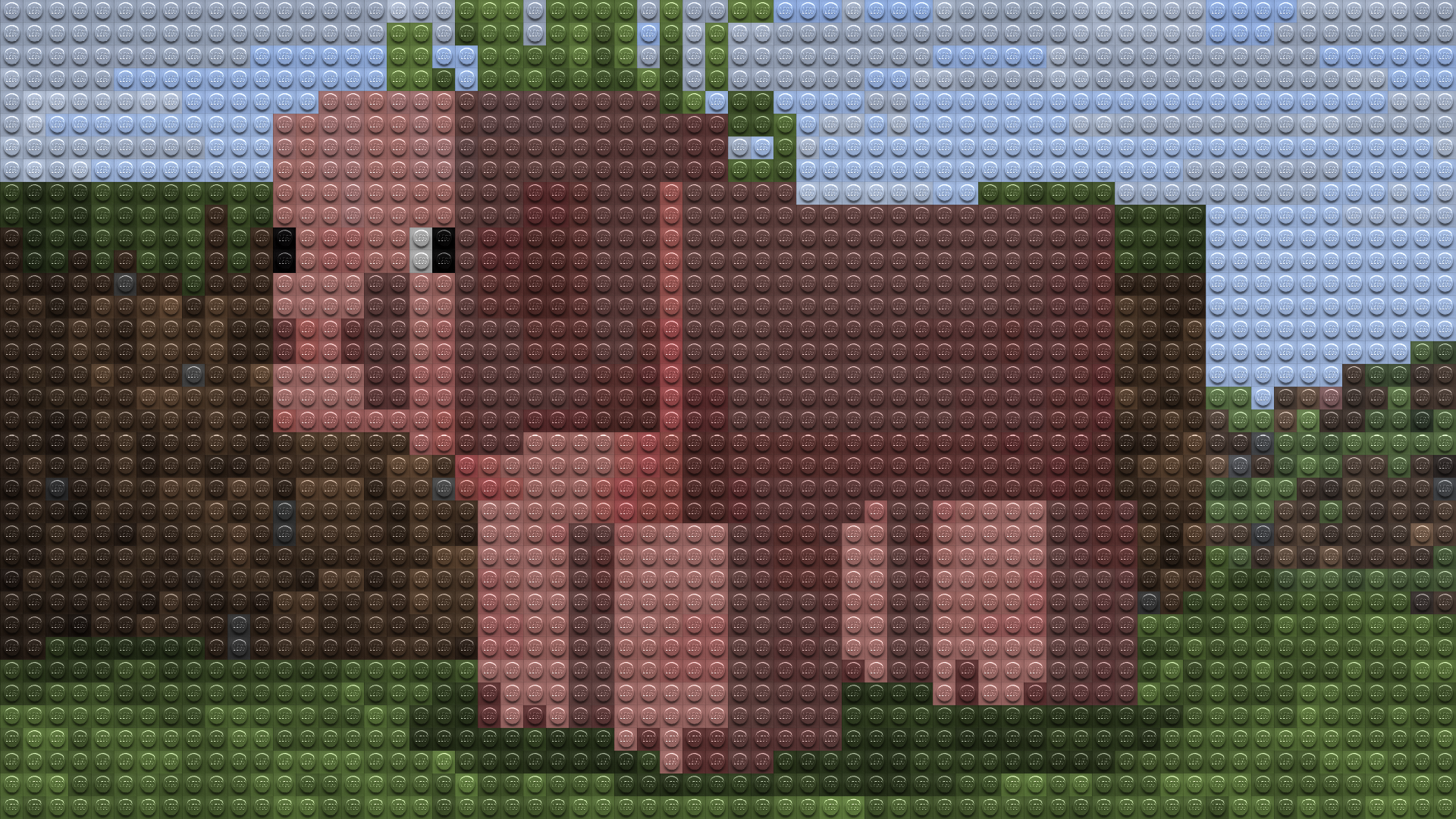 Given the small image size relative to your monitor, it may be hard to make out each individual lego in the image above. To get the full experience, please view image in fullscreen (by viewing the image directly, here, then pressing
 F11 to enter fullscreen) or download and apply the pack. Visit the gallery to see some more images!
Description
This pack uses Minecraft's built in post processing shaders to render your game as Lego bricks! The pack fully works in vanilla, meaning you do not have to install anything else for the pack to work. Simply apply the pack and start playing.
How to Use
- Install and apply the pack as normal
- IMPORTANT: Make sure your Minecraft video settings are set to fabulous

- To configure the pack in Vanilla: Open the pack, and head to
assets/minecraft/shaders/include/, then open theconfig.glslfile. Change values as needed. To change the colorspace (either rgb or oklab), instead navigate to(your_version)/assets/minecraft/post_effect/and then open thetransparency.jsonfile. PressCTRL+Fand then search for "minecraft:lut". If you keep it at that value, then the colorspace will be RGB. If you want Oklab, then change it tooklab_lut - To configure the pack with Respackopts: Install Respackopts as well as its dependencies, and a config button should appear on the resource pack ingame. Click that and change the values as needed.
Support
Join My Discord
- Report bugs
- Create suggestions
- Vote on future packs
- Interact with the community
- Ask for help with texture packs
- This is the place to ask if you can use this pack in your own pack
Check out The Repository
- Report bugs
- Create suggestions
- Contribute by creating a pull request