
Compatibility
Minecraft: Java Edition
Platforms


Tags
Creators
Details
Licensed MIT
Published 4 months ago
Updated 4 months ago
MerchantGuild Plugin
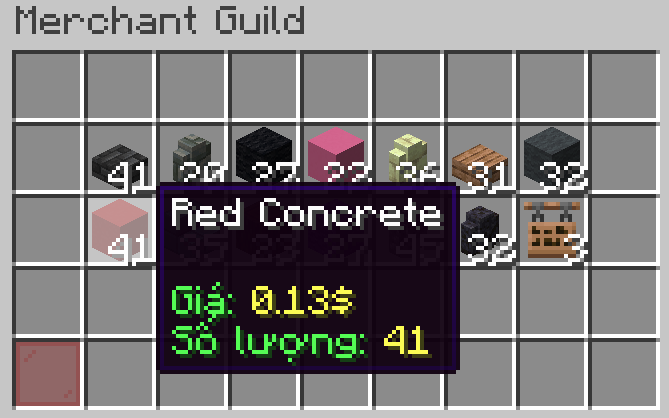
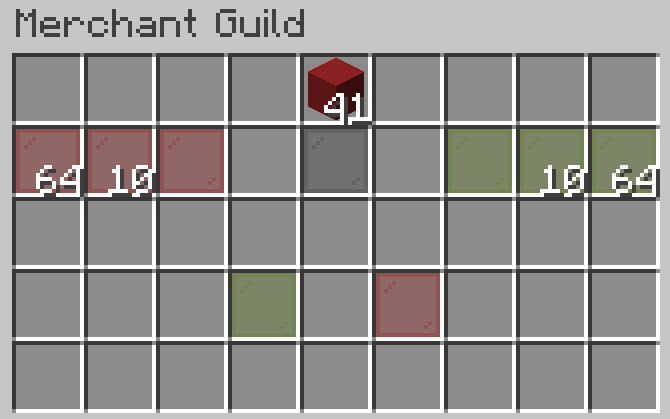
MerchantGuild is a Minecraft plugin that allows players to access a special shop where they can sell items they own. The shop refreshes periodically with random items for trading.
Features
- Allows players to sell items from their inventory for in-game currency.
- The shop refreshes automatically every set interval (default: 2 hours).
- Configurable maximum number of items per refresh.
- Option to allow or disallow duplicate items in the shop.
- Supports multiple worlds where the shop is available.
- Multi-language support (currently available: English, Vietnamese).
- Admin commands to reload configuration and manually refresh the shop.
Command
| Command | Description | Permission |
|---|---|---|
| merchant | open merchant guild | merchant.use |
| merchant help | help | merchant.use |
| merchant refresh | refresh the shop | merchant.admin |
| merchant reload | reload plugin | merchant.admin |
Configuration (config.yml)
language: en

shop:
  refresh_interval: 120  # Refresh time (in minutes, 120 minutes = 2 hours)
  max_items: 14  # Maximum number of items per refresh (MAX 14)
  duplicates: False # Allow duplicate items or not
  allowed-worlds:
    - world
    - world_nether
    - world_the_end

items:
  ALL_SWORD:
    amount: 1
    price: 2
    enchants:
      SHARPNESS: 3
      UNBREAKING: 2
  BOOK:
    amount: 1-16
    price: 0.2
  GOLDEN_APPLE:
    amount: 1-8
    price: 2
Requirements
- Vault (required dependency)
- An Economy plugin (required) — Vault is only an API/broker layer and does not provide economy on its own. You must install a plugin that registers an Economy provider through Vault. Recommended options:
- EssentialsX (free, most popular)
- CMI (paid, feature-rich)
- TheNewEconomy, XConomy, etc.
- Proper permissions to use the plugin commands
Note: Installing Vault alone is not enough. Without an economy provider, MerchantGuild will be disabled with the error:
Disabled due to no Vault dependency found!
Installation
- Download the MerchantGuild.jar file.
- Place it in the
plugins/folder of your Minecraft server. - Restart the server.
- Edit
config.ymlif necessary and use/merchant reloadto apply changes.
Feedback & Support
If you encounter any issues or want to contribute, open an issue on GitHub or join the support community.