Compatibility
Minecraft: Java Edition
Platforms
Supported environments


Links
Tags
Creators
Details
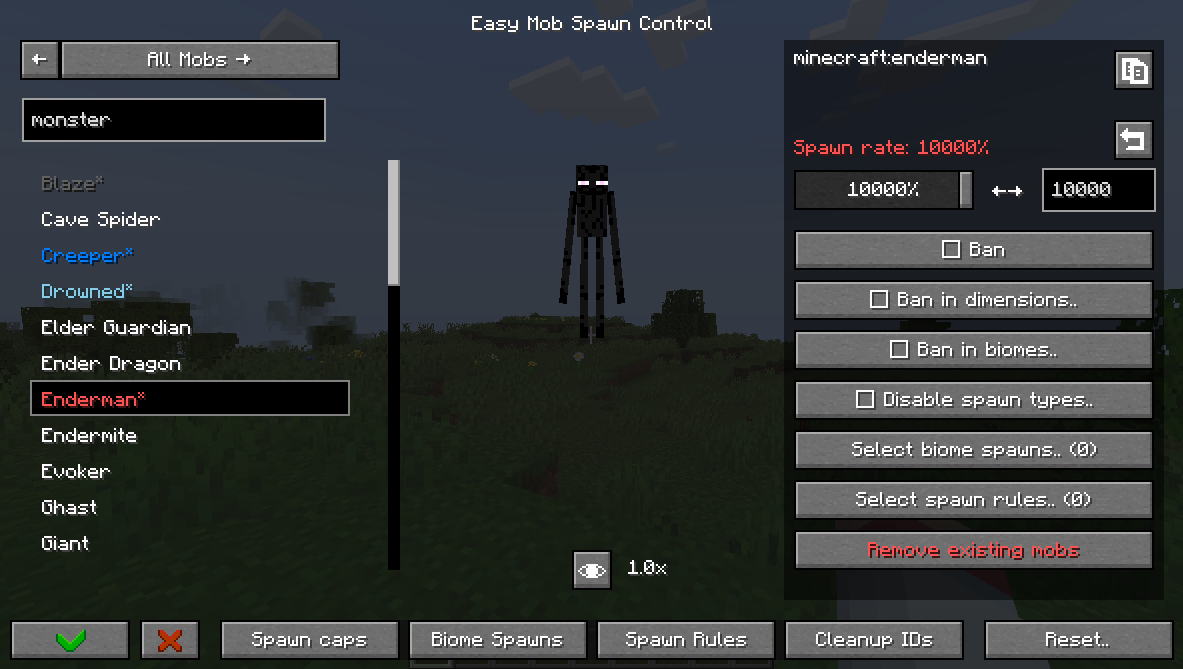
Easy Mob Spawn Control (EasyMSC) is a way to quickly disable mobs, adjust spawn rates, and modify mob caps without editing config files or looking up IDs.
This mod has an in-game menu accessible from:
- The Mods menu (via the config button)
- Pressing 'K'
- Typing in chat: /easymobspawncontrol or /easymsc
You can:
- Change spawn rate,
- Ban mobs globally, in dimesion or in biome,
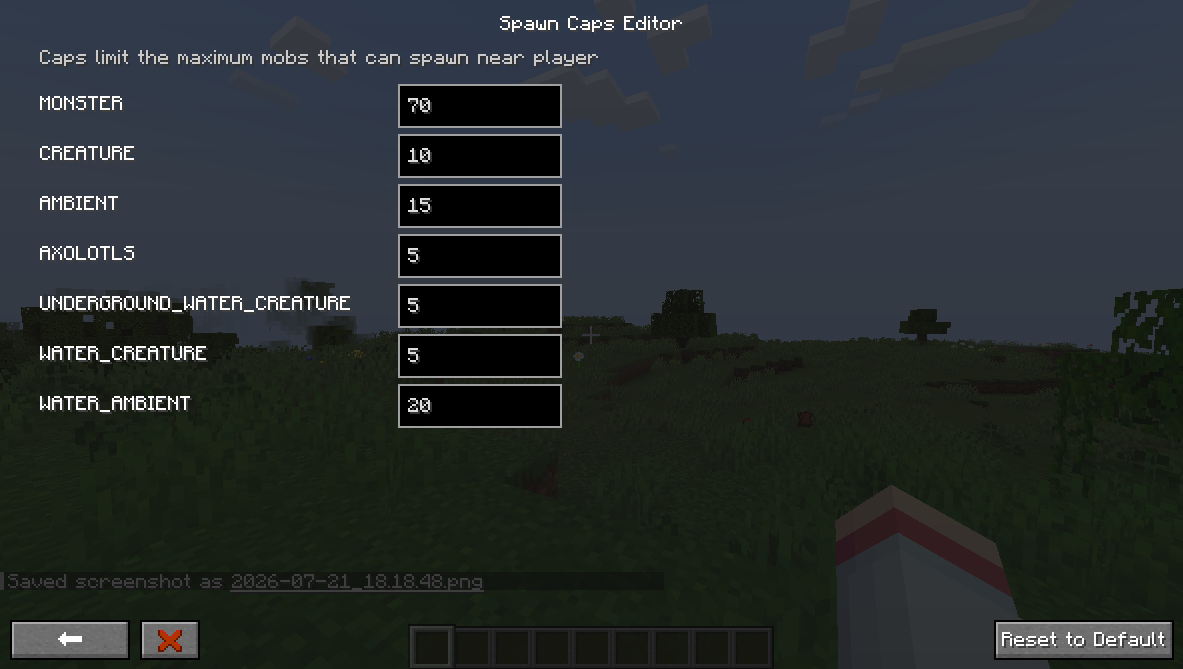
- Edit mob caps,
- Disable mob spawn types,
- Configure despawn,
- Add biome spawns,
- Add spawn rules,
- Edit equipment, drops, attributes,
- Override spawn data (weight, min/max count).
Versions other than NeoForge 1.21.1 and Forge 1.20.1 may lack features.
Guide:
Spawn Rate is the rate at which the game tries to spawn a mob.
Spawn Cap is the limit of mobs that can be spawned near a player.
If you reduce or increase the spawn rate of a mob, you create or take an opportunity for other mobs to fill the spawn cap. To reduce/increase the overall number of mobs, you need to change the spawn cap.
The 'In World' tab lists current mobs and their counts, so you can spot frequent ones and adjust spawns or bans.
The game has different spawn types that this mod can disable. For example, you can disable the 'NATURAL' spawn type to stop a mob from spawning naturally without banning it.
You can create biome spawns that let assigned mobs appear in specified biomes. Changes take effect only after a world reload. If if didn't work try creating a spawn rule aswell.
You can also create spawn rules to control mob spawn conditions and bypass strict requirements some mobs have. Spawn rules do not require a reload.
Using this mod on a server requires either permission level of 2 (Game master) or "easy_mob_spawn_control.admin" persmission.