
Compatibility
Minecraft: Java Edition
Platforms
Supported environments


Links
Tags
Creators
Details
Graphene






Graphene is a client-side UI library for Minecraft that lets mod developers build interfaces with web technologies. It embeds Chromium through JCEF, so you can render HTML/CSS/JavaScript UIs in-game while keeping a clean Java API for mod integration.
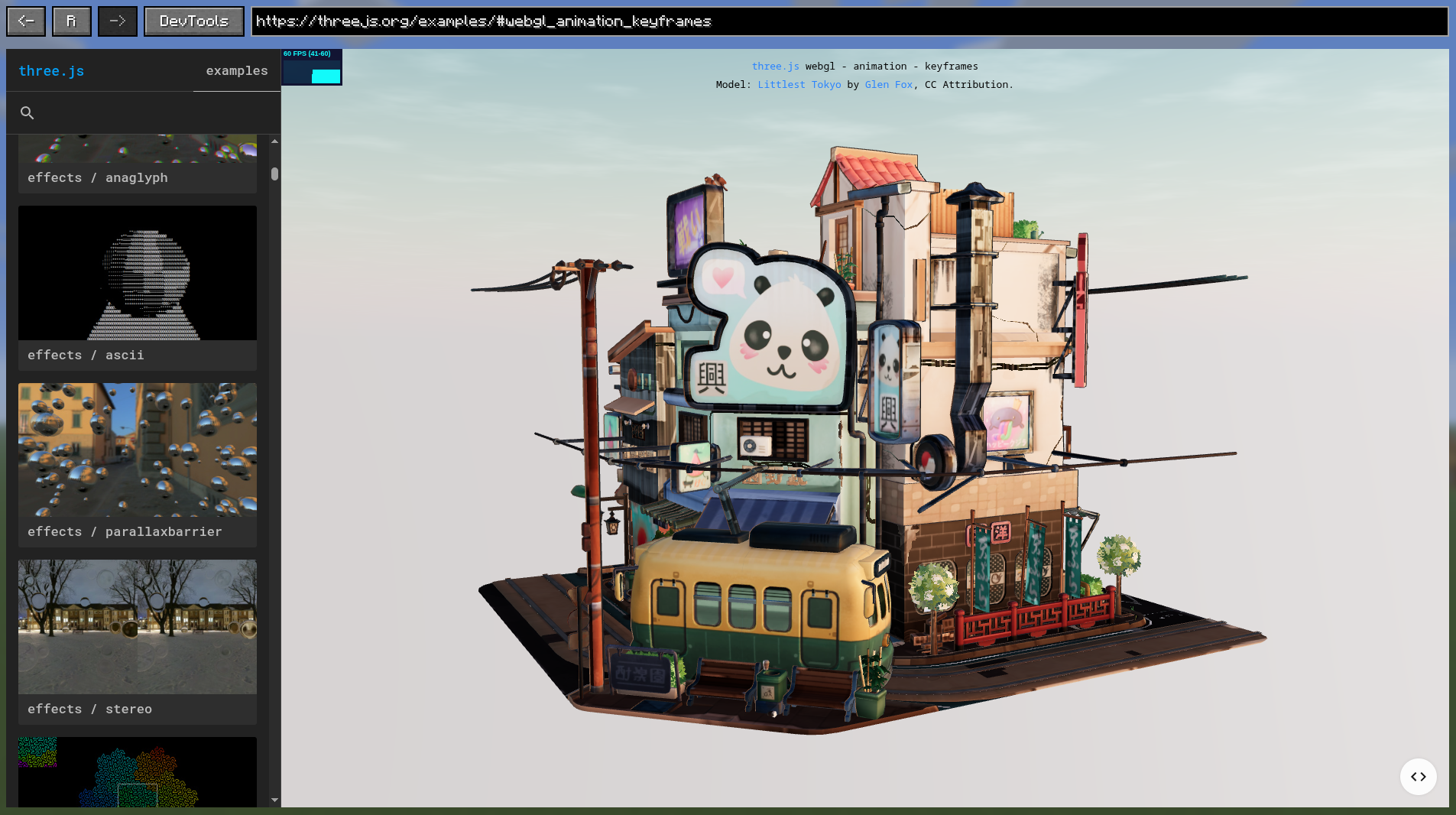
What is Graphene?
Graphene bridges Minecraft modding and modern web UI development. Instead of building every screen with Minecraft's rendering primitives, you can create interfaces with HTML, CSS, and JavaScript, then integrate them with your mod through a Java API.
Graphene provides:
- interactive Chromium views that can be embedded in Minecraft screens;
- packaged asset URLs and an optional development HTTP server;
- two-way Java/JavaScript communication through an asynchronous bridge;
- browser navigation, input, downloads, dialogs, context menus, and lifecycle controls;
- off-screen browser sessions and surfaces for custom rendering integrations;
- Chromium DevTools support for inspecting and debugging pages.
Check compatibility and installation for supported Minecraft and Loader versions.
Requirements
- Java:
25for Minecraft 26.2 and 26.1.2,21for Minecraft 1.21.11 - GPU:
NVIDIA GeForce GT 720or better - For macOS users: macOS 12 (Monterey) or later
Supported Platforms
- macOS:
arm64,amd64 - Linux:
arm64,amd64 - Windows:
amd64,arm64
Tested Platforms
- Windows 11 with
AZERTYandQWERTYkeyboard layouts - Linux (Wayland) with
AZERTYandQWERTYkeyboard layouts - macOS 26 with
QWERTYkeyboard layout
Installation
Graphene is published on Maven Central. Find the latest version on GitHub Releases, Modrinth, or the Minecraft-version-specific Maven Central artifacts, then add the artifact matching your target Minecraft version as a mod dependency:
repositories {
    mavenCentral()
}

dependencies {
    modImplementation("io.github.trethore:graphene-ui-26.2:<version>")
    // Or for Minecraft 26.1.2:
    // modImplementation("io.github.trethore:graphene-ui-26.1.2:<version>")
    // Or for Minecraft 1.21.11:
    // modImplementation("io.github.trethore:graphene-ui-1.21.11:<version>")
}
Declare Graphene as a runtime dependency in fabric.mod.json:
{
  "depends": {
    "grapheneui": ">=<version>"
  }
}
Register your mod from its client initializer and retain the returned context:
import io.github.trethore.graphene.api.Graphene;
import io.github.trethore.graphene.api.GrapheneContext;
import net.fabricmc.api.ClientModInitializer;

public final class ExampleModClient implements ClientModInitializer {
    private static GrapheneContext graphene;

    @Override
    public void onInitializeClient() {
        graphene = Graphene.register(ExampleModClient.class);
    }

    public static GrapheneContext graphene() {
        return graphene;
    }
}
See those documentation pages for more details:
- compatibility and installation for compatibility details
- first web-screen tutorial for a complete example
Contributing
Contributions are welcome!
- Read the contributor guide in CONTRIBUTING.md.
- Report bugs or request features in Issues.
- Open changes through Pull Requests.
- All pull requests must be tested before being submitted.
Documentation
Start HERE!
License
Licensed under the MIT License by Titouan Réthoré.