
Compatibility
Minecraft: Java Edition


Tags
Creators
Details
Resource pack doesn't work without mod celestial
Celestial Accurate Sun & Moon Cycles
A detailed resource pack for Minecraft that adds a starry sky with real stars and planets. It also modifies the logic of the sun and moon, making them behave as in real life, and adds many moon phases.
Features:
- Seasonal fluctuations in the sun’s position;
- The moon no longer appears on the opposite side of the sun;
- Stars and constellations;
- Planets that change position over time;
- A large number of moon phases;
- Twilight and rainbow effects;
- Interactive tools
- Other atmospheric phenomena;
- Customisability.
Sun
The «Celestial Accurate Sun & Moon Cycles» mod replaces the standard movement of the sun, which passes directly overhead every day, with realistic seasonal changes. The sky is tilted to a specific latitude (default: 47.11 N), so the sun does not pass directly overhead. The pack includes seasons, so the height of the sun at noon varies from day to day. The direction of sunrise also changes: in winter, the sun rises in the southeast and sets in the southwest (leaning towards the south), while in summer, it rises in the northeast and sets in the northwest.
Moon
The resource pack significantly enhances the moon’s behaviour. The moon’s position now depends on its phase:
- A waxing crescent moon rises in the morning, after the sun, and sets in the evening, also following the sun;
- A full moon rises when the sun sets and sets when the sun rises (opposite to the sun).
Additionally, the pack features 24 moon phases (compared to Minecraft’s standard 8), creating a smoother transition between phases. The lunar cycle matches real life — 29.5 days.
Stars
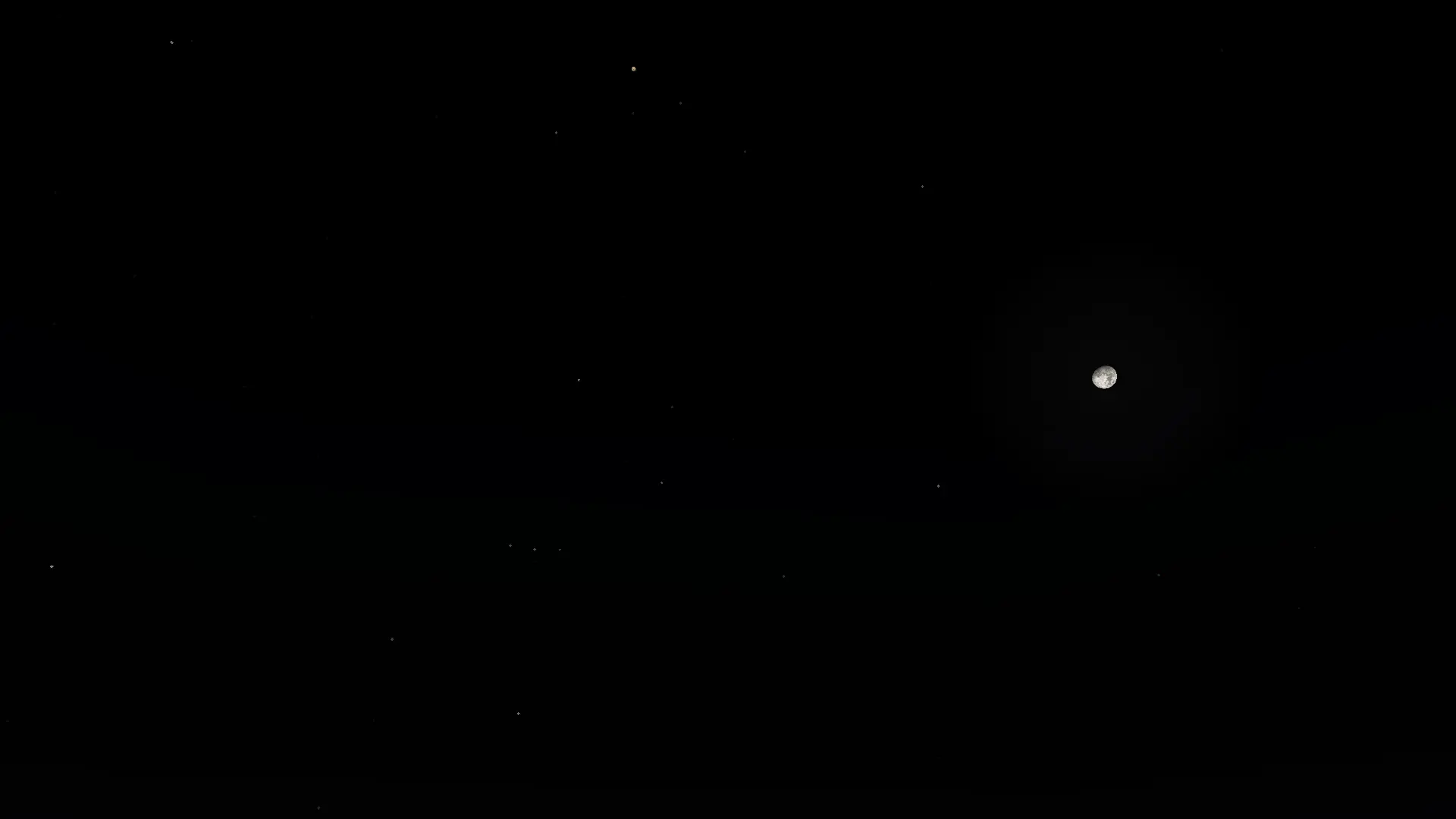
The pack includes approximately 100 of the brightest stars. Recognisable constellations include:
- Gemini;
- Orion;
- Ursa Major;
- The Southern Cross.
There is also a background of several hundred randomly generated stars, but they are very dim to avoid overcrowding the sky.
Planets
The pack includes 7 standard planets:
Mercury and Venus are close to the sun and are mainly visible before sunrise or after sunset. They can disappear near the sun for extended periods; Mars is most visible at opposition, with the greatest brightness variation — very bright at perihelion and barely visible at aphelion; Jupiter is a bright planet, visible most of the year, except when it is close to the sun. It can become slightly brighter at perihelion; Saturn, Uranus, and Neptune are similar to Jupiter but are much dimmer, making them more sensitive to low altitude and proximity to the sun. Twilight
Twilight in the pack closely matches real-life lighting conditions based on the sun’s altitude:
- 20° — fully lit;
- 15° — slightly hazy, approaching sunset or in the middle of the day when it’s not bright enough;
- 10° — noticeable haze;
- 5° — the «golden hour», with more vivid orange and red colours;
- 0° — sunset/sunrise, the sky is slightly darker, with a dull pinkish glow;
- -5° — civil twilight, the sky is quite dark, with a faint glow;
- -10° — nautical twilight, the sky is almost completely dark, with a slight glow;
- -12° — completely dark (or the beginning of dawn).
Atmospheric Phenomena
Rainbow
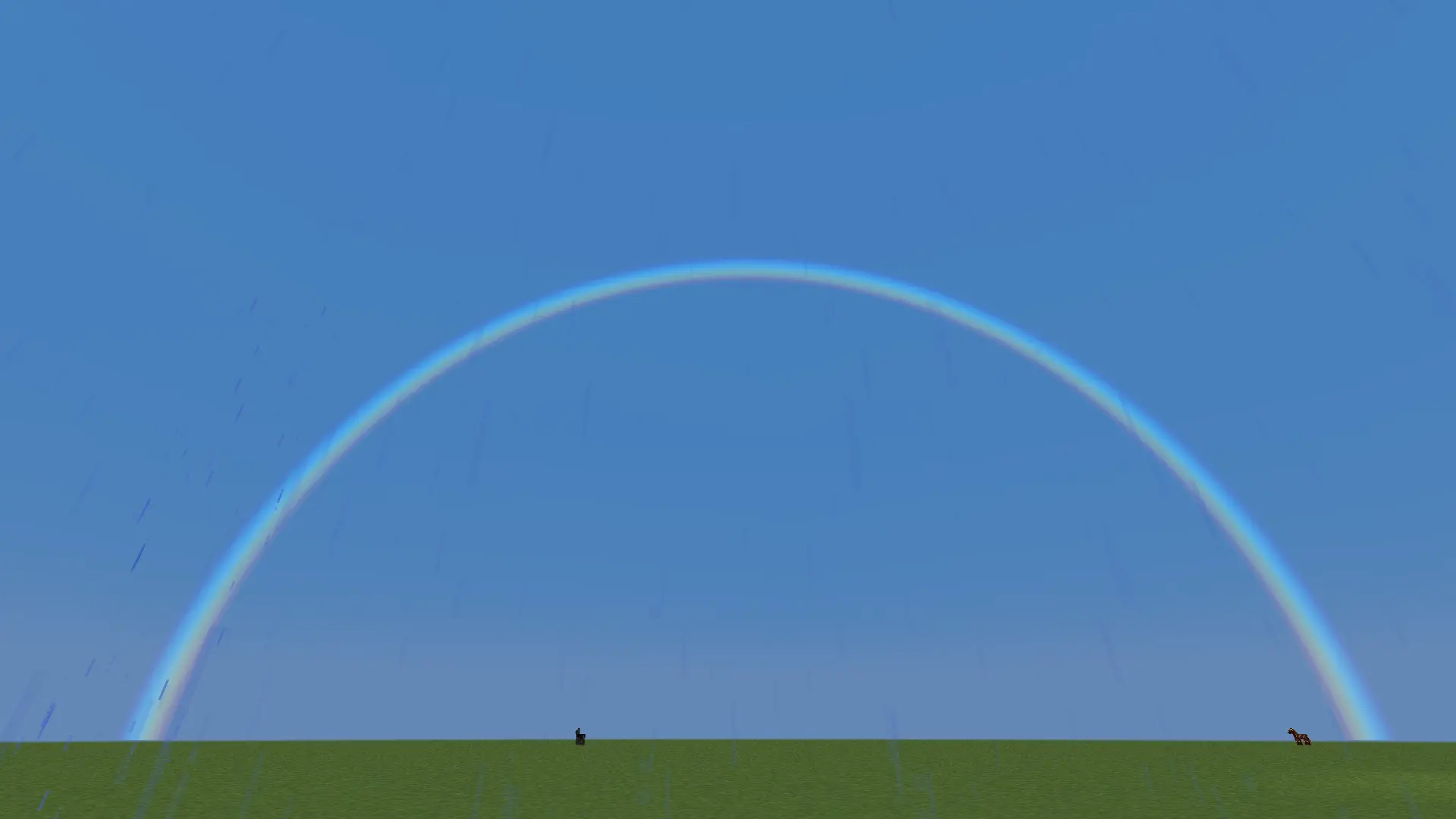
A rainbow appears when it’s not raining heavily and the sky is not completely clear — typically when rain starts or stops. It appears roughly on the opposite side from the sun.
Atmospheric Scattering
When the moon is rising, low, or setting, its colour changes to red and yellow. This happens because at low altitude, light rays have to travel a greater distance through the atmosphere and scatter. Red rays pass through better, which is why we see them. The colour change based on altitude is as follows:
- 15+° — white;
- 12° — slightly yellow;
- 9° — quite yellow;
- 6° — yellow;
- 3° — golden;
- 1.5° — orange;
- 0° and below — red.
This «reddening» effect also applies to all planets in the pack, with colours determined individually but following the same altitude rules.
Lunar Eclipse
During a full moon, if the moon follows a specific trajectory, it changes colour: first pink, then red, and finally dark burgundy. The maximum degree and duration of the eclipse vary. A solar eclipse has not yet been implemented, although it seems straightforward: the moon simply covers the sun.
Tools
Clock
Keep the right-click on the clock - 4 stars will appear in the north: 2 at an altitude of 45 degrees, reflecting the declination of the sun:
- Is positive, if they red
- Is negative, if they blue
their azimuth means the declination of the sun.
At an altitude of 40 degrees there are 2 stars reflecting the localoffset of the sun:
- Is positive, if they yellow
- Is negative, if they green
their azimuth also means the localoffset of the sun.
Compass
If you pick up a compass, it creates bright dots on all sides of the color:
- North is blue
- east is green
- south is red
- west is orange
These points accurately point to their side of the world. The only thing is that the colors of these dots are worse transmitted during the day.
Nether star
When holding with right-click, all objects in the sky become visible, even during the day. At night, all objects will become a little brighter. It helps to see the subtle phases of the moon, planets, and constellations during the day.
Customisability
You can rework the entire code of the resource pack to your liking. The main configuration is located at: /Celestial Accurate Sun&Moon cycles/assets/celestial/sky/variables.json. You will need to unpack the resource pack to access it. All settings are labelled in Russian, but they will soon be translated into English. It is better not to change anything that is not marked with a comment.
Compatibility
The resource pack does not work without the Celestial mod; Compatible Minecraft versions: 1.19.x, 1.20.x (depending on the available versions of the Celestial mod); The mod version must be 2.0; The resource pack is not compatible with other resource packs that modify the same elements (in this case, the sky). If you have a mod like Astrocraft installed, the resource pack will likely be applied on top of it.
Issues
Since this is a resource pack, it cannot affect the brightness of ground lighting or influence other game processes such as mob spawning. The sunrise and sunset times in the resource pack may differ from those in vanilla Minecraft, which can lead to:
- incompatibility issues — discrepancies between visual effects (e.g., sky appearance) and actual in-game lighting logic;
- a «visual nightmare» — mismatched lighting conditions where the sky looks like dusk but the ground remains bright, or vice versa. Possible workarounds:
Set brightness to maximum — you can manually adjust the game’s brightness settings to avoid obvious mismatches between sky visuals and ground lighting. Use additional mods — consider installing mods that:
- synchronise sky visuals with actual lighting calculations;
- allow fine-tuning of lighting based on sky conditions;
- handle mob spawning in relation to realistic lighting (e.g., mobs may spawn earlier during «civil twilight» in the resource pack).