Compatibility
Minecraft: Java Edition
Platforms
Supported environments


Tags
Creators
Details
Simple Locks
Simple Locks is a simple mod that adds locks, keys, and lockpick.
Lockpicking Mechanics
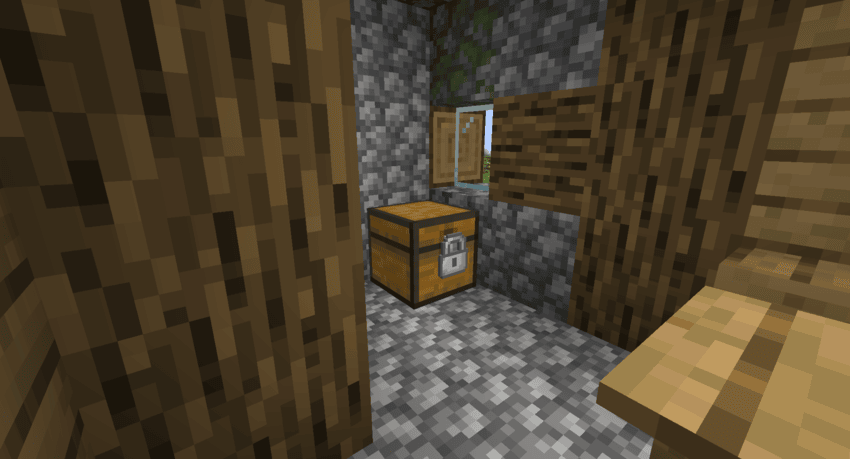
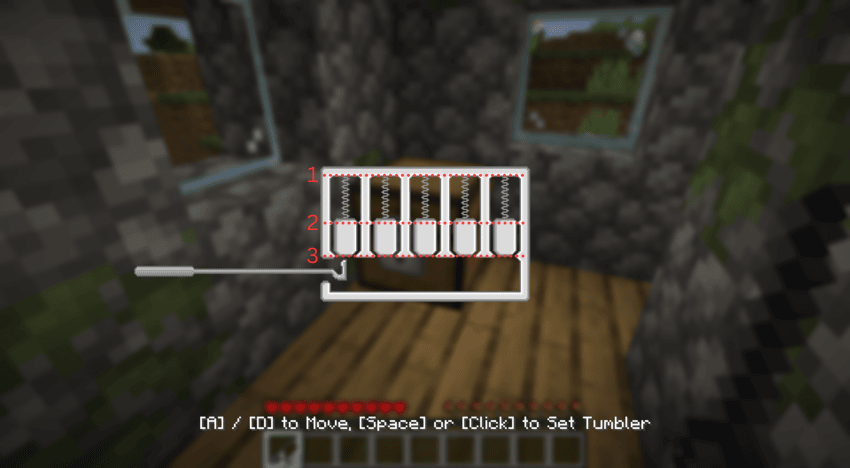
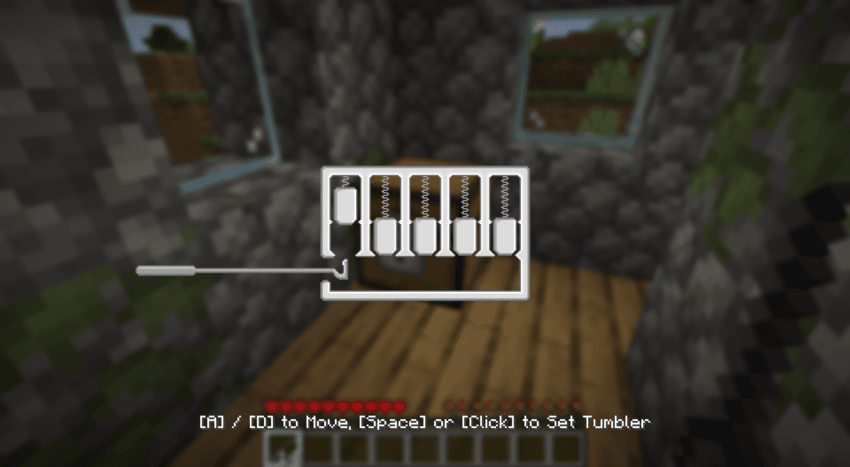
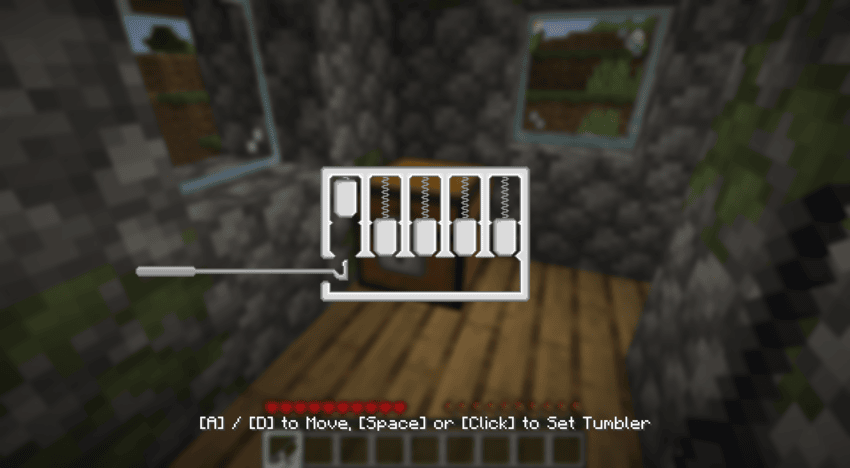
The lockpicking mechanic requires players to use a lockpick to push the pins up and set them into place. The sequence of these pins is completely random. Some pins will not settle at the top on the first try and will begin to fall back down at varying speeds—sometimes slowly, sometimes quickly. For these descending pins, you must press Space or Click before the pin drops below the "2nd zone," as shown in the image below. If you make a mistake and all the pins drop, the pin sequence itself does not change, but which pins fail to settle on the first try will be randomized again. However, if your lockpick breaks, the entire sequence of the pins will be reset and completely randomized.
Commands
- /simple_locks lockpick [enable/disable]
Enables or disables lockpicks. Enabled by default.
- /simple_locks lockpickBreakChance <lock> <0 - 100 | default>
Sets the lockpick breakage chance for a specific lock. Accepts values from 0 to 100, or 'default'. The 'default' option applies the base value of that lock. Valid locks: ironLock, goldLock, diamondLock, netheriteLock Example : /simple_locks lockpickBreakChance ironLock 50
- /simple_locks multiLock [enable/disable]
Enables or disables the ability to lock and unlock multiple locks with a single key (a key can only unlock the locks it has locked). When disabled, one key is bound to a single lock. Enabled by default.
- /simple_locks keyReset [eneble/disable]
Enables or disables the ability to clear a used key. When enabled, placing a key with a lock ID into any crafting grid will return a blank key of the same material with no ID. Enabled by default.
- /simple_locks unlock
Unlocks the locked block the player is currently looking at without requiring a key.
Configurations
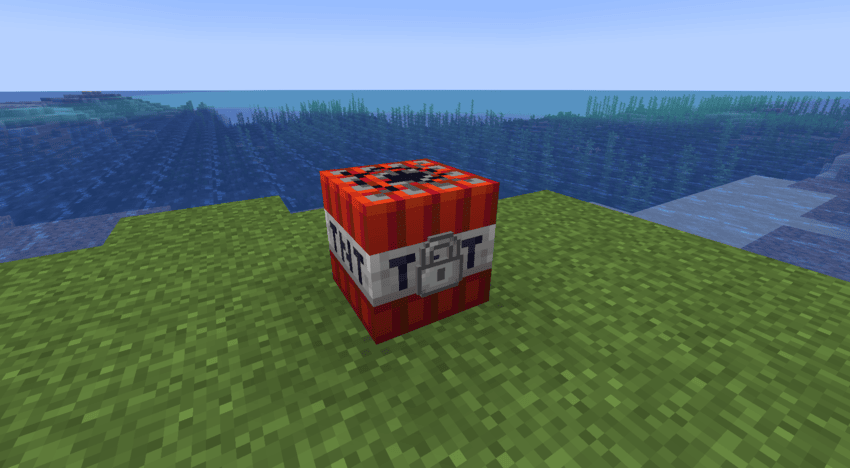
This mod generates a simple_locks.json file inside the Minecraft config folder. You can make any vanilla Minecraft block—or blocks from other mods—lockable by adding their specific identifiers to this file.
Example:
{
  "lockable_blocks": [
  "minecraft:tnt",
  "minecraft:furnace"
  ]
}
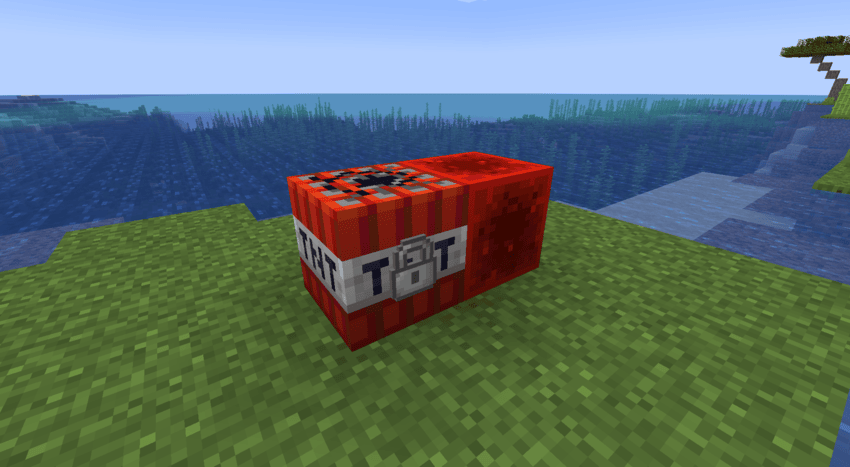
With the configuration above, you can now place locks on TNT and furnaces. You are not limited to vanilla Minecraft blocks; you can add block identifiers from other mods into this JSON file to make them lockable as well.
When a lock is placed on a block and is in the locked state, the block gains the following properties until it is unlocked with the correct key:
- It cannot be broken.
- Items cannot be inserted into or extracted from it (e.g., via hoppers).
- It becomes completely immune to redstone signals.
- It cannot be moved by pistons.
Note: Adding certain complex or incompatible blocks to this list may cause the game to crash. Proceed with caution when adding modded blocks.