Compatibility
Minecraft: Java Edition


Links
Tags
Creators
Details
Licensed ARR
Published 2 weeks ago
Smooth8x
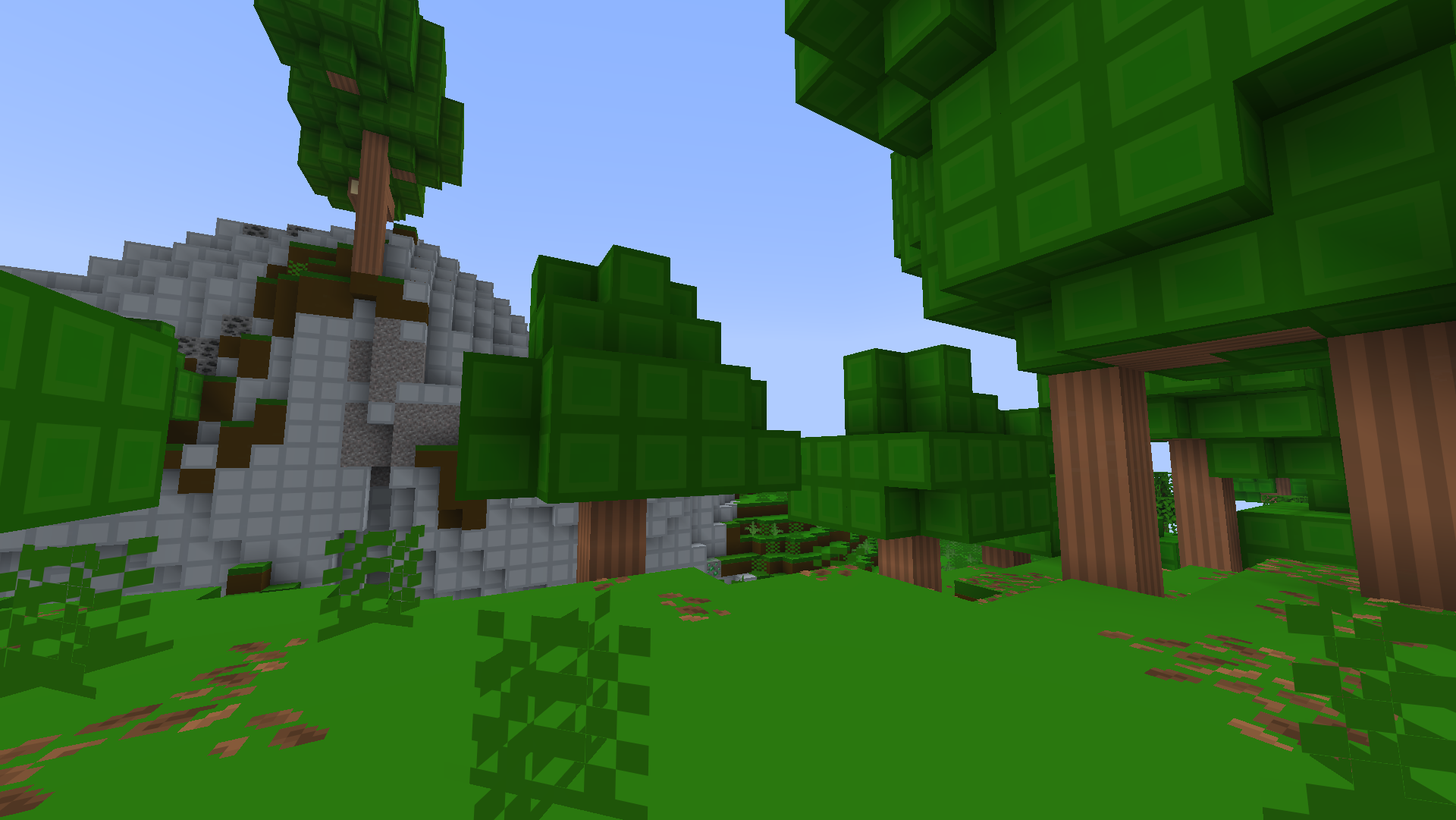
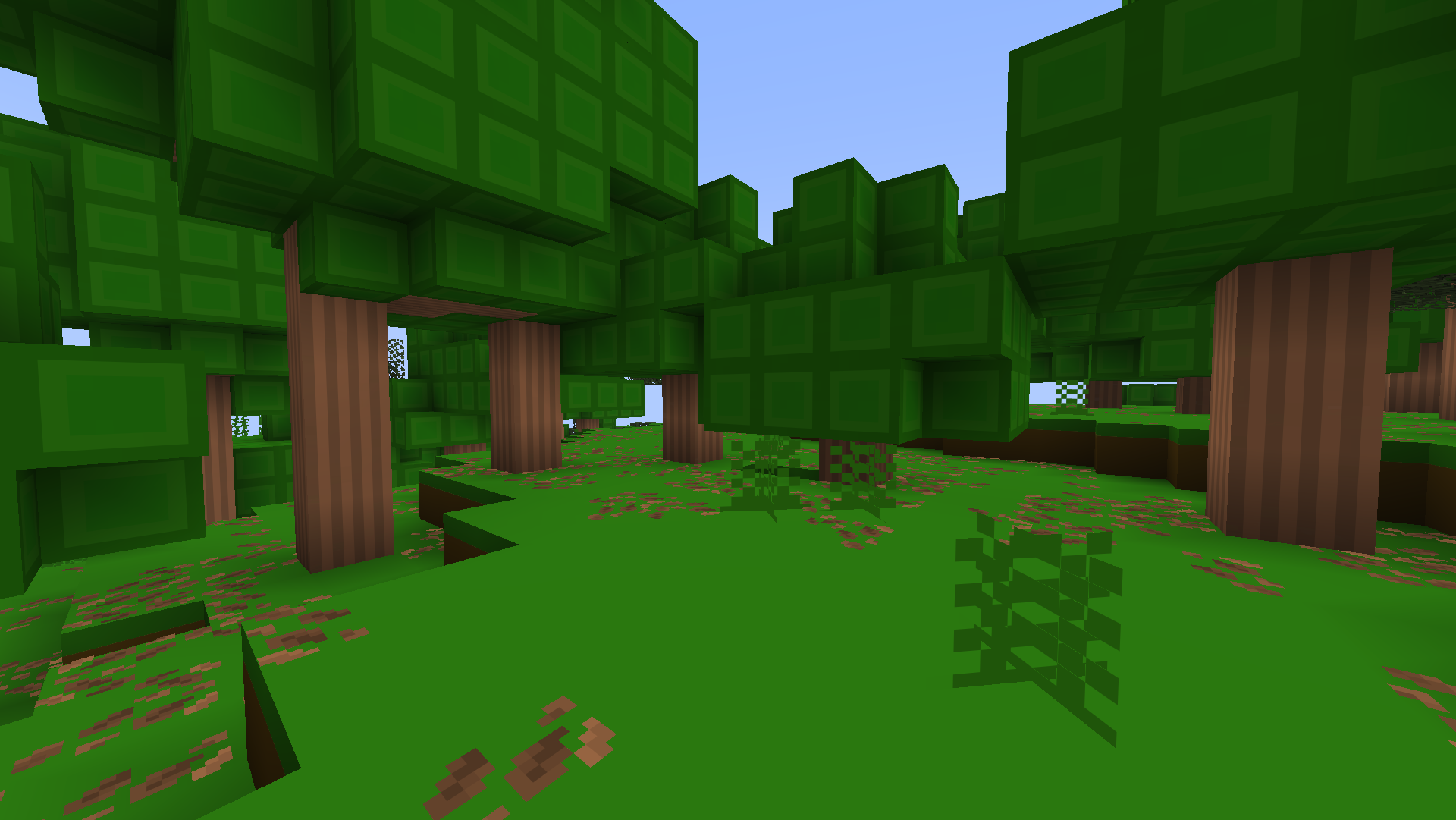
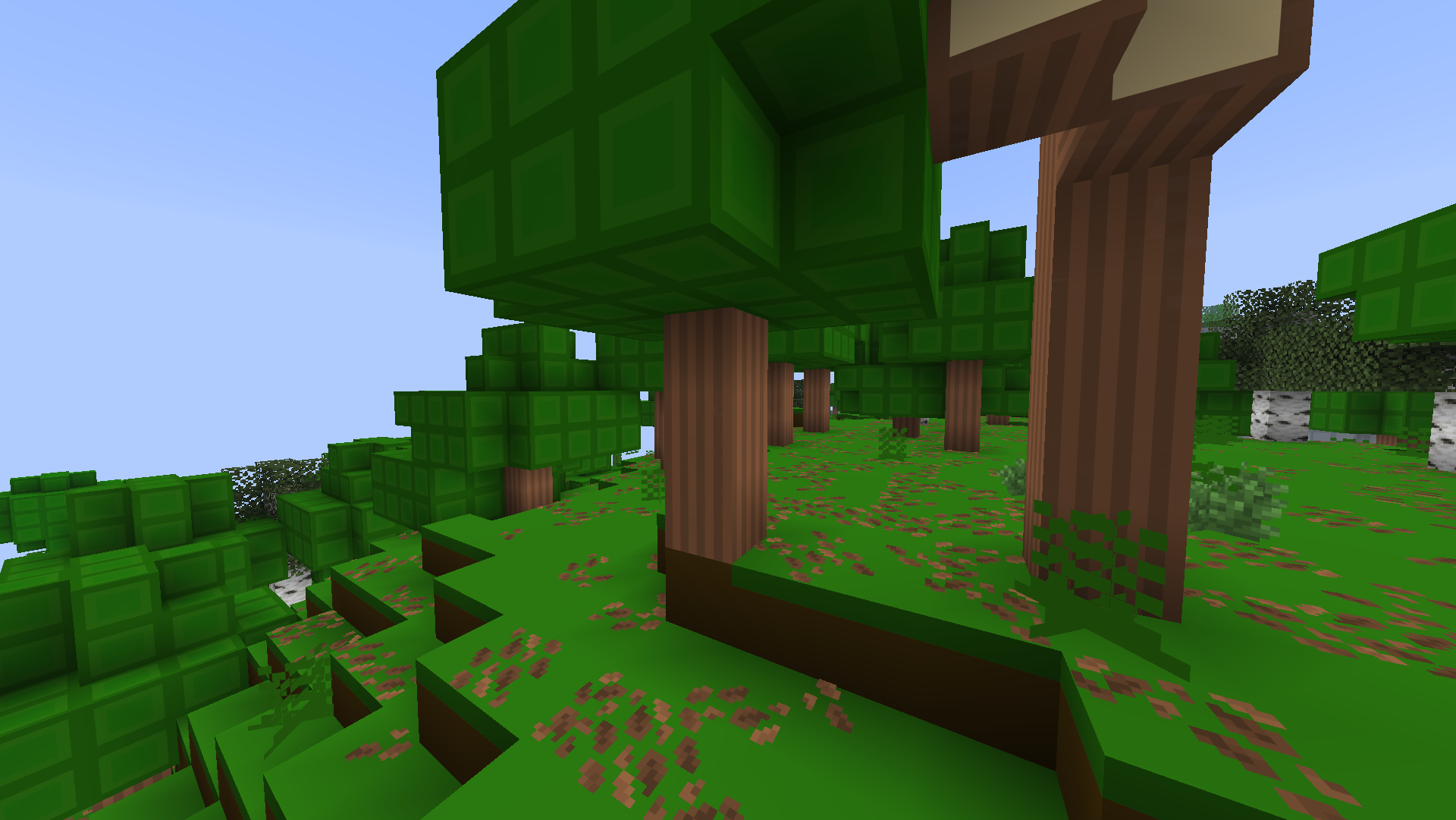
Smooth8x is a texture pack created for the purpose of improving performance for low-end computers or for someone who wants to experience Minecraft in a new way.
How does it improve performance?
Smooth8x works by having textures scaled to an 8x8 format instead of the default 16x16. This reduces the consumption of VRAM (Video Random Access Memory), which can lead to better performance or even higher FPS (Frames Per Second) if your GPU (Graphics Processing Unit) is old or does not have a lot of VRAM.
Installation guide:
- First, download the texture pack for your Minecraft version.
- Next, move the .zip file out of your downloads folder, and place it into the "resourcepacks" folder.
- After that, launch your game and navigate to: "Options -> Resourcepacks" and enable the texture pack.
- Enjoy the texture pack!
(If you get a warning while enabling the texture pack, that says it is broken or outdated, then you can safely ingnore the warning.)
In-game images: