
Compatibility
Minecraft: Java Edition
Platforms
Supported environments


Links
Tags
Creators
Details
Corpse: Refined
A quieter place to keep what you leave behind.
When you die, a corpse appears wearing your own skin and holding everything you had on you. Recover it, and your gear finds its way back to you — no digging through menus required.
Features
The corpse appears at your death location with your real player skin applied. It holds everything you had — general items, armor, and your offhand item — with no capacity limit.
Right-click the corpse to open it.
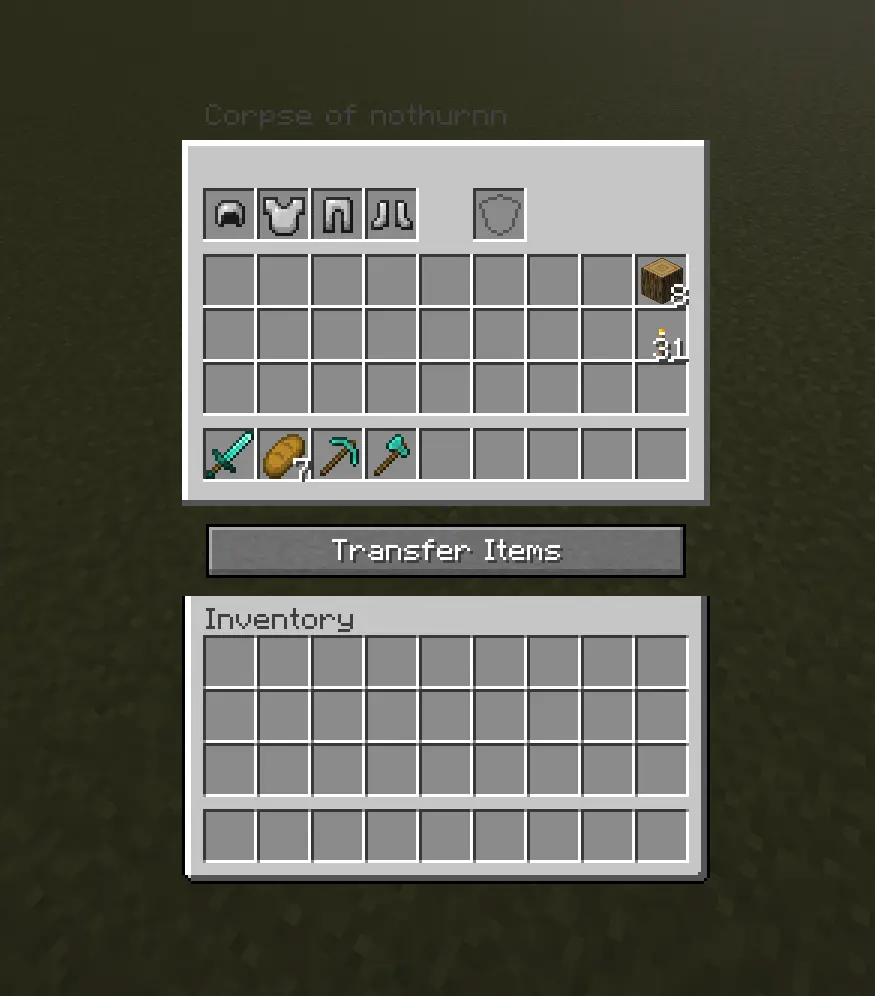
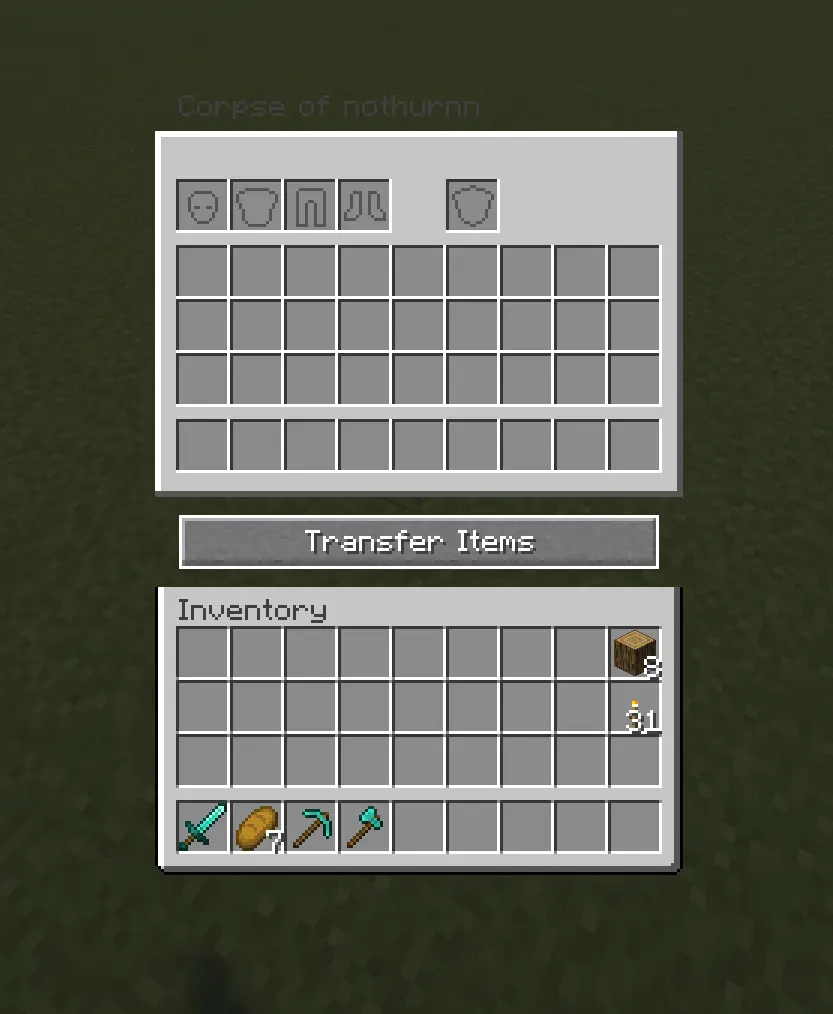
When you recover your items, armor and your offhand piece re-equip themselves automatically — but only into slots that are currently empty, so nothing you're already wearing gets overwritten.
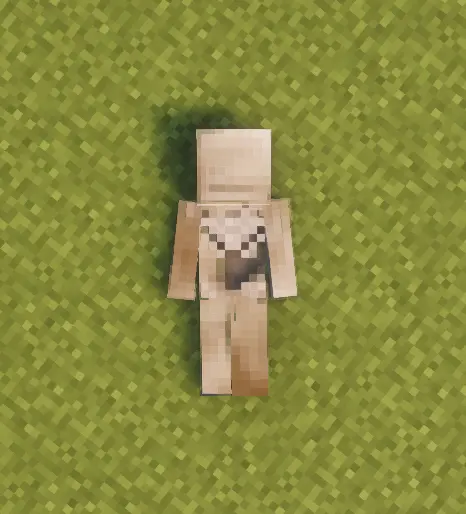
Corpses don't just disappear once emptied. A shroud slowly forms over the body, holds, then gradually wears away to reveal a skeleton underneath — your death site stays marked instead of vanishing.
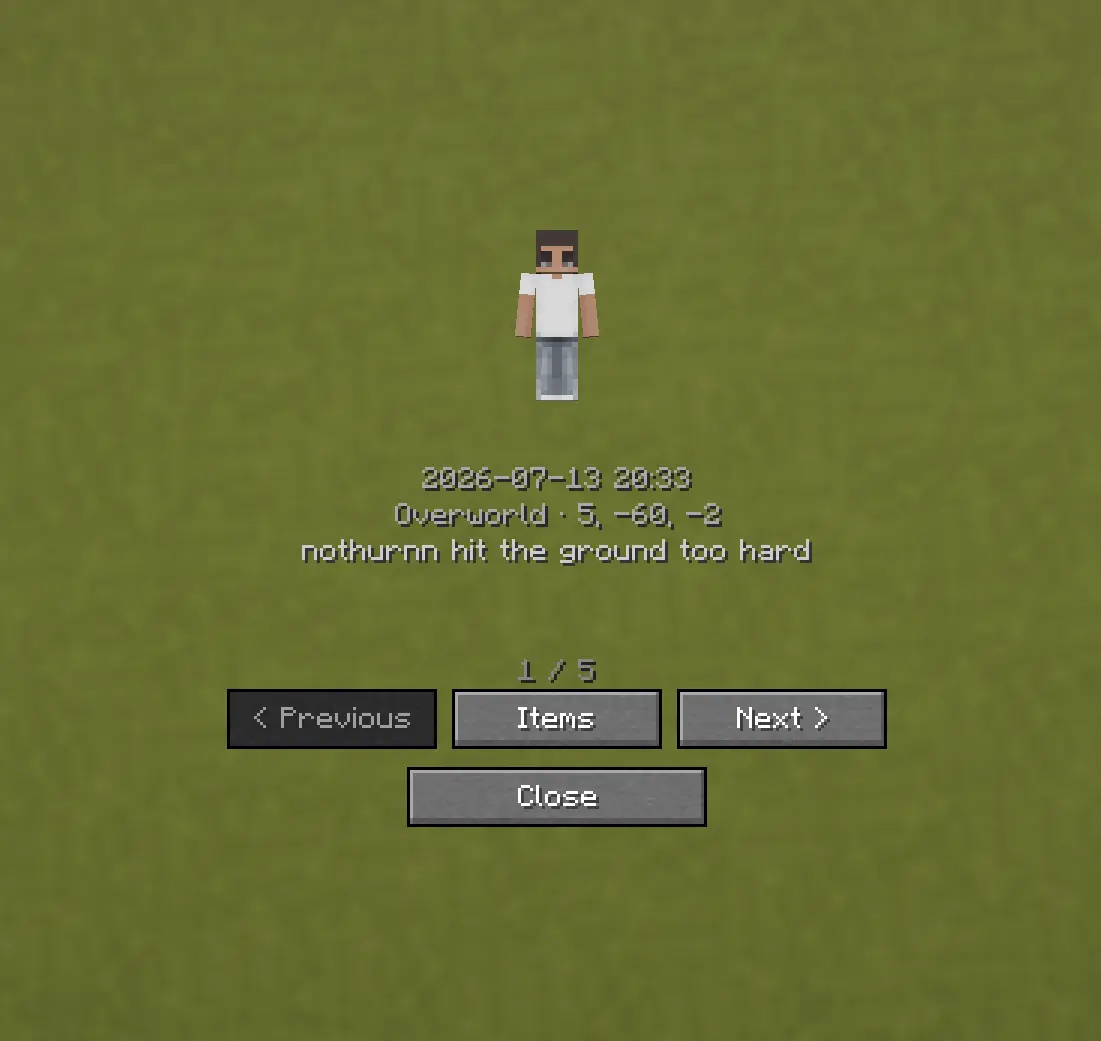
Death History
Press C to view your past deaths — where, when, and what killed you.
Optional Features (Config Options)
- How long the shroud takes to form (
decay_ticks) - How long the shroud takes to wear away and reveal the skeleton
(
shroud_erosion_ticks) - Whether a forced hard despawn ever kicks in for very old corpses, and after
how long (
force_despawn_enabled,force_despawn_ticks) — disabled by default - [check PlayerCorpseConfig.java for anything else — e.g. owner-only access, lava/fire damage toggle — and add here if present]