
Compatibility
Minecraft: Java Edition
Platforms


Links
Tags
Creators
Details
Licensed MIT
Published 3 years ago
Updated 3 weeks ago


⛏️ Cutter Unbound
A full expansion of the stonecutter to cover every stone, copper, and misc. block variant.
The vanilla stonecutter is limited to a handful of blocks, and worse, it's one-directional (full block → slab/stairs/wall, never back). This data pack fixes both: it adds the missing block families and makes cutting bidirectional ("reverse cutting") wherever it makes sense.
✨ Features
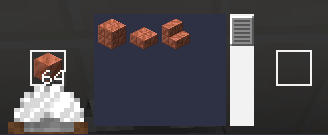
- Copper: every variant and oxidation stage, with reverse cutting (turn slabs, stairs or walls back into full blocks).
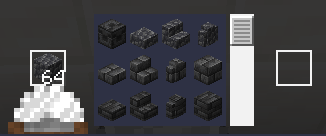
- Deepslate: reverse cutting across all variants.
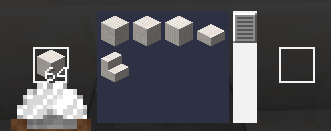
- Quartz: reverse cutting included.
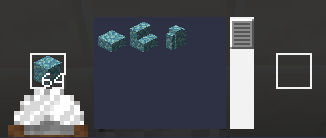
- Prismarine: all variants (prismarine, prismarine bricks, dark prismarine), with reverse cutting.
- Tuff: reverse cutting supported.
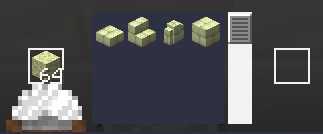
- End Stone: reverse cutting supported.
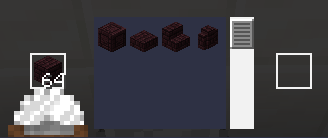
- Nether Bricks: reverse cutting supported.
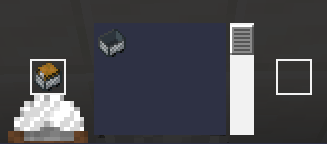
- Minecarts: swap directly between minecart variants at the stonecutter.
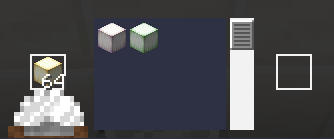
- Froglights: convert between all three froglight colors (Verdant, Pearlescent, Ochre) without needing frogs.
- Mud: cutting and reverse cutting for mud, packed mud, mud bricks and their derivatives (slabs, stairs, walls).
🕹️ How to use
- Install the data pack into your world's
datapacksfolder (or via/datapack enable). - Open a stonecutter as usual.
- All new recipes appear automatically, in both directions.
No new blocks or items — purely new recipes, 100% vanilla. Survival- and multiplayer-safe.
Gallery
Copper (all variants & reverse cutting)
Deepslate (reverse cutting)
Quartz (reverse cutting)
Prismarine (all variants & reverse cutting)
Tuff (reverse cutting)

End (reverse cutting)
Nether (reverse cutting)
More
📦 Compatibility
| Minecraft versions | 1.19.x · 1.20–1.20.4 · 1.21–1.21.8 · 26.3 |
| Type | Data Pack (no mods required) |
| License | MIT |
| Source | GitHub |
📥 Installation
Like any data pack: drop the downloaded folder into .minecraft/saves/<your_world>/datapacks/, then run /reload or restart the world.