
Compatibility
Minecraft: Java Edition


Creators
Details
The resource pack adds more than 25 animated totems to your game. Just rename the item in the anvil, and your totem comes to life!
🎬 Animated Totems — Smooth animation of immortality totems
Brief description: This resource pack replaces the static texture of the immortality totem with beautiful and smooth 3D animation, bringing your gameplay to life. The animation works both in your hand and in the interface. Compatible with most mods and OptiFine / Iris.
✨ Features
- Smooth 3D animation: The totem rotates and floats gracefully, creating the effect of a magical artefact.
- Full integration: The animation works in all situations:
- In hand (in first and third person mode).
- In the inventory slot and toolbar.
- In the frame.
- On the ground (as a drop).
- Optimisation: Animations work efficiently, with no noticeable impact on performance (FPS).
- Compatibility: Works with OptiFine (or Iris + CIT Resewn) and does not conflict with mods that modify items. The animation does not require the installation of a separate mod, only a launcher that supports custom resource packs (for example, most modern clients).
- Customisability (optional): The archive contains instructions on how to change the animation speed to suit your preferences.
📸 Gallerey
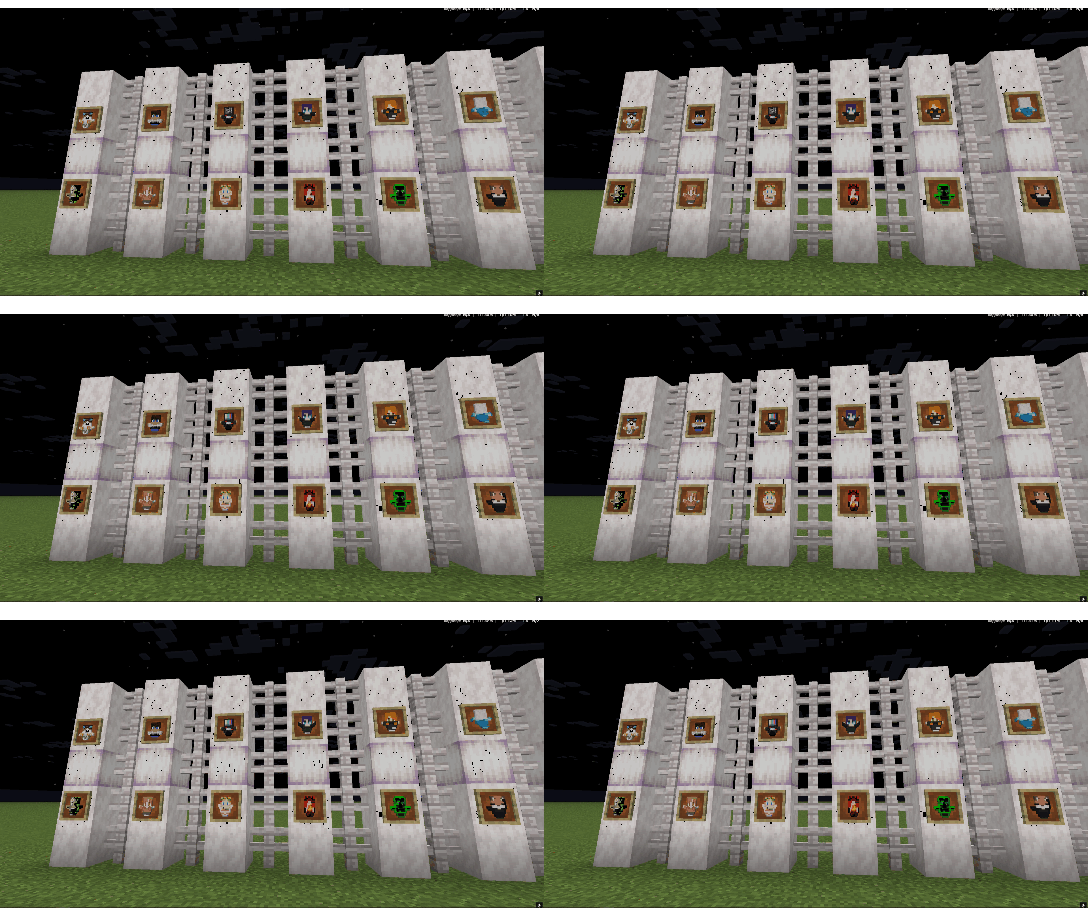
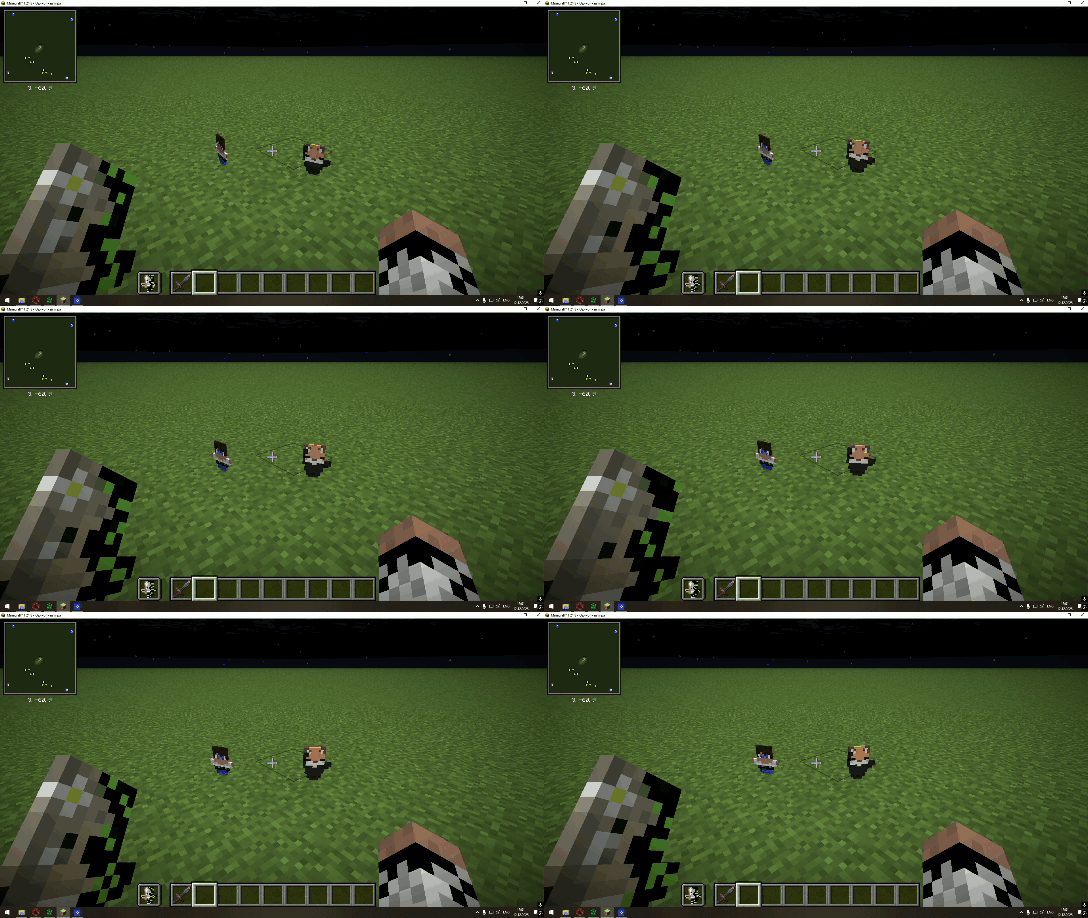
📥 Installation
- Download the
.zipfile (DO NOT unzip it!). - Open Minecraft and go to Options > Resource Packs....
- Drag the downloaded
.zipfile into the open window. - Move the ‘Animated Totems’ resource pack to the active list (on the right).
- Done! Load a world and pick up a totem to see the animation.
Important for OptiFine/Iris users: Make sure that the ‘Animated Textures’ option is enabled (ON) in your graphics card settings (Options > Video Settings... > Details...).
❓ FAQ (Frequently Asked Questions)
Question: Are mods required for this to work? Answer: No, this resource pack uses the game's built-in support for animated textures.
Question: Is the pack compatible with the [MyTotemDoll] mod? Answer: Yes, as it only changes the texture and model of the standard totem.
Question: The animation isn't working. What should I do? Answer:
- Make sure the resource pack is activated and at the top of the list.
- Check that ‘Animated Textures’ is set to ON in the graphics settings (Details).
🔄 Compatibility and Versions
- Main Minecraft versions: 1.21.8, 1.21.7, 1.21.6
- Required resource pack loader: Any launcher that supports custom resource packs (standard client, Prism, MultiMC, GDLauncher, etc.).
👨💻 Support and Contact
If you find a bug or have a suggestion for improvement, please:
- Leave a comment on the project page on Modrinth.
- Or contact me on Discord:
[pashka_dylovod]
If you like this resource pack, please give it a star (⭐) on its page! That's the best support you can give.
📜 Licence
This resource pack is distributed under the [All Rights Reserved] licence. You may not repost or distribute this content without my explicit permission.