
Compatibility
Minecraft: Java Edition
Platforms
Supported environments


Tags
Creators
Details










Memory Leak
Memory Leak is a psychological horror mod for Minecraft that doesn't rely on jump scares, bosses, or weapons. Instead, it offers a different kind of fear — slow, creeping, imperceptible. It doesn't attack you directly. It simply changes the world around you until you can no longer tell where the game ends and something else begins.
About the Mod
Every time you create a new world, you expect a blank slate. A place for your stories, your builds, your adventures. But what if this purity is just an illusion? What if every world carries the memory of what came before? What if that memory doesn't die, but accumulates, seeps, flows — and one day finds a way out?
Memory Leak explores the idea that the world of Minecraft doesn't just generate — it retains traces of everything that has happened within it. And when there are too many of these traces, when memory overflows, it begins to leak into new worlds. Into your world.
You start the game as usual: building, mining, exploring. But gradually, you notice that the world is becoming less predictable. Blocks refuse to stay where you placed them. Sounds ring out wrong. Shadows at the edge of your vision vanish when you turn to look. Sometimes you feel like someone is watching you — but when you turn around, there's no one there.
The mod doesn't announce its presence. It doesn't try to scare you. It tries to convince you — that something is wrong with this world. That you are not the first one here. And that everything happening is no accident.
Gameplay
Memory Leak doesn't add new enemies, weapons, or quests. Instead, it transforms the very experience of playing. The world becomes alive — in the most unsettling sense of the word. It breathes. It remembers. And it changes depending on how long you've been there and what you've done.
The longer you play, the more the world begins to "leak." At first, it's almost imperceptible: slight distortions, strange sounds, inexplicable little things. But over time, they accumulate. The world begins to decay — not physically, but structurally. You still see familiar blocks and biomes, but they no longer feel real. Colors that are too perfect. Silence that is too dense. Lines that are too straight.
And then things start appearing that shouldn't be there. Strange structures that no one built. Entities that aren't mobs, but that you notice from the corner of your eye. Signs left by those who were here before you. Or by those who never left.
The mod doesn't explain what's happening. You have to gather clues yourself — through signs found in ruins, through strange items in chests, through voices you hear when you think you're playing alone.
Atmosphere and Delivery
Memory Leak's greatest weapon is doubt. When something inexplicable happens, you ask yourself: is this part of the game, or is it just a bug? The mod deliberately blurs this line. The strangeness is stylized so that it could be mistaken for technical glitches — until you realize it's too consistent, too persistent, to be random.
Sound design plays a key role. This isn't musical horror with sharp stings. It's quiet, almost imperceptible changes: muffled footsteps, distant sounds that shouldn't be there, unnatural silence that grows heavier with every hour of play.
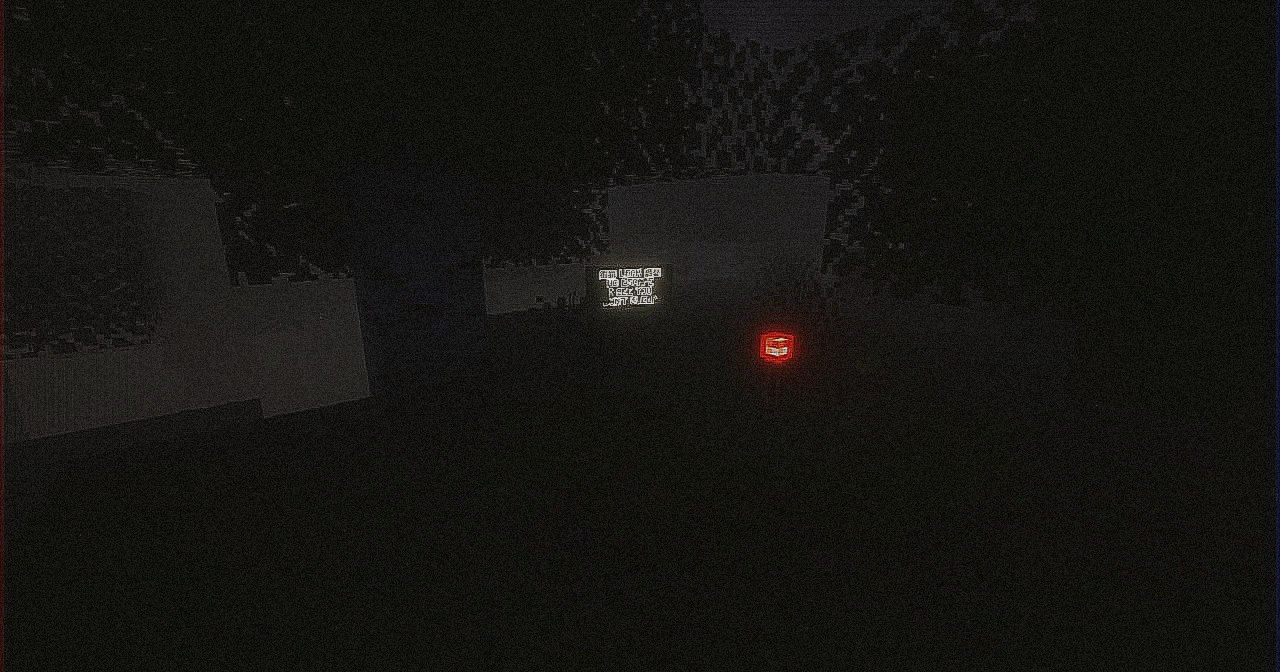
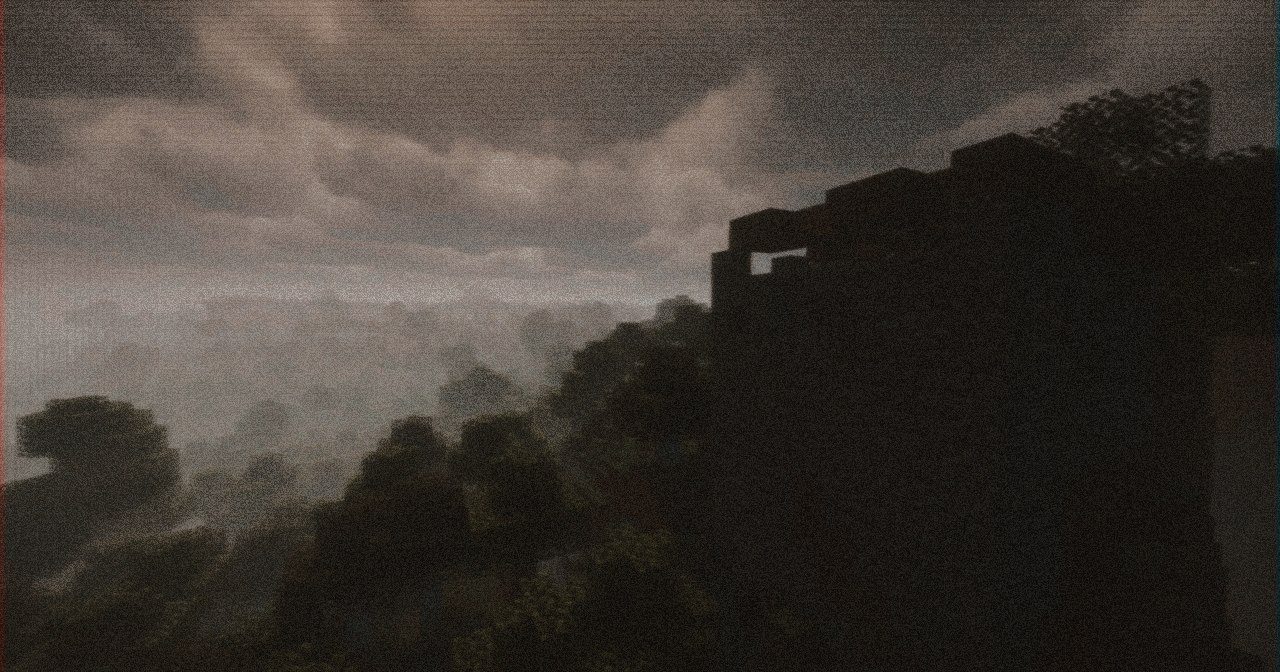
Visually, the mod doesn't shout either. No blood-soaked screens or distorted faces. Just barely noticeable changes: blocks that have shifted slightly, shadows that are slightly darker, colors that have become slightly too bright. Enough to make you feel uneasy. Enough to make you start doubting.
Gallery
Screenshots
 |
 |
 |
Click any image to enlarge. Better experienced first-hand.
Requirements & Installation
Requirements
- Minecraft 26.1.x
- Fabric Loader
- Fabric API
- Java 25+
How to install
- Install Fabric Loader for Minecraft 26.1.x.
- Download the latest Fabric API.
- Drop Fabric API and Memory Leak into your mods/ folder.
- Launch the game with Java 25+.
For the full experience on servers, install the mod on both the server and every client.
FAQ
Is Fabric API required? Yes. The mod won't load without it.
Does it work in multiplayer? Yes — it runs on both client and server. Install it on both sides.
Can I add it to an existing world? You can, but it's best to start fresh.
Found a bug? Report it on GitHub Issues or in our Discord.
Bug Reports & Feedback
If you encounter any issues, glitches, or unexpected behaviour — whether it's a technical bug or something that feels too intentional — please let us know. Your reports help make the mod more stable and the experience more consistent (or unsettling, depending on how you look at it).
You can report bugs here:
👉 GitHub Issues
When reporting, please include:
- Mod version
- Minecraft version
- Fabric loader version
- Log files (if possible)
- Steps to reproduce the issue
We also welcome feedback, suggestions, and theories about the mod's lore — feel free to share them in our Discord or Telegram.
Your world is not a world. It's a file that was never closed.
Links



© Kasperoid — All Rights Reserved