
Compatibility
Minecraft: Java Edition


Tags
Creators
Details

True Classic faithfully recreates the 1.6 / 1.12 aesthetic in modern versions of Minecraft


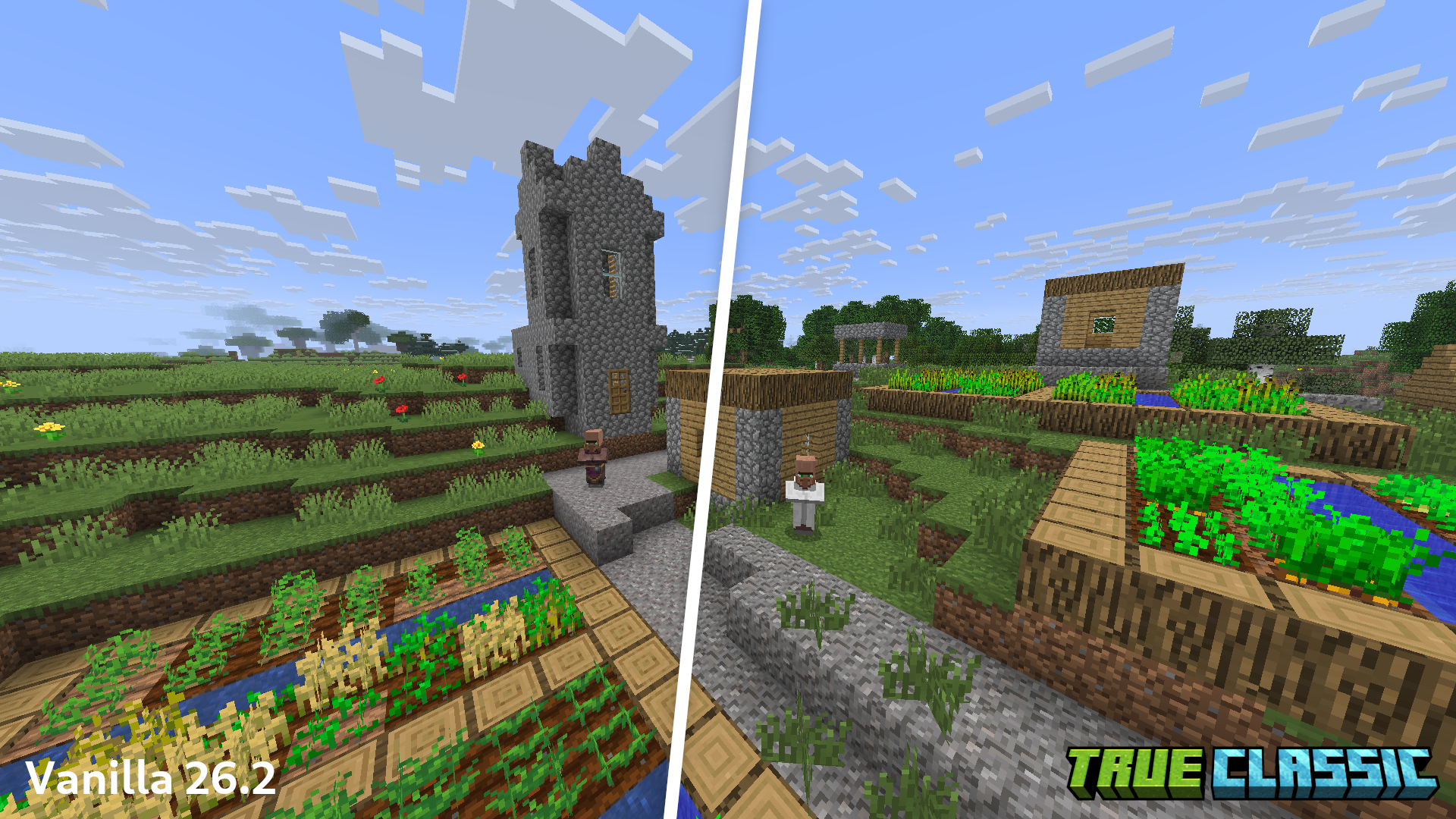
A village in vanilla 26.2 vs 26.2 with True Classic:
A comparison of 1.6.4 with True Classic (with 1.6 style applied)
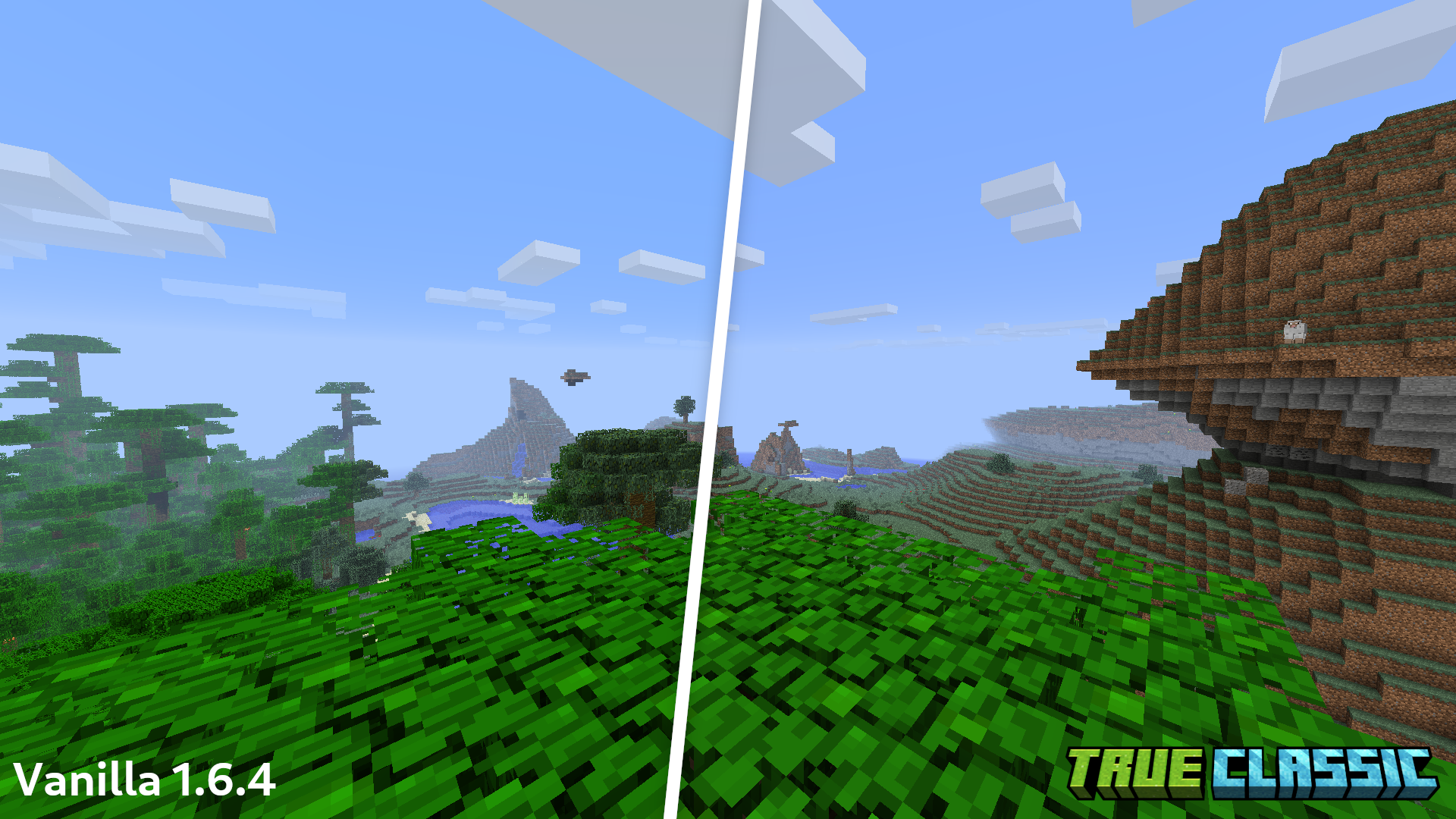
*All screenshots captured with Programmer Art and mipmap levels set to 0
Why 1.6 and 1.12?
There's already plenty of resource packs (like Golden Days) that bring the feel of beta Minecraft to the latest versions, but the older release 1.x versions of Minecraft have such a unique and special feel!
The graphical style of Minecraft is very similar in 1.0 through 1.6.4 and in 1.7 through 1.12.2, minus some minor fog and biome blend differences.
This project captures both styles and allows you to toggle between them
Dependencies
True Classic must be used on top of the base Programmer Art
For the authentic 1.6 experience, set your mipmap levels to 0 in the video settings!
Note: I have found that you may need to press F3 + T an additional time once in the game in order for the effects to apply properly
Polytone: required in order for the fog, water colors, and pack configuration to work (so basically everything!)
Entity Model Features: not needed, but highly recommended!
Entity Texture Features: not needed, but highly recommended!
Features
- Fog, ambient lighting, and block lighting that is accurate to the original game versions
- Pre-1.13 water color and textures
- Pre-1.14 villager textures
- Original 1.6 darker foliage colors
- Disabled random texture rotations matching pre-1.8 Minecraft
- A setting to toggle between 1.6 and 1.12 styles
Compatibility
True Classic was built to be highly compatible with Sodium, so it does not contain any shaders.
Copyright
All Minecraft textures and assets belong to Mojang