
Compatibility
Minecraft: Java Edition
Platforms


Links
Tags
Creators
Details
This pack uses new features from Minecraft 26.3 to add a variety of lenses and glasses that apply post-effect shaders to the user.
Lens Crafting
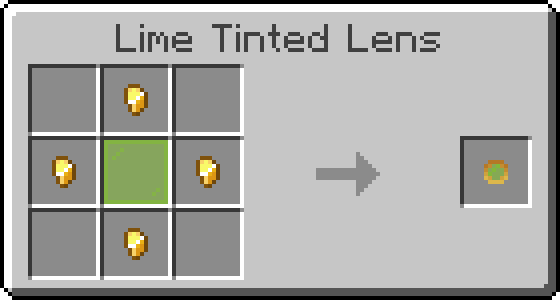
Basic lenses can be crafted in any color using a glass or stained glass pane surrounded by 4 gold nuggets:
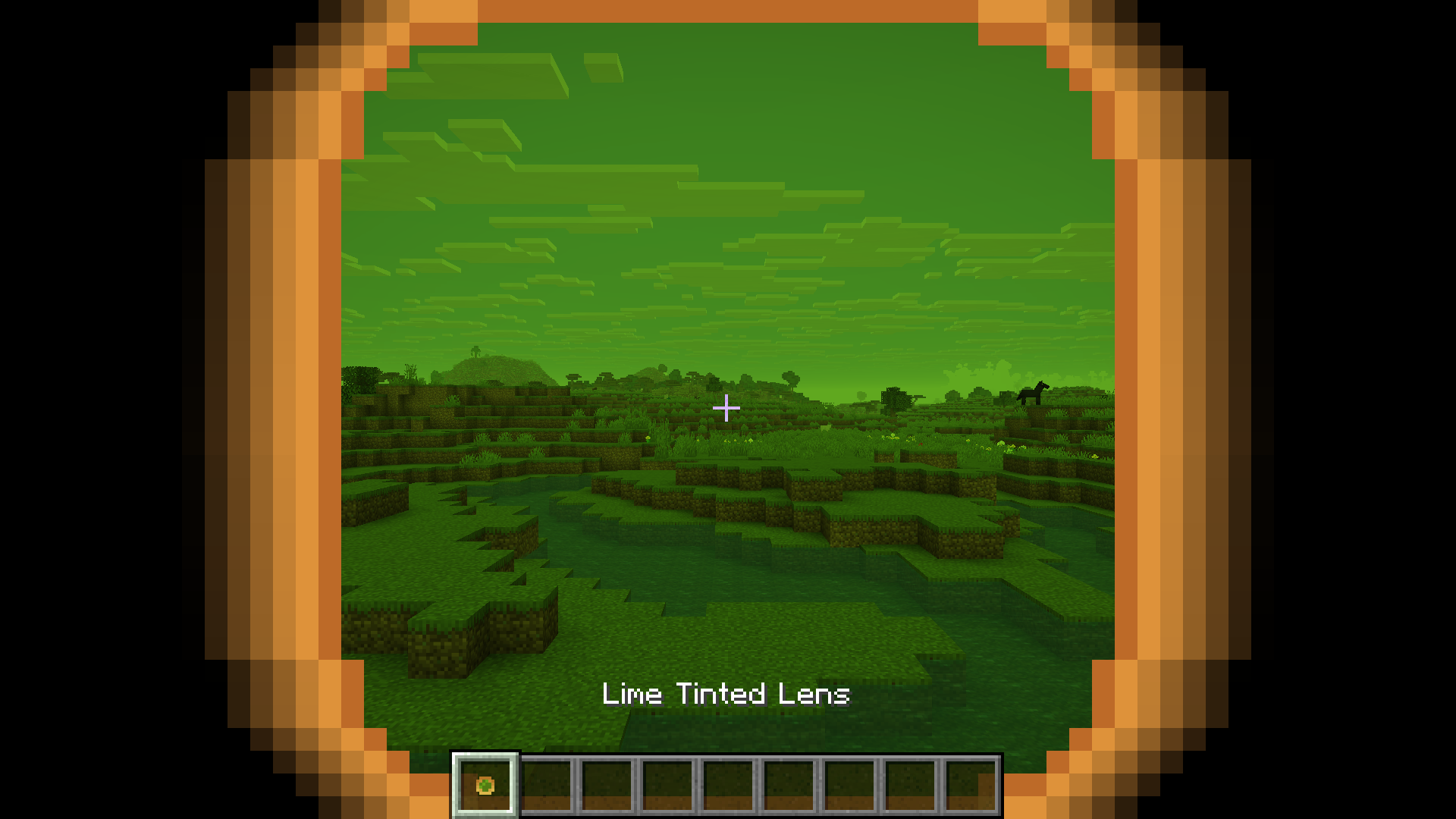
Once crafted, they can be used by holding the lens in your mainhand and holding the use-item button (right-click). This will apply a shader and an overlay to the screen:
Lens Modification
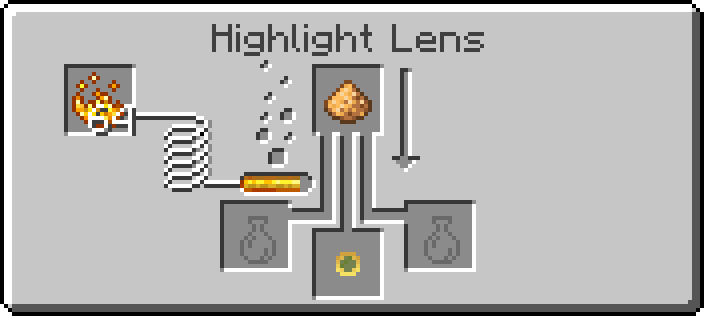
Each lens can be modified in a number of ways by infusing different materials in a brewing stand:
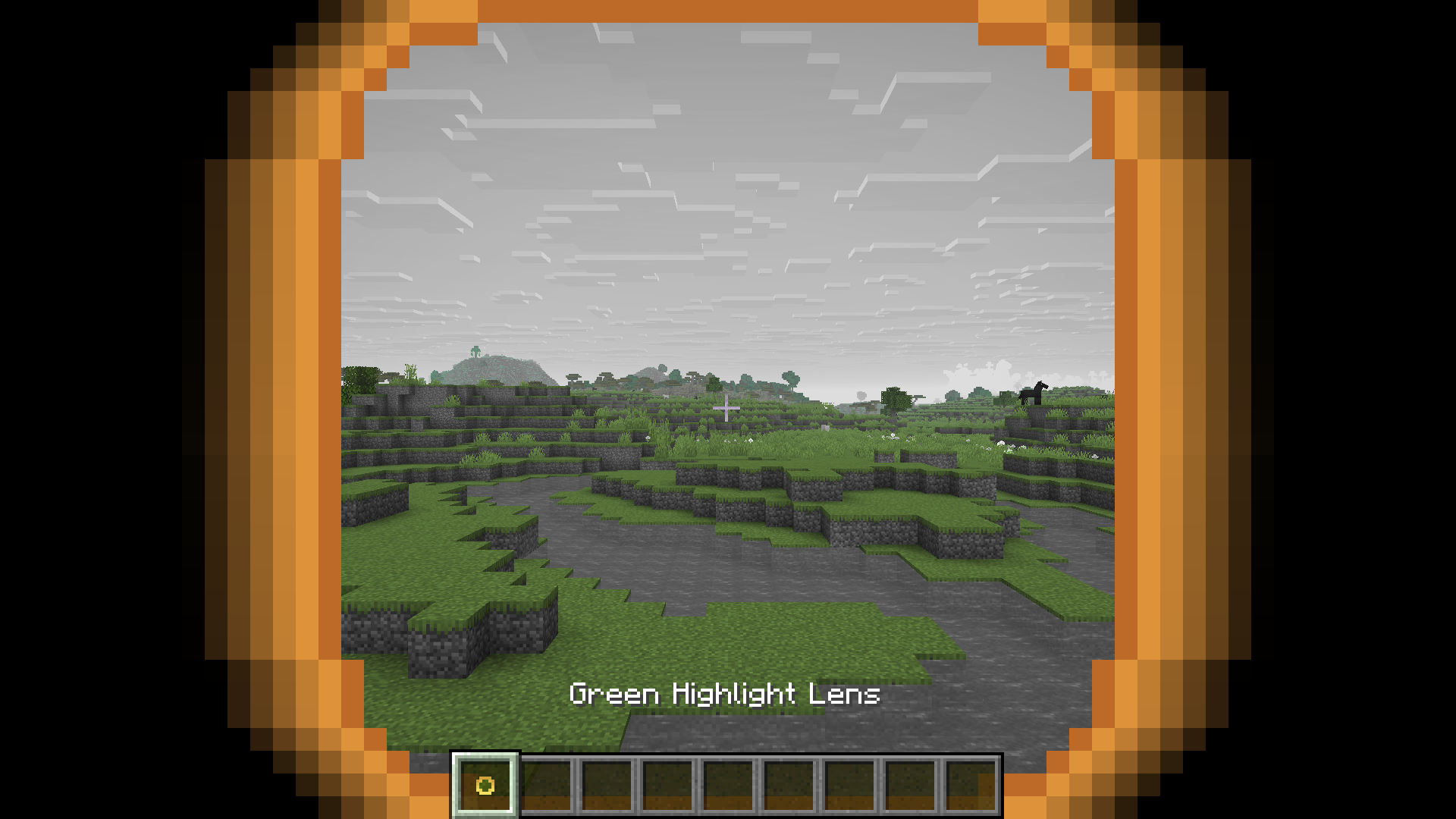
Infusing Glowstone Dust into a tinted lens creates a lens that highlights that color and turns all other colors gray:
Infusing an Amethyst Shard has the inverse effect, turning a tinted lens into a lens that turns one color gray and leaves all others intact:
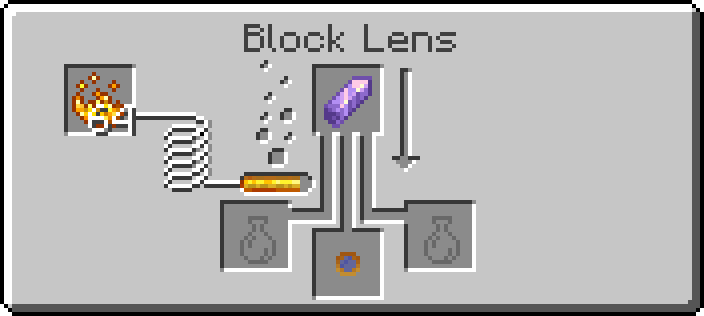
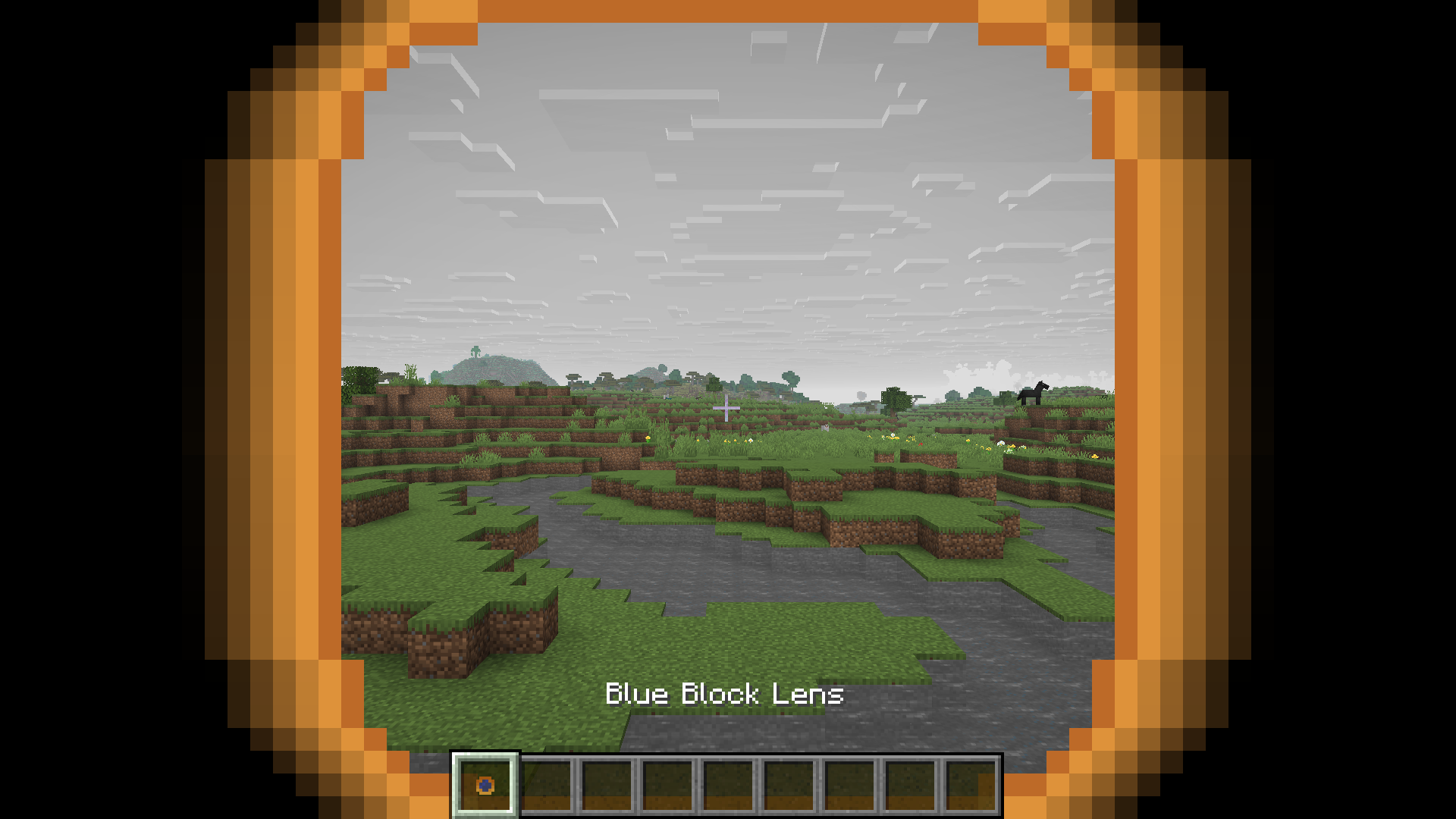
Infusing an Echo Shard creates a shader where edges are outlined in the color of the base lens:
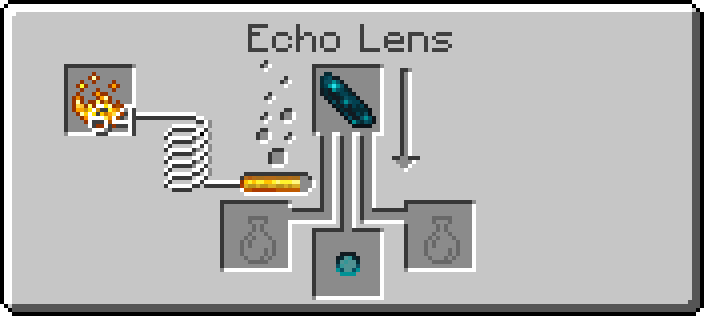
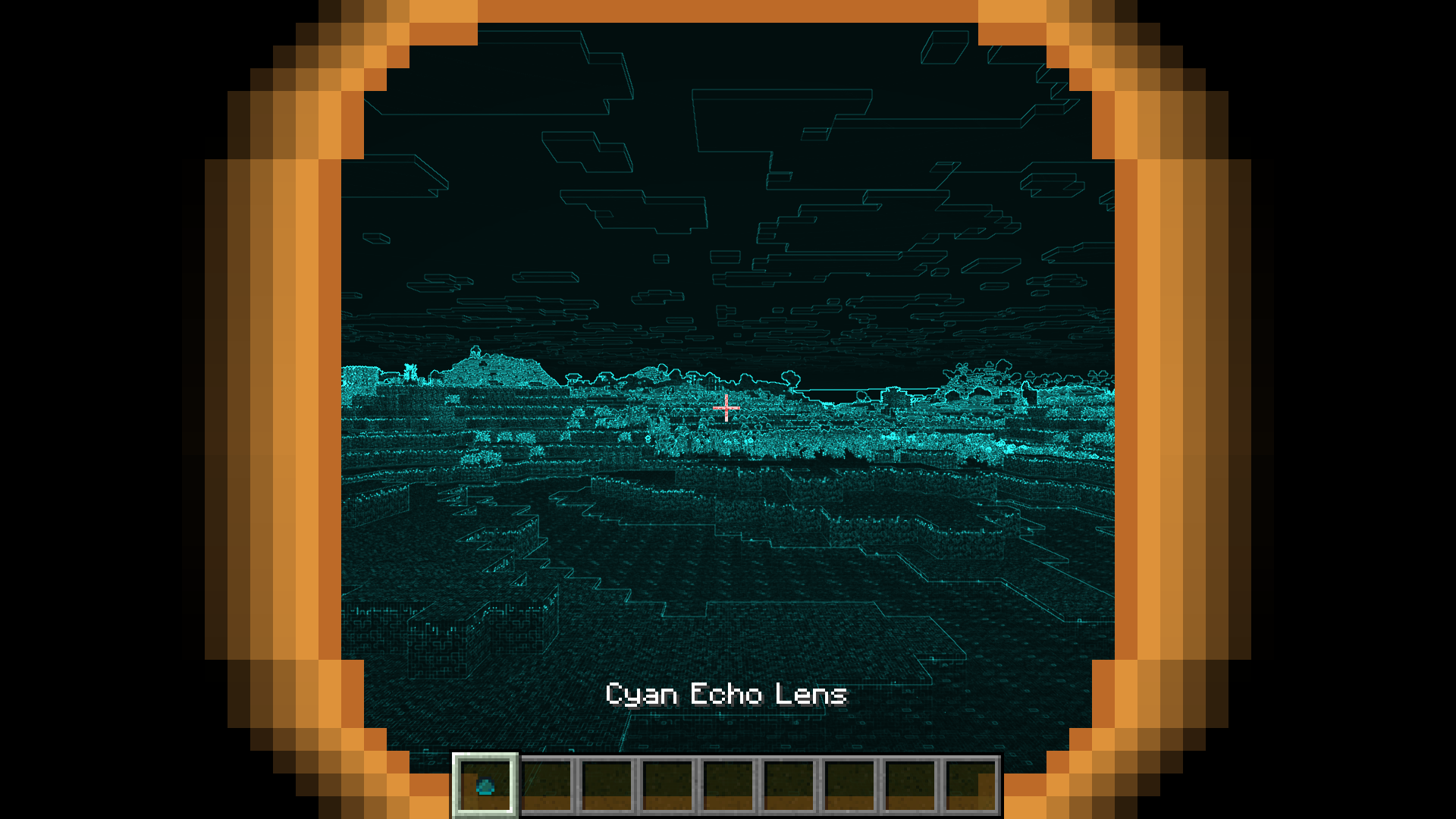
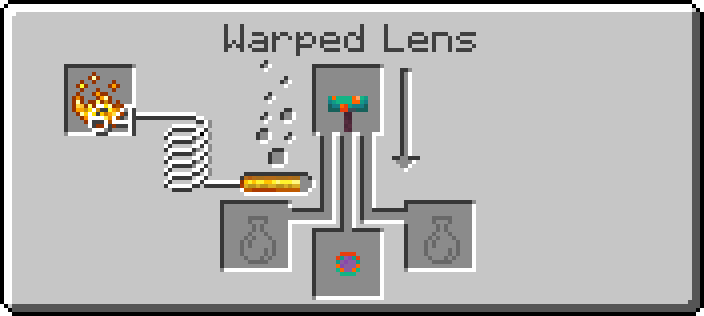
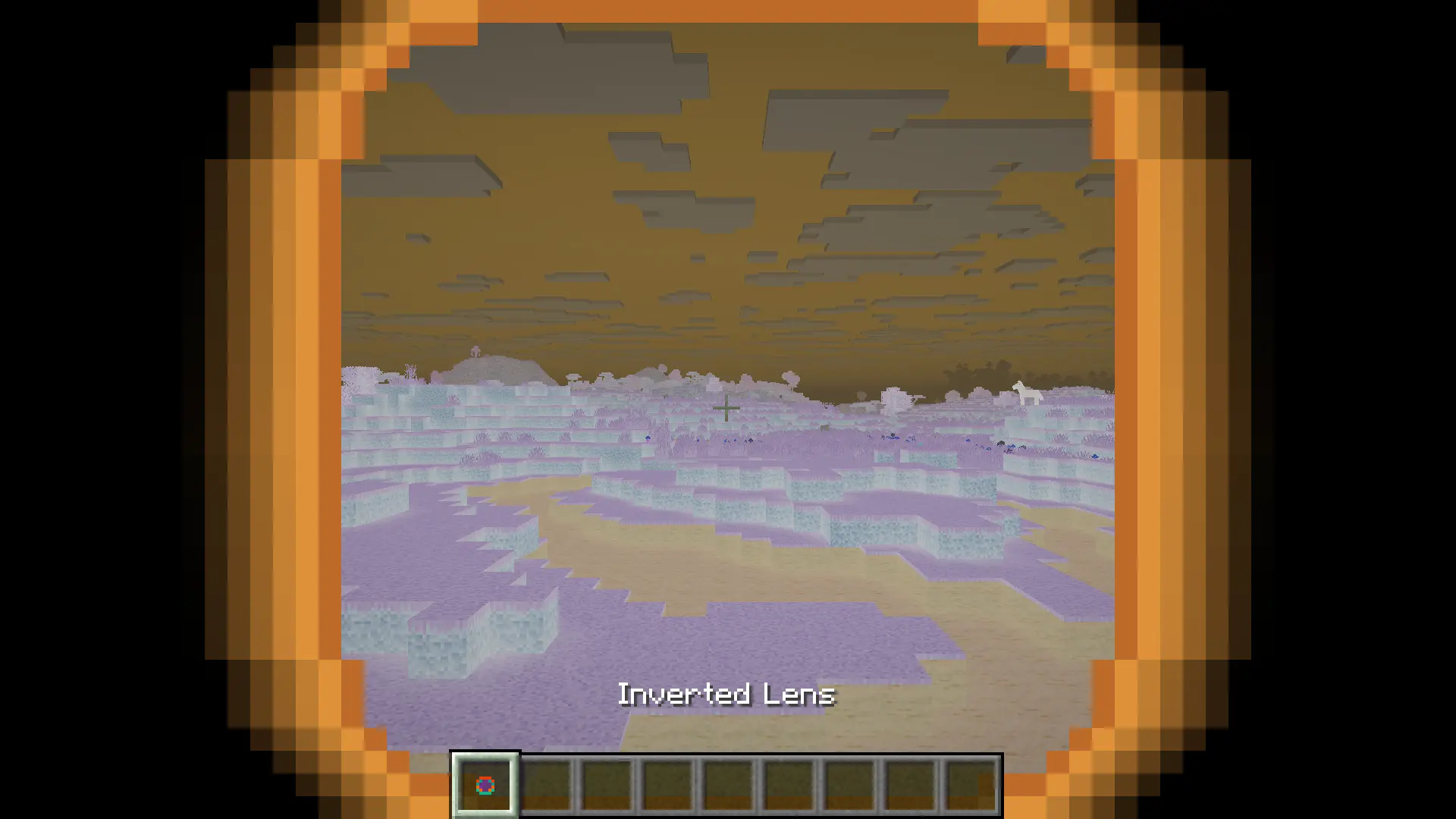
Finally, infusing a Warped Mushroom creates a warped lens, which has a variety of different effects depending on the original color. These effects are based on the existing post-effect shaders (such as the Creeper, Spider, and Endermen shaders applied when spectating those mobs), or the removed Super Secret Settigns shaders, documented on the Minecraft Wiki.
Glasses Crafting
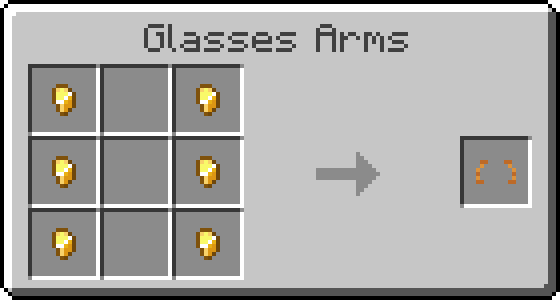
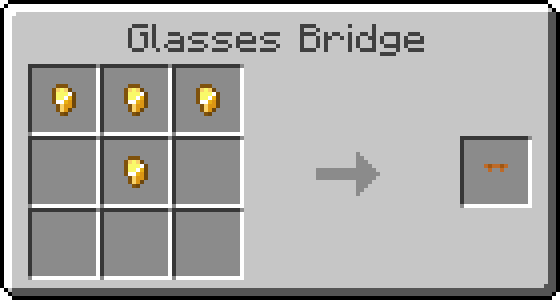
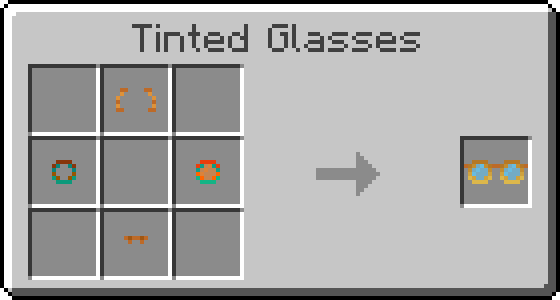
You can craft glasses out of any two lenses, creating an item that applies both shaders when worn. To start, you'll need to make the Glasses Arms and Glasses Bridge pieces, both crafted out of Gold Nuggets:
Then, craft the glasses using the two desired lenses, the arms, and the nose bridge. In this example, the "Deconverge" shader (Warped Clear Lens) is combined with the "Tube" shader (Warped Orange Lens) to create a combined shader with a glitchy, CRT screen effect:
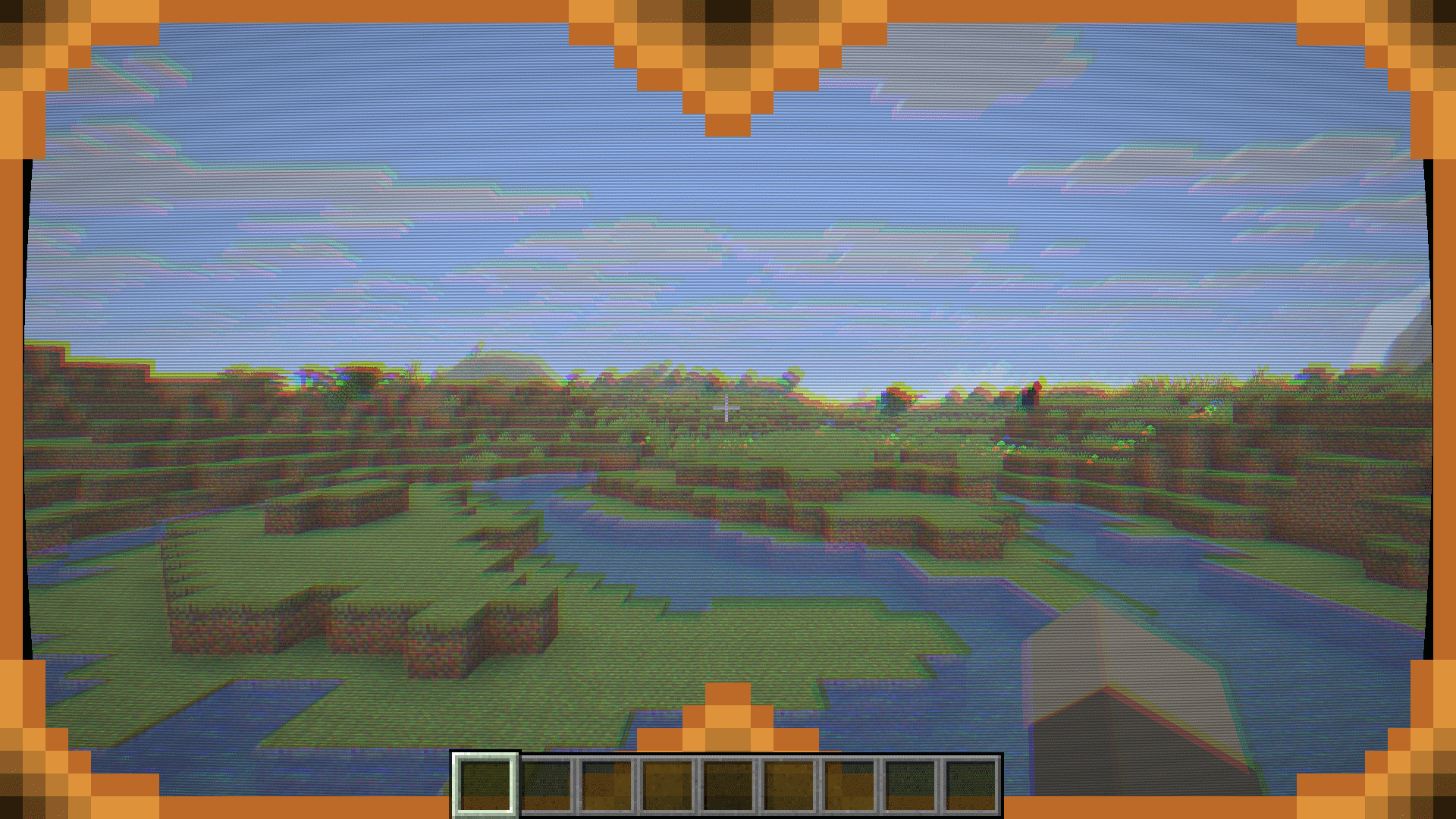
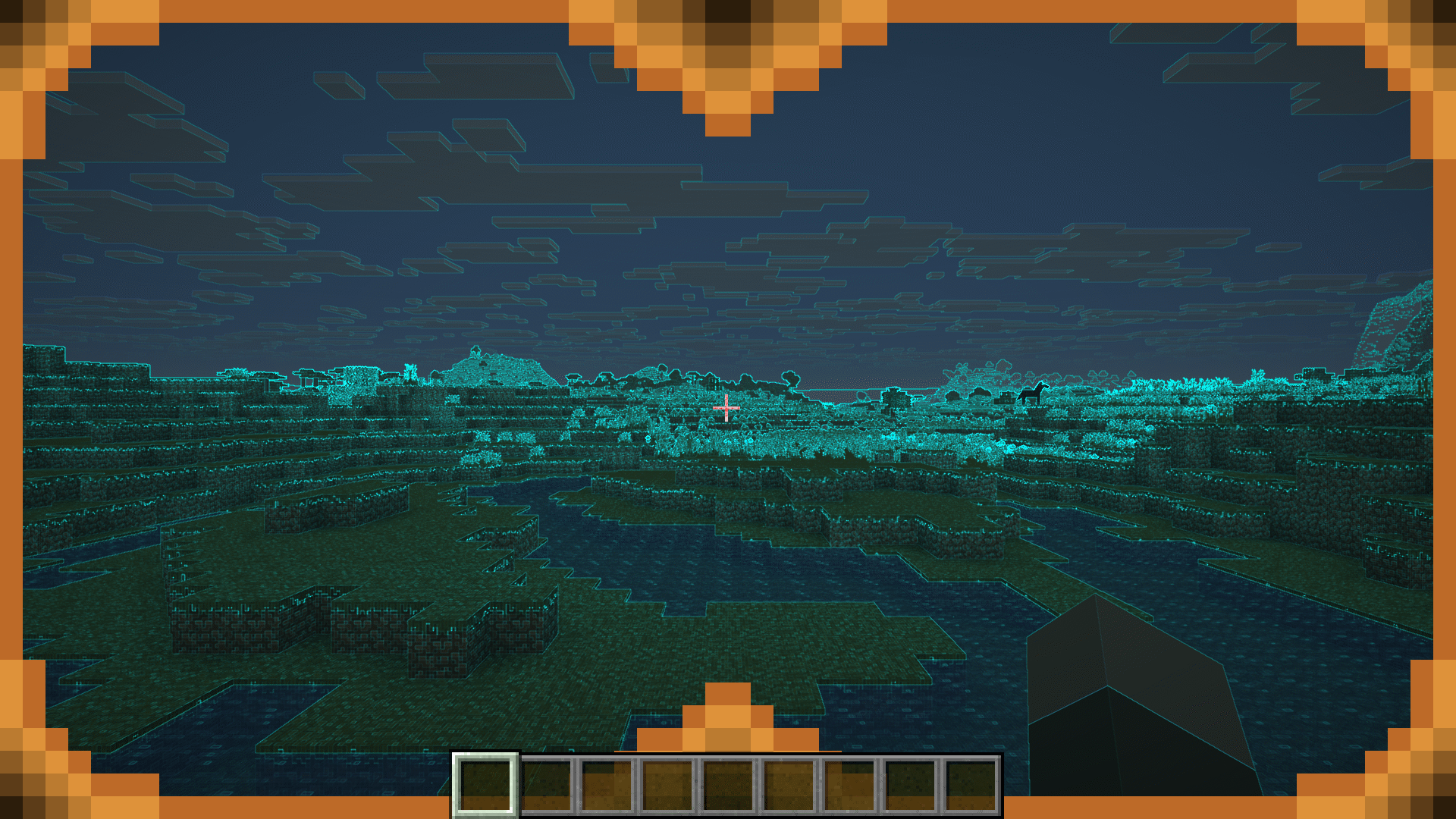
Additionally, most lenses can be modified to show a weaker version of the effect by creating a pair of glasses using a clear lens. For example, echo lenses show a desaturated version of the normal world with colored overlays on the edges instead of making everything but the edges black:
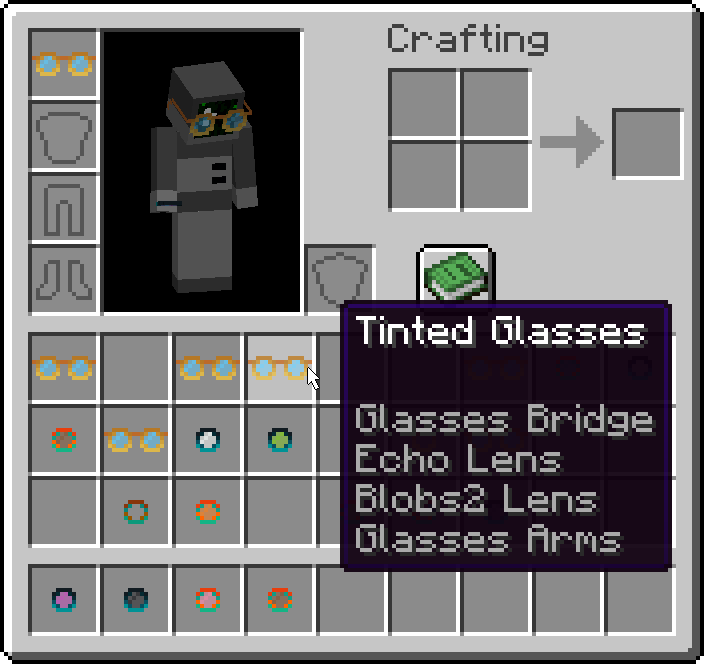
If you mouse over a pair of glasses in your inventory, the tooltip will tell you the names of the lenses used to craft them:
Citations
The color transformation matrices for the Protanopia, Deuteranopia, and Tritanopia lenses are from: Gustavo M. Machado, Manuel M. Oliveira, and Leandro A. F. Fernandes "A Physiologically-based Model for Simulation of Color Vision Deficiency". IEEE Transactions on Visualization and Computer Graphics. Volume 15 (2009), Number 6, November/December 2009. pp. 1291-1298.