Compatibility
Minecraft: Java Edition
Platforms
Supported environments


Tags
Creators
Details
AutoSprint
Never hold or double-tap the sprint key again.
Autosprint holds your sprint key down for you. That is all it does, so sprinting still works exactly the way it normally would.
Getting started
Both keybinds start unbound, so the mod never takes a key you already use. Run
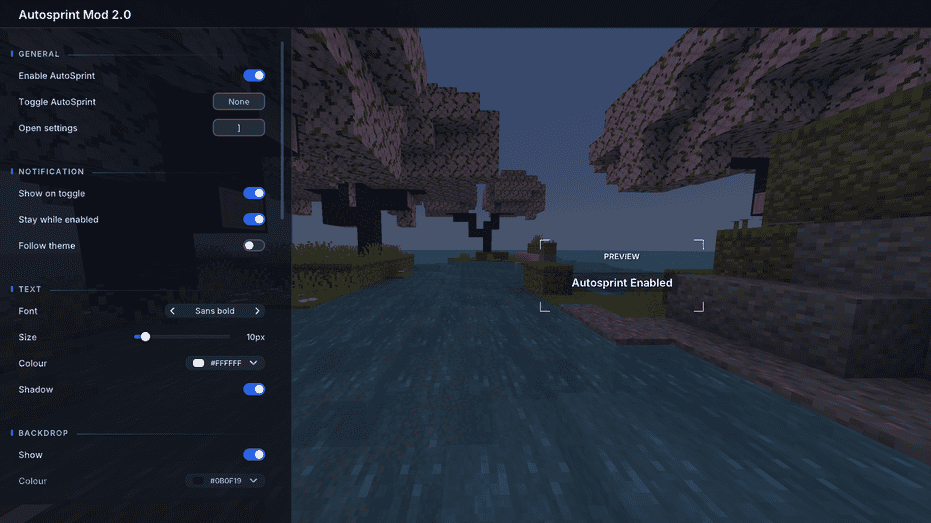
/autosprint settings to open the settings screen and choose your own.
Commands
/autosprinttoggles it on or off/autosprint onand/autosprint offset it directly/autosprint settingsopens the settings screen
Settings
A notification appears when you toggle it. You can change its font, size, colour, backdrop, position, timing, wording and theme, or drag it anywhere on screen. Everything saves between sessions.
Mod Menu will open the settings too, but it is not required.
Supported versions
Every Minecraft release from 1.17 to 26.2. Snapshots are not supported, so download the file matching your version.
Needs Fabric Loader and Fabric API. Client side only, so it works on any server.
Showcase of GUIs and commands
(All taken with default settings)
Preview of GUI:
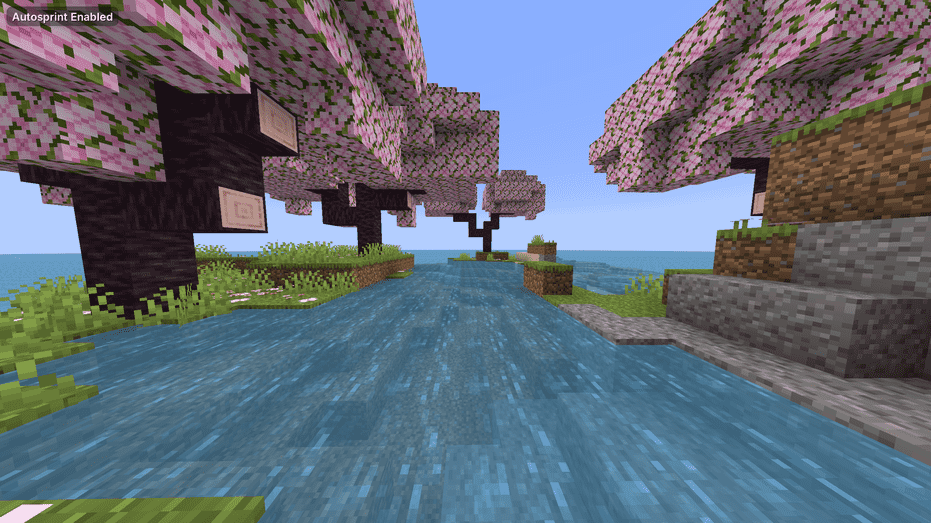
Preview of settings: