
Compatibility
Minecraft: Java Edition
Platforms
Supported environments


Links
Tags
Creators
Details
Aniko's Avatar Editor adds a Wardrobe/Skin Editor to Minecraft, where you can change into, edit, or make skins live in-game, all without having to relog.
/wardrobe - opens up the wardrobe menu that leads to all the editors
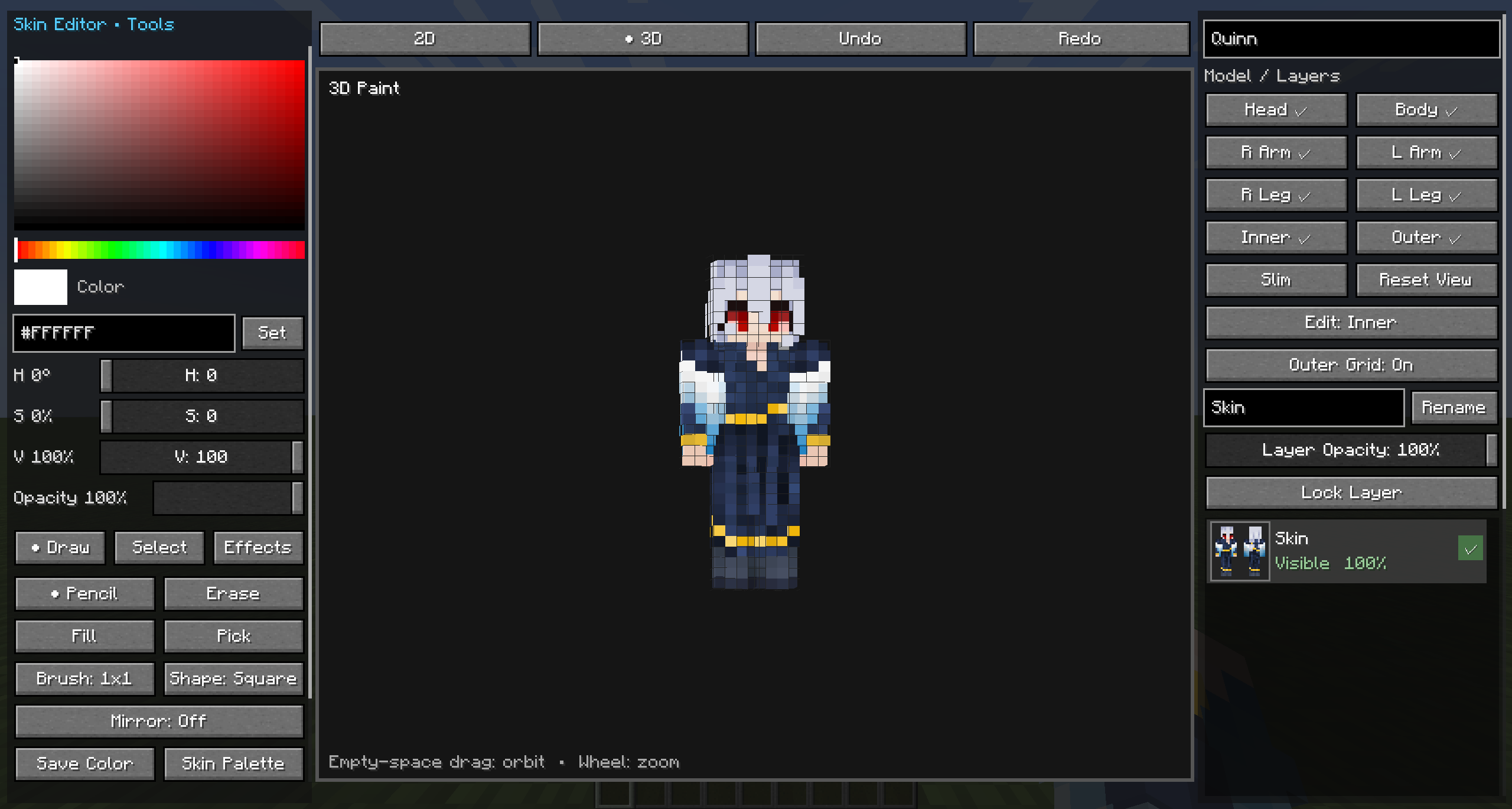
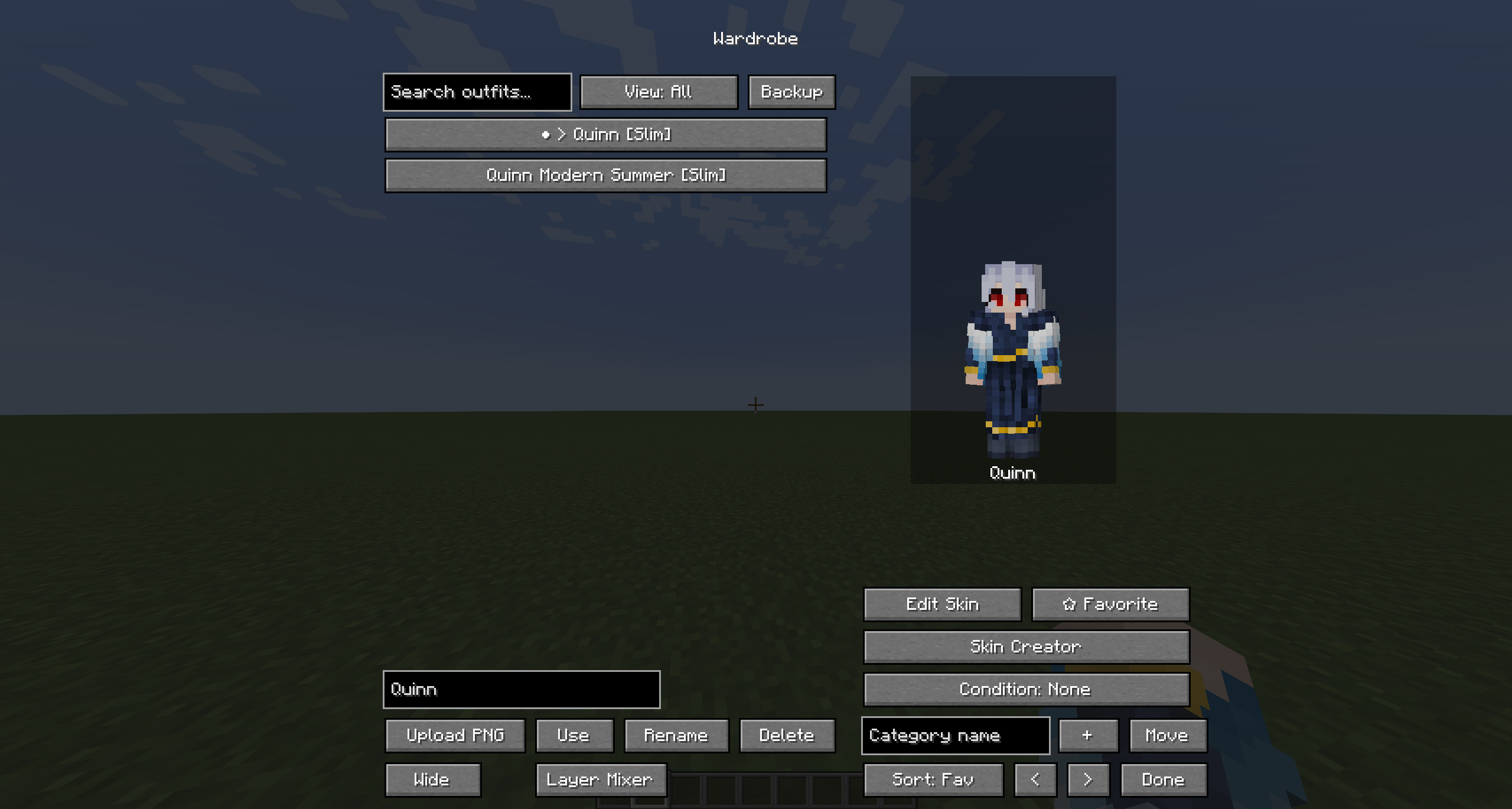
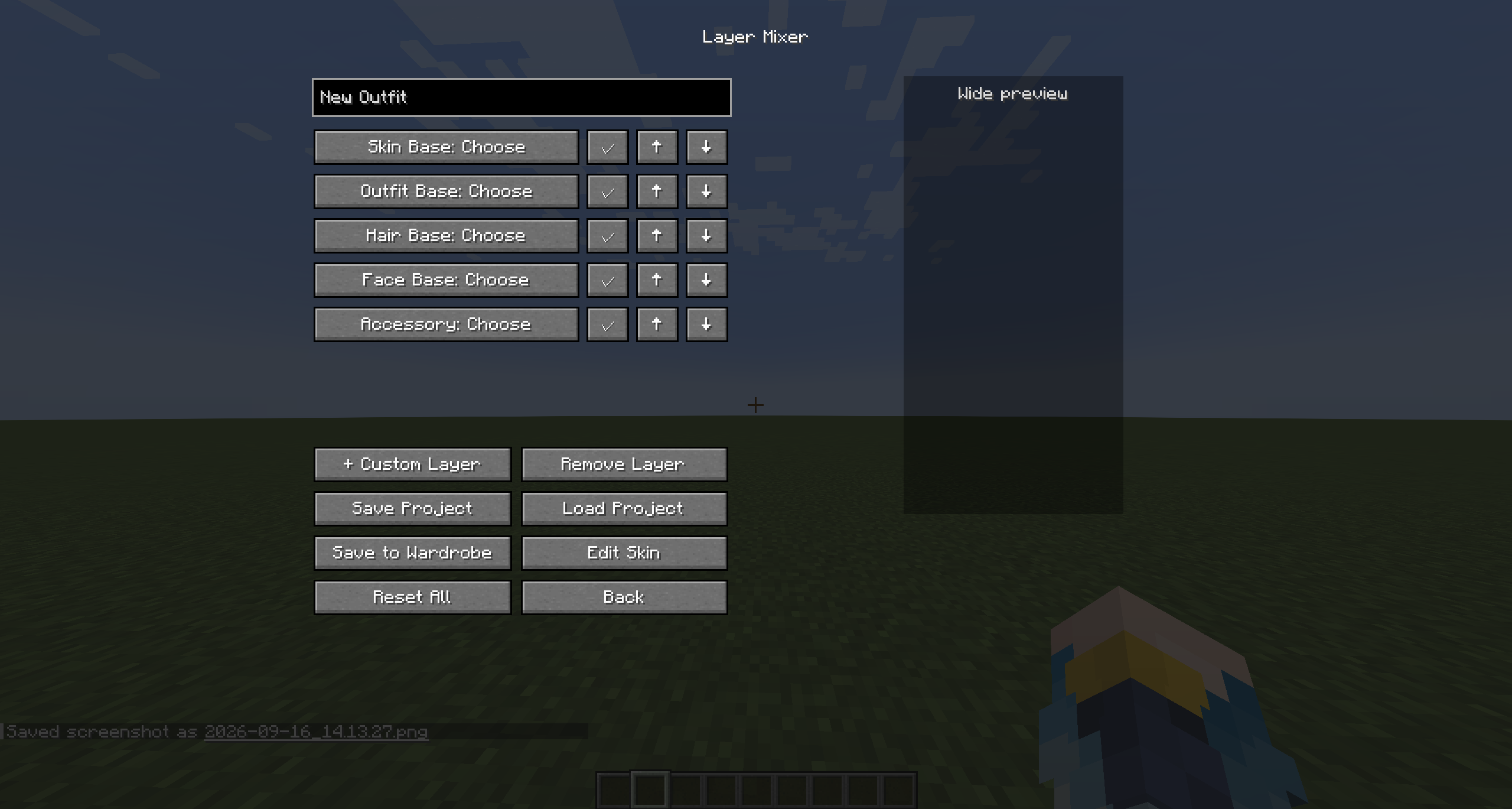
Sorry, I am a little lazy in the feature description.
Features
In-Game Wardrobe & Instant Skin Switching (You can upload and instantly switch to skins in-game without having to relog)
Skin Creator 2D, 3D, & Pixel Grid Skin Editing (You can edit skins directly in-game with the skin editor built directly into the wardrobe) You can also Import, Export, or create skins from scratch with the skin editor.
Skin Layers & Keyboard Shortcuts (QOL features for the skin editor)
Layer Mixer (Allows the mixing and matching of bases to make skins easier if you're a person who makes a lot of bases, can go to the skin editor when finished to fix any inconsistencies.)
Includes many regular skin-making tools in the skin editor, though I will not list them all here! Some are shown in the photos, others can be found in-game. (More Pictures in Gallery)
If there are any bugs or feature suggestions, you can message me on @asioko on Discord. I do expect there to be bugs currently, as this is it's first version along with it being release on eight game versions!
Bugs recently fixed across all versions as of 10/12/26; top face of the torso being backwards in the 3D skin editor & a bug that caused massive frame drops in the 2D skin editor.