
Compatibility
Minecraft: Java Edition
Platforms
Supported environments


Tags
Creators
Details
Free Fall:
You can activate Freefall by pressing (V) while you are falling or you can activate Auto Free Fall via command, and Free Fall will be activated automatically.
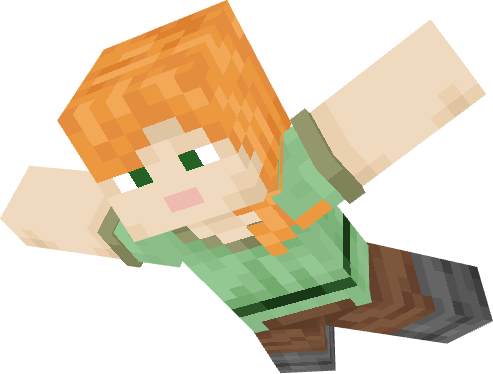
When you are in Freefall mode, you can either fall normally and slowly, which gives you better air control, or you can fall quickly by sneaking, but you will have less air control.
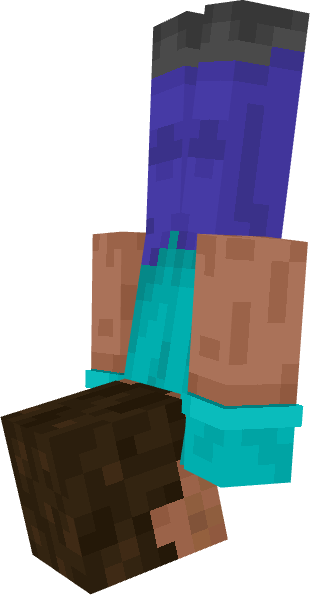
Aero Control - Enchantment:
With Aero Control on your chestplate, you can move more easily while in Freefall mode, and you will fall more slowly the higher the enchantment level is.
Pike Jumps to Jump Off:
If you are at an edge and jump, you will perform a dive jump downward as long as you are not sneaking. If you are able to jump off, a message will appear in the center of the screen.
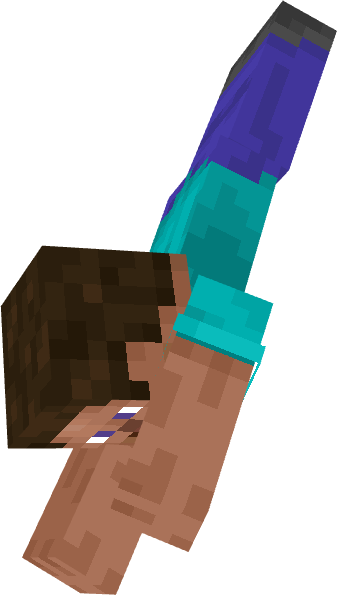
Landing Animations:
When you land on the ground after a high fall, you will perform a landing animation.
Spoiler
Survival Mode Landing Animation:
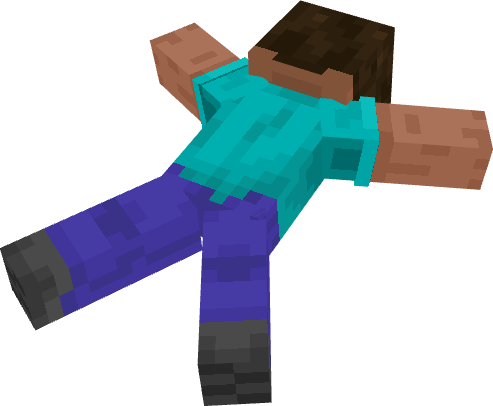
Creativ Mode Landing Animation:
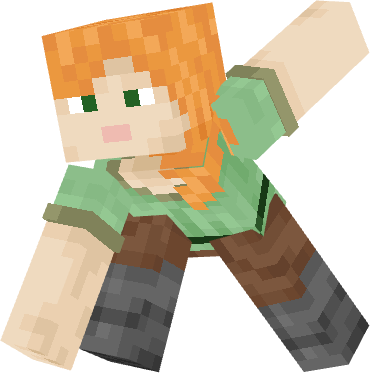
After landing, you need to jump to get back up, which will also be indicated with a message on the screen.
Config Menu:
Default Hotkey: [ . ]
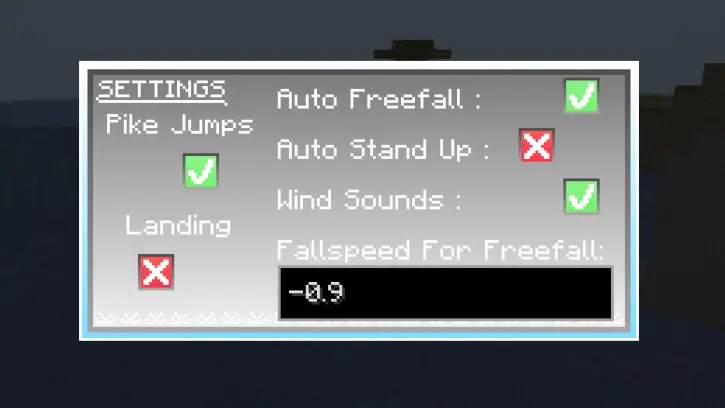
Here you can make some changes for yourself
The animations may not work with other animation mods or resource packs.
Warning:
Without the Player Animator, the mod will not work, so please keep that in mind.