
Compatibility
Minecraft: Java Edition
Platforms
Supported environments


Links
Tags
Creators
Details
Licensed AGPL-3.0-or-later
Published 4 months ago
Updated 2 months ago
Better Health Indicator
Github link
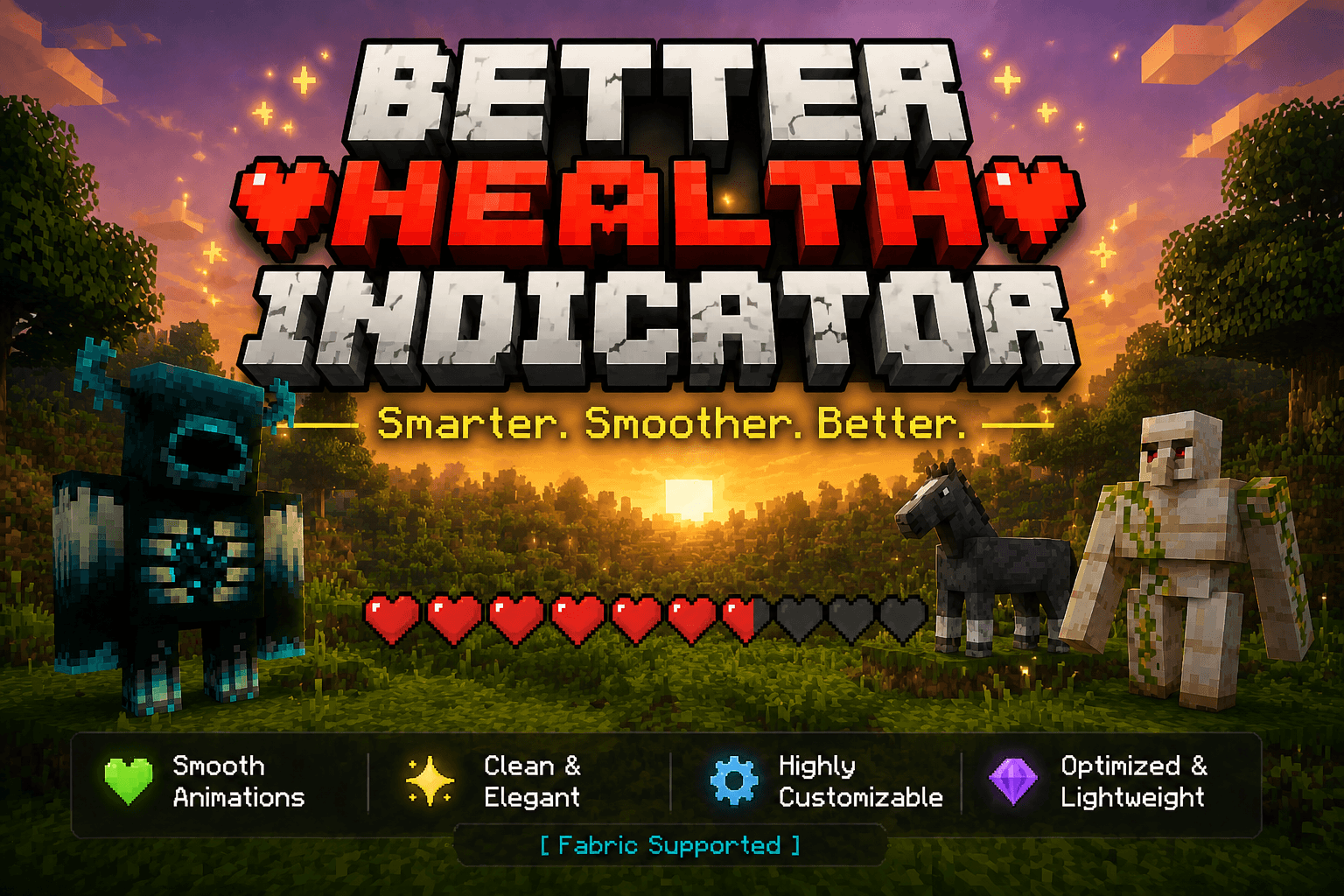 Say goodbye to boring health bars! Better Health Indicator is a client-side Fabric mod that replaces plain mob health display with a beautiful, dynamic, and smoothly animated indicator — both above entities and in a rich on-screen panel.
Client-side only. It does not need to be installed on the server, and works on most servers for normal mobs and players.
✨ Features
Over-head health bars
- Vanilla-style heart icons rendered as crisp billboards above entities.
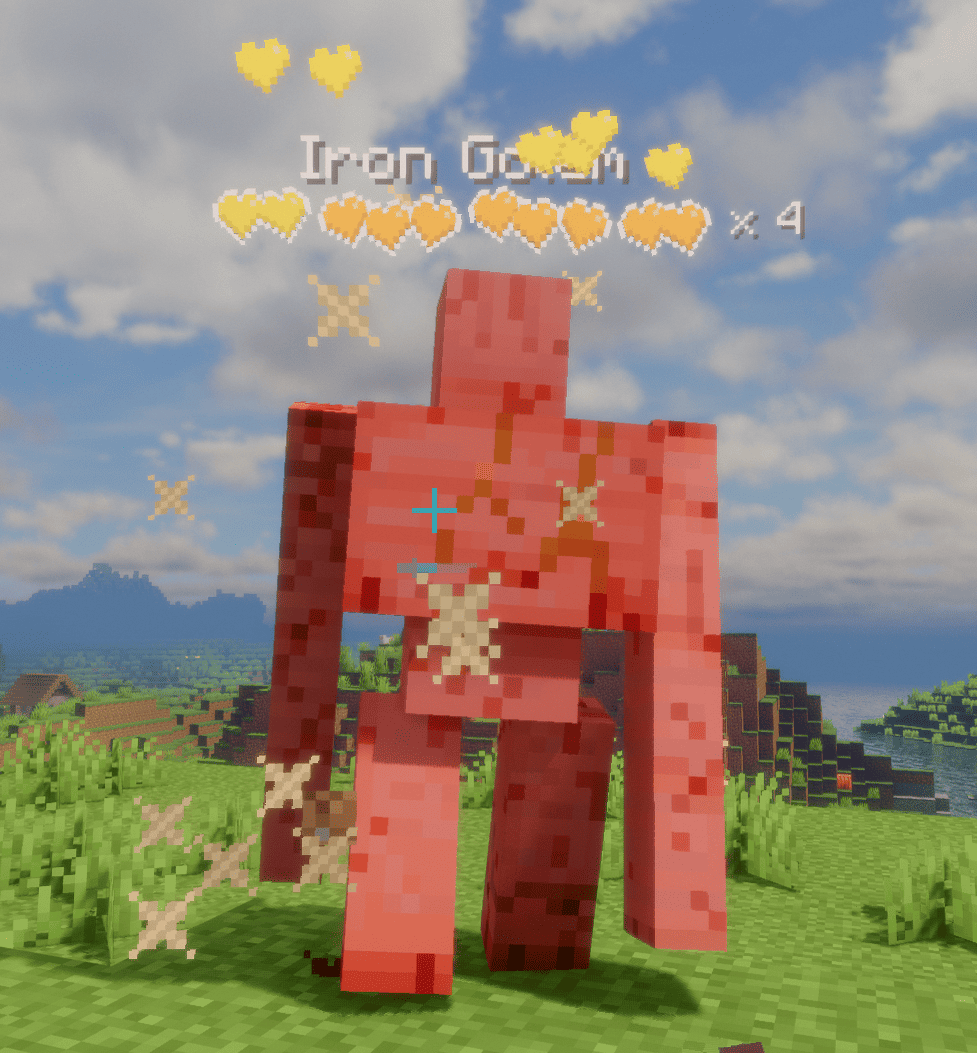
- Tiered multi-row hearts for high-HP mobs: the bottom row stays vanilla red (or hardcore hearts for powerful mobs on their last bar), while upper rows are runtime-tinted from a grayscale template with fully configurable per-tier colors.
- Dynamic "× N" multiplier for mobs with many health bars, color-coded by amount; updates live as health changes.
- Damage feedback: dropping heart particles on hit (intensity scales with damage), heart scatter + tilt, and a white "blink" highlight — all toggleable.
- Low-health tremor: hearts shake when health drops below a configurable threshold, each heart staggered like vanilla.
- Death shatter: hearts chain-burst when an entity dies.
- Name & detail: optional name display with custom scale/bold; health value or multiplier can sit beside the bar or after the name. Optionally hides the vanilla name tag to avoid overlap.
On-screen target panel
- A configurable corner panel for the entity you're looking at / recently attacked.
- Shows a live 3D model in a square or round frame, name, health (bar or hearts), and potion-effect icons.
- Light / dark themes, adjustable transparency, and auto-resizing width.
Display & control
- Display modes: On Screen or Looking At, with attack-tracking (keep showing a mob you just hit).
- Distance limit, show-self, show-full-health, and occlude-behind-walls options.
- Hide vanilla damage heart particles to avoid visual clutter.
⚙️ Configuration
Fully configurable in-game via Mod Menu + Cloth Config (both optional). Without them, settings still load from config/better_health_indicator.json.