
Compatibility
Minecraft: Java Edition
Platforms
Supported environments


Links
Creators
Details
Simple mod that lets you easily change menu button layouts.
HOW TO OPEN THE CONFIG
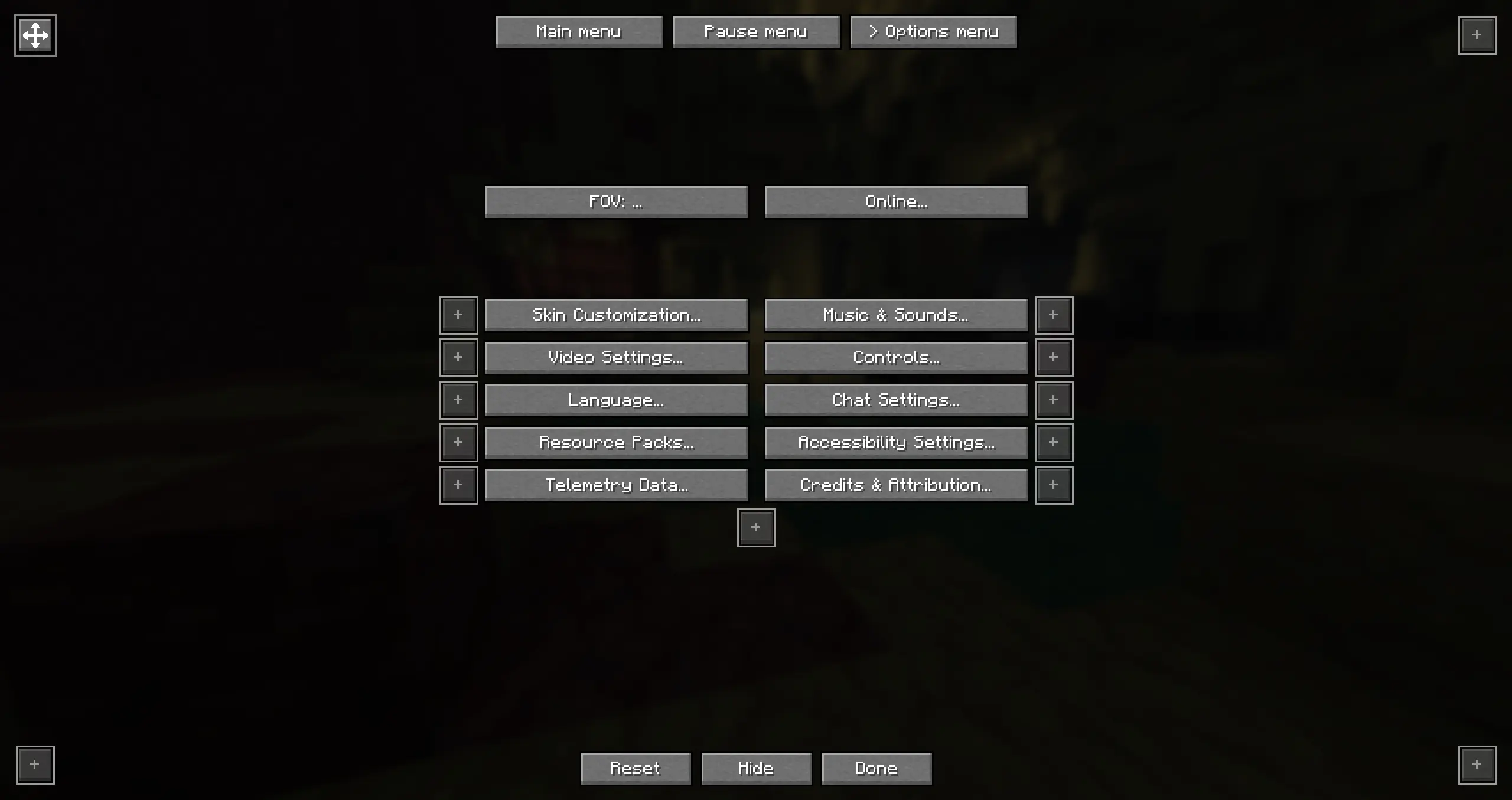
You can start out by going to your options and clicking on the button in the top left. This will open the config screen. You can also add that button to the main or pause menu as a shortcut. It's also possible to fully hide that shortcut button. If you decided to hide it but you still want to be able to access the config you can either do that through mod menu or by using the command /bettermenubuttons or /bmb
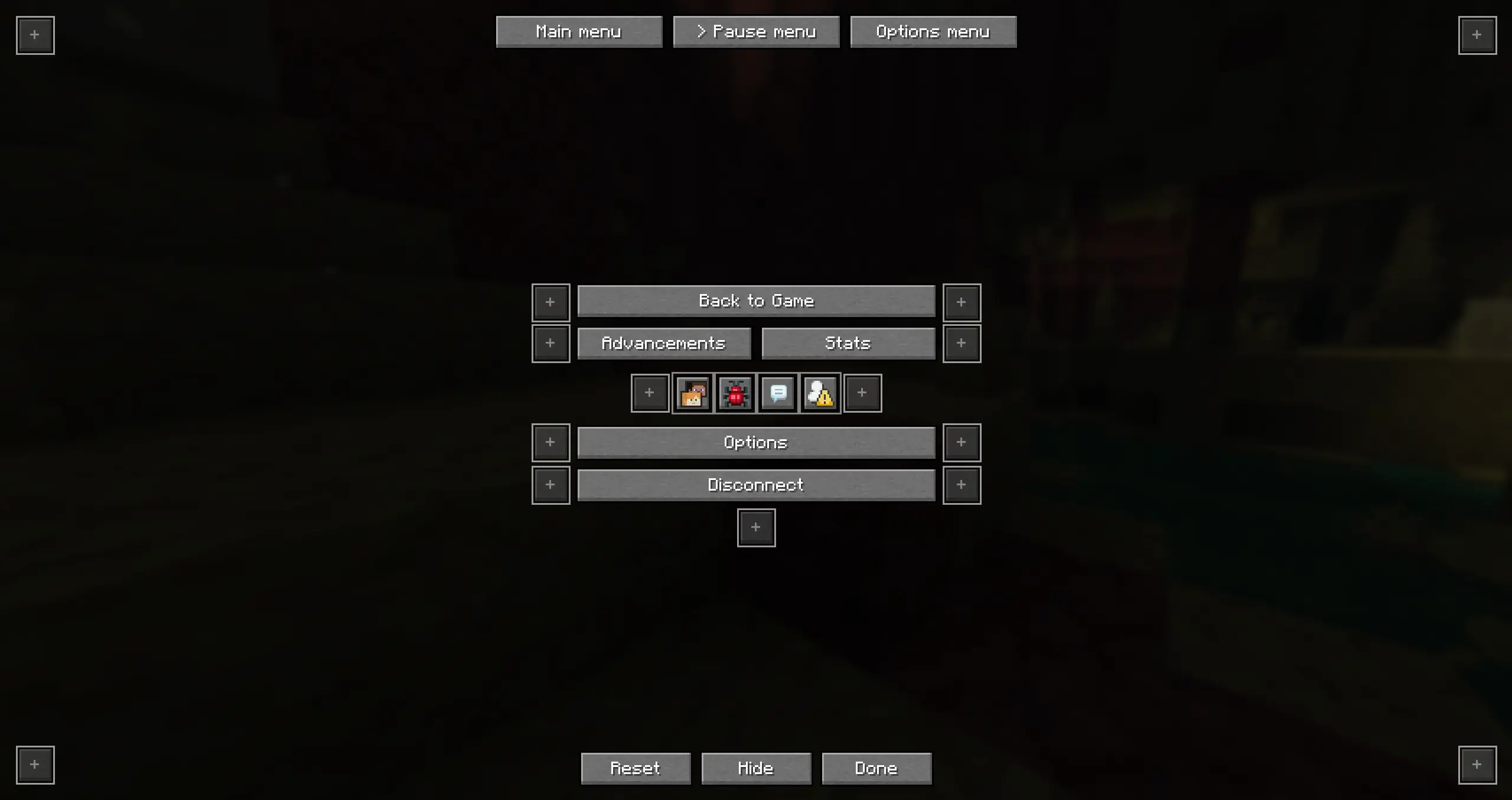
In the config screen you will be able to select which menu to edit (Main menu, Pause menu or Options menu)
Main menu
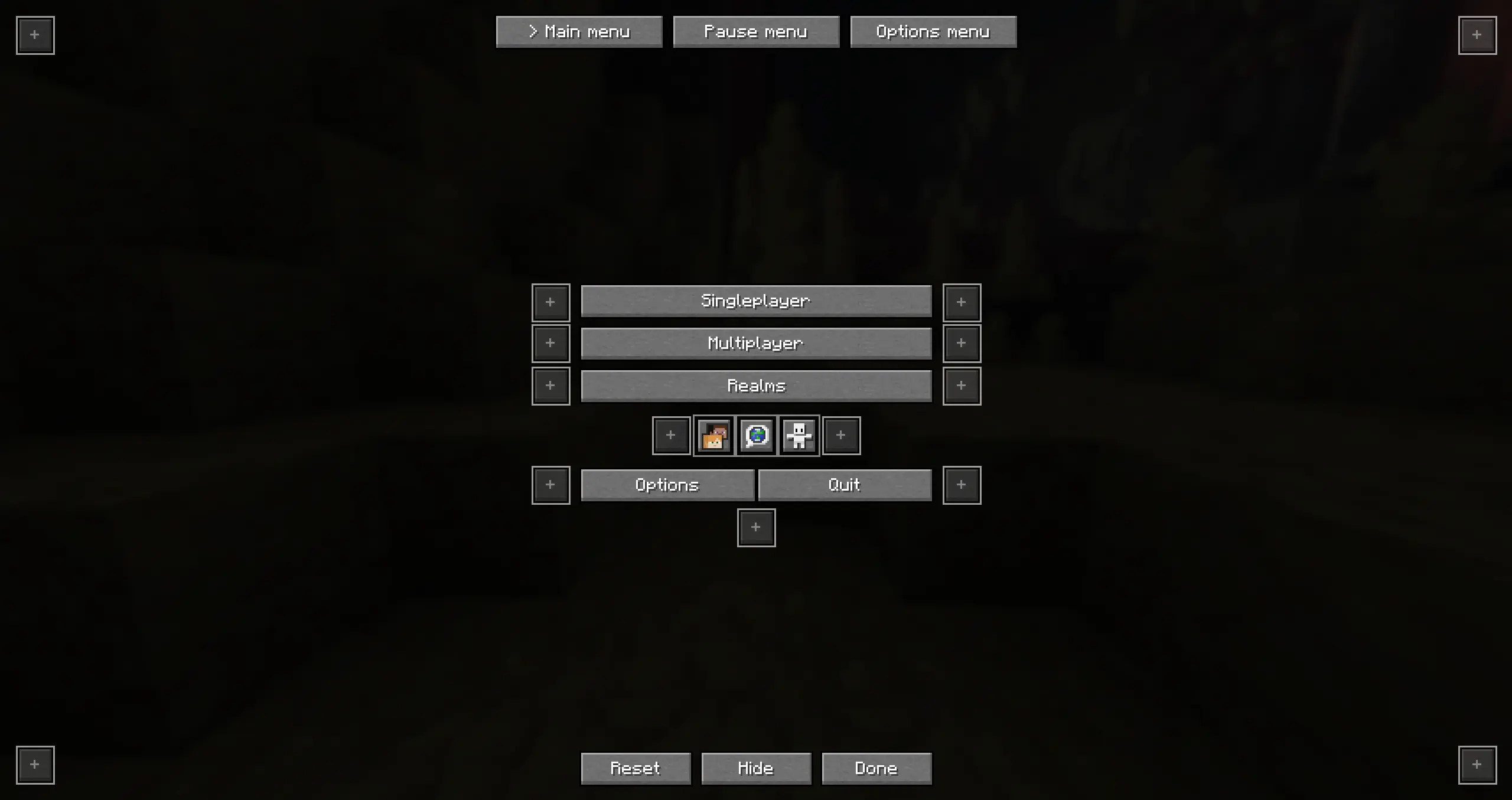
You can click any of the available positions, there you can select which button to move to this slot
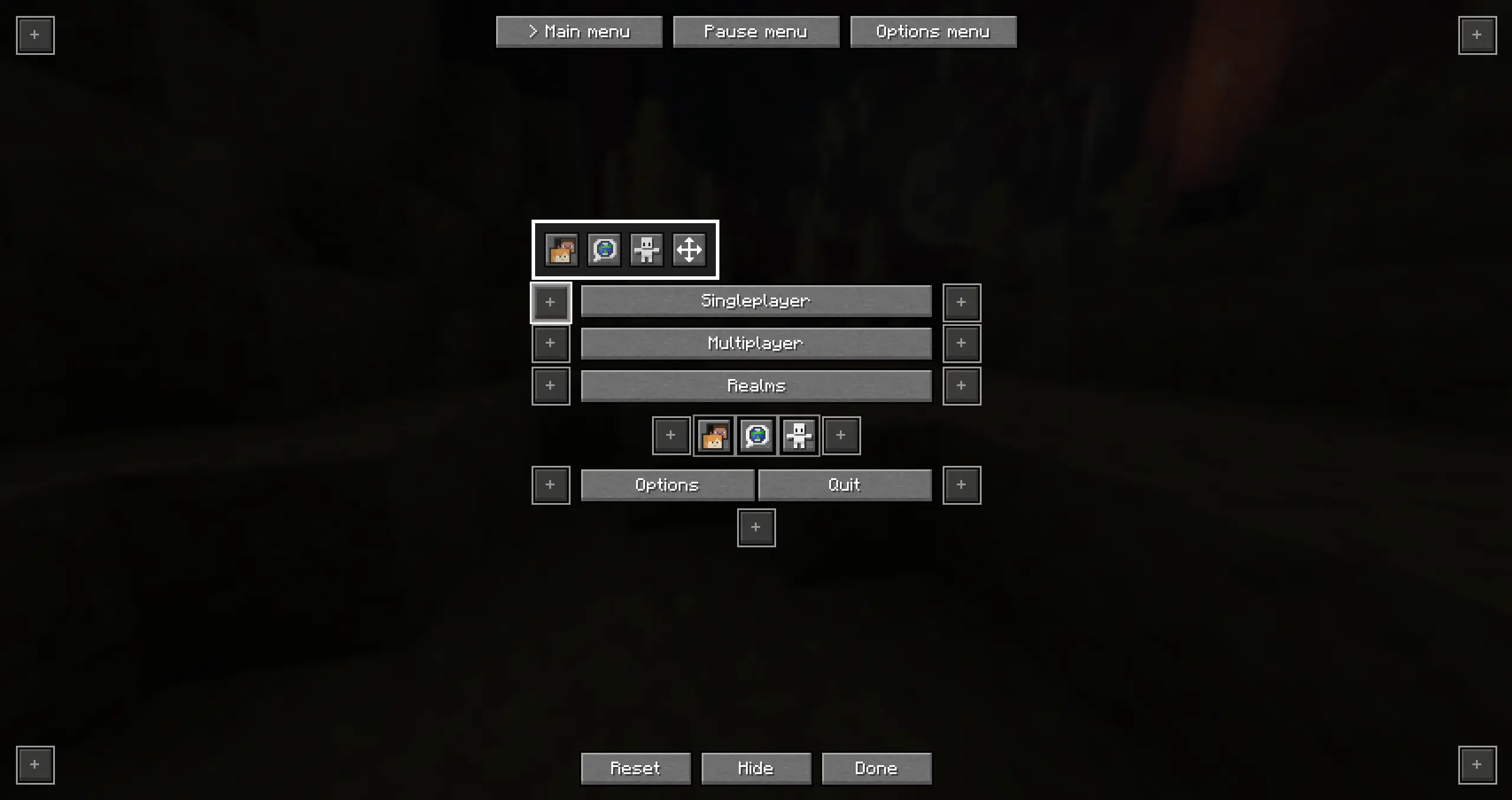
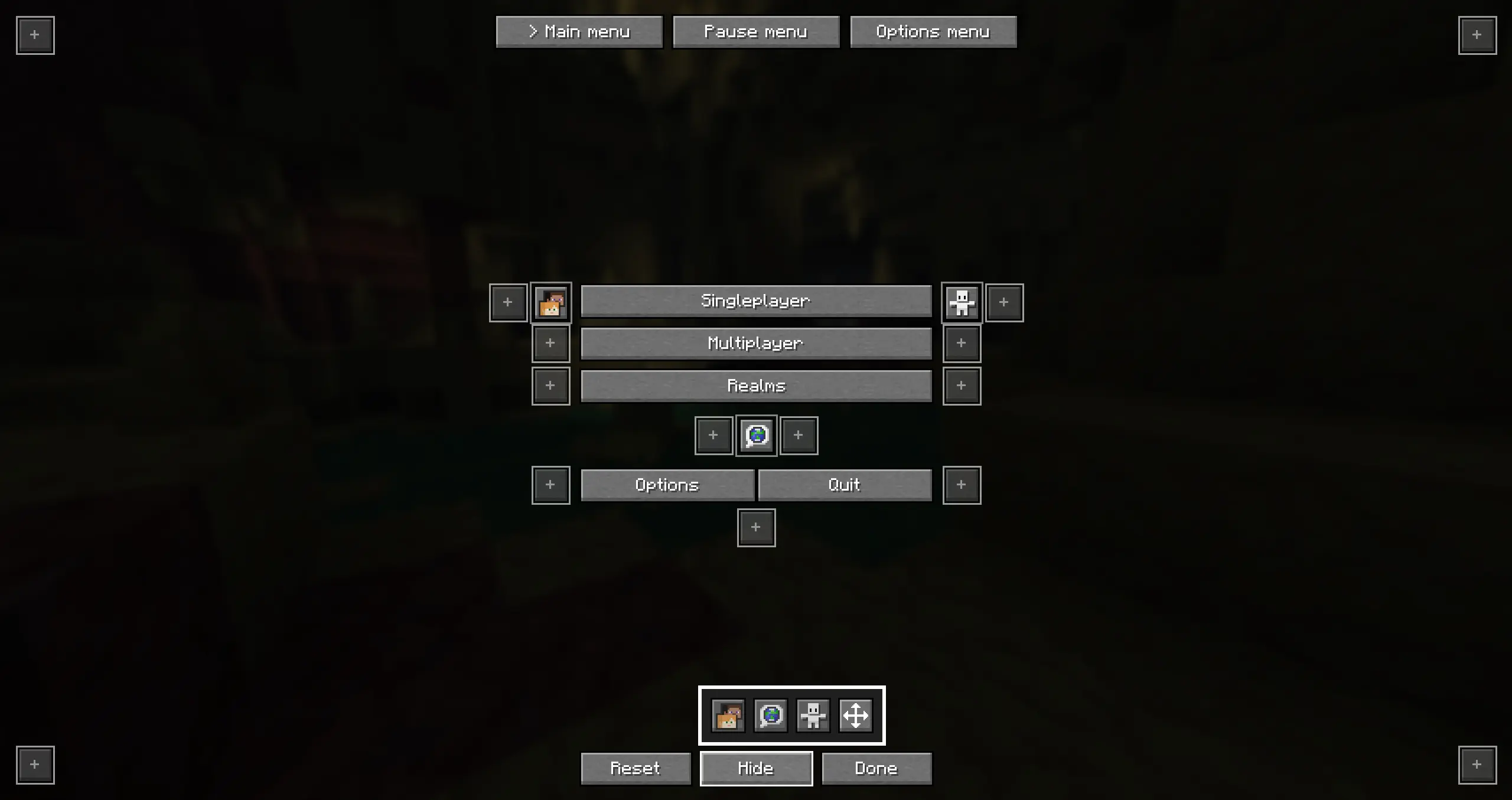
You can also click on "Hide" to hide any of the buttons
Pause menu
Options menu
Custom buttons
Custom buttons let you quickly join a server or a single player world!
How to add a custom button:
- Add the server to your server list
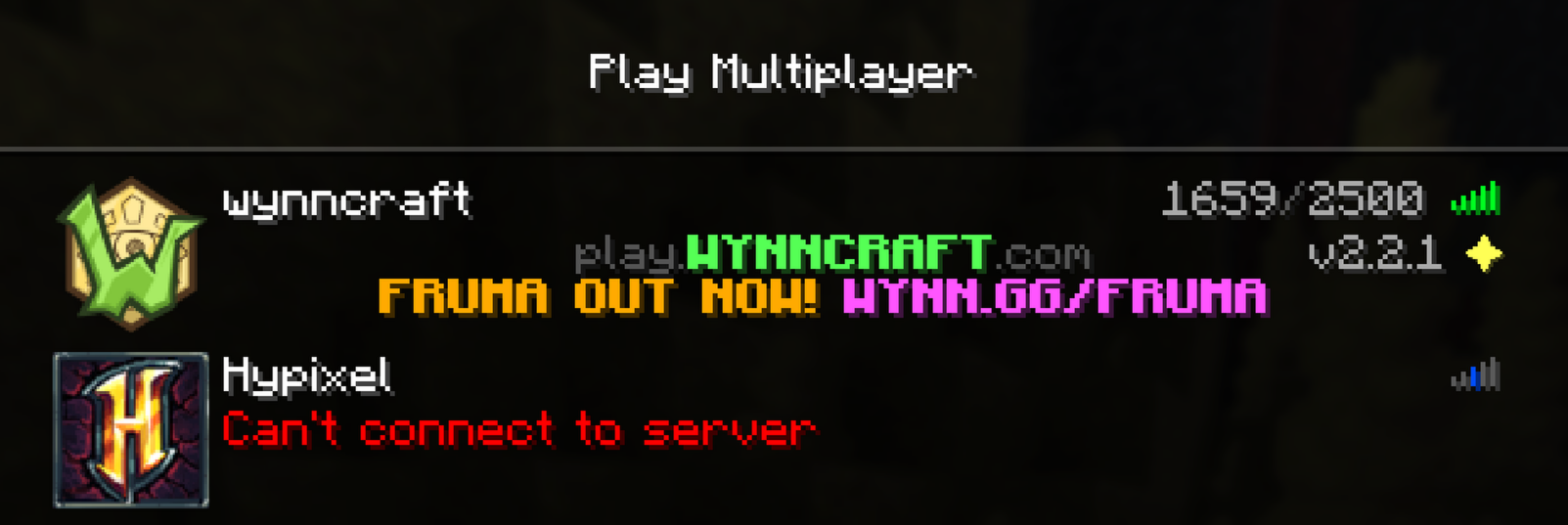
- Open the Better-menu-buttons config
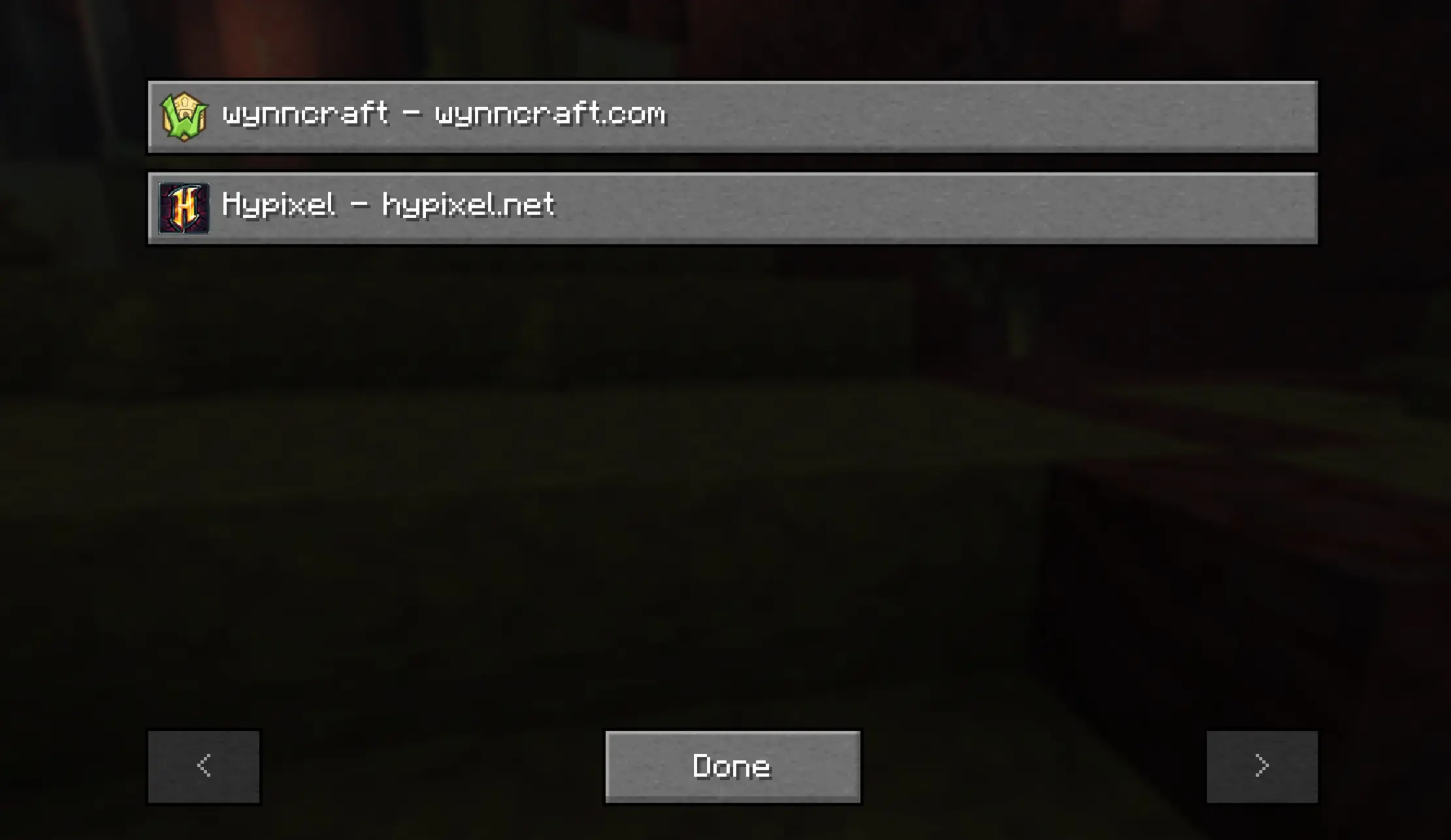
- Click on "Add Server" or "Add World"
- Select the server or single player world you want
- Move the button wherever you want
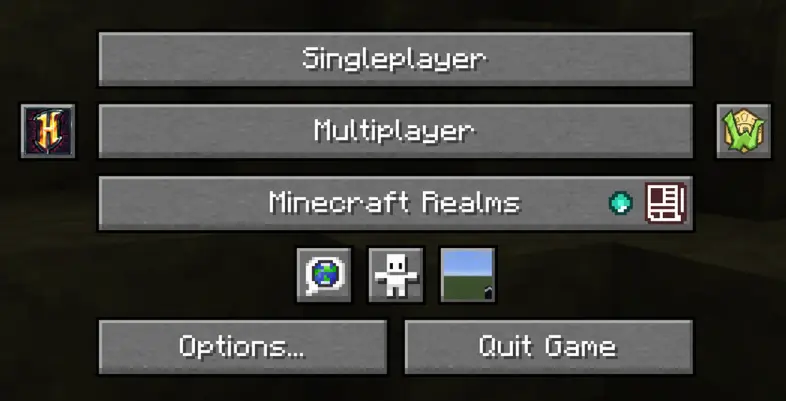
Mod menu support
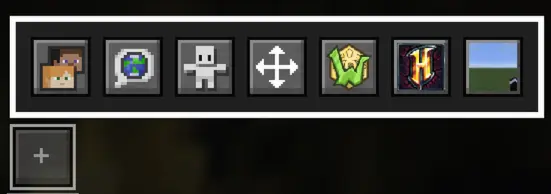
If you are using mod menu the menu will automatically adapt. If youre using the icon setting in mod menu you can also move that!