
Compatibility
Minecraft: Java Edition


Links
Tags
Creators
Details

Description
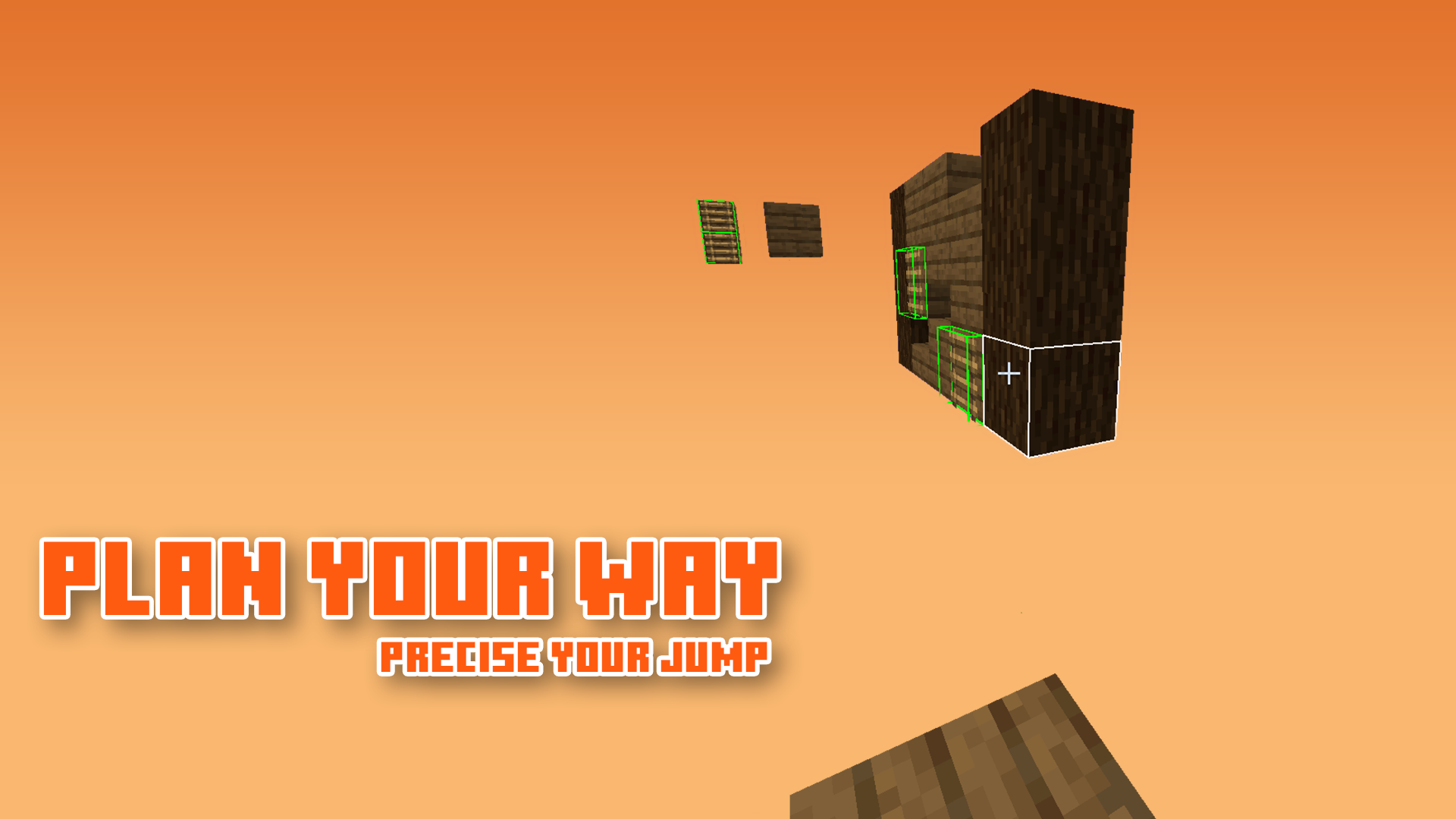
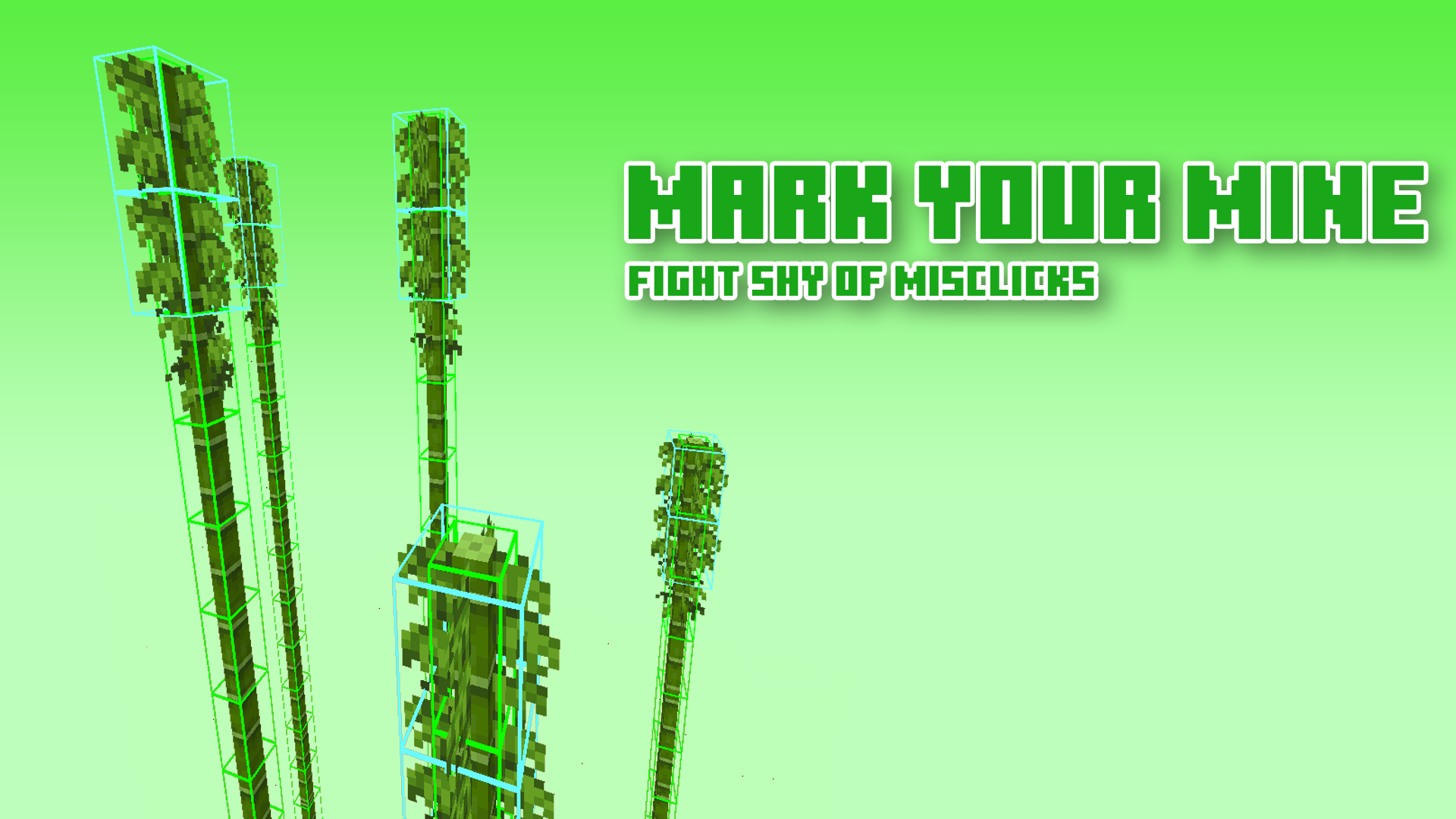
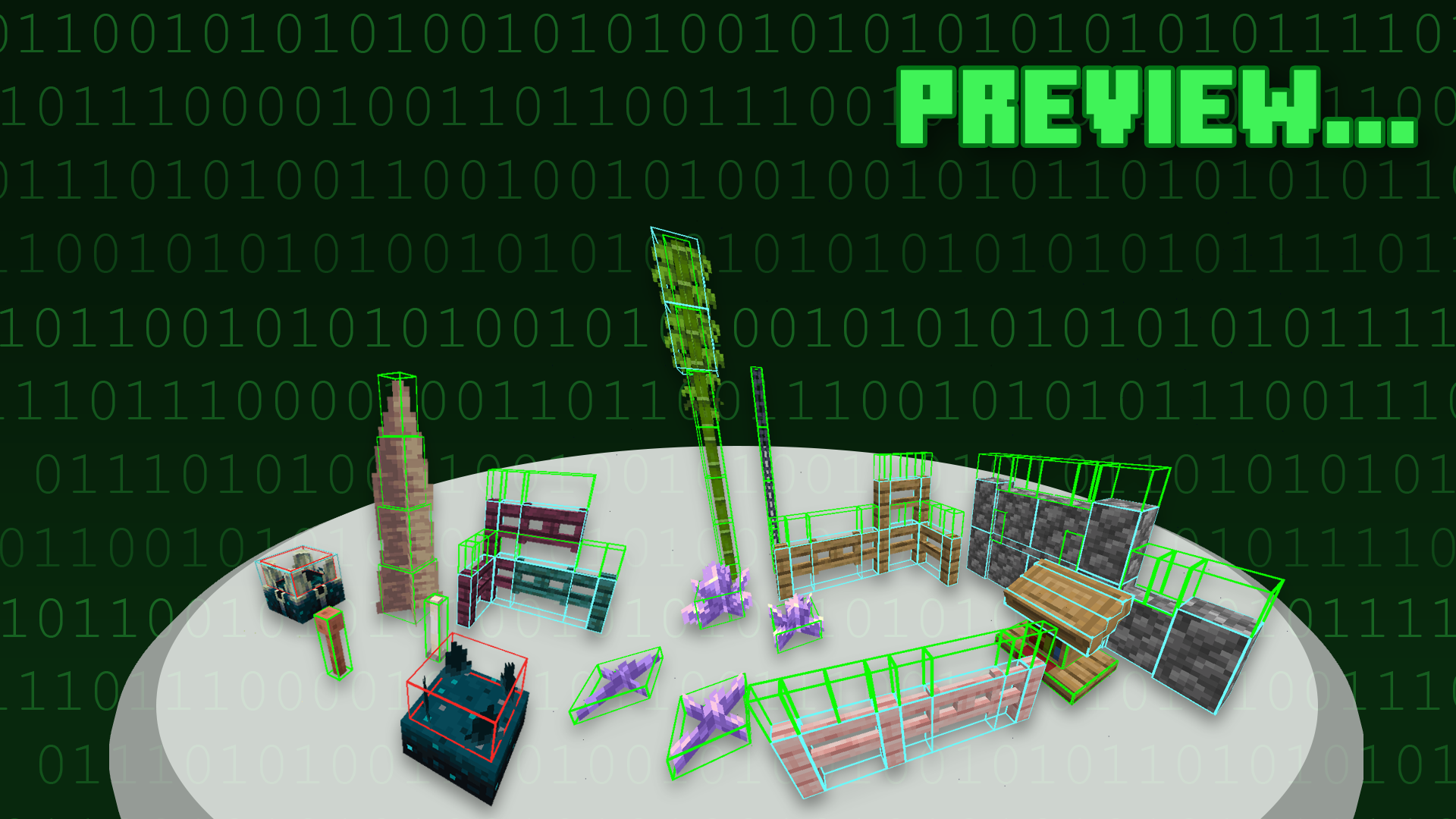
Block Hitboxes Indicator reveals the actual hitbox of the block so that you can do things without a jam; it shows the part where you can interact with them (through mining or placing next to them) and the part where their collision is present.
For images, see Gallery
Information & Recommendation
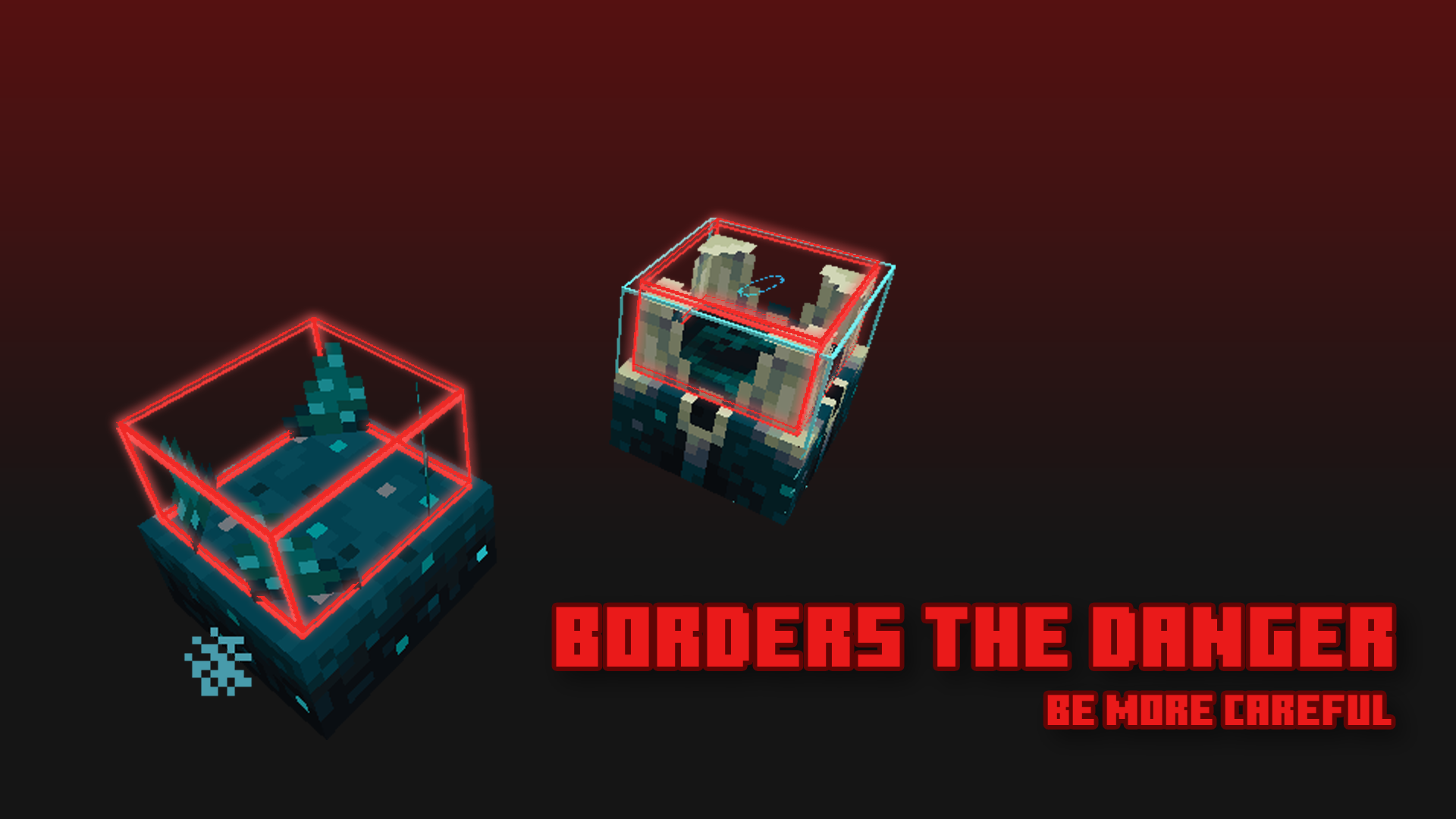
Here is what the hitbox color indicates:
| Color | Shows Collision | Shows Interaction | Shows Activation * |
|---|---|---|---|
| Green | True | True | False * |
| Cyan | True | False | False * |
| Red | False | False | True * |
--|| * As of 1.20, the red hitbox no longer works like it was, as of the new hitbox update. ||--
Recommend using this with Sodium, as it fixes the weird-looking lighting.
But if you can't, you can turn off the "Smooth Lighting" option in-game.

Terms of Use

Additional Note
- OptiFine is optional — more like a good-to-have.1
- Sodium is recommended
Footnote(s)
- Possibly be a frequently-asked question.
Crediting
Thank you everyone for suggesting blocks!