Compatibility
Minecraft: Java Edition
Platforms
Supported environments


Tags
Creators
Details
Licensed ARR
Published 4 months ago
Updated last month
CC: HUD Glasses
 3d cube
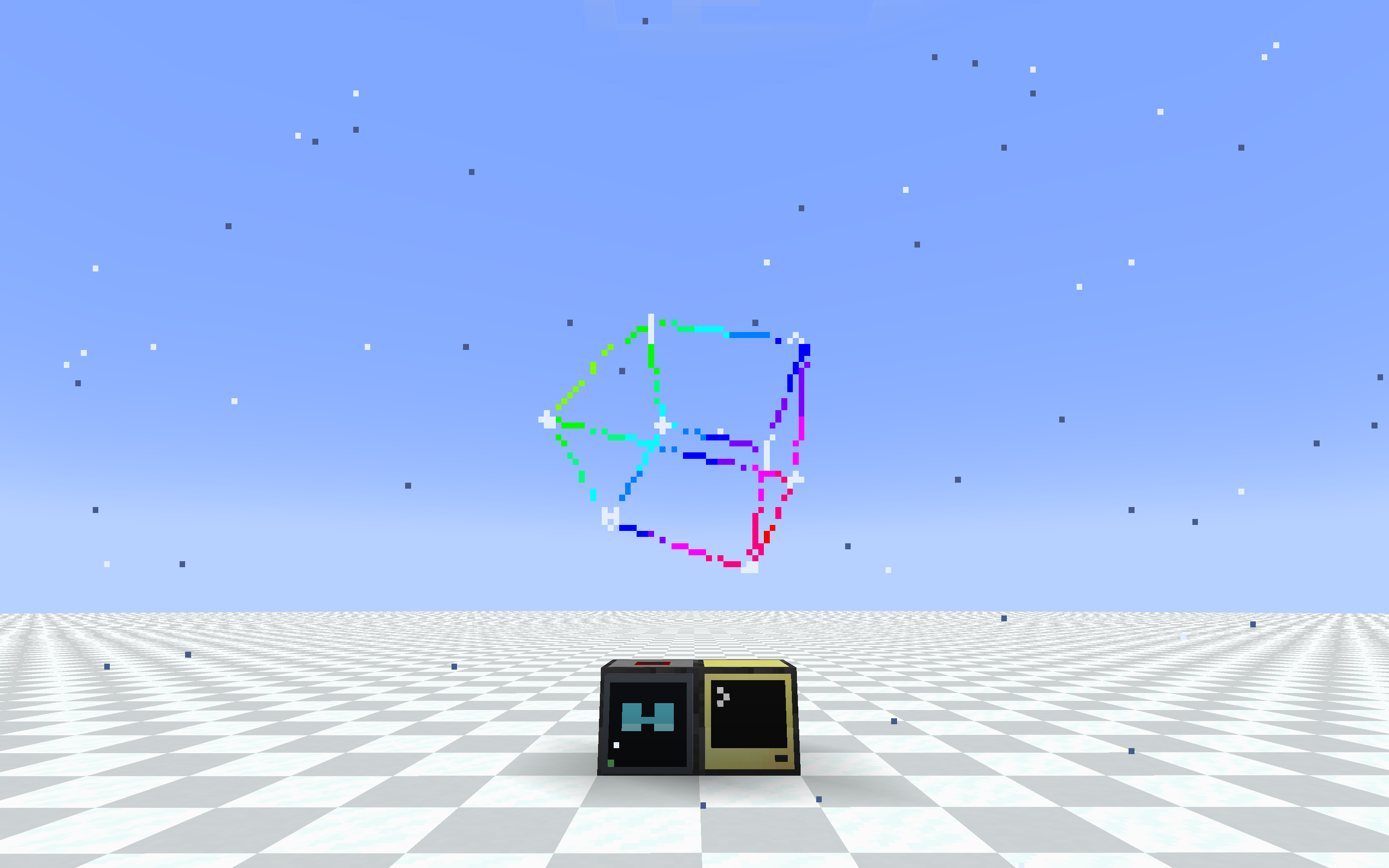
Wear a ComputerCraft monitor on your face. A pair of glasses and a special modem
let any computer draw a heads-up display straight onto a player's screen, using
the same monitor/term API you already know.
 helicopter hud with shadow
What it does
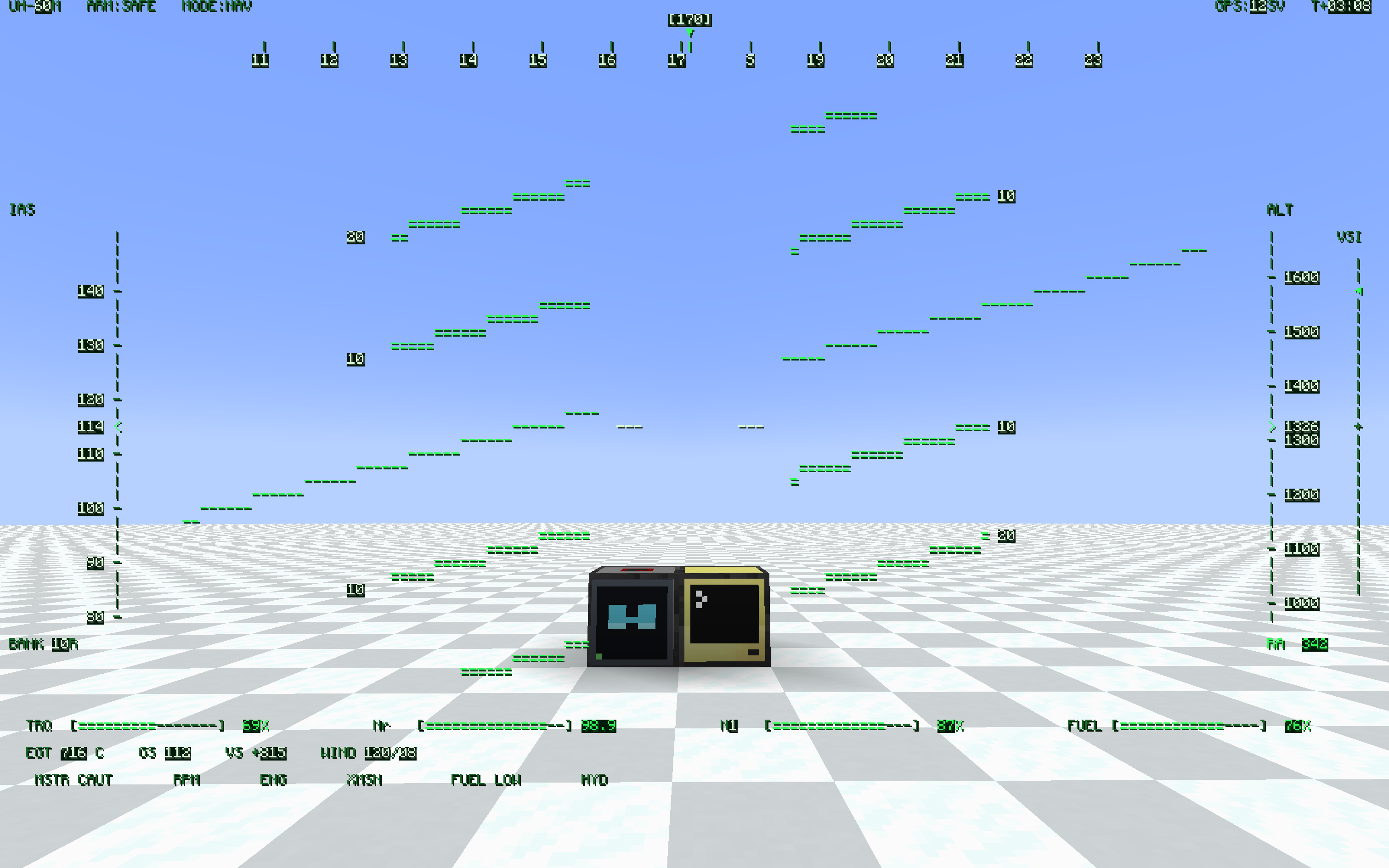
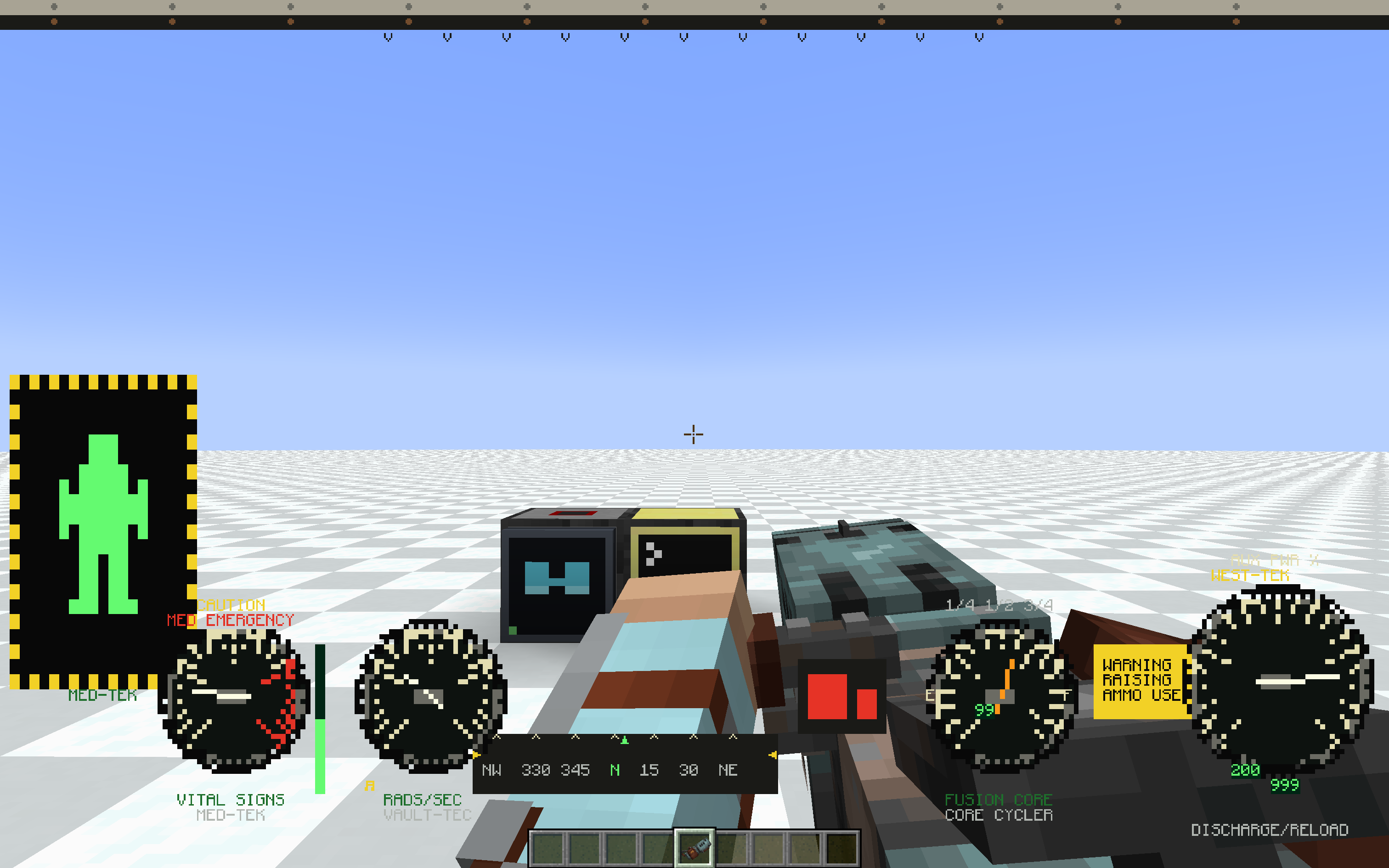
- HUD Glasses — worn in the helmet slot (or a Curios slot). Whatever the bound modem outputs is drawn as a full-screen overlay.
- HUD Modem — a ComputerCraft peripheral (
type = "hud_glasses"). Wire it to a computer like any other peripheral and write to it like a monitor. - Binding lives on the glasses. Right-click a modem with the glasses in hand and they're bound to it. Hand the glasses to a friend and the HUD goes with them. Any number of players can watch the same modem.
local hud = peripheral.find("hud_glasses")
hud.setBackgroundColour(0)        -- transparent background
hud.setTextColour(colors.lime)
hud.setCursorPos(1, 1)
hud.write("Hello, HUD!")
If you've ever written a monitor program, you already know this peripheral.
Features
- Monitor-compatible API: write, blit, clear, scroll, setCursorPos, setTextColour, setBackgroundColour, setPaletteColour, getSize, and more. Most monitor scripts run unchanged.
- Transparent background — setBackgroundColour(0) (or
-in blit) lets the world show through, so the HUD overlays the game instead of covering it. - Pixel-perfect CC font — reuses CC: Tweaked's own glyph sheet, so all 256 characters (box-drawing, sub-pixel blocks, arrows) look exactly like a real terminal.
- Runtime resolution — setSize(w, h) from Lua, or set defaults in the config. Fewer cells means bigger text. Choose how the grid maps to the screen: FIT (keep aspect, letterbox), STRETCH (fill the screen), or COVER (fill + crop).
- Shared screens — bind several glasses to one modem and everyone sees the same display. Good for team status boards, base alarms, and shared coordinates.
- Place anywhere — the modem mounts on any block face (floor, wall, ceiling), screen facing out.
- Portable HUD — craft a pocket computer together with a HUD Modem to give it the HUD upgrade, and carry the display with you. Same hud_glasses peripheral; bind your worn glasses to it with sneak + right-click (a plain right-click still opens the terminal).
- HUD + ender modem in one slot — a pocket computer only has one upgrade slot, so craft a HUD Ender Modem (HUD Modem + Ender Modem) and fit it to the pocket: one peripheral that is both screen and radio. rednet works on it, peripheral.find("hud_glasses") finds it, and the modem half is interdimensional. Servers can turn the recipe off in config.
- In-game config — edit settings from the Mods list "Config" button, or bind a key to jump straight to the client settings.
- Toggle key — press H to hide or show the HUD; the setting persists.
- Optimized rendering — batched draws and a server-side payload cache keep the overhead low even for large, frequently-updated displays.
Requirements
- NeoForge 1.21.1
- CC: Tweaked 1.119.0 or newer (required)
Optional integrations
- Curios — adds a dedicated Glasses accessory slot so the glasses don't occupy your helmet. Works with the vanilla helmet slot too; the glasses render on the head either way.
- Create: Aeronautics / Sable — the binding uses a stable modem ID and a Sable-aware distance check, so the HUD keeps working when the modem rides inside a flying sub-level. Sable Companion is bundled, so there's nothing extra to install.
 power armor hud with weapon
Configuration
Server (hudglassescc-common.toml, applied live):
- hudWidth (default 80) — default grid width in characters
- hudHeight (default 28) — default grid height in characters
- maxRangeBlocks (default -1) — max modem-to-player distance in blocks, -1 means unlimited
- allowPocketHudEnderCraft (default true) — whether the HUD Ender Modem can be crafted. false removes the recipe entirely; pockets that already have the upgrade keep working
Client (hudglassescc-client.toml, per-player):
- hudEnabled (default true) — render the HUD, toggle with the H key
- hudFit (default FIT) — how the HUD scales to the screen: FIT (keep aspect, letterbox), STRETCH (fill, may distort), COVER (fill, crops overflow)
- textShadow (default NONE) — text shadow style: NONE / SHADOW / OUTLINE (experimental)
- textShadowLayer (default OVER_BACKGROUND) — whether the shadow/outline is drawn over or under the cell backgrounds (experimental)
- fastGlyphRendering (default true) — draw HUD text from cached glyphs, much faster at large HUD sizes. Turn off only if another mod's text rendering conflicts with it
Status
Beta. Core features are in and stable, but expect rough edges and breaking changes while the mod settles. Bug reports and feedback are welcome.