Links
Tags
Creators
Details
Licensed GPL-3.0-or-later
Published 2 years ago
Updated 2 years ago
All versions
2.0.0
Chat Magic 2.0.02 years ago 74
Compatibility
Minecraft: Java Edition
Platform
Supported environments
Changes
-
Complex worldedit materials, including selector start with
#and recursive material expressions. Each selector's param list can expand to display simply by moving the mouse on to it.- For example:
//set 15%stone[foo=1,bar=2],20%dirt[foo=[1,2,3],bar={4}],30%#perlin[5][3][#perlin[3][5][10%stone,10%diorite],oak_planks,andesite[foo=bar,11111=22222],redstone,red_terracotta],10%#simplex[3][stone,dirt,grass_block][5][1.14514]will look like this: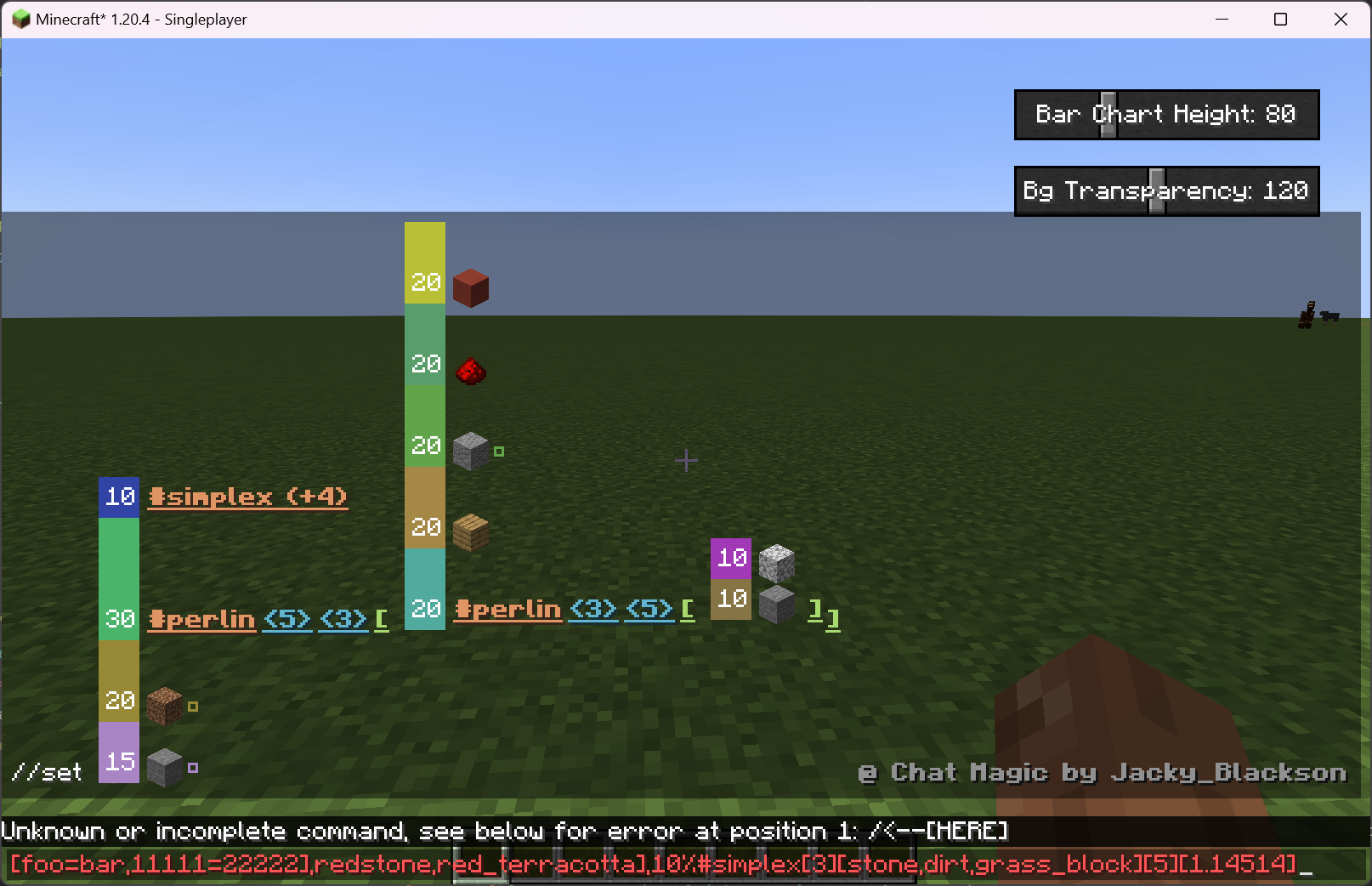
- For example:
-
Better display system with fixs on positionings and font and style.
-
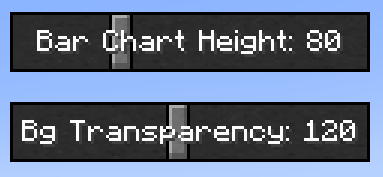
Making adjustments to charts' height and background transparency possible by adding 2 slide bars to the chat screen: