
Compatibility
Minecraft: Java Edition
Platforms
Supported environments


Tags
Creators
Details
Chatting


Chatting is a rework of the Minecraft chat, with a bunch of new things added on.
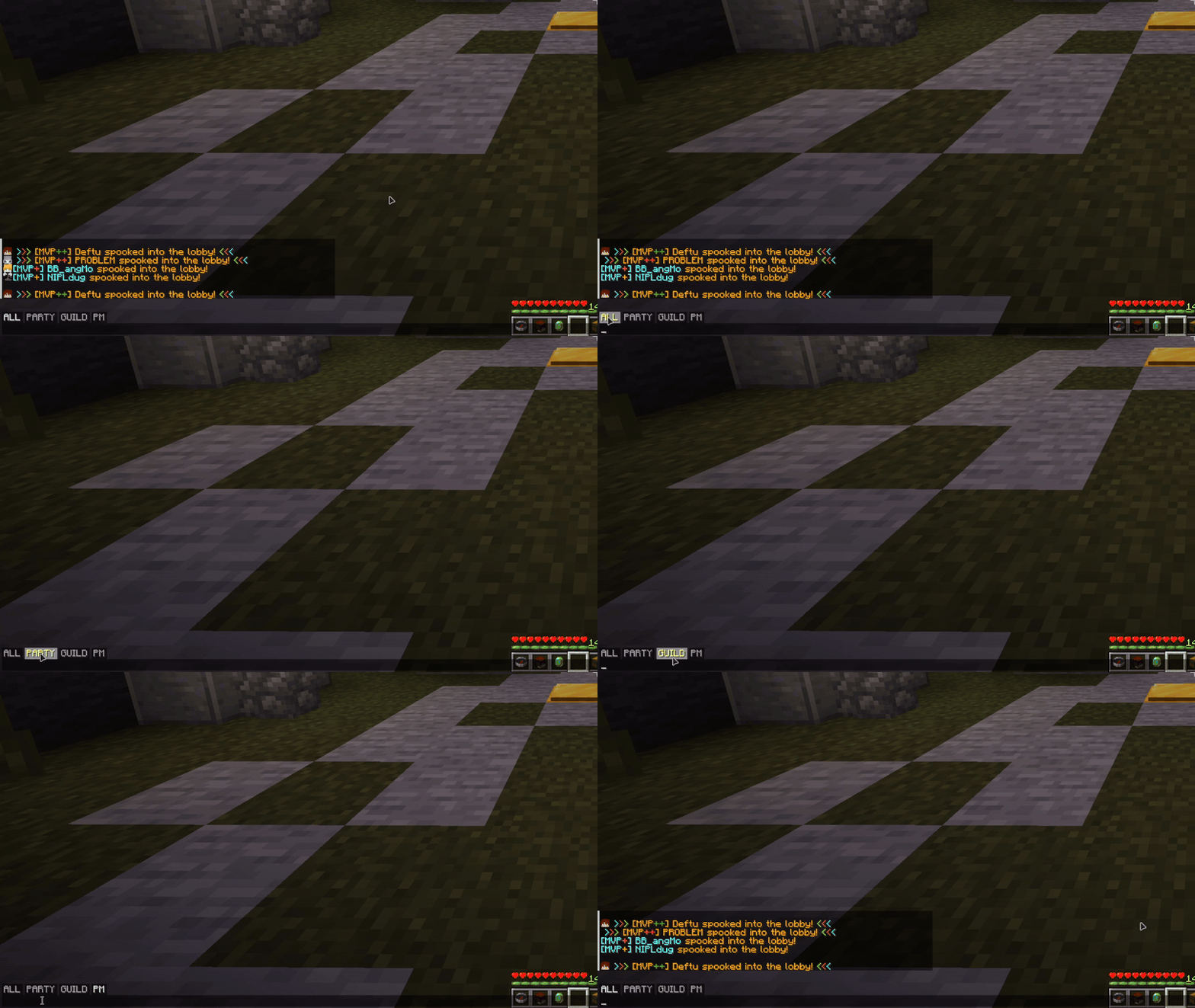
Chat tabs
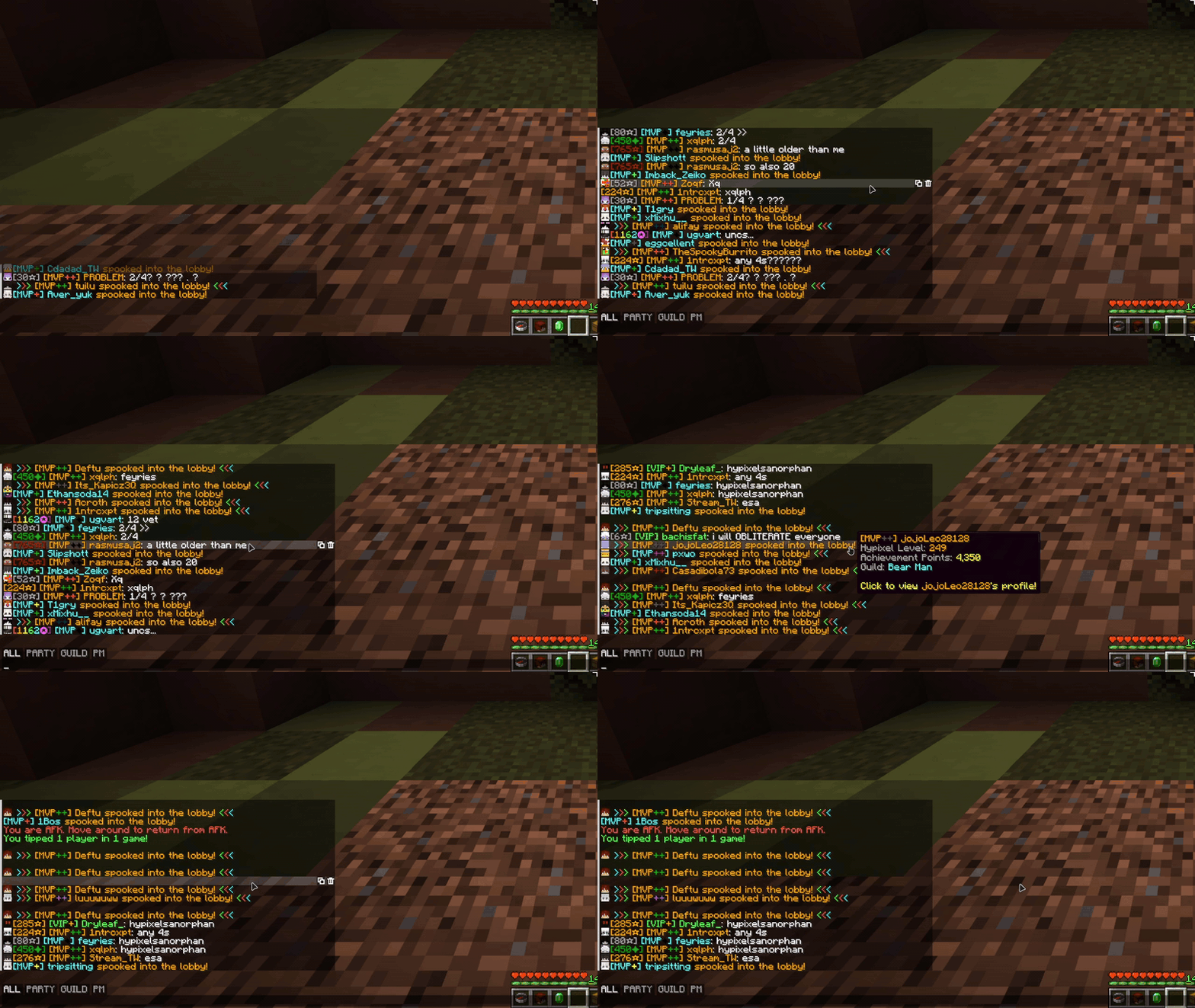
Filter your chat with tabs! The default ALL, PARTY, GUILD and PM tabs are made for Hypixel, and anything you type while a tab is selected goes to that channel (no more typing /pc).
- Shift-click to select more than one tab at once
- Make your own tabs with prefix, suffix, substring and regex rules (see the chat tabs guide)
- Tabs only show up on Hypixel unless you turn that restriction off
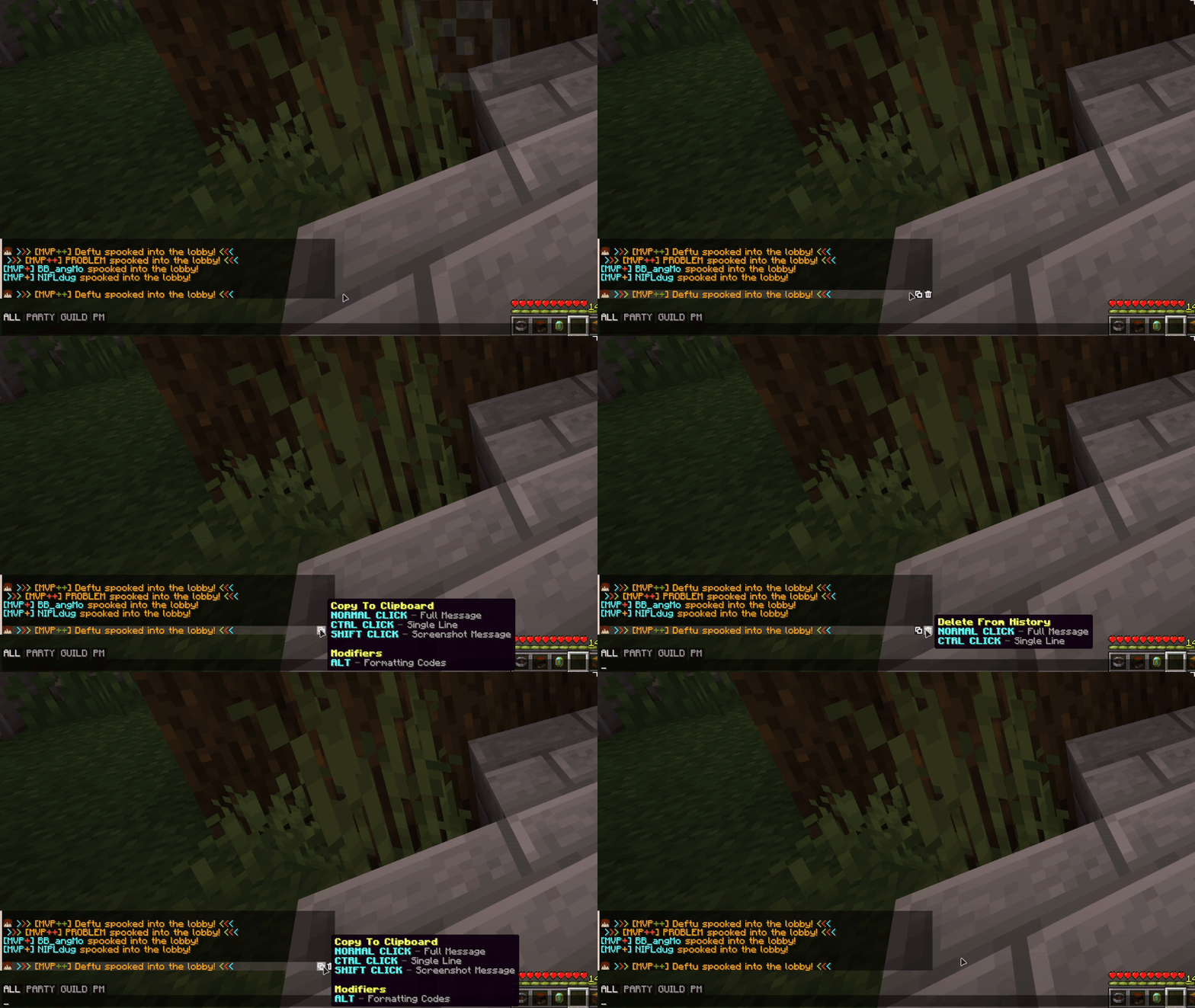
Message buttons
Hover over a message to copy it, delete it or save it as an image. The image can go to a file, your clipboard or both.
- Search your chat for any text
- Clear your whole chat history with one button
- Ctrl + right click to copy a message
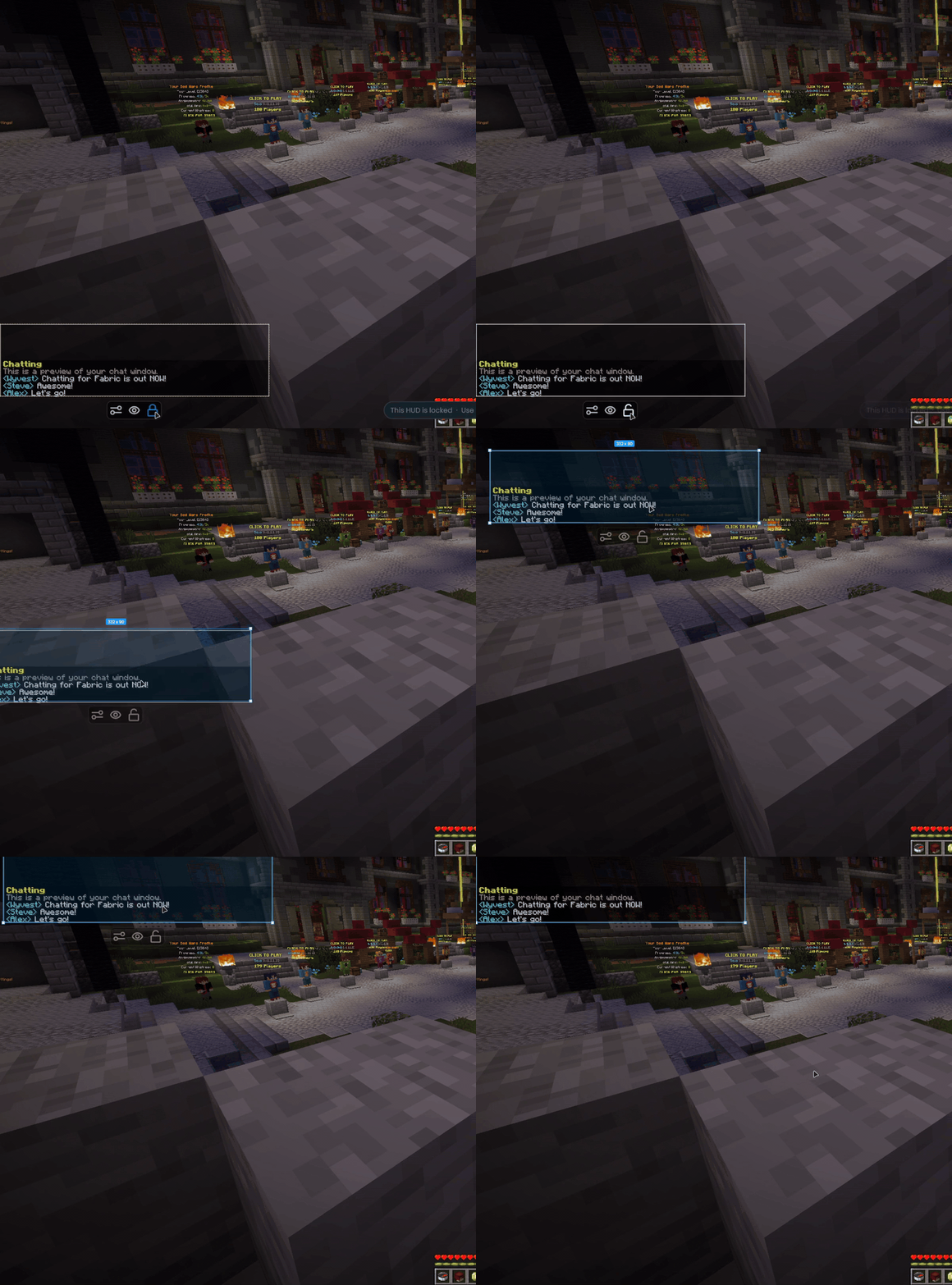
Chat window
- Move and scale the chat in the OneConfig HUD editor
- Set an exact width, plus separate heights for when the chat is open and closed
- Change the background color, round the corners or remove the text shadow
- Choose how long messages stay on screen before they fade
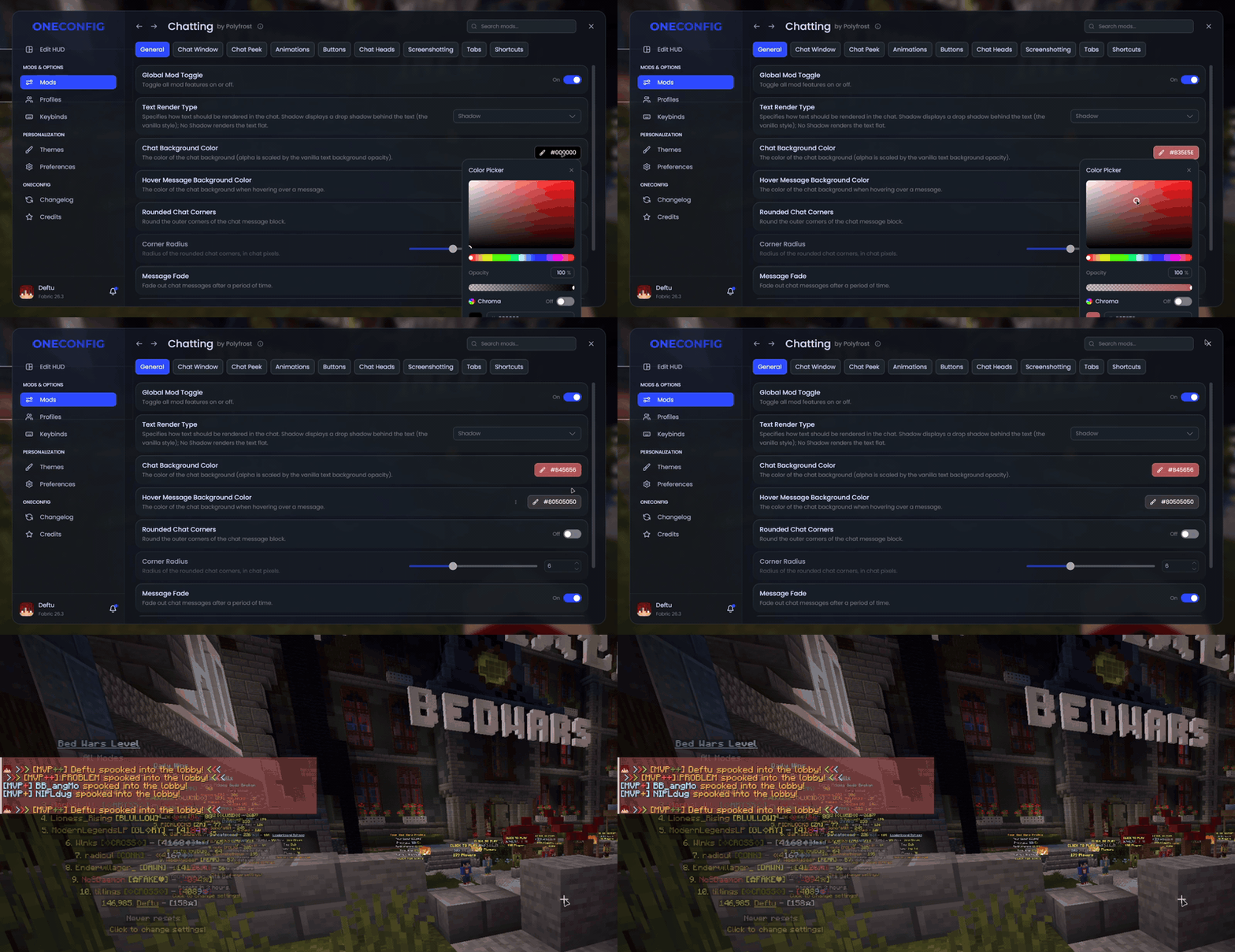
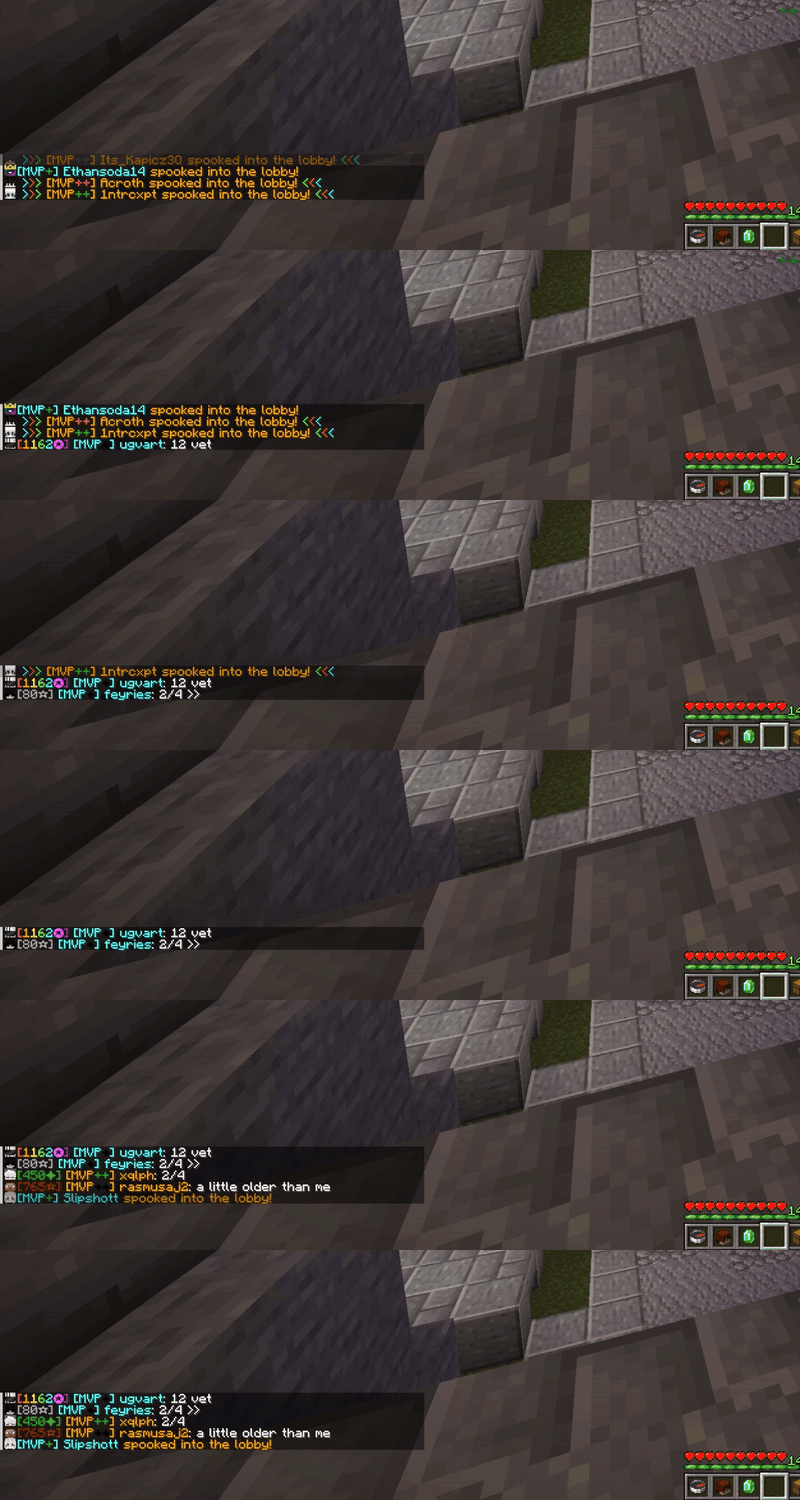
Extras
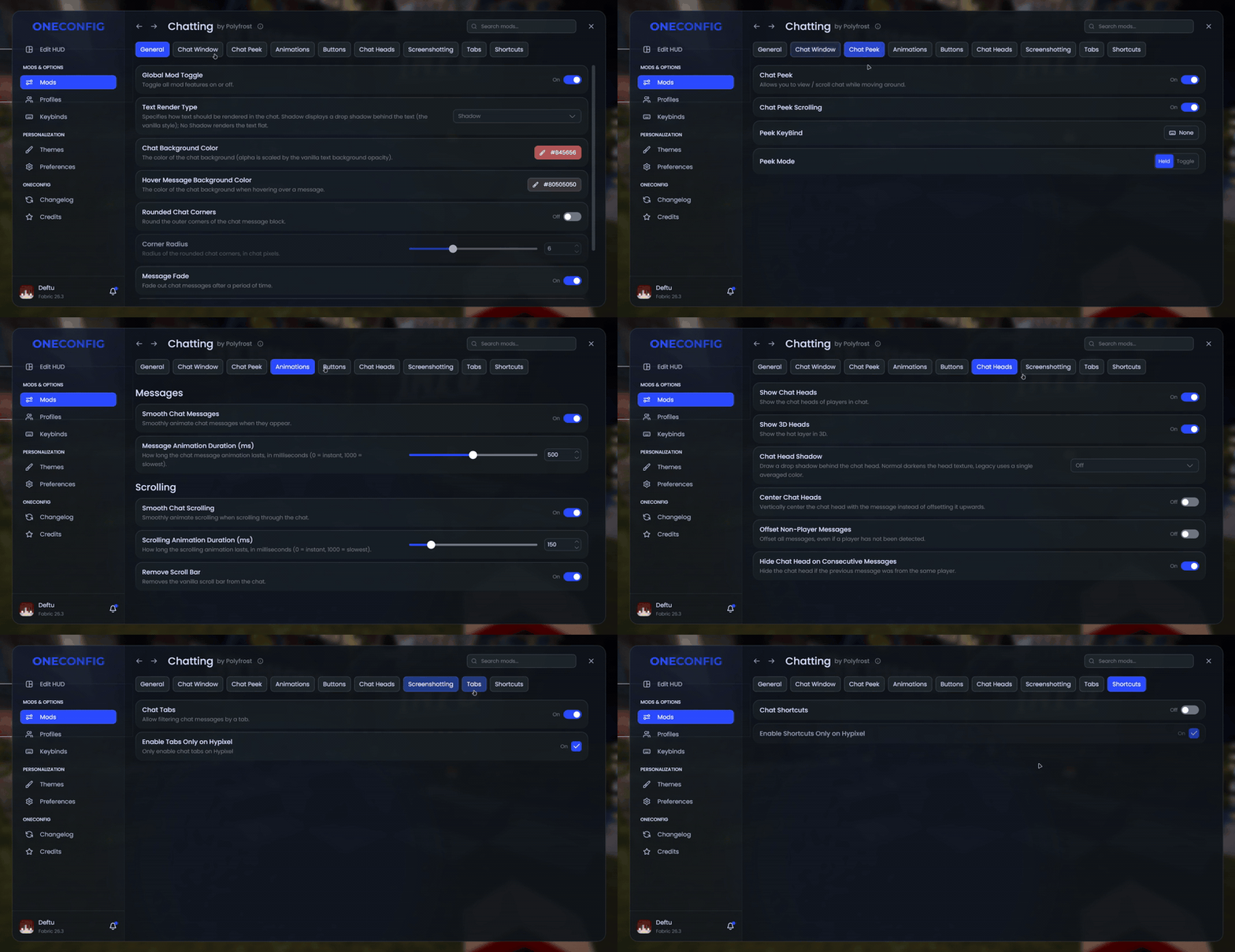
- Player heads with a 3D hat layer next to chat messages
- Peek at the chat and scroll it while you keep moving
- Animated new messages and smooth scrolling
- Chat shortcuts that turn a short alias into a full command (Hypixel only, unless you change that)
Compatibility
Chatting doesn't work together with Chat Patches. If you have the Chat Heads mod installed, it's turned off while Chatting's own chat heads are enabled.
Supported versions
- Minecraft 1.8.9 on Ornithe.
- Minecraft 1.21.1-26.3 on Fabric.
Chatting needs OneConfig and Fabric Language Kotlin.
Support
- Report bugs and ask questions on the Polyfrost Discord.
- Check Polyfrost Status if a Polyfrost service is down.