
Compatibility
Minecraft: Java Edition
Platforms
Supported environments


Tags
Creators
Details


The last colour picker mod you'll need. Simple to use and highly configurable.
Chroma Studio finds the blocks closest to a colour. Build palettes and gradients, then export them as schematics. It runs on your client only, on Fabric and NeoForge, and works on any server.
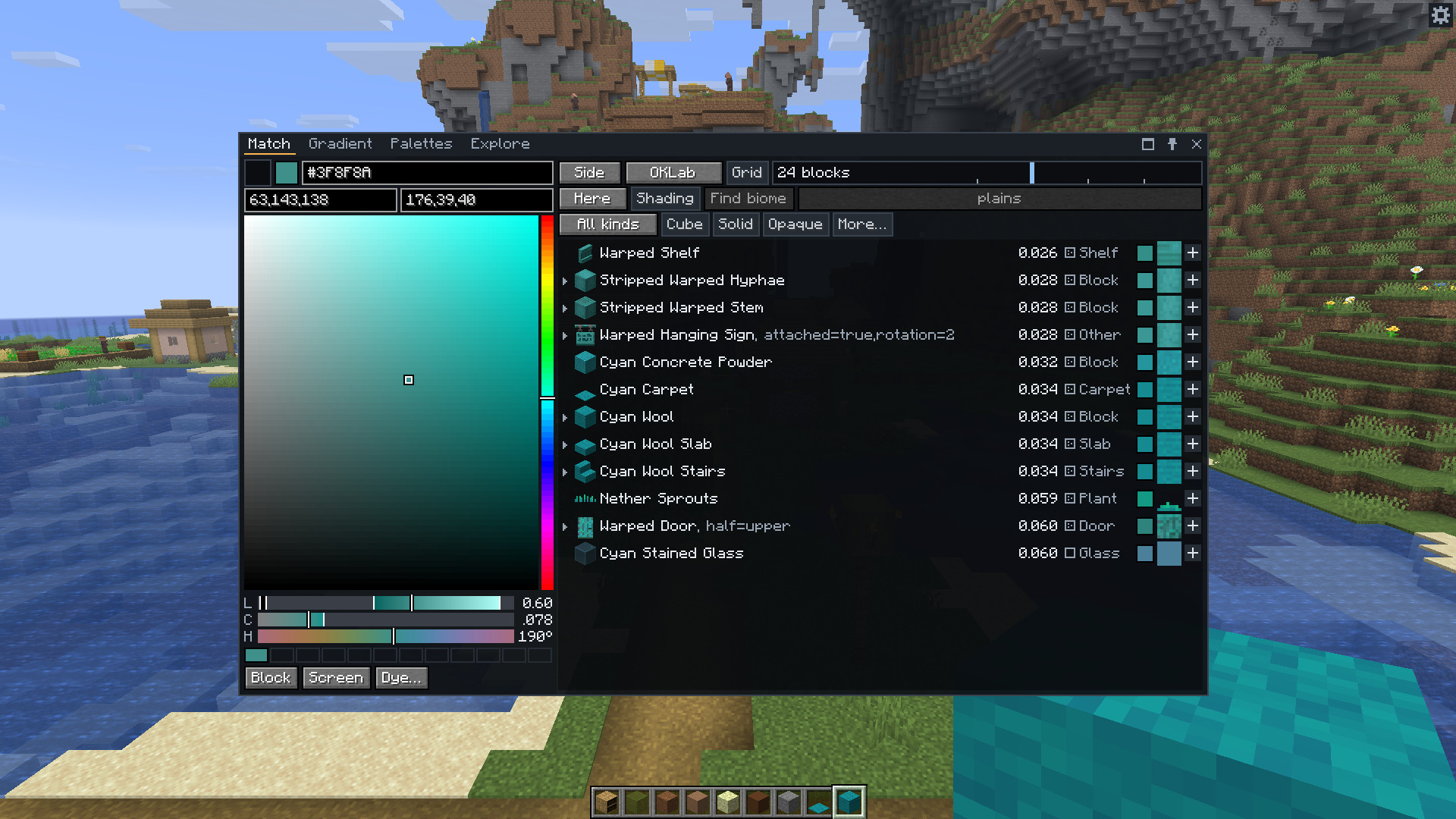
Press C to open the window, and X to read the colour of the block you're looking at.
How is Chroma Studio better?
Chroma Studio compares whole textures rather than just their average colour, and ranks matches by how close the colours look to the eye. It accounts for biome tints and texture busyness too. You can gather a material's slabs and stairs, check your palette for missing shades and export it for Litematica or WorldEdit, all in the same window.
Features
- Pick colours with sliders, hex codes, or the block and screen eyedroppers.
- Match modded blocks and resource packs.
- Filter by block type, mod, colour and texture busyness.
- Turn a material's slabs, stairs and other blocks into a palette in one click.
- Build gradients with multiple colour stops, swap individual blocks, and save them to load later.
- Make palettes from colour harmonies, images or blocks in the world.
- Save palettes with tags and notes, and share them as text.
- Check palettes for missing shades or accents.
- Preview palettes as flat walls or 3D dioramas.
- Export
.litematicand.nbtschematics, or copy WorldEdit patterns and commands. - Fill your hotbar with a palette or gradient, with undo, in creative mode or as an operator.
- Explore every block by hue and lightness.
- Paint shapes with your gradients and palettes in Curve Generator 3.0.0 or newer.
Links
- The wiki contains full documentation on how to use the mod.
- Report a bug or suggest a feature in the issue tracker.