Compatibility
Minecraft: Java Edition
Platforms
Supported environments


Links
Tags
Creators
Details
CmdPalette
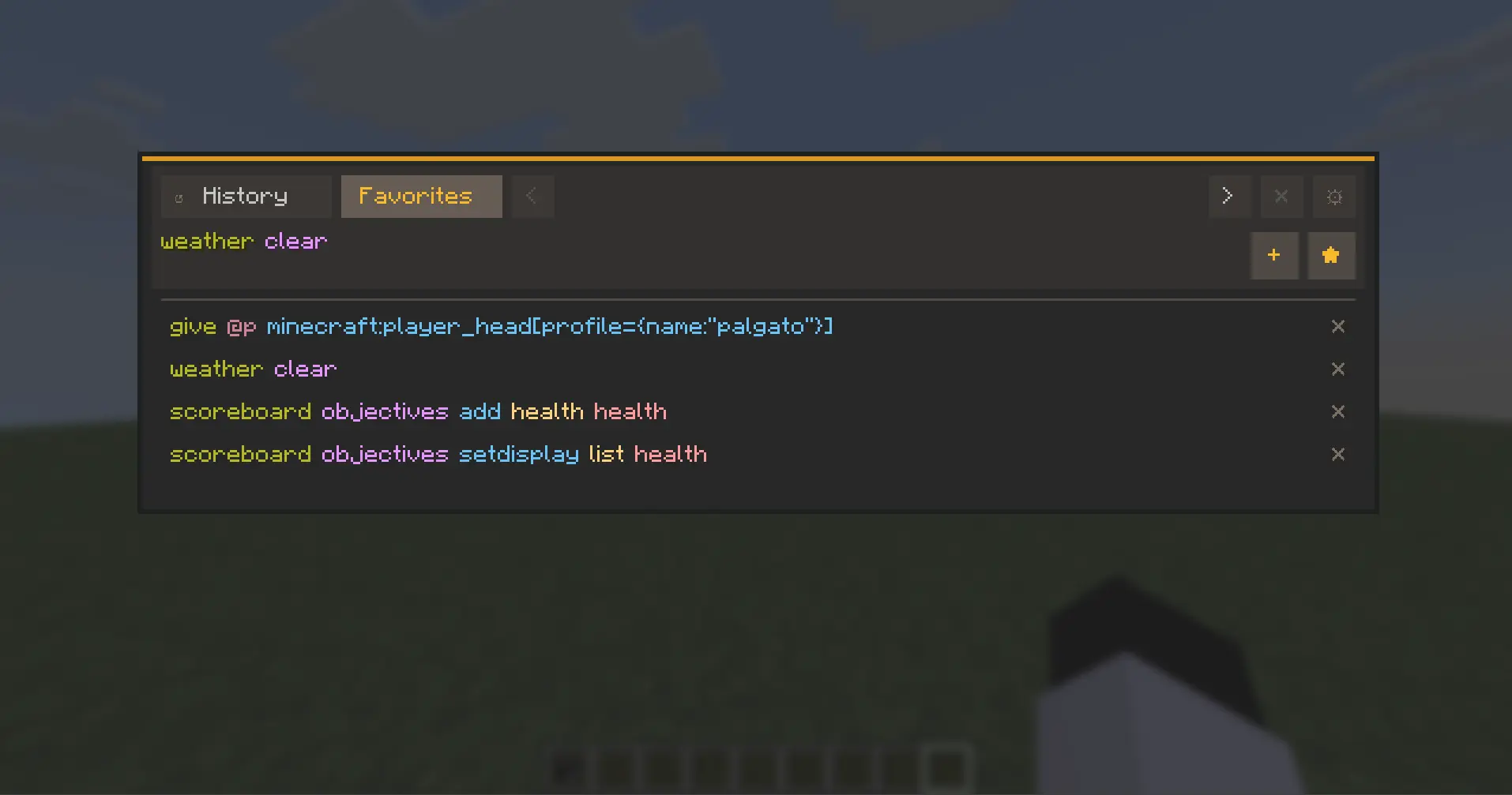
CmdPalette is a fast, modern in-game command palette for Minecraft (Fabric) that helps you search, organize, and execute commands with less friction than chat-only workflows.
It is fully client-side, highly customizable, and designed for players who use commands frequently in survival, creative, admin, and technical worlds.
Main Features
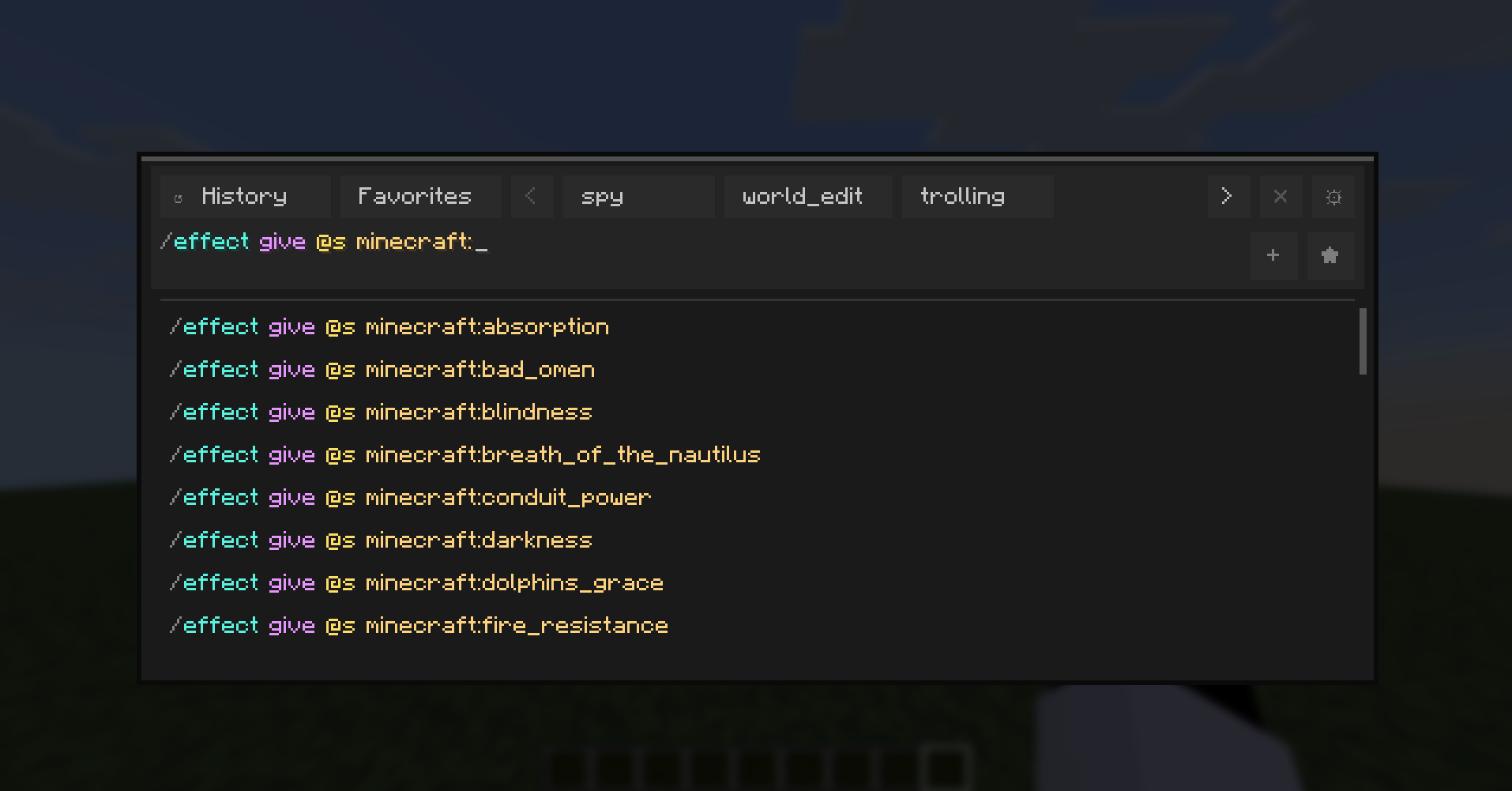
- Instant command palette with keyboard shortcut access.
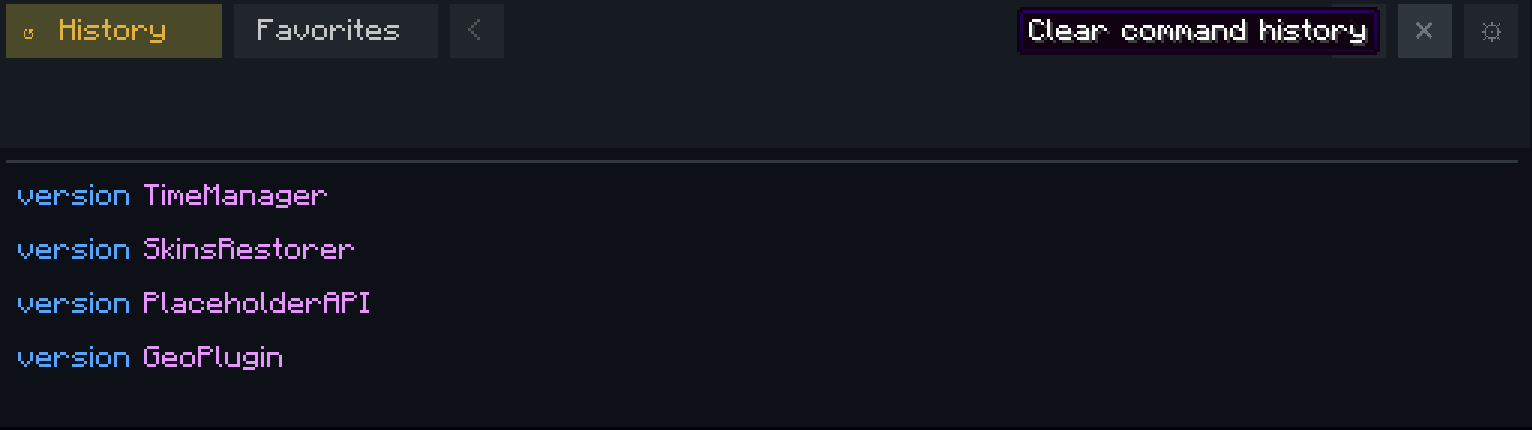
- Command history with persistent storage.
- Favorites and custom categories for quick command organization.
- Executed-history browsing directly from the input using Up/Down arrows.
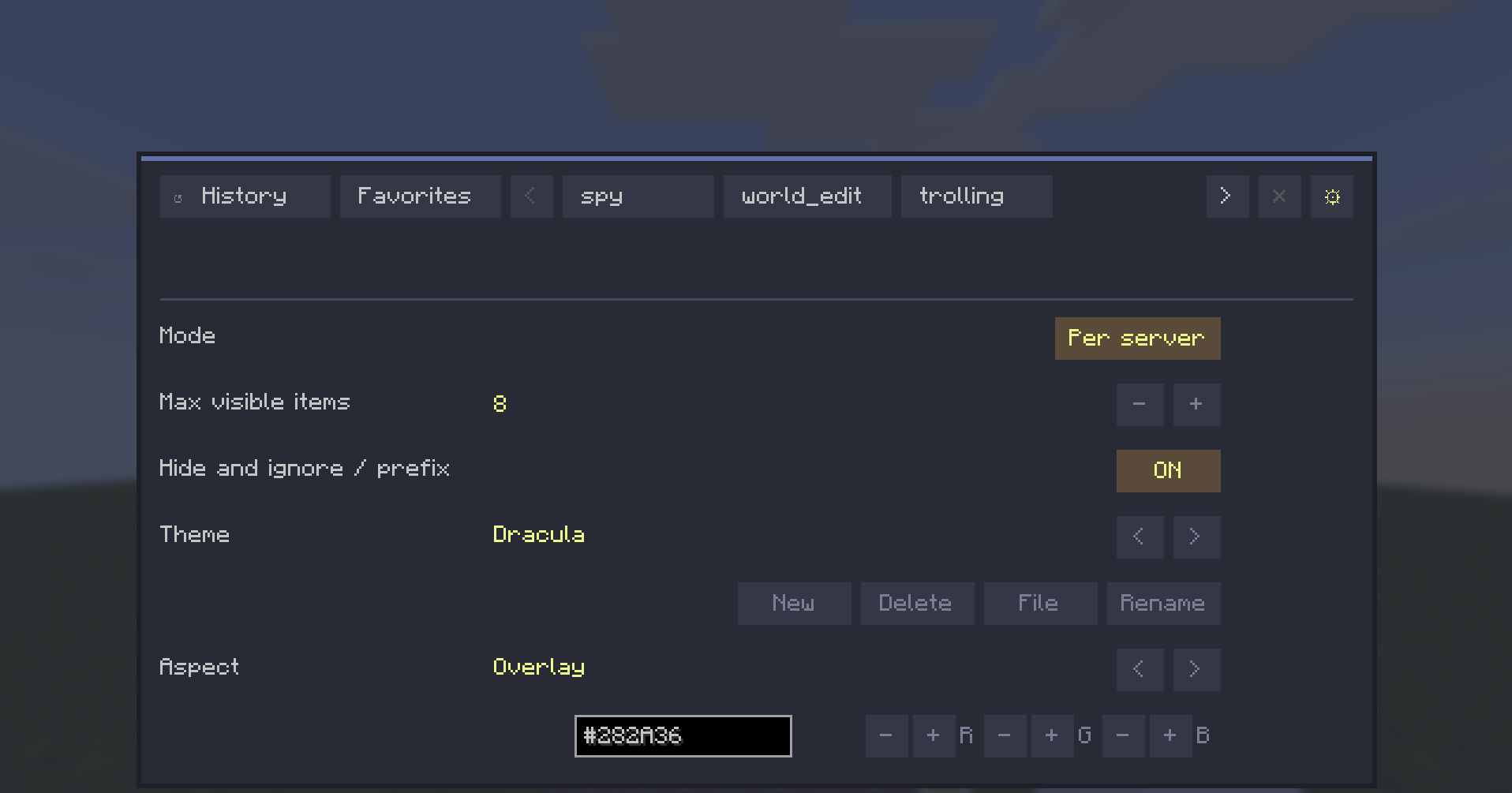
- Theme system with presets and custom editable themes.
- Per-aspect color editing (HEX + RGB controls).
- External theme file workflow with automatic reload support.
- Localization-ready UI with English and Spanish support.
- Configurable controls from Minecraft Controls menu (dedicated CmdPalette category).
Data Scope Modes
CmdPalette lets you choose how your command data is stored:
- Global -> one shared profile everywhere.
- Per server -> separate history/categories/favorites for each server.
- Per world -> separate profiles per singleplayer save.

This keeps command sets context-aware (for example, world-edit commands in one profile and vanilla-friendly commands in another).
UX Highlights
- Persistent Settings access from the top bar.
- Contextual actions for history/category management.
- Quick-add buttons hidden when input is empty (cleaner UI).
- Input bar hidden while in Settings view.
- Localization-aware button sizing for long labels.
Default Controls
- Open palette: Ctrl+Enter
- Close palette: Esc or Ctrl+X
All keybinds are configurable in Minecraft Controls.

Compatibility
- Environment: Client-side only
- Minecraft: 1.21.11
- Fabric Loader: >=0.18.4
- Fabric API: 0.141.3+1.21.11
CmdPalette does not need to be installed on the server.
Why CmdPalette?
If you use commands often, CmdPalette gives you a cleaner and faster workflow: less typing repetition, better organization, and quick access to exactly the commands you need in each context.