
Compatibility
Minecraft: Java Edition
Platforms
Supported environments


Links
Tags
Creators
Details
Licensed MIT
Published 10 months ago
Updated 10 months ago
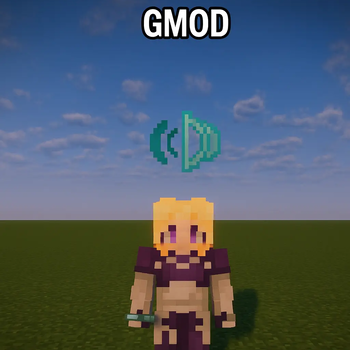
Sound Block 1
The Sound Block is the blue thing placed over the character.
November 30, 2025

C.A.E Configuration Menu
You can clearly see all the options available to you, to click the block, you must hold the Sound Block in the main hand. The different options available: - Looping Mode: ON/OFF - Play Sound: YES/NO - Volume: 0% to 200% - Pitch: 10% to 200% Etc...
November 30, 2025