
Compatibility
Minecraft: Java Edition
Platforms
Supported environments


Links
Tags
Creators
Details
Corail Tombstone
"Let death be a chapter, not an ending."
Description
Corail Tombstone keeps your inventory safe in a grave when you die, while enriching your survival and exploration with a wealth of features, all set in a medieval fantasy atmosphere where haunting souls linger around decorative graves.
Deep configuration, a perk system, soul-bound magic, and exploration driven by forgotten knowledge waiting to be rediscovered: the mod builds a complete experience around death, without ever making it punishing.
Available on Forge and NeoForge, the mod works just as well in singleplayer as in multiplayer/dedicated servers, and offers many compatibilities with other mods. Main supported languages: English and French (several other languages provided).
- Safe inventory recovery on death
- Knowledge & perk progression system
- Souls, magic, enchantments and rituals
- Exploration with forgotten scrolls and hidden lore
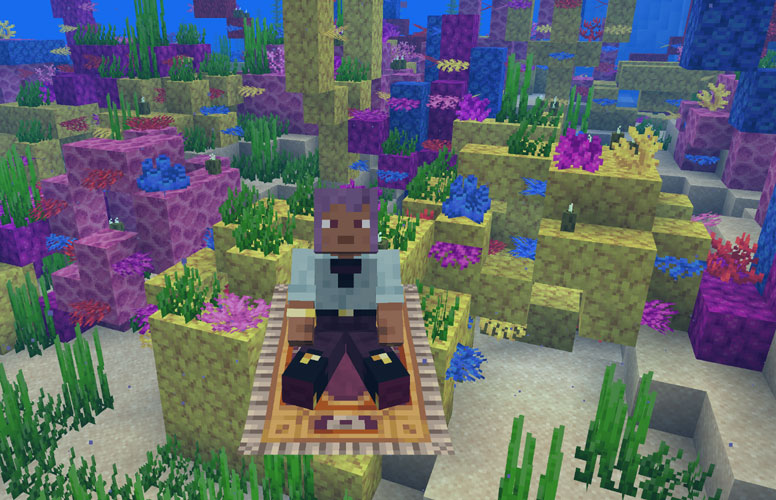
- Tame undead companions & ride a flying carpet
- Customize your grave's look and engraving
- Deeply configurable, from solo tweaks to server rules
- Multiplayer friendly
- Broad mod compatibility
- Actively maintained since 2016
You can contact me on CurseForge in private message if you need informations.
Decorative graves
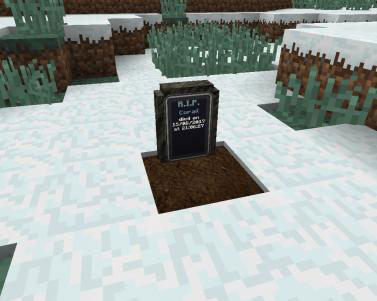
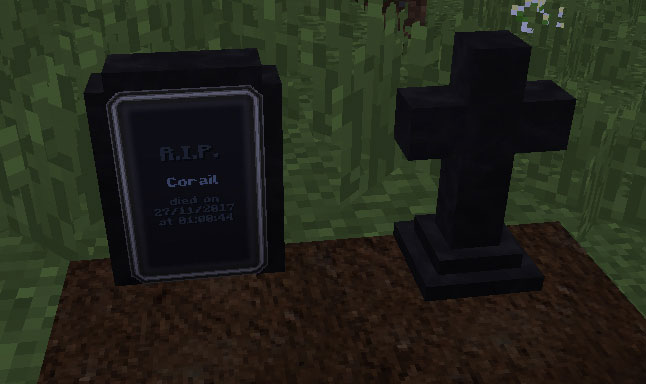
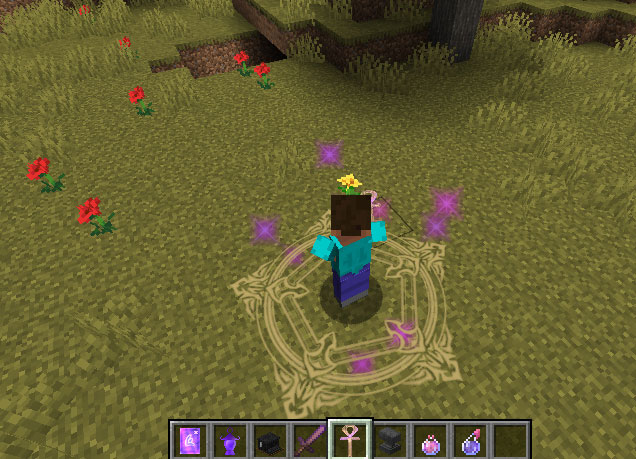
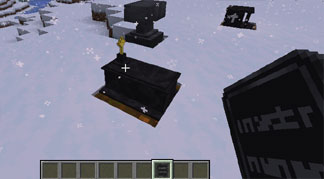
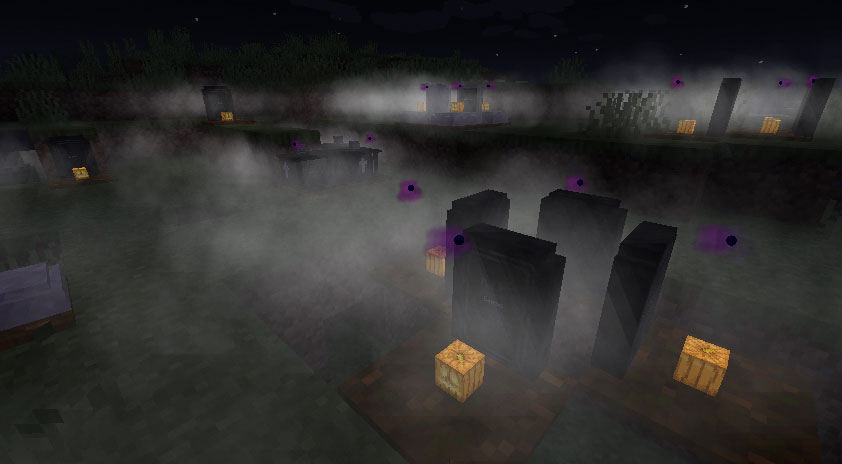
When you die, a decorative grave appears: a special block giving off a faint fog at night, harvestable with a pickaxe or shovel, and customizable through the anvil (see below). It comes in several models and colors, with no gameplay difference between them — purely a matter of taste. After a while, a soul will often come to haunt the grave (the config lets you adjust how often this happens) and stays until it's freed — it then enables certain enchantments (magic scroll/tablet) or an upgrade to the grave's key.
To build your own decorative grave, you'll need Grave's Dust (obtained by killing undeads or through the Cat Morning Gift) and an Essence of Undeath, an ingredient unlocked through the advancements (the first one is obtained by picking your favorite grave in the in-game config) and rarely found on undeads, through the Cat Morning Gift, or by fishing in deep water — though don't count on it without a bit of luck.
Engraving a grave
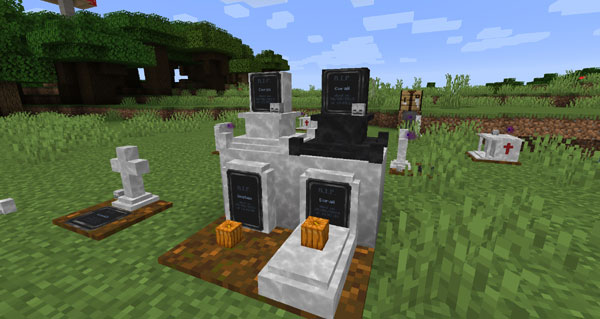
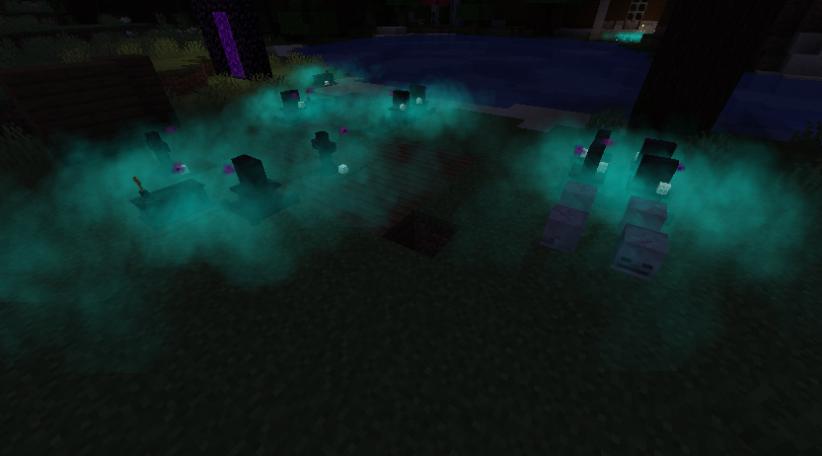
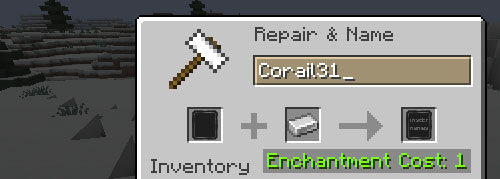
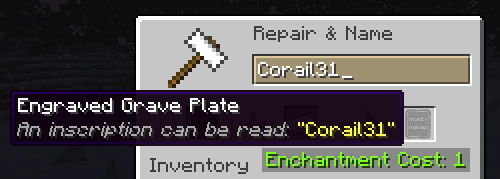
At the anvil, combine a grave plate with an iron ingot to engrave a name onto it, which you can then apply or change on your decorative graves (a config option allows disabling name changes). In older versions, grave plates didn't exist and graves had to be combined directly at the anvil.
Grave Guardian
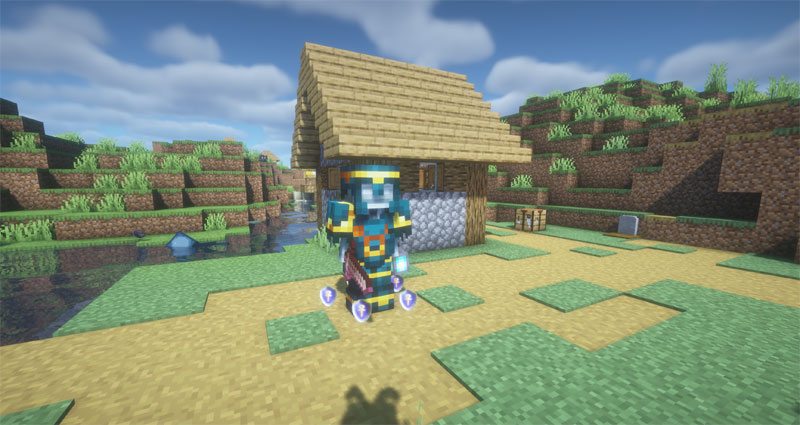
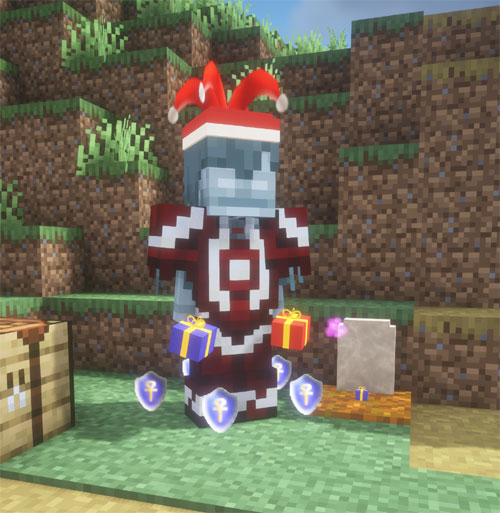
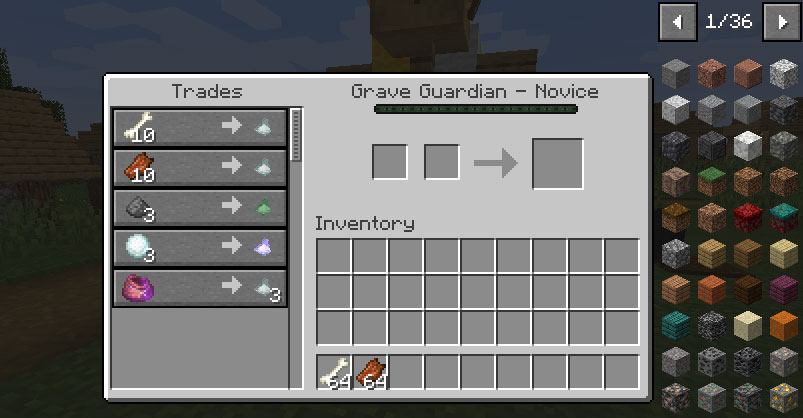
Rarely, a Grave Guardian may appear near a grave. It protects the surrounding area from hostile creatures and offers trades to players — one of the ways to obtain Essence of Undeath. Its trades may differ during special events.
Abandoned Graves
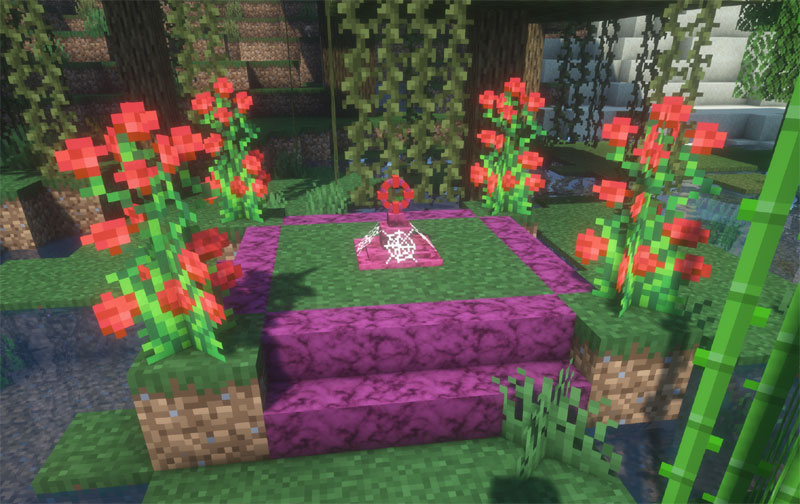
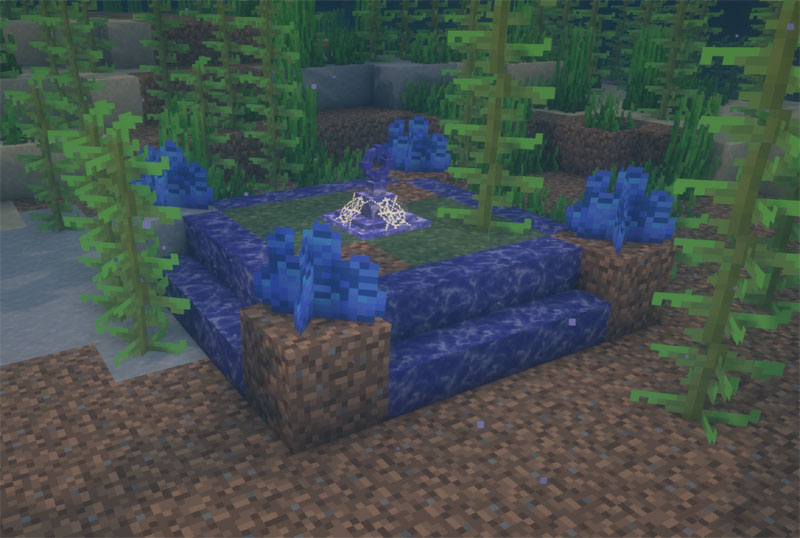
Lootable abandoned graves can be found on the Overworld surface or in the ocean (only in Minecraft 1.20.1+). They exist in 5 different colors, and their loot is configurable in config/tombstone/loottables.
- Locate them using the structure tag #tombstone:abandoned_grave
- Adjust available biomes with the tags #tombstone:has_structure/abandoned_grave_land and #tombstone:has_structure/abandoned_grave_ocean (via datapack or a tweak mod)
- Configure equipment loot through the item tags #tombstone:lootable/armor, #tombstone:lootable/weapon and #tombstone:lootable/tool
Forgotten Knowledge
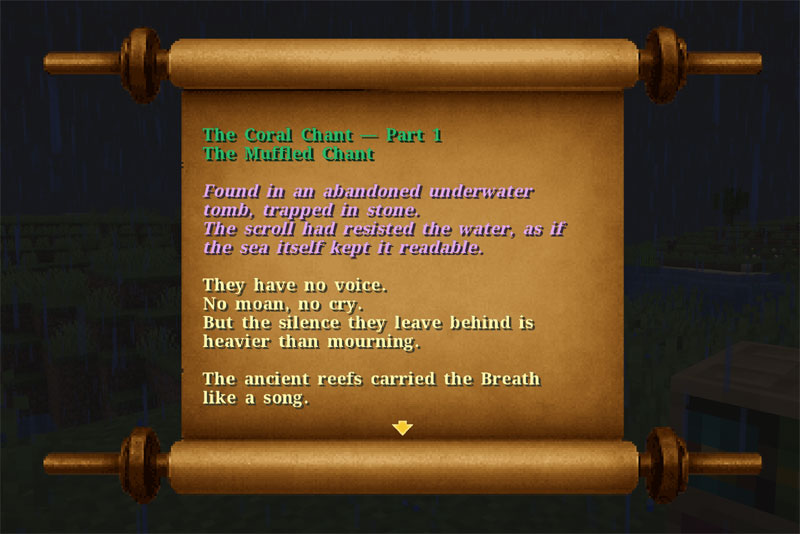
Recent versions introduce mysterious readable and scrollable scrolls, revealing forgotten knowledge to those who solve the riddles hidden within (a ritual flute, found as loot, can be used to start some of them). Elyra's Diary, for example, lets you cast enhanced prayers on graves; the Rite of Silent Bound archives grant an affinity with undeads under certain conditions.
Ankh Prayers
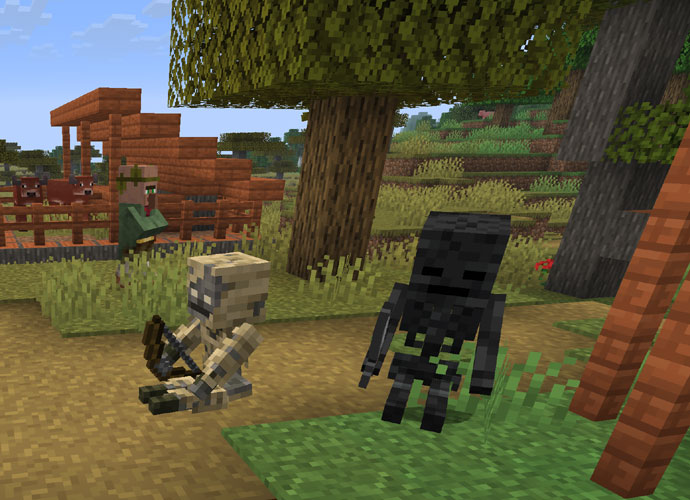
The Ankh of Prayer lets you perform various prayers, depending on your alignment, earning you knowledge points along the way. Among other things, it can grant beneficial effects when praying at decorative graves, or charm certain creatures such as undeads, turning them into adventuring companions.
Knowledge of Death
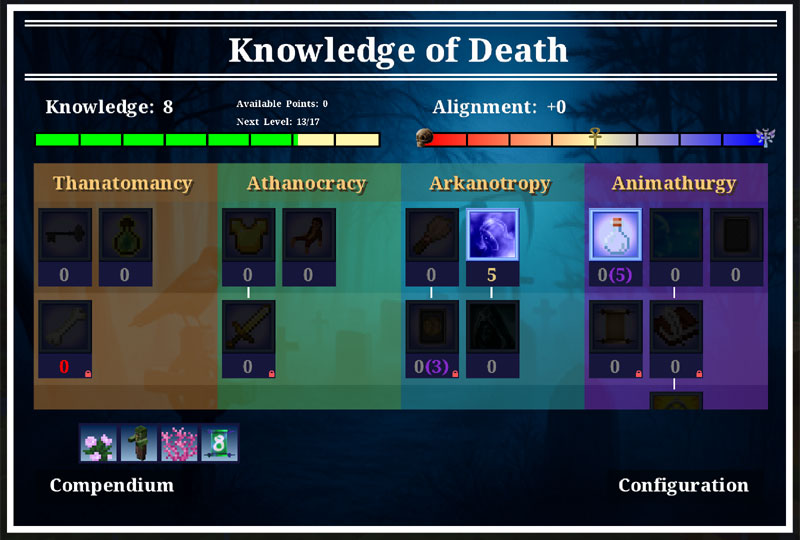
Earn knowledge points by using a grave's soul to enchant an item, by freeing a soul from a receptacle, by praying near a decorative grave with the Ankh of Prayer (default cooldown: 6 in-game hours, adjustable in config), or by completing the mod's advancements.
These points unlock perks in the dedicated Knowledge of Death screen (keybind not set by default, under "misc"). Each perk is a small bonus tied to one of the mod's features — rather than granting it by default, it's yours to unlock (some perks only appear if the related feature is enabled in the config).
The Compendium
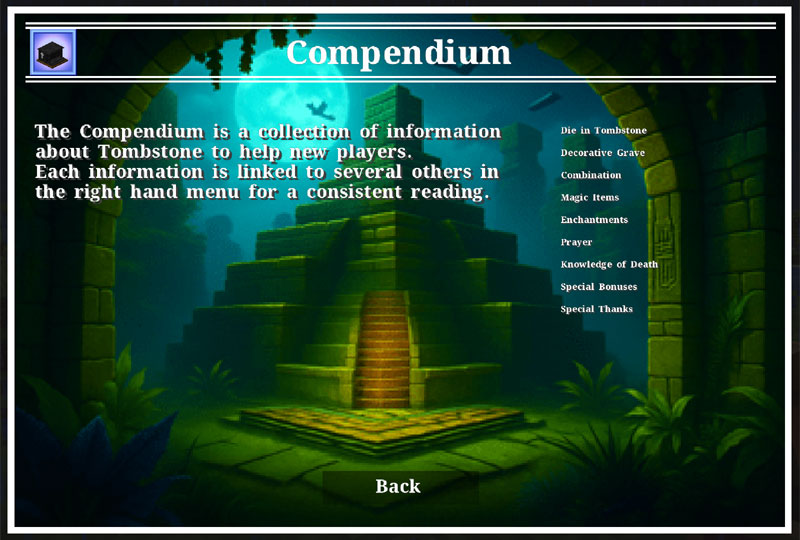
A dedicated section of the Knowledge of Death screen gathers information about the mod, cross-linked for smooth reading.
Configuration
Three files, all prefixed tombstone, live in the run/config folder. Most features, items, and enchantments can be disabled there (some, like PvP, are disabled by default).
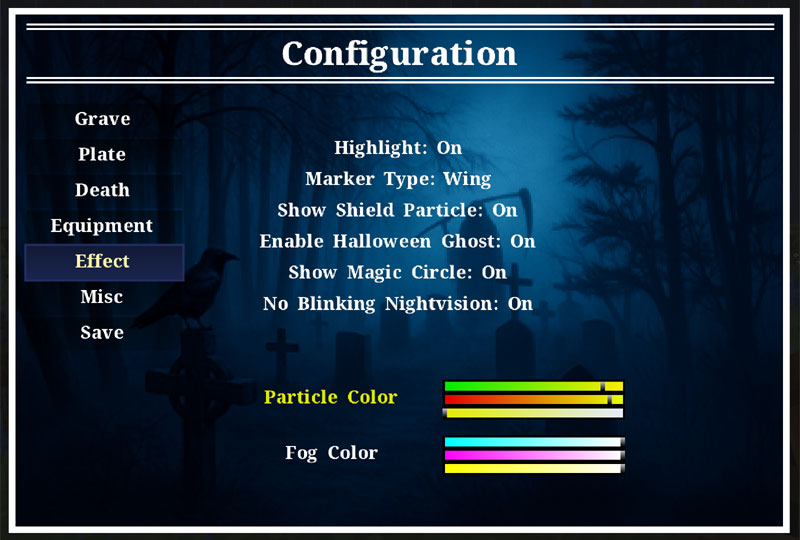
In-game configuration
Accessible directly through a dedicated screen, via the /tbgui command or a customizable keybind.
Commands
Click to see details
- TBTeleport - Dimensional teleportation (position, player, village, biome, your respawn, your last grave, your last death point)
- TBShowLastGrave - Shows your last grave's position
- TBRestoreInventory - Click your grave at a distance to restore your inventory
- TBRecovery - Manually back up all players (or one), or roll back a player from an old save
- TBKnowledge - Modify a player's knowledge points or reset their Ankh's cooldown
- TBSiege - Launch or stop a Zombie Siege
- TBReviveFamiliar - Bring your last dead familiar back to life
- TBRequestTeleport - Send a teleport authorization request to another player, with a custom cooldown
- TBGui - Client command to open the Tombstone screens
Enchantments
Click to see details
- Soulbound - preserves the item on death
- Shadow Step - discreetly reduces the distance at which creatures can detect you, based on darkness
- Magic Siphon - absorbs beneficial effects from enemies hit
- Plague Bringer - applies negative effects to enemies hit
- Blessing - chance to receive a beneficial effect when hit
- Curse of Bones - chance to reflect damage when hit
- Frostbite - freezes and damages enemies hit
- Spectral Bite - chance to trigger an area attack when hit
- Spectral Conjurer - chance to conjure a Spectral Wolf when hit
- Incurable Wounds - reduces healing received by enemies hit
- Decrepitude - reduces the health of enemies hit by a percentage over time
- Sanctified - deals holy damage and slightly regenerates health on hitting
- Ruthless Strike - increases critical damage
Effects
Click to see details
- tombstone:ghostly_shape — ghostly appearance received after a death
- tombstone:diversion — preserves experience and beneficial effects on death
- tombstone:preservation — keeps your beneficial effects after your death
- tombstone:unstable_intangibility — prevents damage for a full second every five seconds
- tombstone:feather_fall — slows down your falls
- tombstone:purification — dispels negative effects over time
- tombstone:true_sight — lets you see in the dark, underwater, and in lava; reveals invisible creatures
- tombstone:reach — increases the range to hit creatures or to harvest
- tombstone:lightning_resistance — reduces damage taken by lightning by 75%
- tombstone:frost_resistance — prevents freezing and reduces frost damage taken by 75%
- tombstone:bait — attracts aggressive creatures
- tombstone:bone_shield — protects against melee damage and reflects part of it
- tombstone:aquatic_life — allows you to move freely and breathe underwater
- tombstone:frostbite — freezes and damages the enemy
- tombstone:earthly_garden — makes the surroundings more flowery
- tombstone:discretion — improves stealth speed and reduces detection range
- tombstone:mercy — shares beneficial effects among nearby allies
- tombstone:restoration — heals all wounds
- tombstone:incurable — heals have no effect
- tombstone:decrepitude — reduces health by a percentage over time
- tombstone:weaver_walk — allows you to move quickly over cobwebs
- tombstone:giant_strength — increases your strength as well as your height
- tombstone:little_world — decreases your height and makes you faster
- tombstone:beyond_the_grave_bond — undeads consider you one of their own
Loot Tables
The mod's loot tables can be edited in config/tombstone/loottables. Simply reload the save (or use the /reload command) after making changes. They cover: lost treasures (unlucky fishing in open water), chest treasures (structures), tamed cats' morning gifts, undead loot (including bosses), and archaeology (1.19.4+).
Statistics
The mod exposes several statistics that can be used as scoreboard objectives (via the vanilla /scoreboard command), viewable from the game menu.
Compatibility
The mod offers many compatibilities with other mods. Players' graves are indestructible — only creative-mode players can destroy them. As a general rule, avoid using another grave mod alongside this one.
Supported Versions
Only the latest and most popular versions receive new content updates (1.20.1 / 1.21.1 / 26.1.2 / 26.2).
License
Corail Tombstone is All Rights Reserved. As a Minecraft contribution, this license obviously doesn't apply to its creator, Mojang Studios. The mod is hosted on CurseForge (and recently Modrinth) and cannot be redistributed for any reason.