
Compatibility
Minecraft: Java Edition
Platforms
Supported environments


Tags
Creators
Details
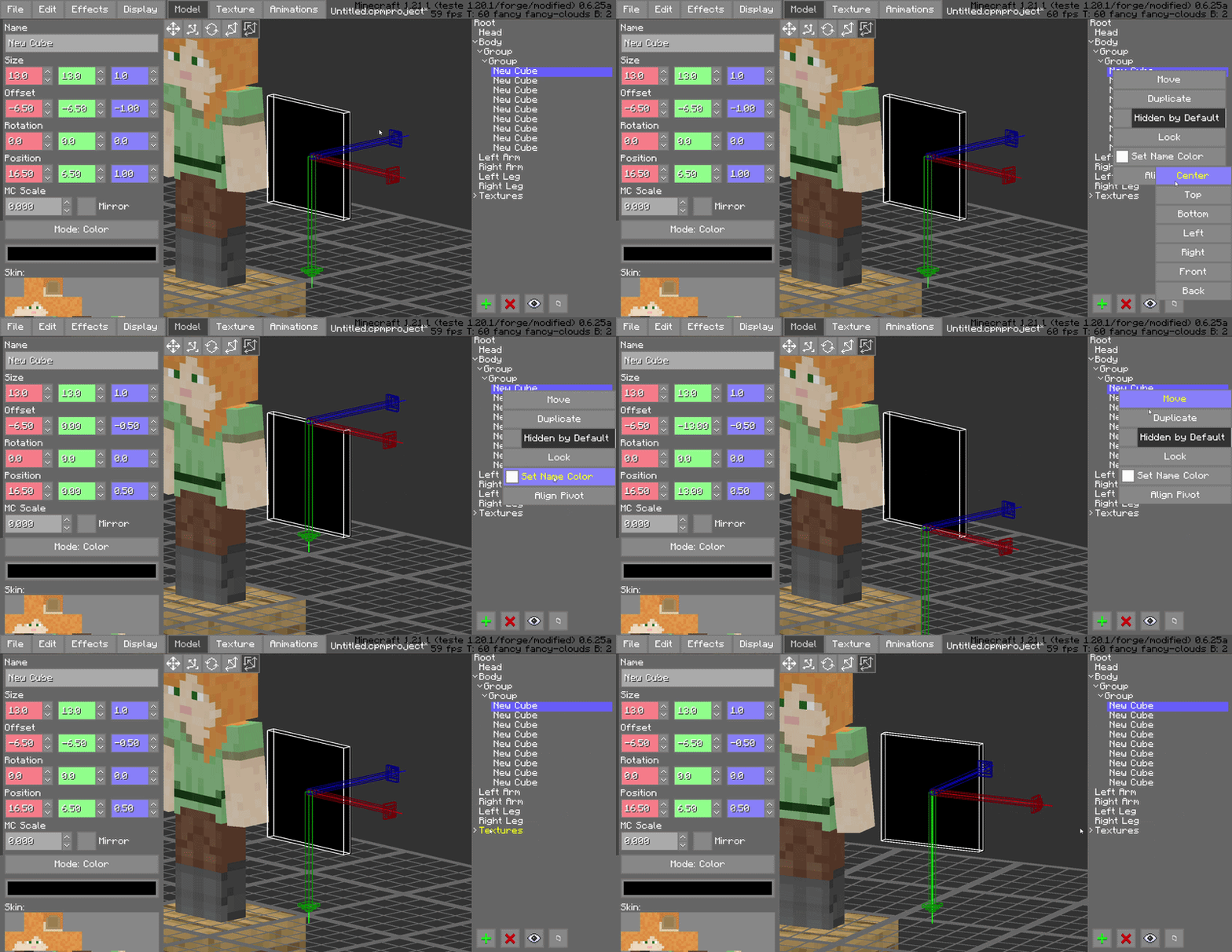
Pivot Alignment Utility
Streamline your rigging process with the dedicated pivot alignment tool. Quickly snap and align pivots to specific coordinates or vertices, ensuring perfect rotations for every joint in your model.
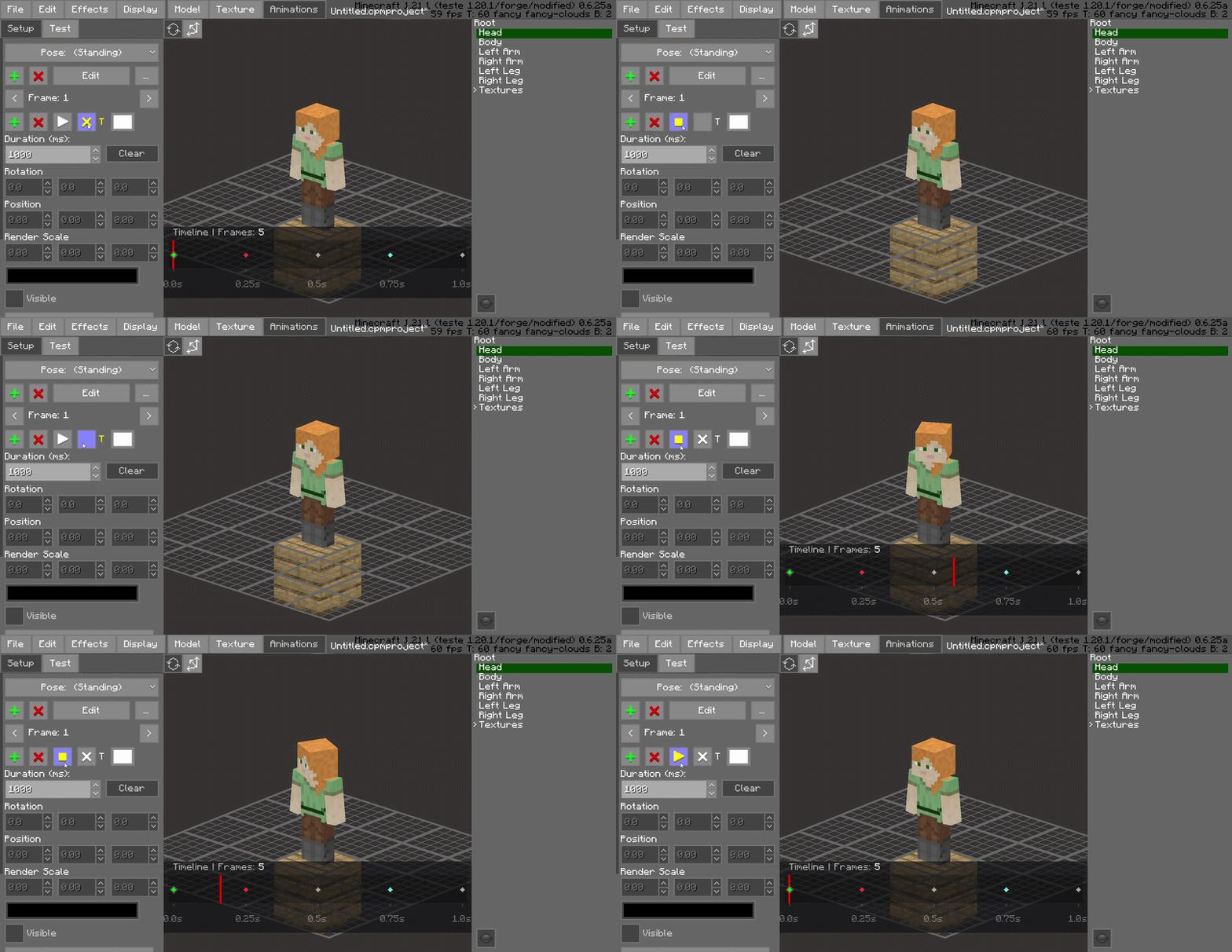
Dynamic Timeline Workflow
The enhanced timeline interface is built for high-performance editing, providing a more fluid experience when navigating through hundreds of individual animation keys.
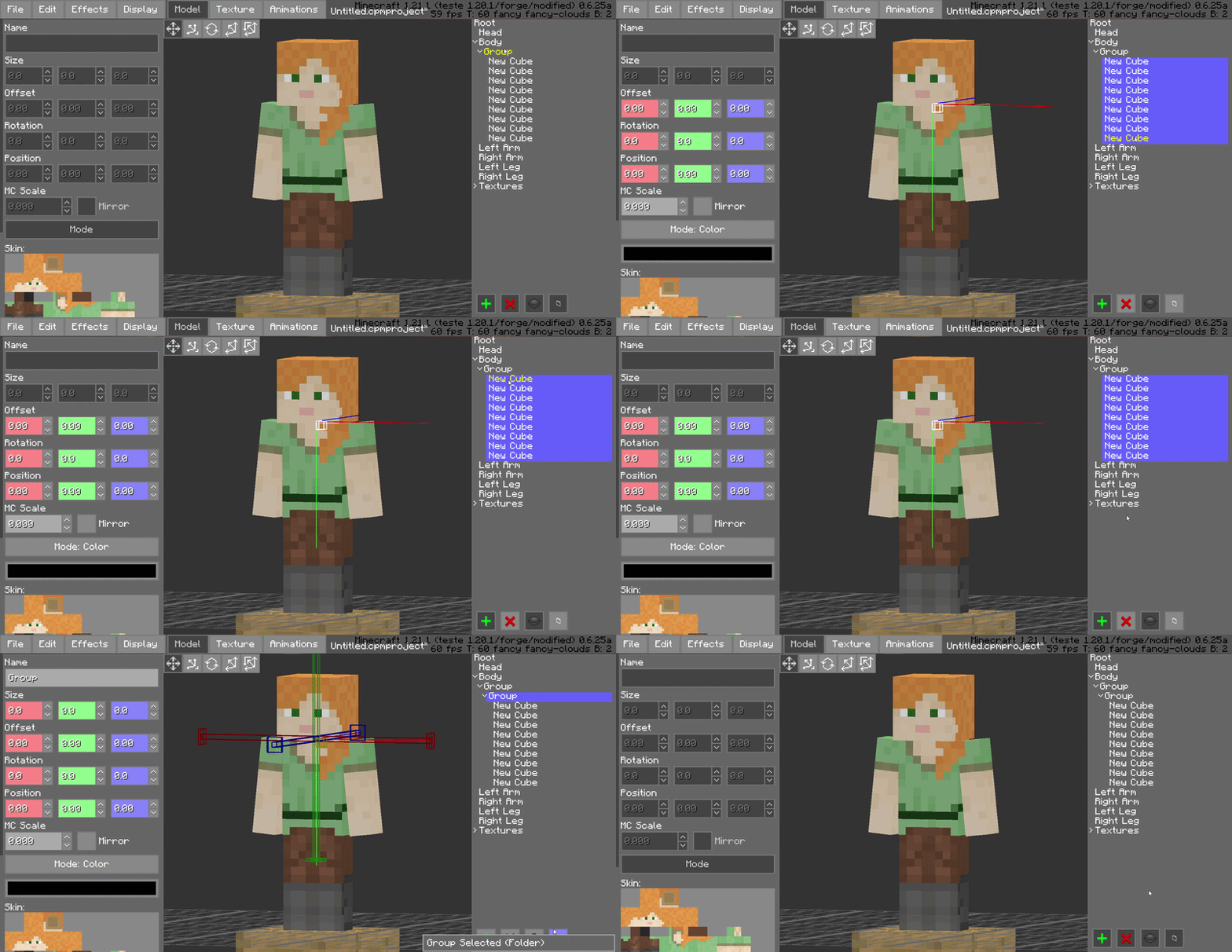
Advanced Shift-Selection
Standardized multi-selection support is here. Use Shift-Selection to pick multiple bones or blocks simultaneously, allowing you to perform bulk rotations, translations, or visibility toggles in a single step.
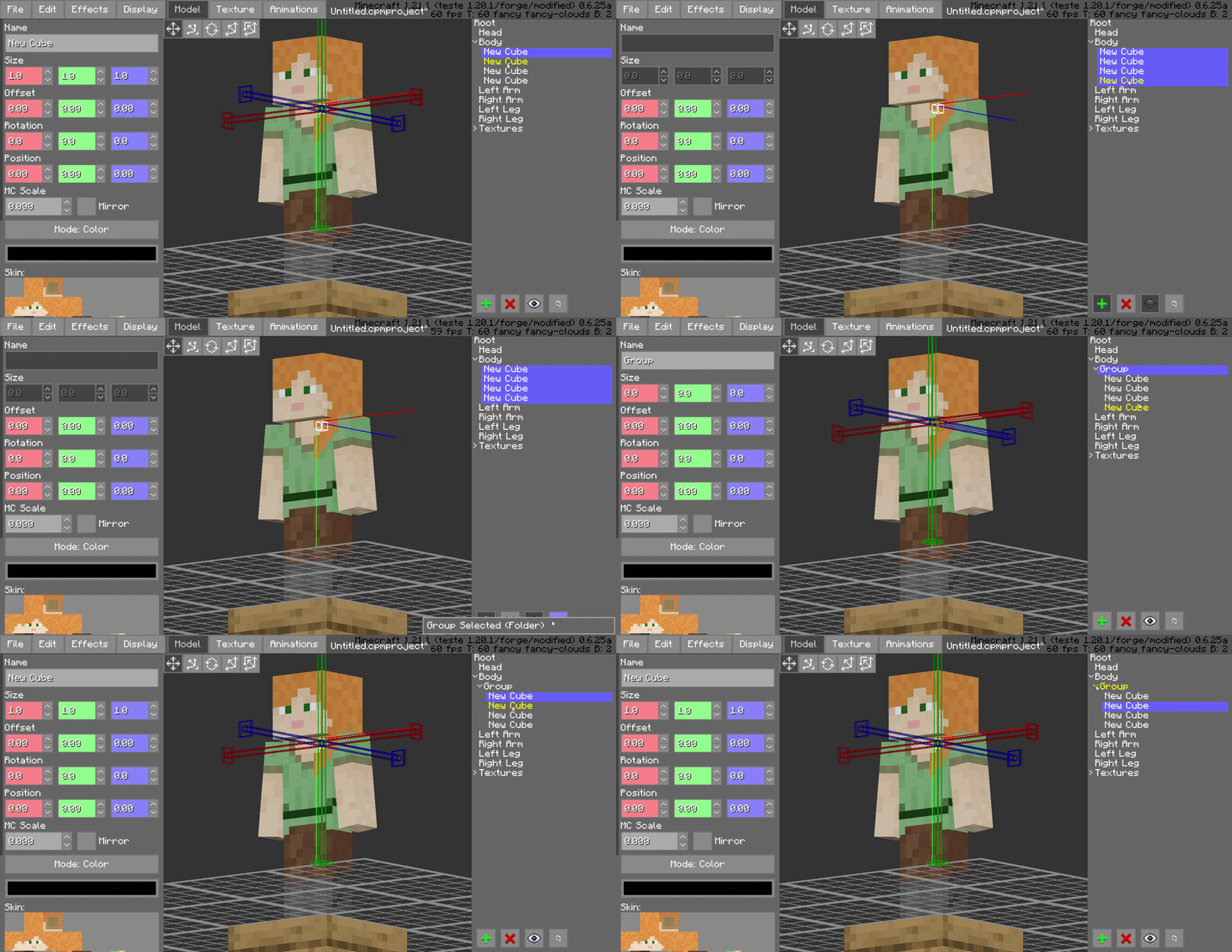
Hierarchical Folder Grouping
Keep your model tree clean by grouping bones and blocks into organized folders. This is essential for complex models, allowing you to collapse or expand entire sections of the rig to focus on what matters.
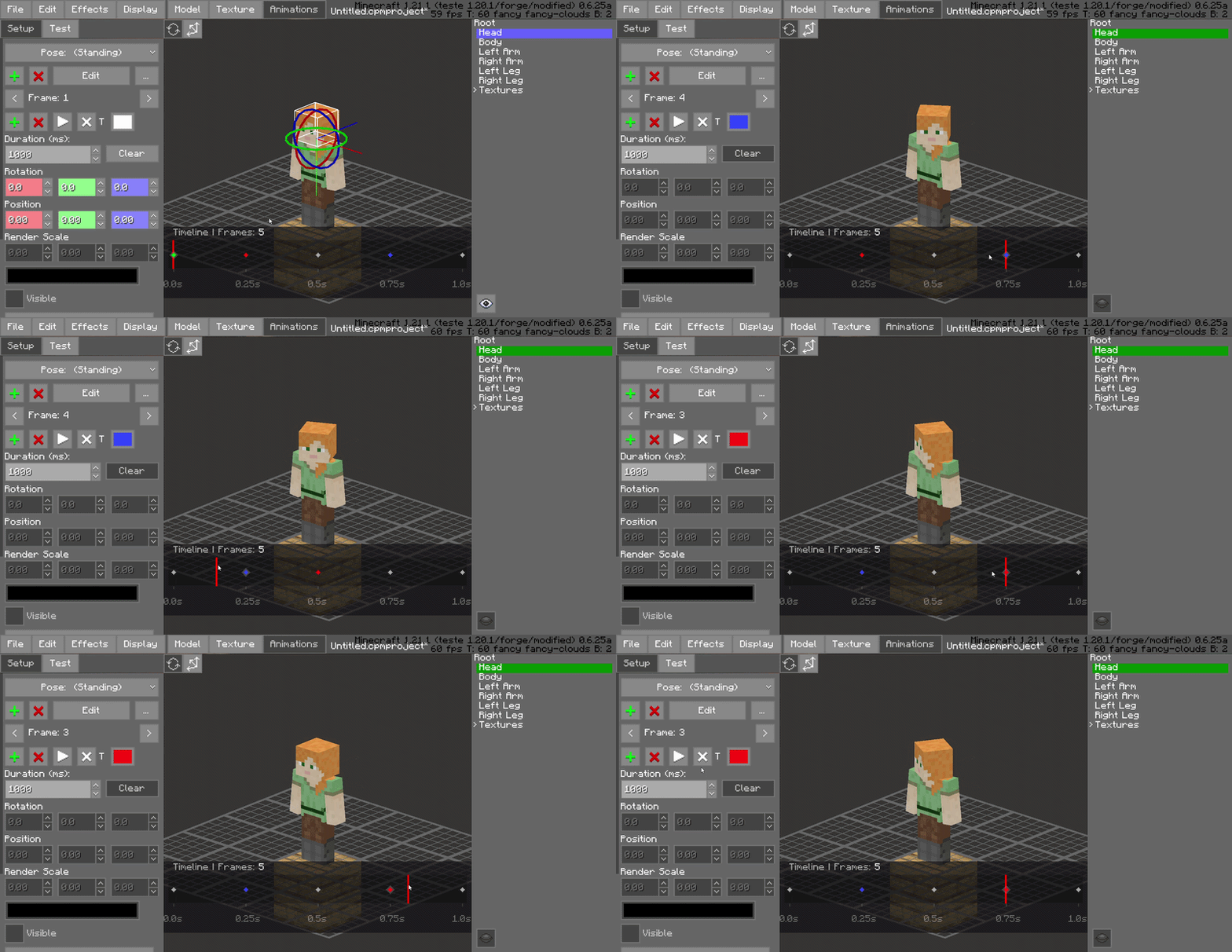
Drag-and-Drop Frame Management
Rearrange your animation sequence instantly. You can click and drag frames to new positions on the timeline, making it easy to experiment with timing and order without manual data entry.
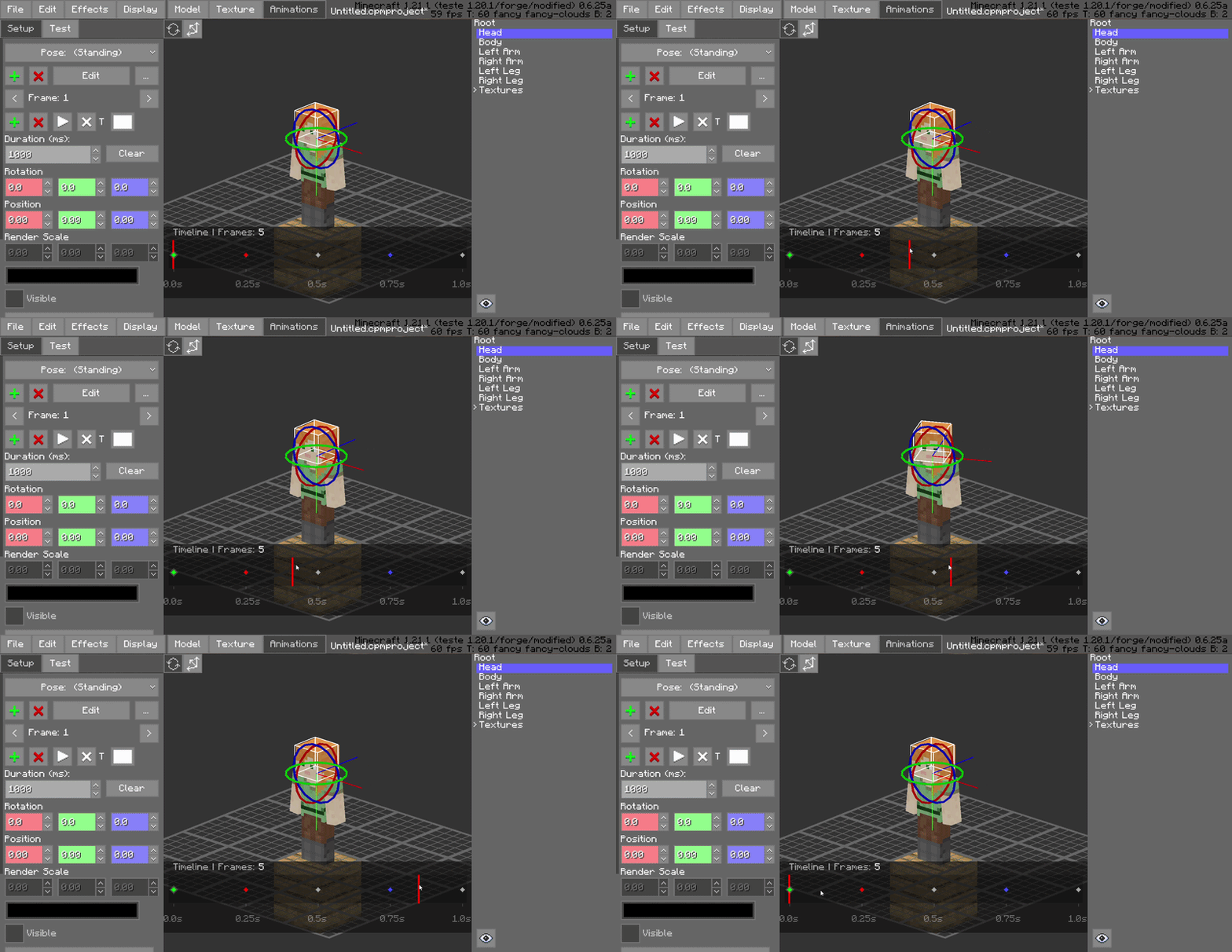
Interactive Playhead Scrubbing
Effortlessly drag the red playhead across the timeline to preview your animation in real-time. This allows for frame-by-frame inspection and immediate feedback on motion smoothing without needing to hit play.
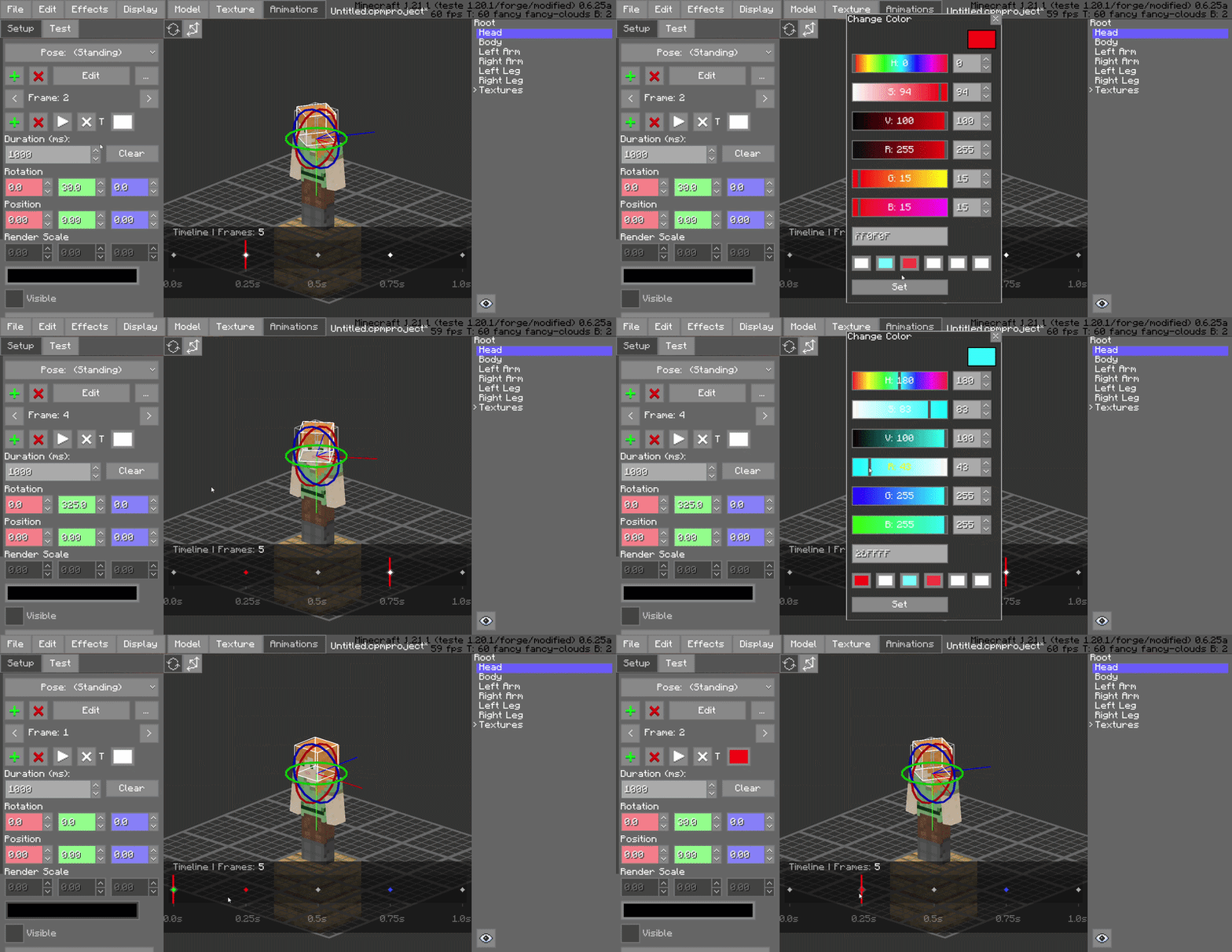
Frame Color-Coding (Painting)
Organize your project visually by "painting" frames with specific colors. Use this to categorize different animation states, such as startup, active, and recovery frames, improving workspace readability at a glance.