
Compatibility
Minecraft: Java Edition
Platforms
Supported environments


Links
Tags
Creators
Details
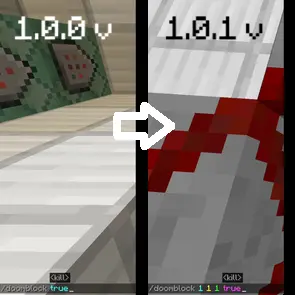
Command In Doom Block
Comparison of the /doomblock command from versions 1.0.0 and 1.0.1 of my Doom Block mod.
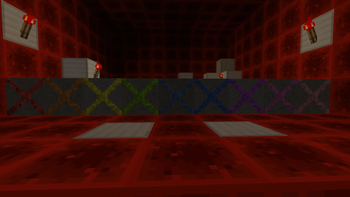
Multicolored Doom Blocks
Each of the colorful blocks in Doom — red, orange, yellow, light green, blue, turquoise, light blue, purple, magenta, pink, and white — has its own effect. If you want to find out which color is responsible for what, check the “Change version” section.
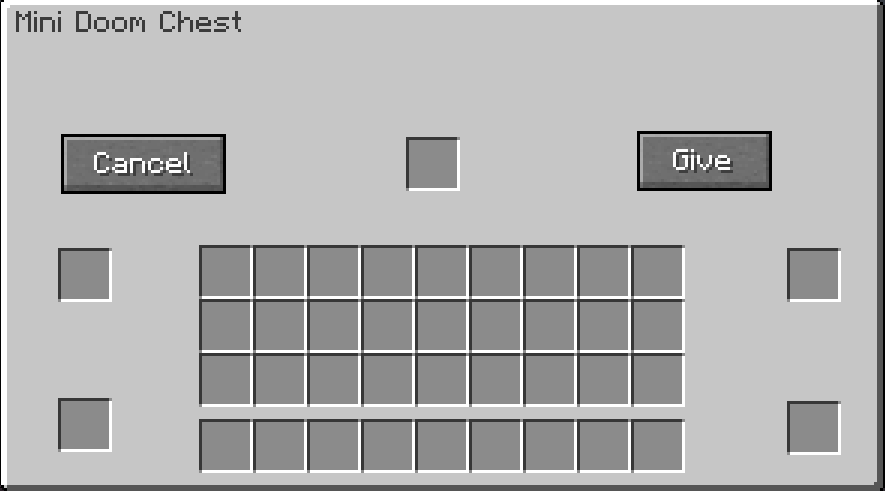
Menu
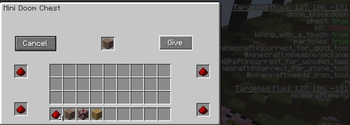
After clicking on the Doom block with the chest, you will have this menu
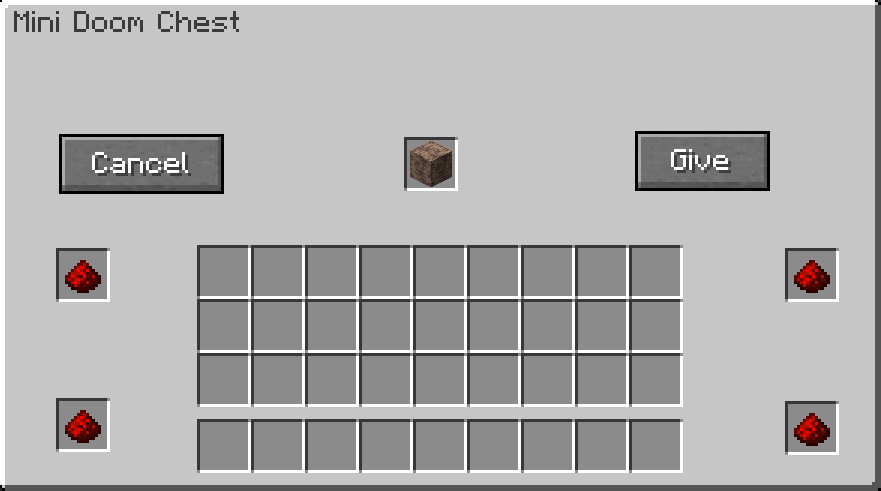
Fill in the cells
Fill in the cells to make it work
Changing the block status
Changing the state of the block when touching the entity immediately dies
There are no more crashes — just a clean game!
There are no more crashes — just a clean game!

Doom Block - First Month!
Thank You! Downloads and views!

AAAA!!! Rainfall!!!
🔥Step on Raining Doom Block = Mini rainfall!
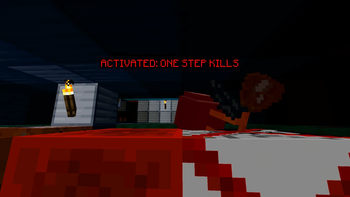
Doom Block in action: instant kill
The frame shows the activation of Doom Block and instant damage dealt to the mob.
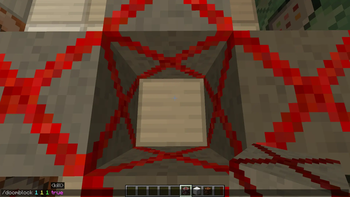
The radius of the /doomblock command added.
Fixed the /doomblock command radius. Now the radius actually works based on the values you enter (e.g., X: 1, Y: 1, Z: 1). Previously, it was stuck at 3 blocks. Added a safety limit of 32 blocks to prevent the game from lagging.
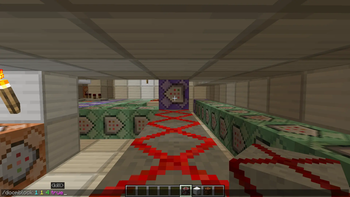
The radius of the /doomblock command added. Example: straightfor
Check out the new flexible radius system for the /doomblock command! Now you’re not stuck with a boring square area — you can shape the effect exactly how you want. Set different values for each axis: X for width, Y for height, and Z for length. For exam
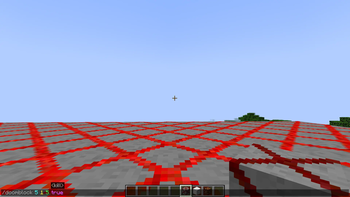
Flexible radius: activate rectangles, not just cubes!
Check out the new radius system in action! The red grid lines show the exact area affected by the /doomblock command. Now you can set different values for each axis to shape the effect however you like: X (Width): Left and right spread. Y (Height): Up a

During the siren
During the siren, the explosions, and you have a few minutes to use the Doom Block while it’s disabled!