
Compatibility
Minecraft: Java Edition
Platforms
Supported environments


Links
Tags
Creators
Details
This mod provides easy access to each of your mods configuration menus and additional links through commands.
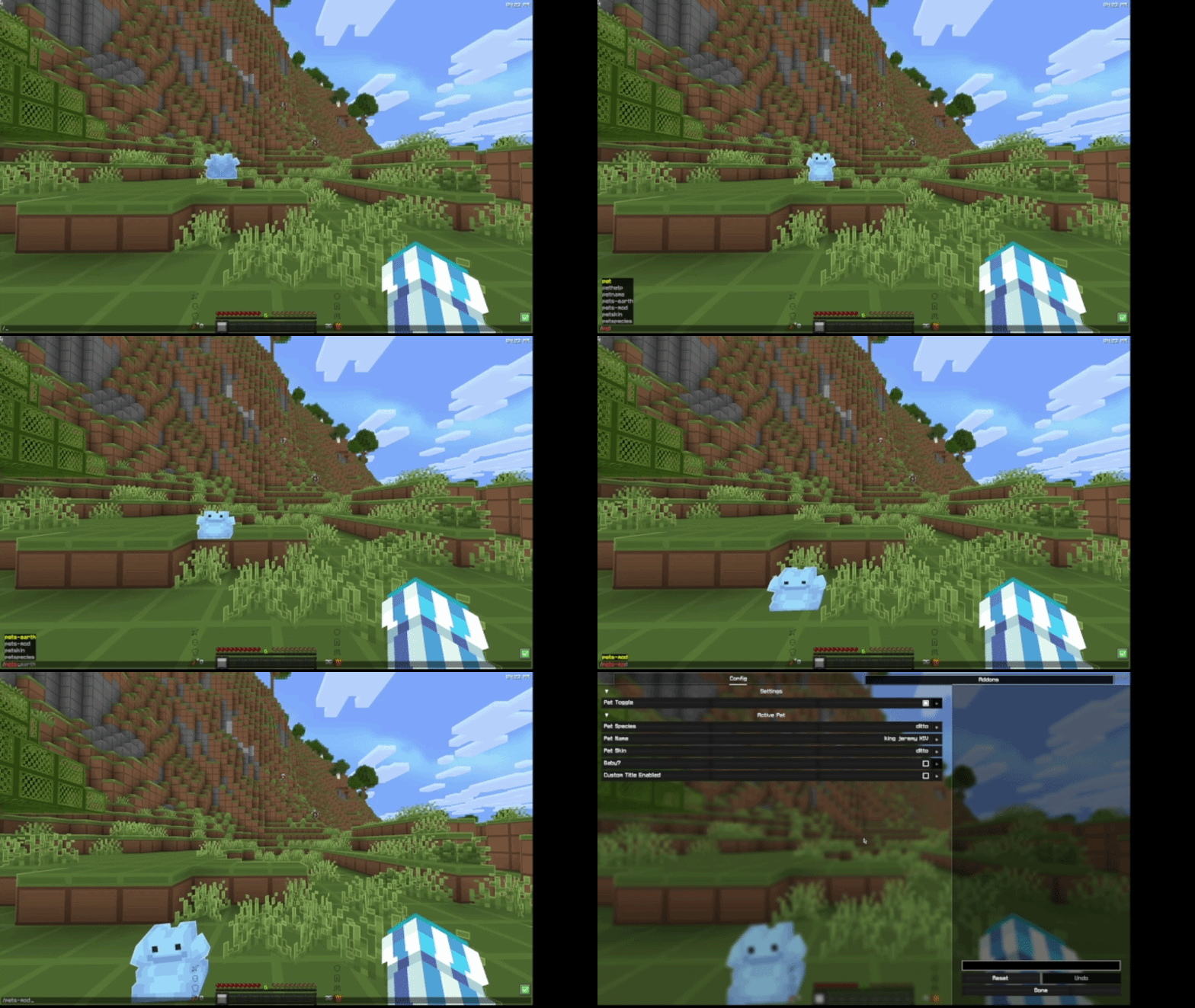 I use /pets-mod to open the Pets Mod config screen (ft. random Ditto)
Usage
In this context, mod-id is the unique ID of the mod. It may not contain spaces or uppercase letters, similar to a Minecraft username. The mod ID will in most cases match the name - so the mod ID for Pets Mod would be pets-mod.
- Run
/emc:(mod-id)to open the configuration screen. - Run
/emc:(mod-id) issuesto receive a link in chat with the issue tracker. - Run
/emc:(mod-id) sourceto receive a link to the source code. FABRIC ONLY - Run
/emc:(mod-id) homepageto receive a link to the mod's homepage.
Some mods may not have some of these options, in that case you will be notified.
Requirements
On Fabric, you will need both the Fabric API and Mod Menu. On Neoforge, no requirements :)
FAQ
Do my mods need to support/require this mod to work?
The mod commands will automatically be generated upon startup from your mods list. There is no need for your mods to directly support or require this mod, it will handle pretty much everything automatically!
Where do I go if a config screen or link isn't working?
Test it with Mod Menu. Go into your mod menu and try and click on the config button for the mod. If it works there, report it to me on the EMC GitHub. Else, it's an issue with the mod, and report it to them on their GitHub.
How do I make my mod's config screen appear?
Make sure it is defined in your Mod Menu entrypoint. This mod uses Mod Menu's API to pull a config screen directly from Mod Menu, so any config that is registered within Mod Menu will work with this mod.