Compatibility
Minecraft: Java Edition
Platforms
Supported environments


Tags
Creators
Details
Licensed ARR
Published 4 months ago
Updated 4 months ago
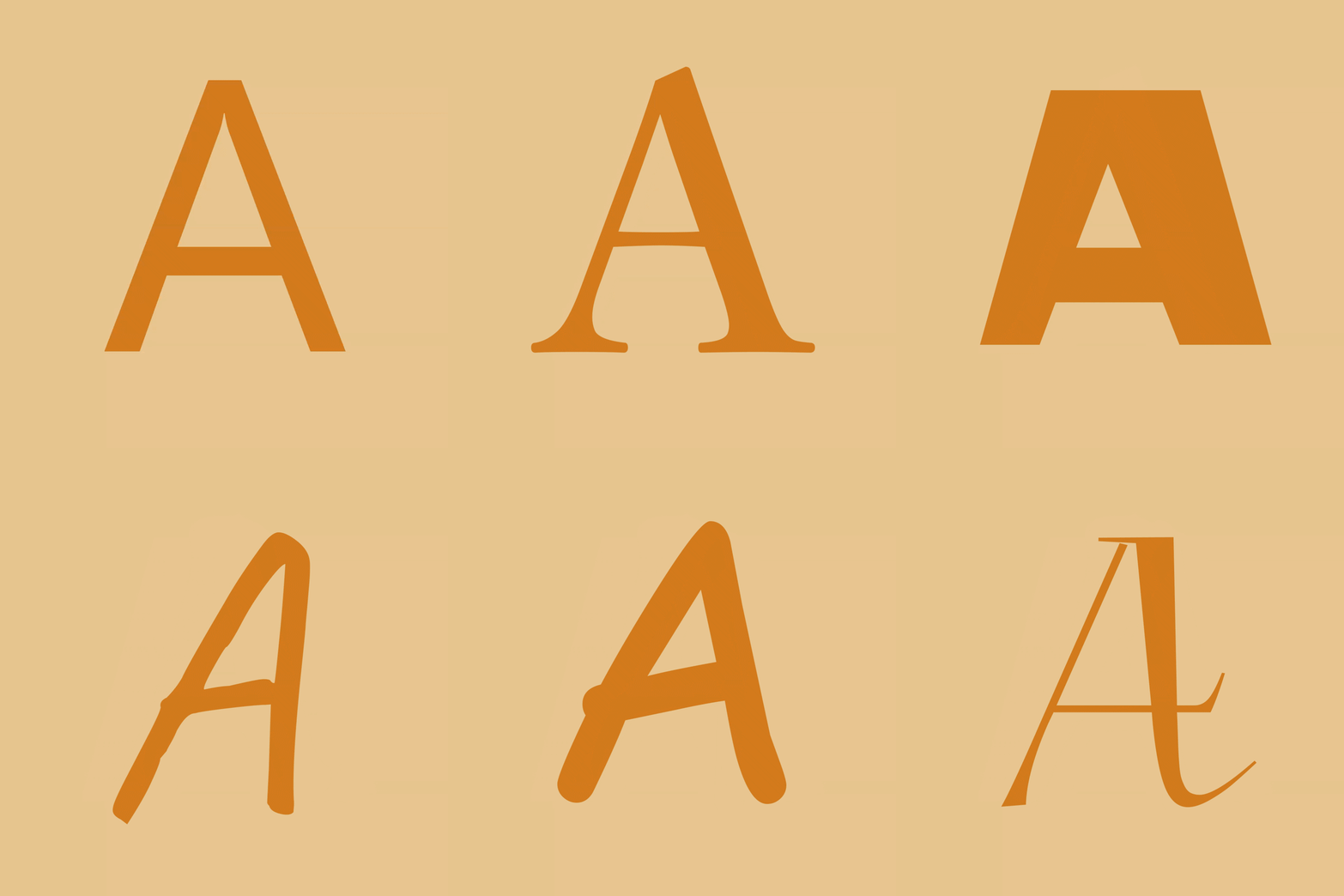
FontSwap lets you drop in any .ttf / .otf font and applies it to the entire game — chat, menus, books, signs, tooltips, everything — live, without restarting. Everything is controlled from a clean in-game menu (default key: K).
✨ Features
- 🔤 Whole-game font swap — import any font file and the whole UI switches to it instantly
- ⭐ Favorites — pin the fonts you use most to the top of the list
- 🔧 Fine control — adjust size, vertical offset, line spacing (works in books & signs too) and weight (faux-bold)
- 🌑 Custom text shadow — turn the drop shadow on/off or recolor it with a hex code
- 🟦 Antialiasing toggle — switch to a crunchy pixel-art look for crisp, retro text
- 🌍 10 languages — EN · 日本語 · 简体中文 · 繁體中文 · 한국어 · DE · FR · ES · RU · PT-BR
- ⚡ Client-side only — works on any server, nothing to install server-side
🎮 How to use
- Press K in game to open the FontSwap menu (rebindable in Controls)
- Click Import… and pick a
.ttf/.otffile — or drop fonts intoconfig/fontswap/fonts/ - Select a font, tweak the sliders, and hit Apply & reload
📦 Supported versions
- Forge: 1.20.1 / 1.20.2 / 1.20.4 / 1.20.6
- NeoForge: 1.21.1 / 1.21.3 / 1.21.4 / 1.21.5 / 1.21.8 / 1.21.10 / 1.21.11 / 26.1
ℹ️ Download the file matching both your MC version and loader. On 26.1 / 26.1.1, NeoForge is still in beta — a beta loader is required there.
ℹ️ Notes
- You supply your own font files — please respect the license of any commercial fonts.
- "Weight" thickens the font (normal → bold); it can't make a font thinner than its design. For a light look, import a Light/Thin variant.
💛 Support
If FontSwap is useful to you, you can support development on Ko-fi. Thank you!