
Compatibility
Minecraft: Java Edition
Platforms
Supported environments


Tags
Creators
Details
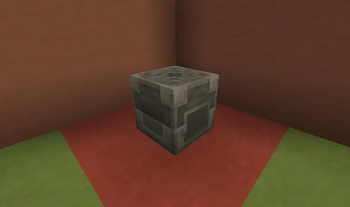
PreFab Block
The central mechanism of the mod.
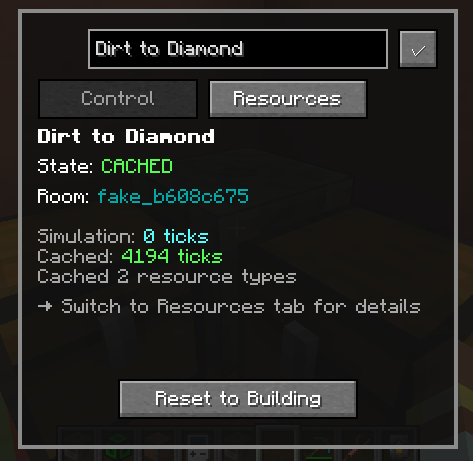
Prefab Control GUI
Here you can see information about the Prefab selected, like how long it has been operating for. This screen is also how the user commands the Prefab to begin caching rates.
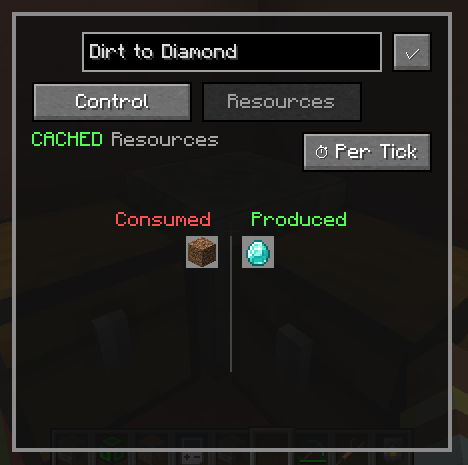
PreFab Resources GUI
This panel is how the user views the specifics of the cached production values of the selected PreFab.
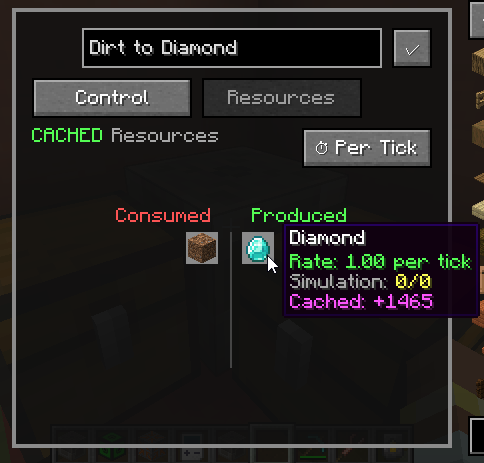
Rates 1
Hovering over an item tells you how many are produced per time step. By default, the PreFab tries to choose a time step that leads to a whole number of items per time step.
Rates 2
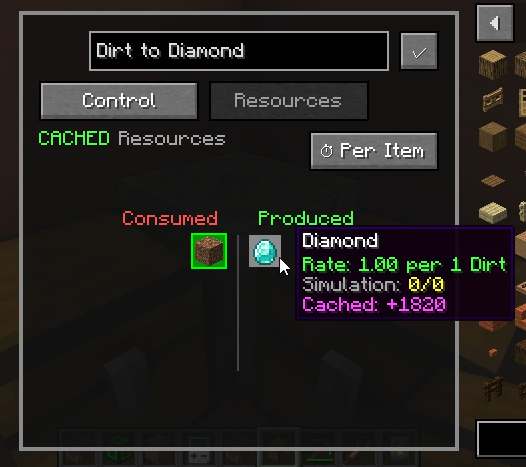
After selecting an item, you may hover over other items to see how many are produced or consumed per 1 of the selected item being produced or consumed (item based rates, rather than time). In this case, we see that we produce 1 diamond for every dirt.
Rates 3
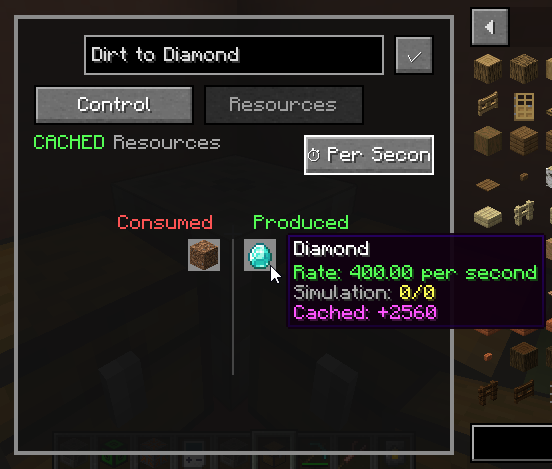
Of course, you may also change the time step itself. Options are ticks, seconds, minutes, and hours.
PreFab Config
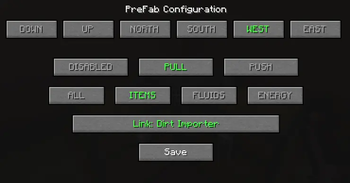
Right clicking a prefab with a simulation wrench enables you to change the behavior of a specific side (the default is the side clicked). You also must specify an importer or exporter that the side is linked to.
Importers and Exporters
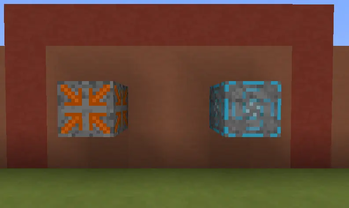
Once played inside the compact machine dimension, these are the blocks that allow you to input and extract items from your prefab. They are the entry and exist points of every resource. This is how the system tracks rates.
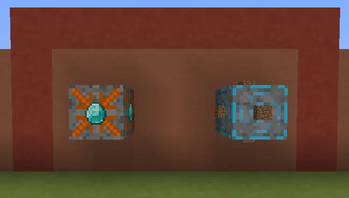
Configured Importers / Exporters
You may right click an exporter or importer with an item or block to name it. This is not a filter. This mechanism only allows you to label them visually, and select them by name from the configuration interface.