Compatibility
Minecraft: Java Edition
Platforms
Supported environments


Links
Tags
Creators
Details
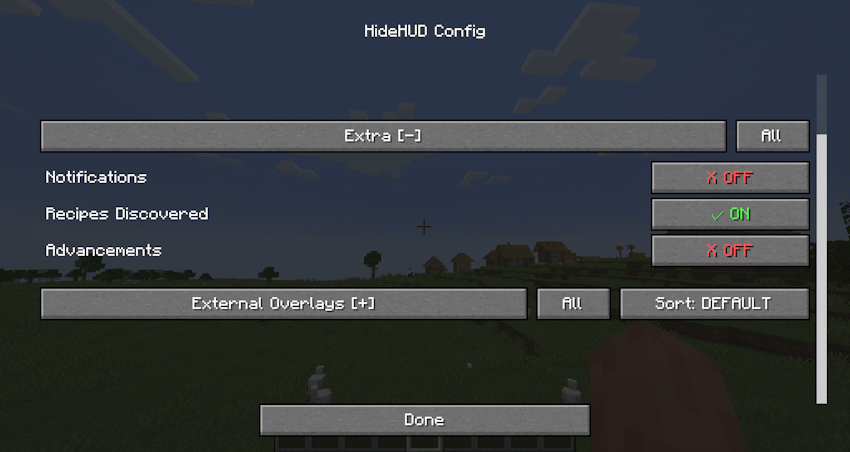
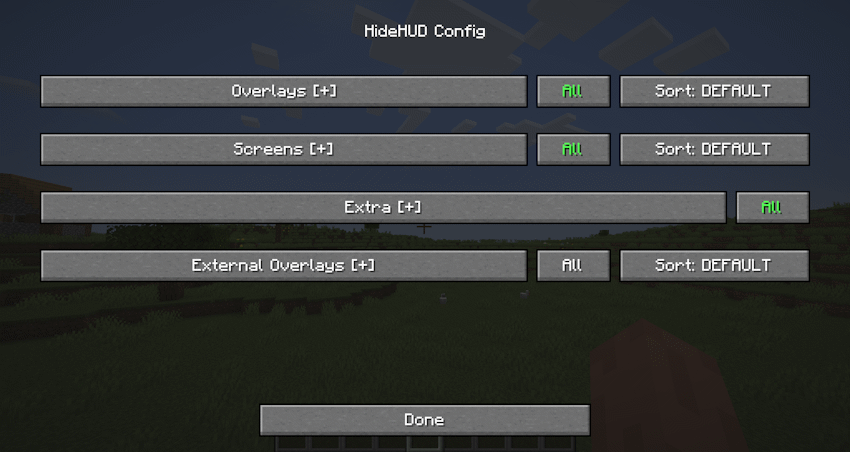
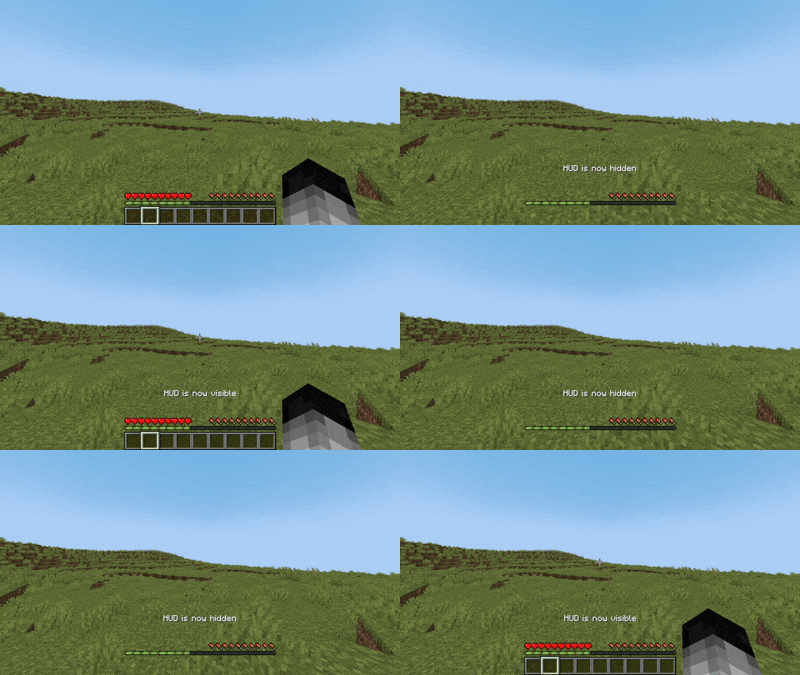
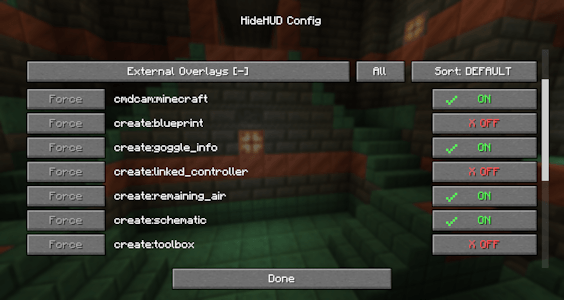
HideHUD is a Minecraft mod that allows you to selectively hide user interface elements and some screens (HUD & GUI) and some notifications (Recipes/Advancements), offering a cleaner and more personalized gaming experience. With it, you can disable components such as the hotbar, crosshairs, experience bar, inventory, and more, through configurable options, allowing you to select which elements appear on screen. You can hide the HUD with the "H" key, and you can open the settings with the "O" key by default. The mod adds a fully accessible config screen.
 Some Overlays hidden
Configurable Overlays:
Hotbar | Player Healt | Hand | Chat Panel | Food Level | Armor Level | Experience Bar | Spyglass | Helmet | Frostbite | Portal | Crosshair | Boss Event Progress | Air Level | Mount Health | Jump Bar | Item Name | Sleep Fade | Potion Icons | Debug Text | FPS Graph | Record Overlay | Title Text | Subtitles | Scoreboard | Player List | Vignette
Configurable Screens:
Inventory Screen | Containers Screen | Chat Screen | Death Screen | Bed Screen
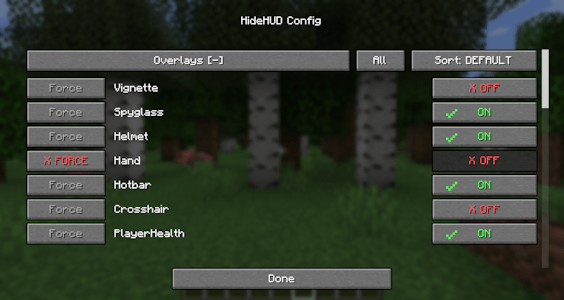
The mod can also detect any overlay from other mods that render through Forge/NeoForge’s RenderGuiLayerEvent.
"Extra" allows you to disable Notifications, Recipes and Advancements.