

All versions
ALPHA_1.3
Head in the Clouds - Alpha 1.32 years ago 45
Compatibility
Minecraft: Java Edition
Platform
Supported environments
Changes
Additions:
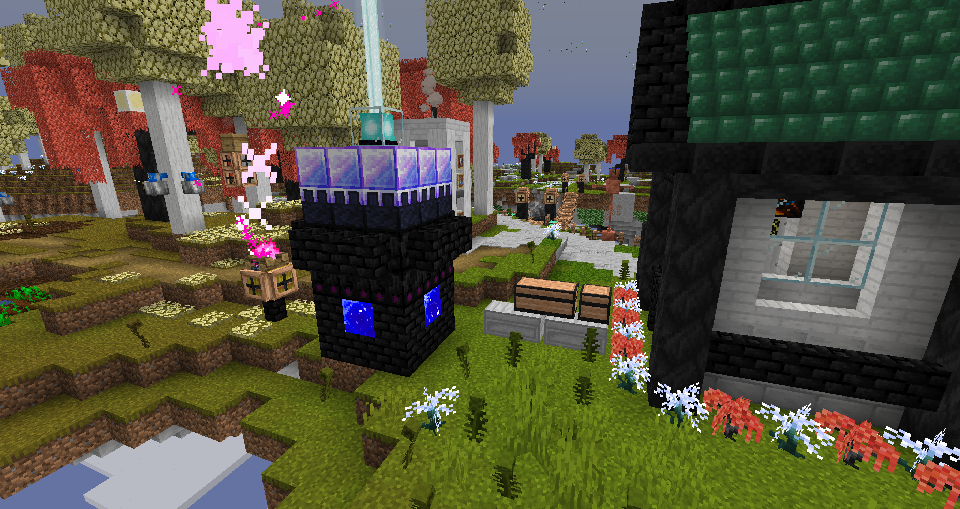
- Meteorite Block, Meteorite Bricks, Chiseled Meteorite Block with an ignited variant.
- Cosmic Torch, Lantern, Campfire.
- Block of Stardust.
- New sounds for Meteorite Blocks (faint humming), Cosmic Fire (noisy crackling), Celestial Respawn Anchors.
- New particles for Cosmic Fire.
- Stratos-based Chest variants.
- Basic compatibility for L_Ender's Cataclysm, Ice and Fire, Identity, and The Twilight Forest.
Changes:
- Drifting Events & Meteors can now happen in any dimension tagged as "has_drifting_events", and "has_meteors", respectively.
- Celestial Debris has new glowy textures.
- Celestizens have gotten a few visual changes & sounds
- Celestial Gem Blocks have had a slight visual overhaul.
- Quicksilt will now block your view when standing in it.
- Celestizens will no longer despawn in Peaceful mode.
- Nightshroom Blocks & Shelf Mushrooms should now appear slightly brigher in the inventory.
- Meteor Smoke matches closer to the color of Cosmic Fire, and has new sprites.
- Red dye can now be crafted from Wisp Willow Vines.
Fixes:
- Fixed some stale assets being referenced, leading to annoying messages in the log.
- Fixed Morel stems rendering wrong for some reason.
- Fixed Cosmic Burning being permanent on the client.
- Fixed Meteor Smoke having weird rendering bugs whenever custom render type particles are on screen.
- Fixed many Celestizen bugs.
- Fixed Miry Path and Farmland blocks decaying into dirt and being completely unusable. :(
- Fixed boss bar rendering issues. This was only visible when playing with other mods that have custom boss bar renderers - a second boss bar would be rendered overtop.
- Fixed incompatibility issues relating to access transformers.
- Fixed Celestizen rotations.
- Fixed annoying message that kept popping up when playing with Malum.