
Compatibility
Minecraft: Java Edition
Platforms
Supported environments


Links
Tags
Creators
Details
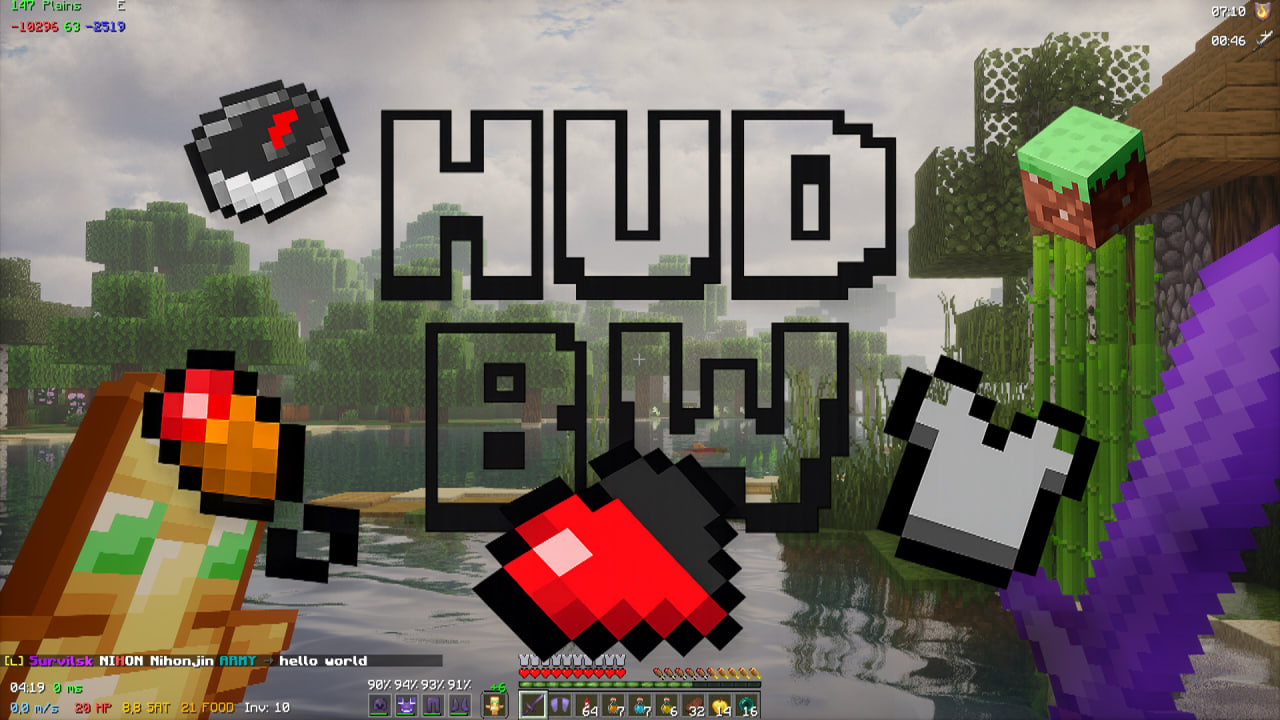 Better HUD Widgets adds a wide variety of widgets, making life easier for players. It includes several widgets for armor, potions, speed, coordinates, biome, hunger, and more. Each widget can be customized individually, for example, size, background, and style.
- it's old version 2.0 video..
✨Features
- Interactive GUI – simple widget customization, drag-and-drop, resizing, and more.
- Soft animations – hover over a widget in the list, and the rest fade away.
- Drag Preview – the GUI hides while you're moving a widget around.
- Quick undo – made a mistake? Ctrl+Z brings it back.
- Calculator – well, sometimes you just need one.
/hbw calcor/calcu. - Hiding – hide widgets you don't need. You can also completely hide hidden widgets from the top settings bar.
- Profiles – save your layout, switch, and share with friends in one click!
- Snap alignment – align widgets to a grid or pixel-perfect (hold Shift).
- Localization – supports English, Spanish, Hindi, Russian, Belarusian, and Ukrainian.
🎮 Editor Controls
Open the GUI with K (Default):
| Action | Result |
|---|---|
| Left Click (LMB) | drag a widget |
| Right Click (RMB) | open its settings (background, size, mode, and widget-specific options) |
| Middle Click (MMB) | show or hide widget |
| Scroll Wheel | cycle through display modes (or scroll the side panel's list if you're hovering it) |
| Ctrl+Z | undo your last move, toggle, or setting change |
| Side Panel | click any row to toggle visibility instantly, scroll for more, or collapse the entire panel from the tab on its edge |
| Top Bar | quick buttons for Hide All, Grid Snap, Reset (with confirmation), Profiles, Durability Warning toggle, Show-Hidden toggle, F3-Hide toggle. Hover any of them for a tooltip |
Prefer the mouse wheel over precision clicking? Every widget's settings popup also has its own Visible toggle, so you never have to rely on the scroll wheel or middle click alone.
📊 Widgets & Modes
Scroll over a widget in the editor to cycle its mode. Right-click it for everything else.
🛡️ Armor - four flavors
- Armor (Classic) - the original all-in-one column (helmet → boots → main hand). Settings let you hide the hand item entirely and choose which side the durability text sits on.
- Armor (Top) - just helmet + chestplate, with an optional hand item (main / off / both) placed above or below.
- Armor (Bottom) — just leggings + boots, same hand-item options as above.
- Armor (Hotbar Style) — armor pieces drawn as a row of fake hotbar slots next to your real one. Choose between bordered "slot" style or plain icons, show durability as a percent or a raw number above each slot, and add either or both hands as extra slots.
All four share the same durability display modes (current/max, current only, percentage), keep a proper empty gap where a piece is missing instead of everything sliding together, and can be freely combined — split your armor into Top + Bottom, or run Classic alongside the Hotbar style, whatever fits your HUD.
🎯 Target HP
Looking at a mob or player shows their current health as a clean number — nothing else on screen, just the number.
🔄 Angle / Rotation
- Yaw — horizontal look angle (e.g.
168.4) - Pitch — vertical look angle (e.g.
-24.3) - Combined — both at once (e.g.
168.4 / -24.3)
📍 Coordinates (XYZ)
- Mode 1: Colored X/Y/Z
- Mode 2: Labeled (X: 100 Y: 64 Z: -500)
- Mode 3: Nether Converter — Overworld coords + their Nether equivalent, side by side
🧪 Potion Effects — with levels
- Mode 1: Icon, full name + effect level (II, III...), timer underneath
- Mode 2: Compact — icon + timer only
- Infinite effects show
∞instead of a countdown - Settings let you put the timer/name text on either side of the icon — icons stay flush in a straight column no matter how long the names get — and optionally hide vanilla's own top-right potion icons so you're not seeing them twice
⚡ FPS & CPS
- FPS: plain number / labeled / full readout — current FPS, rolling average, and a proper 0.1% low (the average of your worst 0.1% of frames — the number that actually tells you when you're stuttering)
- CPS: total clicks, or split left/right
❤️🍗 HP / Food / Saturation
- Mode 1: Full label (
20 HP) - Mode 2: Digits only, no label
- Mode 3: Heart / drumstick icon paired with the number
⏰ Clock
- Mode 1: Your system clock
- Mode 2: In-game world time
🧭 Compass
- Mode 1: Cardinal letter (N/S/E/W)
- Mode 2: Exact bearing in degrees
🌍 Biome
Shows the name of the biome under your feet.
💡 Light Level
The actual, time-of-day-adjusted light value - the same number the game checks before deciding a mob can spawn where you're standing. Green = safe, yellow = risky, red = start building walls.
📶 Ping
Server latency, color-coded by how bad it is.
🏃 Speed
Live blocks/second, updates smoothly while moving.
🛡️ Armor Points + Toughness
The exact numbers behind your armor icons, including toughness - useful when comparing gear that looks identical on the bar.
⏱️ Session Timer
How long you've been playing since you joined.
🎒 Also Included
- Inventory Space - free slots left in your main inventory
- Offhand Counter - total count of that item across your whole inventory (great for totems, rockets, ender pearls)
- Low-Durability Warning - an action-bar warning (with optional sound) when your gear is about to break, on a threshold you set. Toggle it on/off right from the editor's top bar.
💾 Profiles
Set your layout up exactly how you like it, save it as a profile from the top bar, and switch between as many setups as you want – PvP layout, building layout, whatever – with one click. Nothing gets overwritten until you tell it to. Want to share a setup with a friend instead of saving it locally? Copy it to your clipboard as text and send it straight into Discord. They paste it back in and they're done.
🔧 Commands
/hbw reset- reset the whole layout back to default/hbw calc <expression>- simple calculator/calcu <expression>- alternative command
📦 Installation
- Install Fabric Loader
- Drop HUD BW and Fabric API into your mods folder.
- Launch, press
K, arrange your screen the way you actually want it
🛠️ Upcoming in Version 3.4
There aren't any ideas for version 3.4 right now
Have a question, suggestion, or idea?
 |
Check our discord channel. |