


Tags
Creators
Details
All versions
1.0.1
Humans Mod 1.0.1last year 245
Compatibility
Minecraft: Java Edition
Platform
Supported environments
Required content
Any compatible version
Any compatible version
Changes
📘 Humans Mod Documentation
🧱 1. Basic Information
- Full Mod Name: Humans Mod
- Current Version: 1.0.1 Beta
- Source Type: Closed Source, Custom License
- Supported Minecraft Version: 1.21.5
- Mod Loader: Fabric
- Official Download: Modrinth Link
Note: This mod is under active development and has been tested thoroughly before release. However, it's recommended to try it on a backup world first before using it on your main world.
🧩 2. Dependencies
Required:
Optional:
- Cloth Config
- Architectury API
🧰 3. Features
After installing and launching Minecraft, the following keybinds are essential to operate the mod:
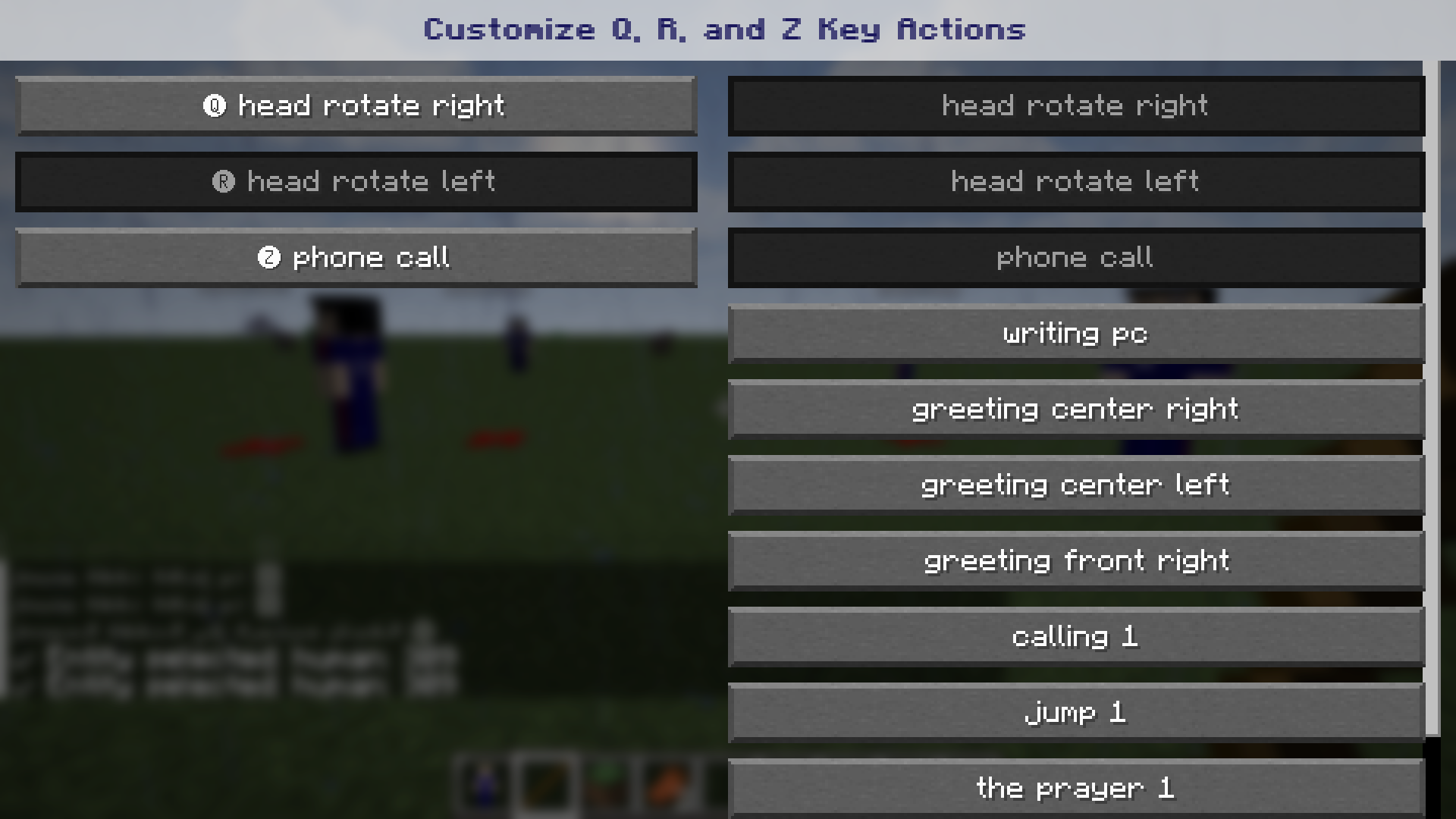
- Q – Triggers default animation: Head turns right.
- R – Triggers default animation: Head turns left.
- Z – Triggers default animation: Phone call.
- X – Triggers default talking animation.
- P – Opens the animation customization screen for keys Q, R, Z.
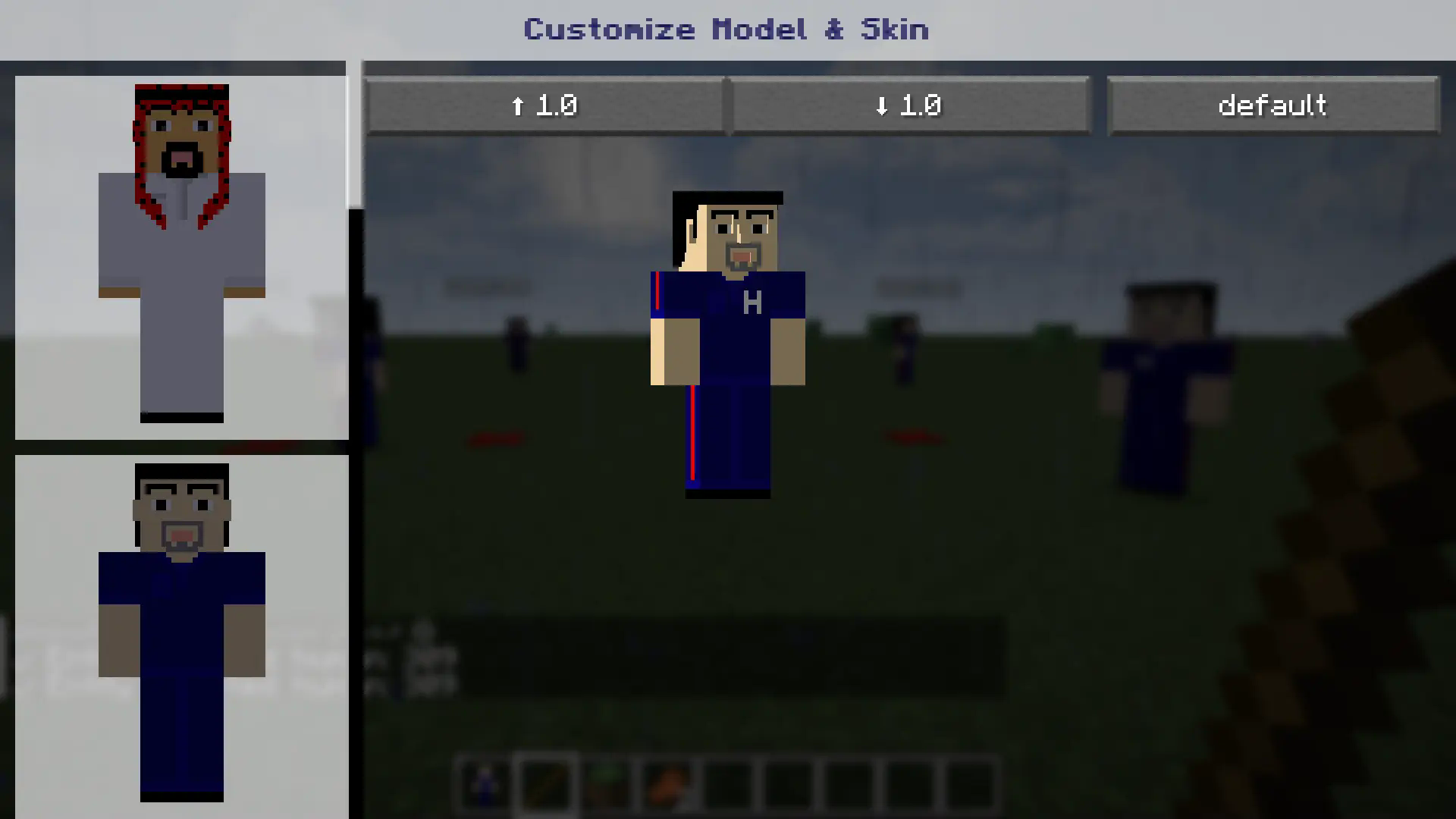
- L – Opens a panel to change entity skin, size (scale), and model (currently supports default only, more to come).
- T – Rotates entity right.
- Y – Rotates entity left.
- [ – Moves entity forward with walking animation.
- ; – Moves entity backward with walking animation.
- C –
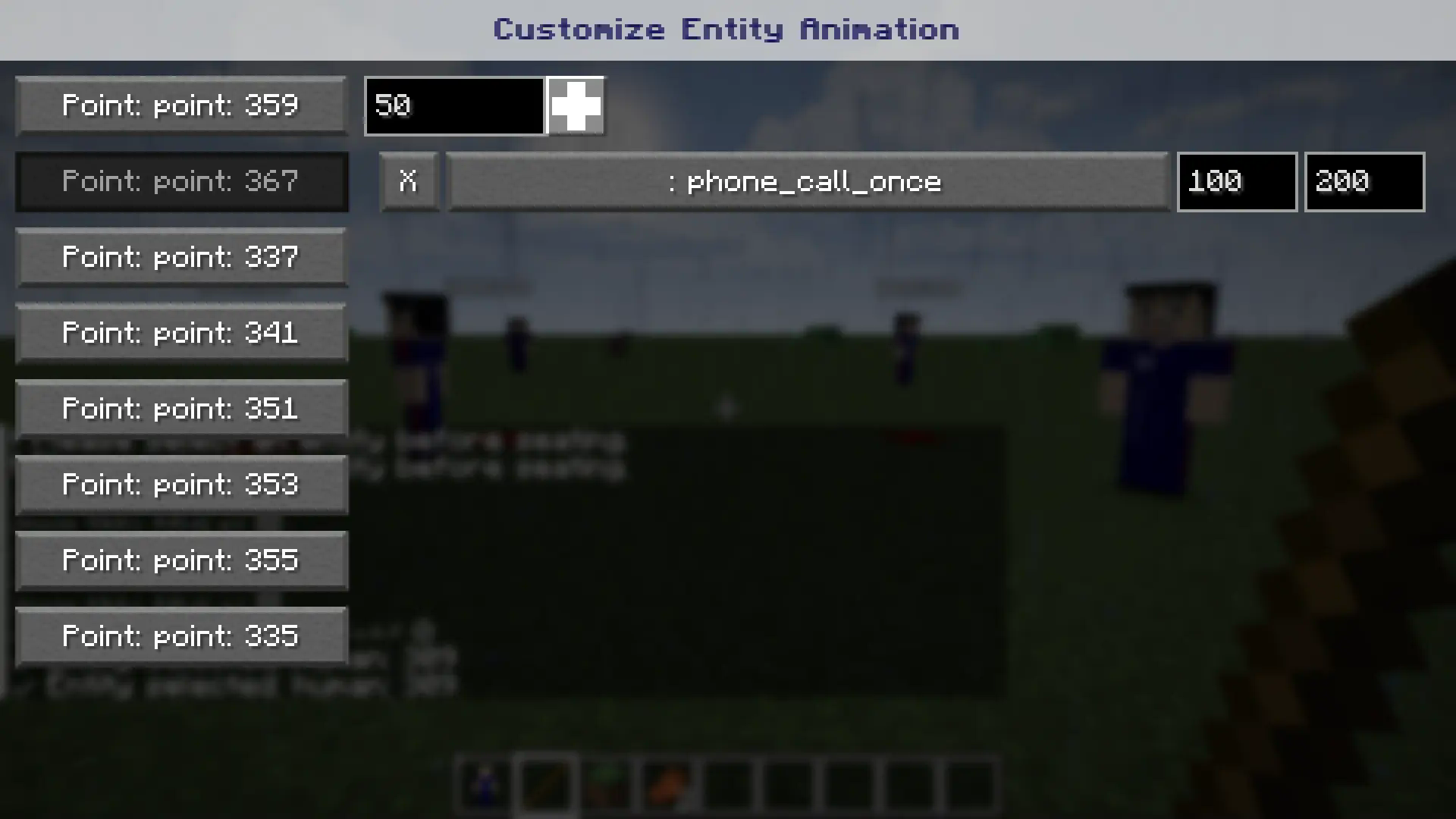
- If an entity is selected (via right-click), opens a UI:
- Choose a pre-placed
marker - Enter launch time in seconds
- Add animation with start and end times
- Choose a pre-placed
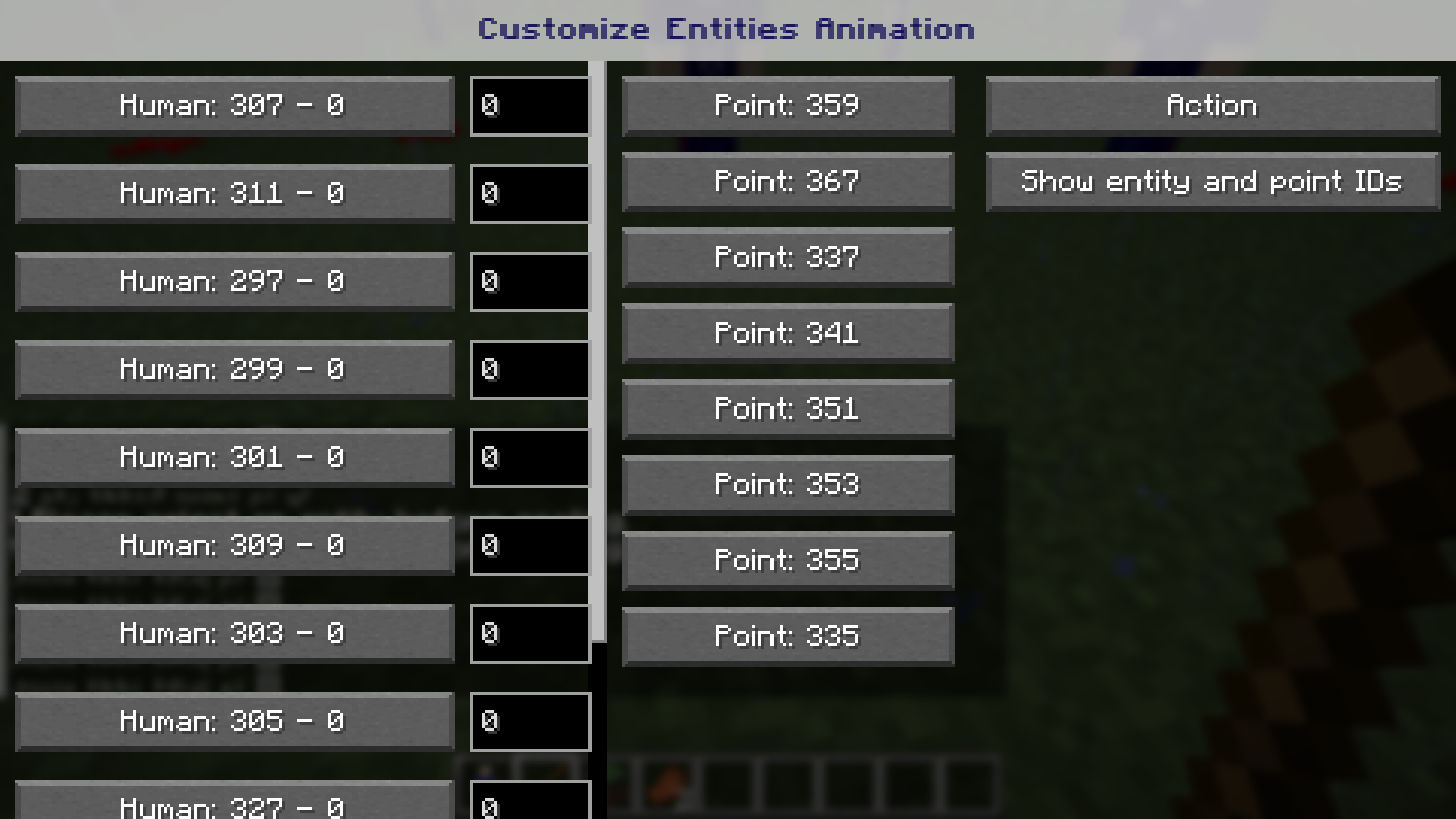
- If no entity is selected:
- Opens list of all entities within 64 blocks
- Select an entity, assign launch time
- Select movement point(s)
- Click Action to execute, closing the window automatically.
- If an entity is selected (via right-click), opens a UI:
- ] – Executes all events scheduled for one or multiple entities.
Additional Notes
- Entity Protection: Players cannot kill entities using hand/tools except swords (left-click reserved for relocation).
- Entity Relocation: Left-clicking moves entity to inventory (if space is available), keeping its properties. Re-add via right-click like a block.
- Channel Selection: Right-click to assign or select entity channel.
Mod Elements (Blocks):
- Human: Flexible human model with facial animations, blinking, talking, eyebrow movement.
- Marker: Sets destination for entity. Destroyable with one click.
- Sit: Invisible block that enables sitting animation on any block.
- Sleep: Invisible block that enables sleeping animation.
🔧 4. Usage Instructions
Installation:
- Download the
.jarfrom Modrinth. - Place it in
.minecraft/mods.
Control: Single Entity
- Select entity (right-click)
- Press
C - Choose marker
- Set launch time
- Add animation with timing
- Press
]
Control: Group
- Don't select entity
- Right-click any block
- Choose entity from list
- Assign launch time
- Select path points
- Press
Action
Practical Example
- Video tutorial available on YouTube
- Skins can be added to
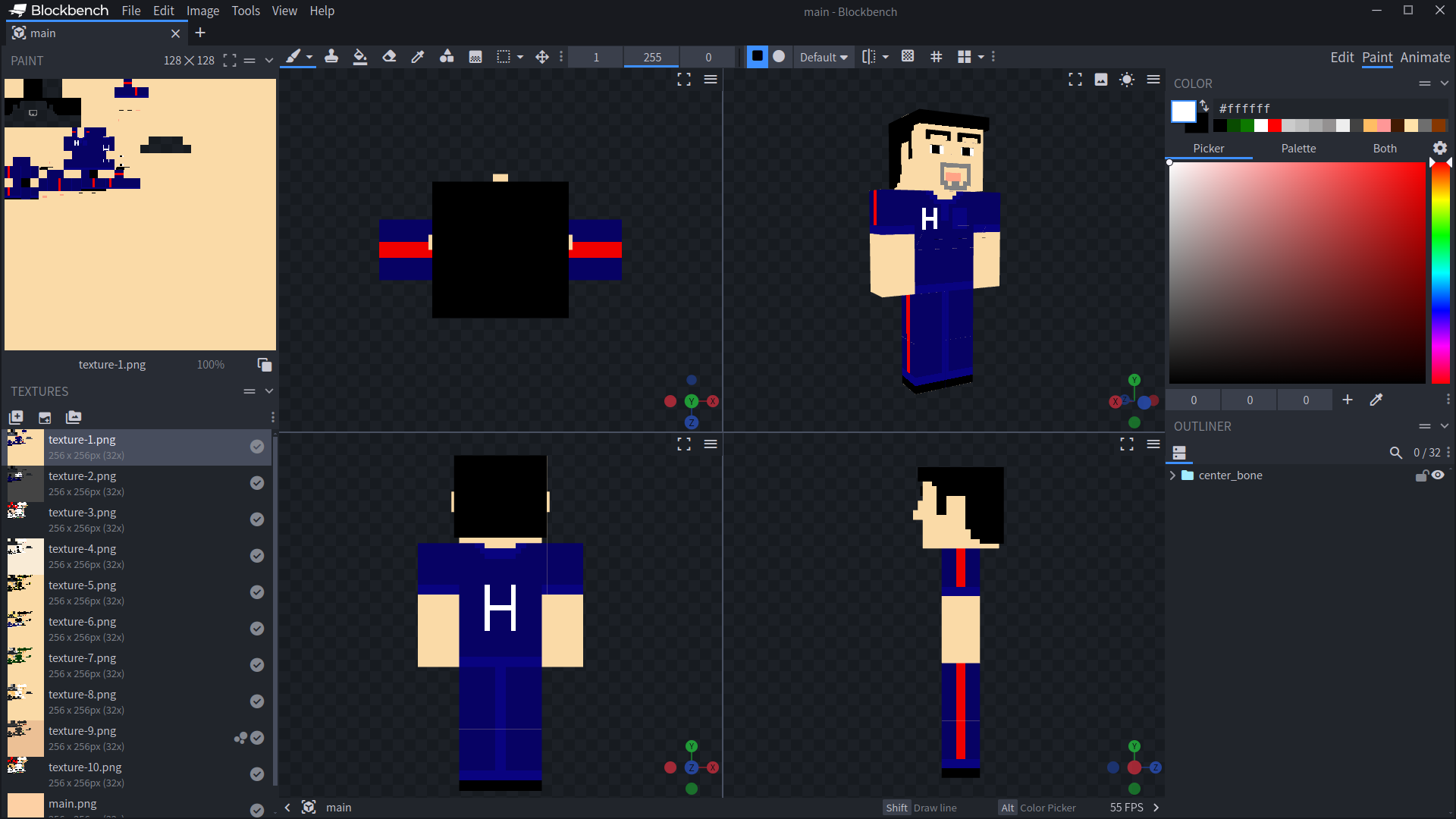
human_texturesfolder and selected viaL - Use the Blockbench model (with GeckoLib) to design skins. Do not modify model bones. Contact dev to include animations.
📚 5. External Links
- GitHub: View Repository
- Official Docs: Visit Website
🔄 6. Future Plans
- Group pathing + animation execution.
- More animation types and models (fat, slim, disabled, etc.)
📩 7. Contact
- Email: mustafamaxdev@gmail.com
- Facebook: View Page
- Discord: Join Server