
Compatibility
Minecraft: Java Edition
Platforms
Supported environments


Tags
Creators
Details
Light Inhibition Mod
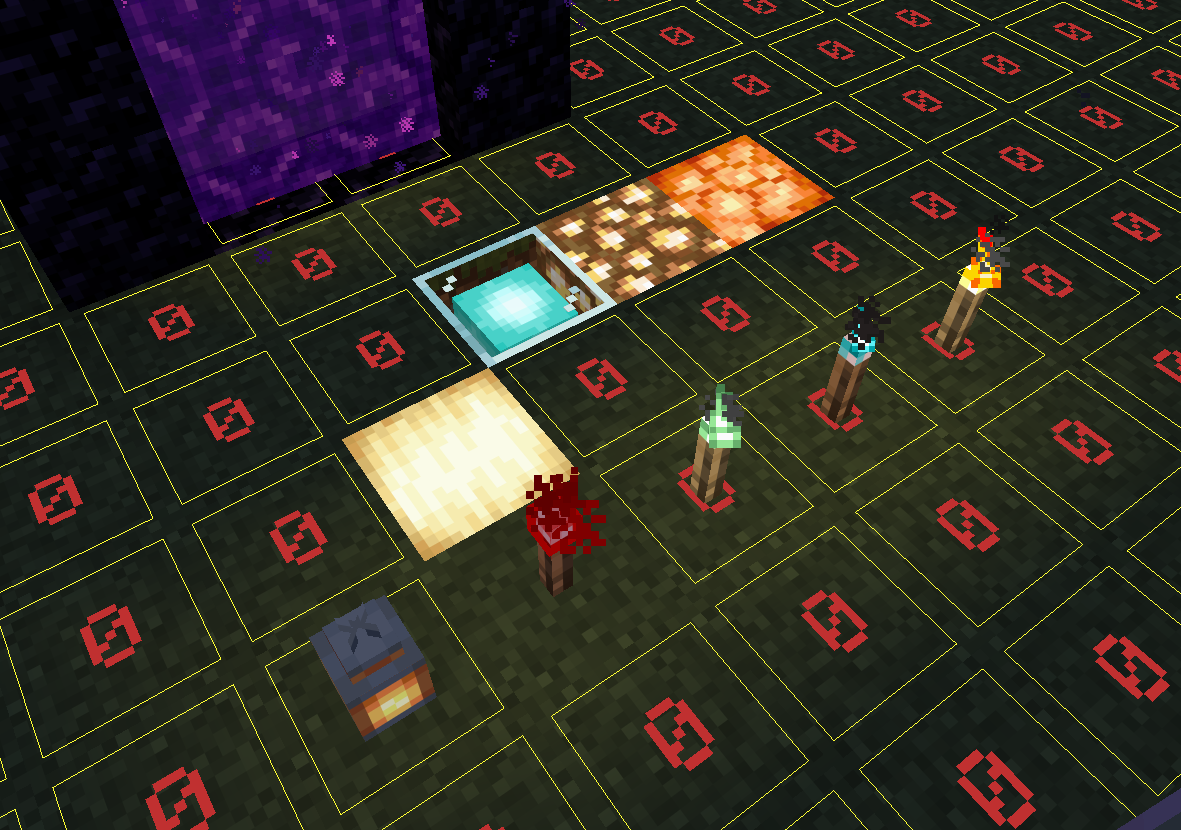
A Fabric mod for Minecraft that allows players with OP permissions to pause or resume all server-side light updates via commands. When light inhibition is enabled, placing or breaking blocks no longer triggers light calculation. This can help reduce server lag caused by light updates or be used for special map creation.
Pair with Carpet TIS Addition's block update suppression feature to build nether portals in complete darkness and maximize mob farm efficiency.
- Producer: YkinLing
- Auxiliary AI: Deepseek
- QQ Group: 783492491 (For obtaining the source code)
Warning: This mod suppresses the vanilla light engine. Use with caution and always back up your world before experimenting. The light suppression range covers the entire world. Once activated, it will cease all updates of the light status.
-
The command has been enabled in the server, but the brightness update has not been prevented? Please try to log out of the client and then reconnect to the server.
-
For the light source blocks that no longer have light, there should be no light updates within their surrounding area. Any update to the brightness range of a light source cube that is without illumination will force it to re-update its brightness. Do not update the brightness near the shutdown command; otherwise, the light source may unexpectedly return to its original state.
Features
/lightinhibition on– Enables light inhibition, preventing all light updates./lightinhibition off– Disables light inhibition and restores vanilla light behavior./lightinhibition status– Displays the current state of light inhibition.- Automatically disables inhibition when the server stops to ensure safe world saving.
- Supports both Chinese and English (switches based on client language).
How to Use
- Place the mod in the
modsfolder of your server or client. - Start the game and join a world.
- Ensure you have OP permission (level 4) or have cheats enabled in single‑player.
- Type the command in chat, e.g.,
/lightinhibition onto enable inhibition. - While inhibition is active, no light updates will occur. To restore normal behavior, run
/lightinhibition off.
Important Notes
- Light sources placed while inhibition is active will not emit light. When inhibition is turned off, those blocks will not automatically become bright (any pending updates are discarded). You can force a light update by placing or breaking a block near the area, or by reloading the world.
- The mod works server‑side. In multiplayer, all players will see the same lighting state because the server controls light updates.
- You do not need to manually disable inhibition before quitting the game; the mod will automatically disable it when the server stops, preventing any save issues.
Requirements
- Minecraft 1.21.11
- Fabric Loader 0.18.4+
- Fabric API
License
BSD 2