
Compatibility
Minecraft: Java Edition
Platforms
Supported environments


Tags
Creators
Details
InGameWeb
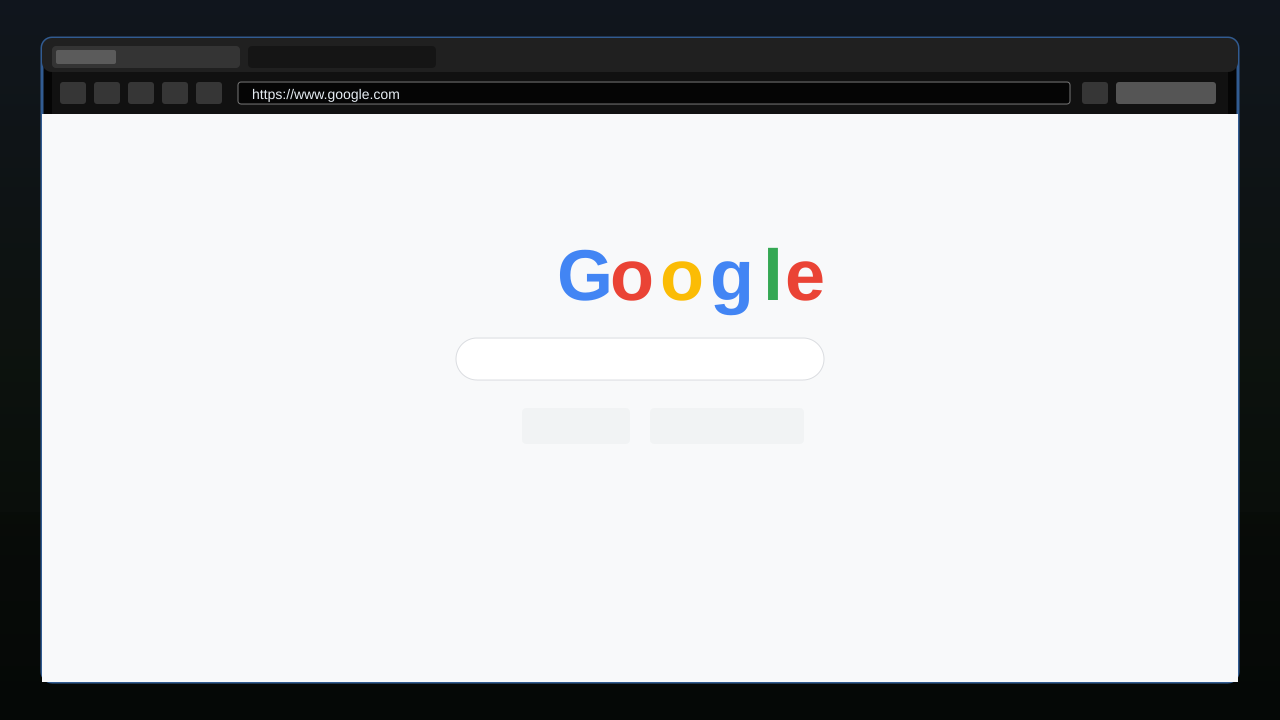
An in-game Chromium web browser overlay for Minecraft 1.21.11 (Fabric).
Open a full browser inside Minecraft with Shift + Tab — browse documentation, wikis, YouTube, and any normal website without leaving the game. Supports multiple tabs, persistent sessions, and download confirmation.
---
Requirements
- Minecraft Java Edition 1.21.11
- Fabric Loader 0.19.2+
- Fabric API 0.141.4+1.21.11 or newer
- MCEF [Keksuccino's Fork] v2.2.0+ for MC 1.21.11
MCEF is a required companion mod. It downloads Chromium binaries on first launch. An internet connection is needed for the initial setup.
Installation
- Install Fabric Loader.
- Download and place Fabric API in your
mods/folder. - Download and place MCEF [Keksuccino's Fork] (v2.2.0 or newer for 1.21.11) in your
mods/folder. - Download and place InGameWeb in your
mods/folder. - Launch Minecraft. MCEF will download Chromium binaries on the first run — wait for it to finish.
Controls
| Action | Default | Location |
|---|---|---|
| Open overlay | Shift + Tab | InGameWeb Settings |
| Close overlay | ESC | Controls → Web - EywDev |
| Focus address bar | Ctrl + L | (in overlay) |
| New tab | Ctrl + T | (in overlay) |
| Close tab | Ctrl + W | (in overlay) |
| Back / Forward | Alt + ← / → (via browser) | (in overlay) |
| Reload | Ctrl + R (via browser) | (in overlay) |
The open shortcut supports modifier combinations such as Shift + Tab, Ctrl + M, or Alt + B. Change it from the InGameWeb settings screen using the toolbar settings button or Mod Menu. The close key is configurable in Options → Controls → Web - EywDev.
Features
- Full Chromium browser powered by MCEF — real websites, YouTube, login sessions
- Multi-tab support — open, close, and switch tabs freely
- URL / search bar — type a URL or plain search query;
youtube.comauto-prefixeshttps:// - Google as default homepage and search engine (configurable)
- Persistent sessions — cookies, cache, and login state survive Minecraft restarts
- Download confirmation — asks before any file is saved; you choose the destination
- Singleplayer pause — the game pauses while the overlay is open (configurable)
- Config screen — accessible from the overlay toolbar, Mod Menu, or
config/wboverlay.json - Background tab handling — tabs stay alive after closing the overlay while hidden browser views are kept lightweight
- Optional blocklist / allowlist — disabled by default
Configuration
Open the config screen through the overlay toolbar settings button, Mod Menu, or edit config/wboverlay.json directly.
| Option | Default | Description |
|---|---|---|
| Homepage | https://www.google.com |
Page opened in new tabs |
| Search engine URL | Must contain %s as the query placeholder |
|
| Open shortcut | Shift + Tab |
Opens the overlay; supports Shift, Ctrl, Alt, and Super modifiers |
| Pause in singleplayer | On | Pauses the game while the overlay is open |
| Persist sessions | On | Keeps cookies and cache between sessions |
| Default download folder | ~/Downloads |
Where downloaded files are saved by default |
| Blocklist | Off | Blocks specific domains if enabled |
| Allowlist | Off | Restricts access to specific domains if enabled |
Platform Support
MCEF ships Chromium binaries for:
- Windows 10/11 (x86_64, arm64)
- macOS 11+ (Intel, Apple Silicon)
- GNU/Linux with glibc 2.31+ (x86_64, arm64)
Other platforms are not supported by MCEF.
Compatibility
| Mod | Status |
|---|---|
| Fabric API | Required |
| MCEF [Keksuccino's Fork] | Required |
| Mod Menu | Supported — config screen integration |
| Sodium | Compatible — no known conflicts |
| Iris | Compatible — no known conflicts |
| Forge / NeoForge | Not supported |
InGameWeb is client-side only. It does not require installation on servers and does not send any data to servers.
Known Limitations
- MCEF downloads Chromium binaries (~200 MB) on first launch. This is handled by MCEF, not InGameWeb.
- Audio and video support depends on MCEF's included Chromium build and your OS. YouTube generally works on supported platforms.
- Background media can continue after closing the overlay, but performance depends on the website, video resolution, and system hardware.
- Browser initialization may fail if required system libraries are missing (see MCEF's documentation for platform requirements).
- If MCEF is not installed, InGameWeb will refuse to load (dependency check at startup).