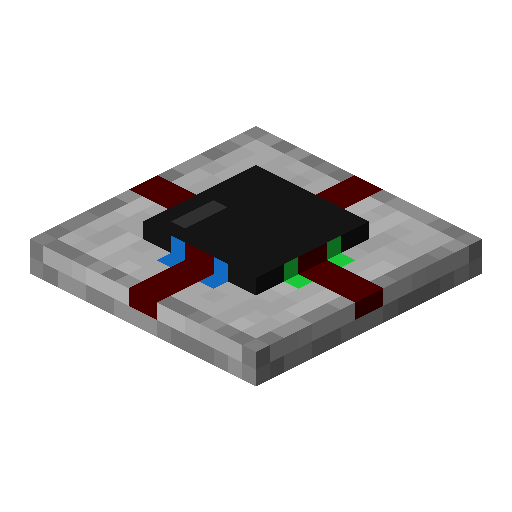


Tags
Creators
Details
1.4.3
Compatibility
Required content
Changes
⚠️ Warning: Worlds from 1.20.4 and below will not be updated properly and may crash (see note below)
- Updated to MC 1.20.6
- Fixed placing a circuit not updating output/input signals
- Reworked the circuit serialization heavily:
- Circuits are now saved using paletted containers (like minecraft chunks are saved)
- Component states now use the same state system as block states, allowing more states than the previous 256 limit
- Renamed block entity name to integrated_circuit:integrated_circuit
About updating from 1.20.4 or below:
I already spent weeks writing datafixers to migrate old circuit data to the new one (which already worked).
Unfortunately, when Minecraft introduced structured components on items to replace NBT,
they chose to use components as the tag name where they are saved.
This happens to be the same tag that circuit items and block entities used for storing their circuit data.
This causes very annoying problems with DataFixerUpper,
since it would expect the list of integers to be a map of components.
When trying to load a 1.20.4 world with circuits, it will error with something like this in the console and crash:
Not a map: [I;0,0,0,.....
I tried a lot of things to fix this, and it partially almost worked (with some exceptions). However, I don't feel comfortable including this fix in a release, because I don't know the possible side effects it might have to worlds. So if you need your world upgraded, feel free to get in touch, so I know there is demand for it. I might still find a good solution (unlikely) or help you update the world with my (as of now) crude solution.
My datafixing attempts can be found at https://github.com/replaceitem/integrated-circuit/tree/datafixing-pain
If you are a datafixing wizard, I would really appreciate any help.