Compatibility
Minecraft: Java Edition
Platforms
Supported environments


Links
Tags
Creators
Details
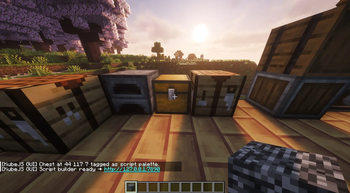
Step 1: Click a chest with bedrock to link it
After clicking a chest with bedrock (will change later, its just because its a creative only item) it links to the internal web page, you can click the blue link. Its a safe link, its local host. Or just type it in manually.
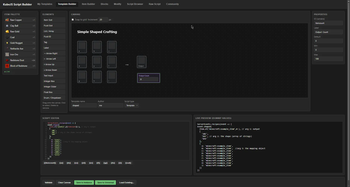
Step 2: Open web page to make a template
In a nutshell, the items in that chest are on the left, then you have your canvas and its elements to the left of it. Copy script from wiki, replace values in script with those under the editor by clicking them, then name it and save.
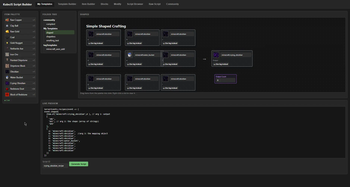
Step 3: Go to My Templates
Add your inputs to the script. Preview how the script will look with the live preview. Name it, and save.
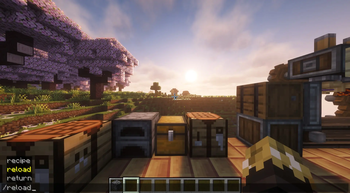
Step 4: Reload the scripts
Run the /reload command. (startup scripts require game restart, like registering custom items)
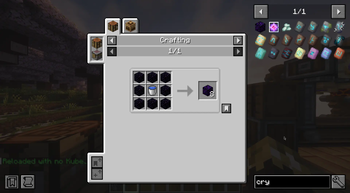
Step 5: Enjoy the new recipe/script
Thats the basics of making a template and using the template to make a script. There is so much you can do with the custom scripting. I'll add more tutorials, but in the meanwhile, I'm sure you can figure a lot of the other tools out.