
Compatibility
Minecraft: Java Edition
Platforms
Supported environments


Links
Tags
Creators
Details
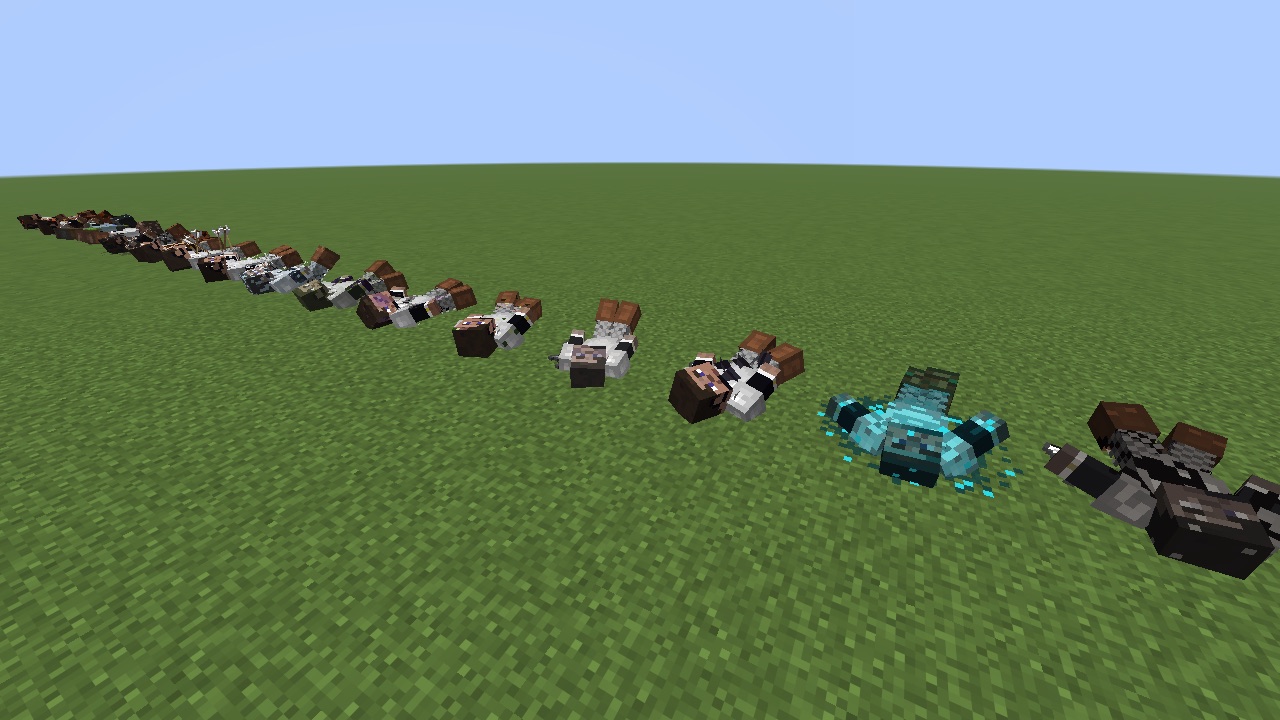
When you die, your items don't scatter on the ground and despawn. They stay with your body: your own skin, your armor, lying where you fell. The body shows how you died. Burned in lava, it's charred with embers still glowing. Drowned, it floats face down, waterlogged and tangled in kelp. Shot, the arrows are still in it. Walk back, right-click, and take your things.
Features
- Nothing is lost. Every item that would have dropped goes into your body instead, including items from other mods. Bodies don't burn, despawn, fall into the void, or get pushed by pistons.
- Gear goes back where it was. Take all (or Shift + right-click) puts each item back in its original slot if that slot is empty, then fills your inventory. Gear you've picked up since respawning is never replaced, and anything that doesn't fit stays in the body.
- A death you can read. Each cause of death has its own scene, painted onto your actual skin and armor at the pixel level, so it still looks like you.
- Bodies that behave. They rest on slabs and stairs, float in water and lava without drifting away, and can be buried by falling sand or gravel. A shallow burial leaves an arm reaching out of the pile, and you can recover from it directly.
- A clean recovery screen. It's laid out like your own inventory, with your worn gear on top and the hotbar at the bottom. You can only take items out, never put them in.
- A full lifecycle. After an hour of loaded time, a body you haven't come back for turns to a skeleton, still wearing your armor. Punch an emptied body a few times to clear it away, or let it fade on its own.
- Owner-only by default. Only you and server operators can loot your body. Servers can switch this to team or public access.
Death scenes
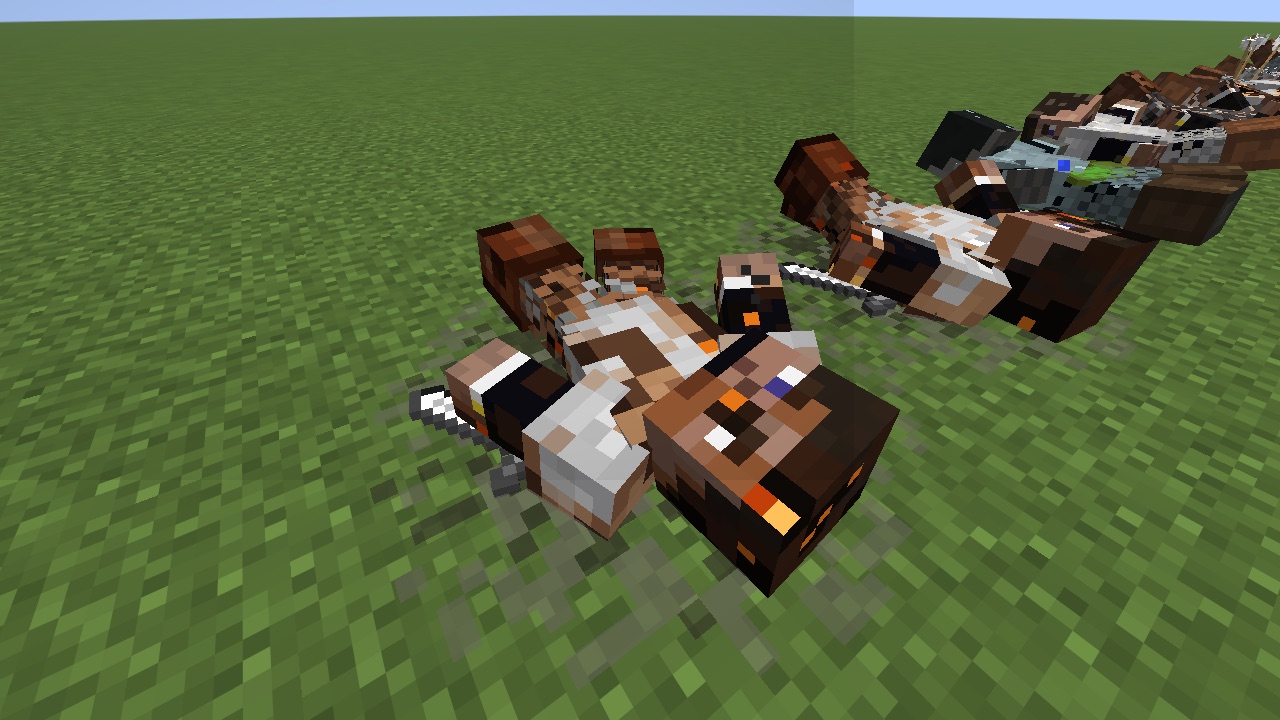 Lava |
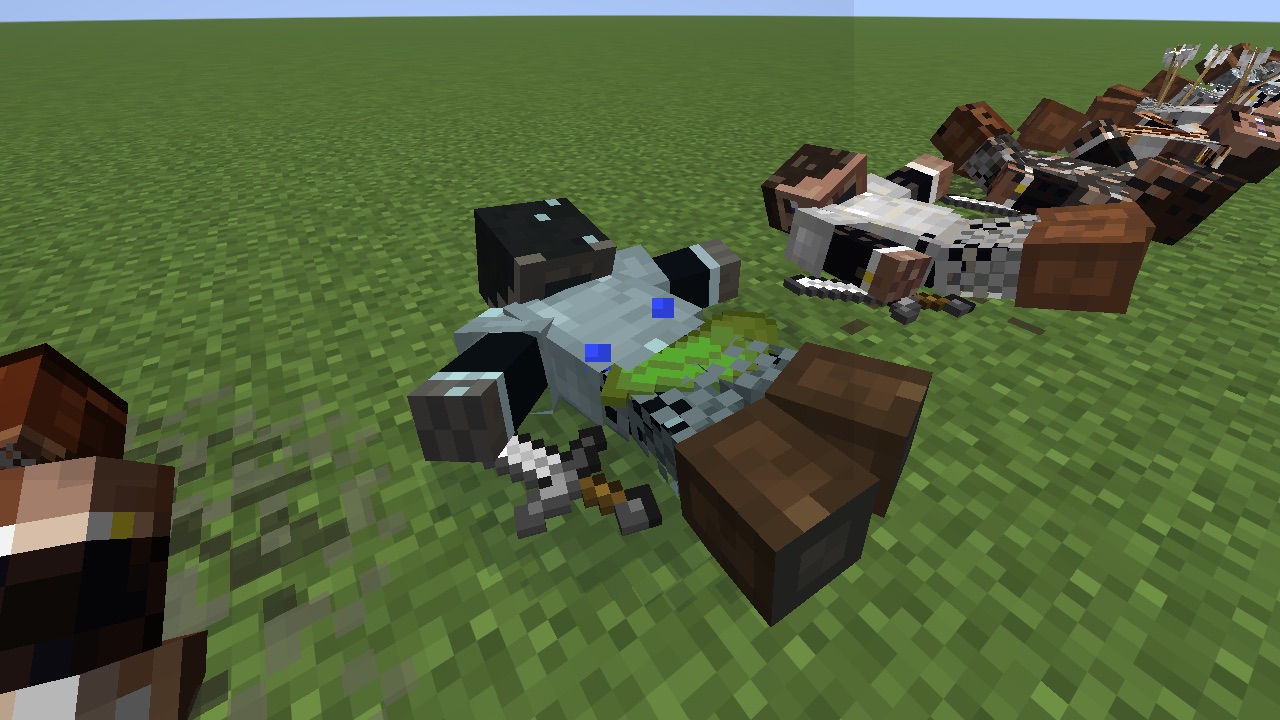 Drowning |
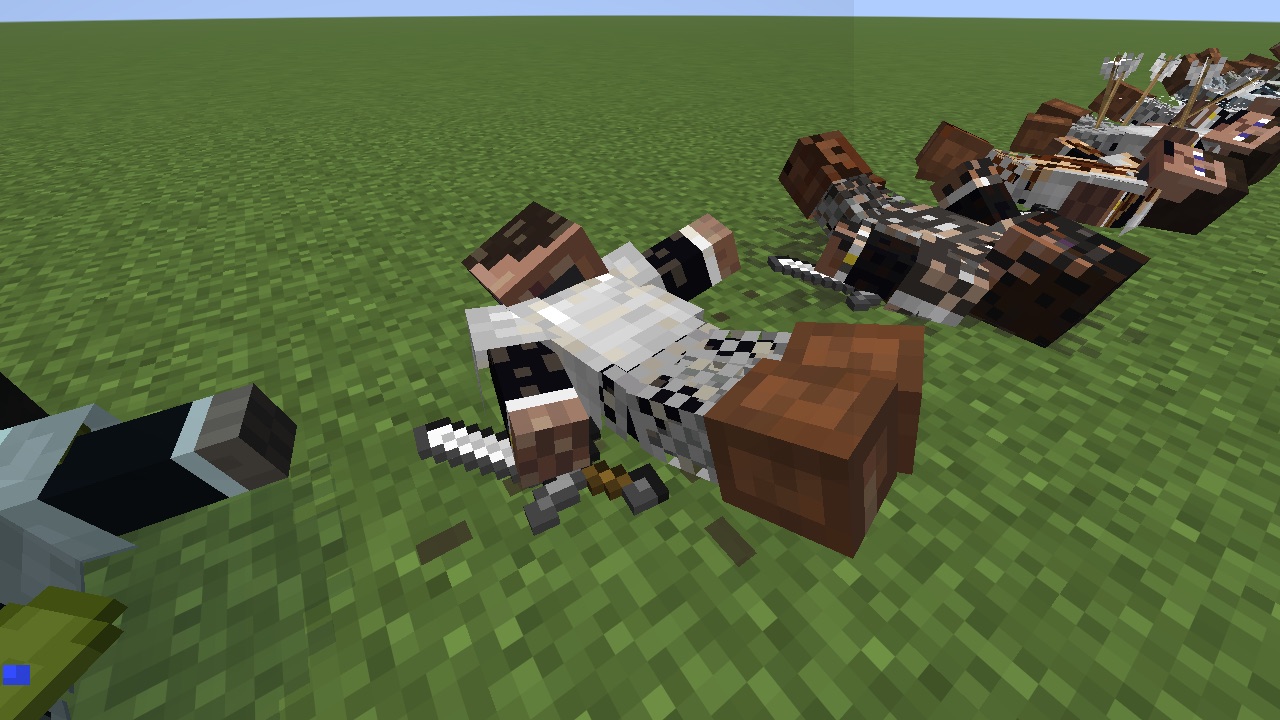 Fall |
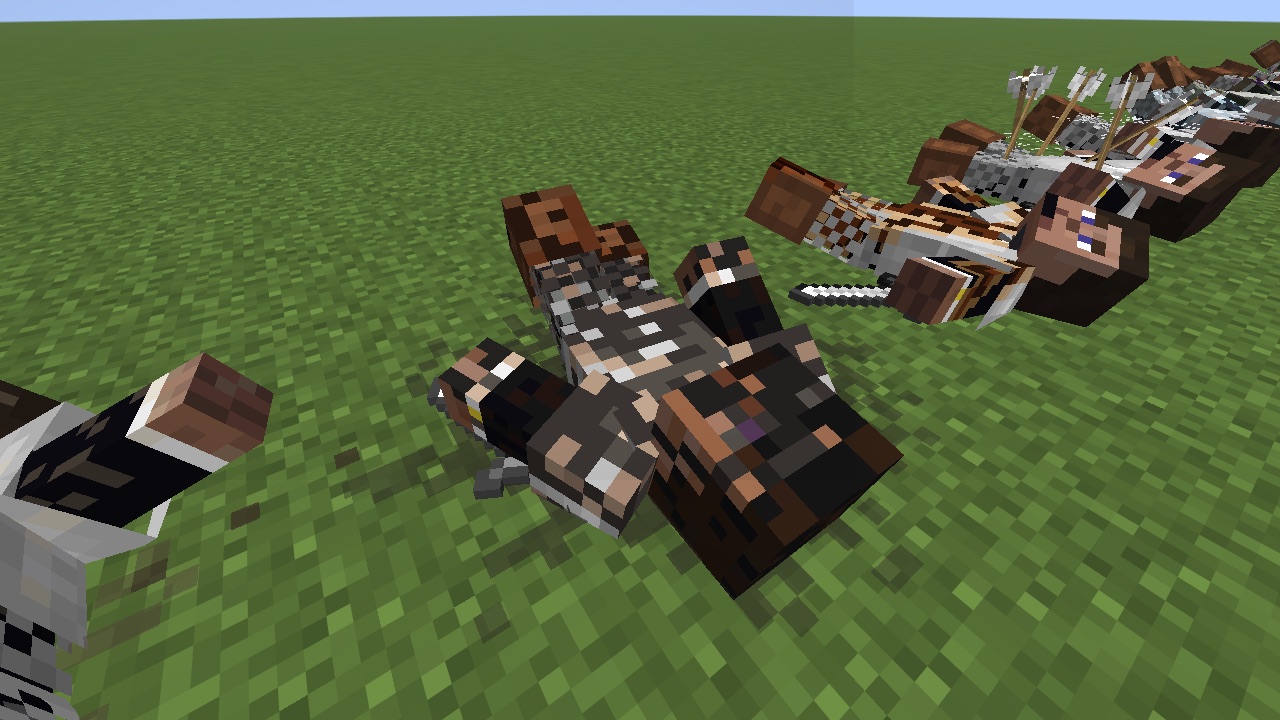 Explosion |
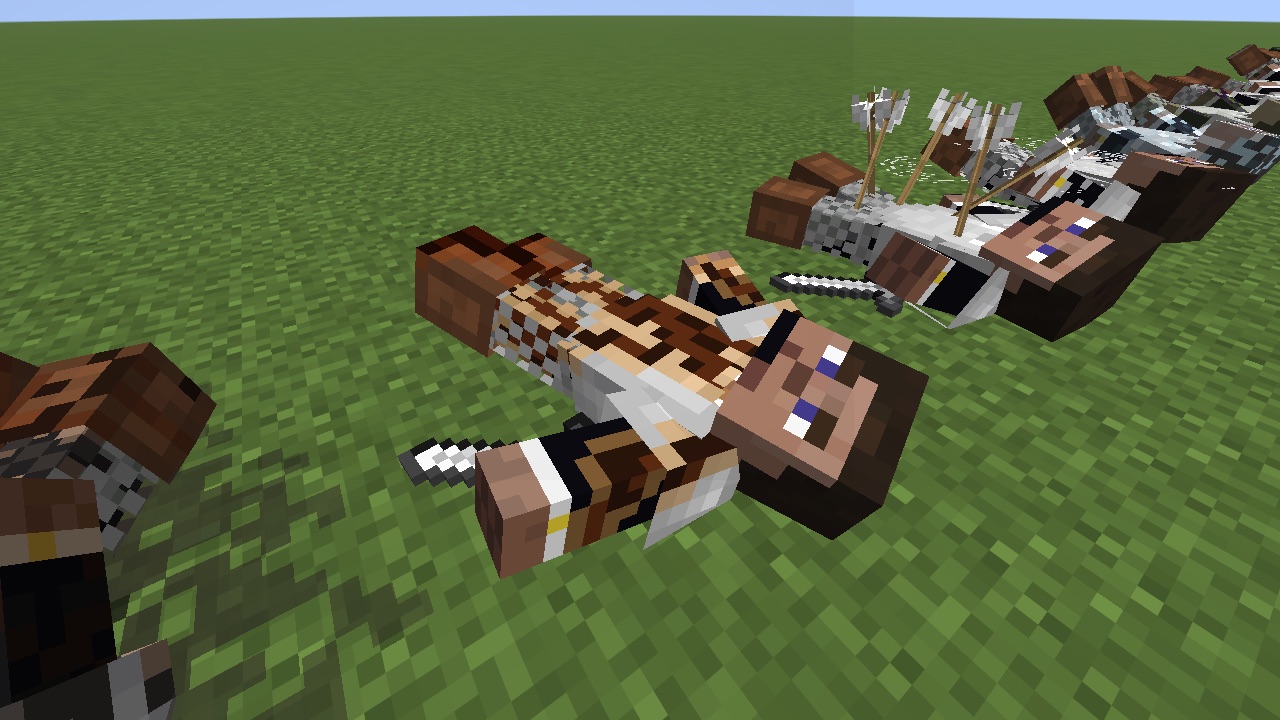 Lightning |
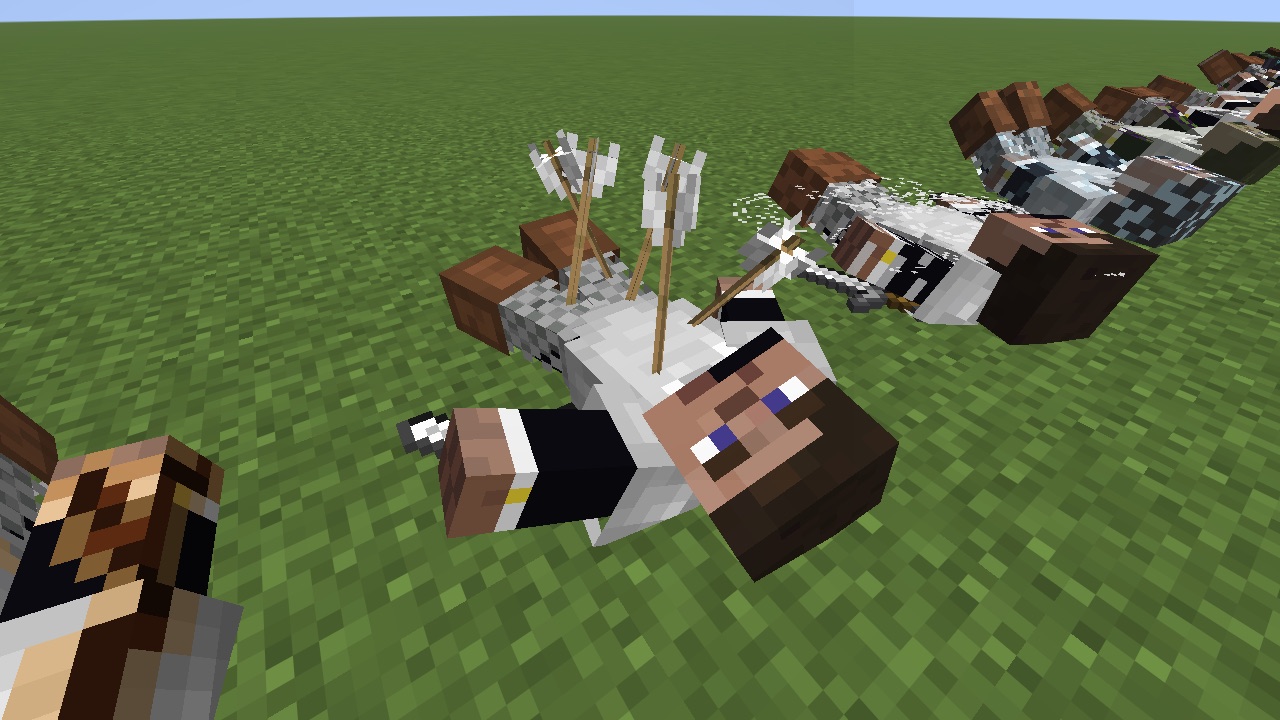 Arrows |
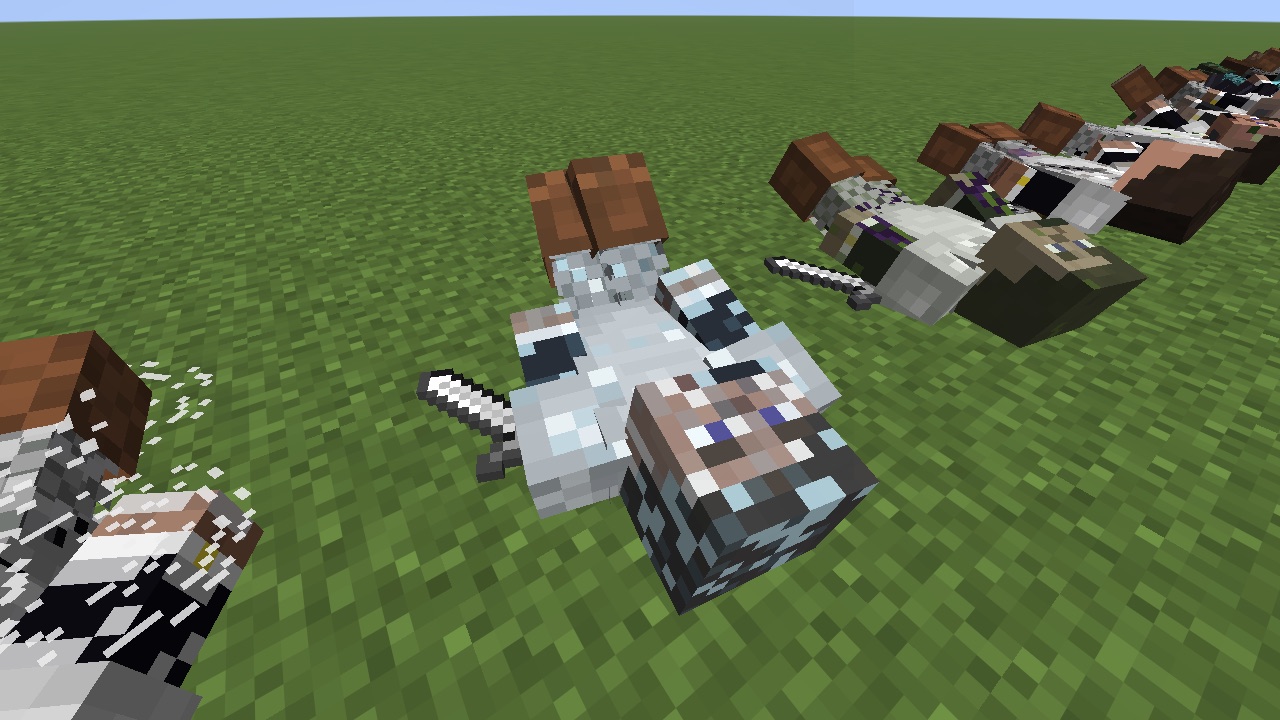 Freezing |
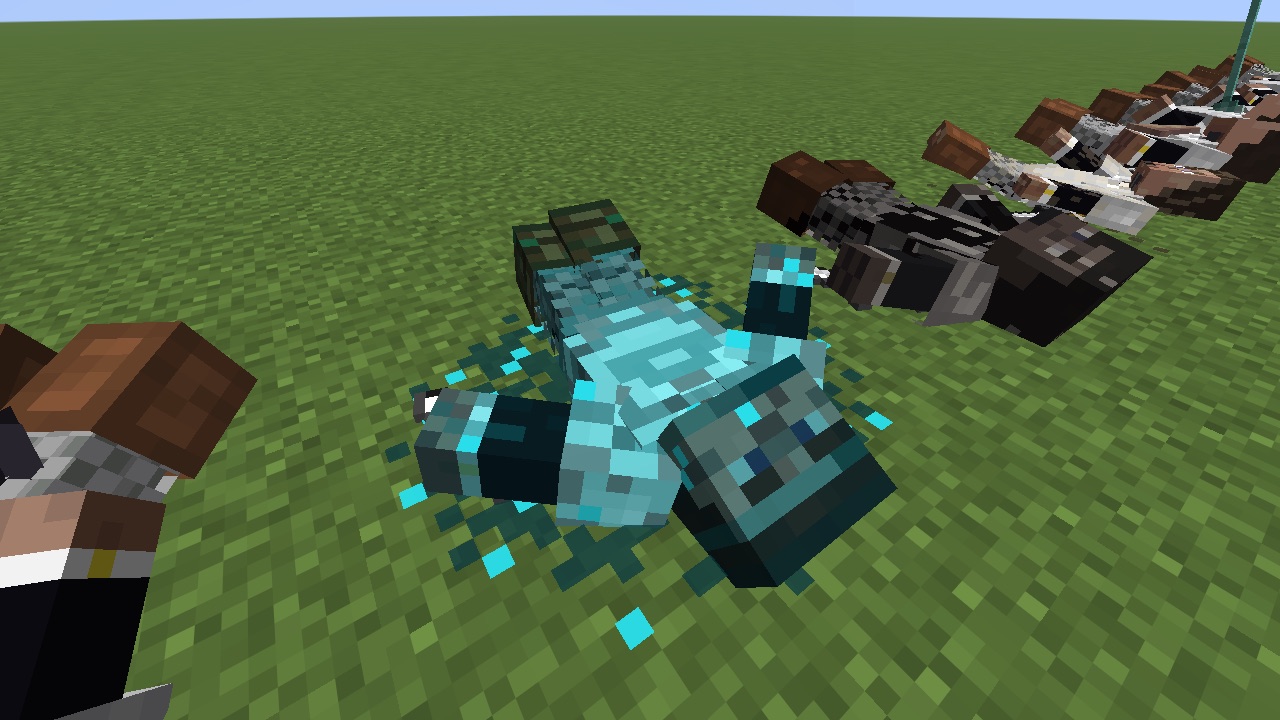 Warden |
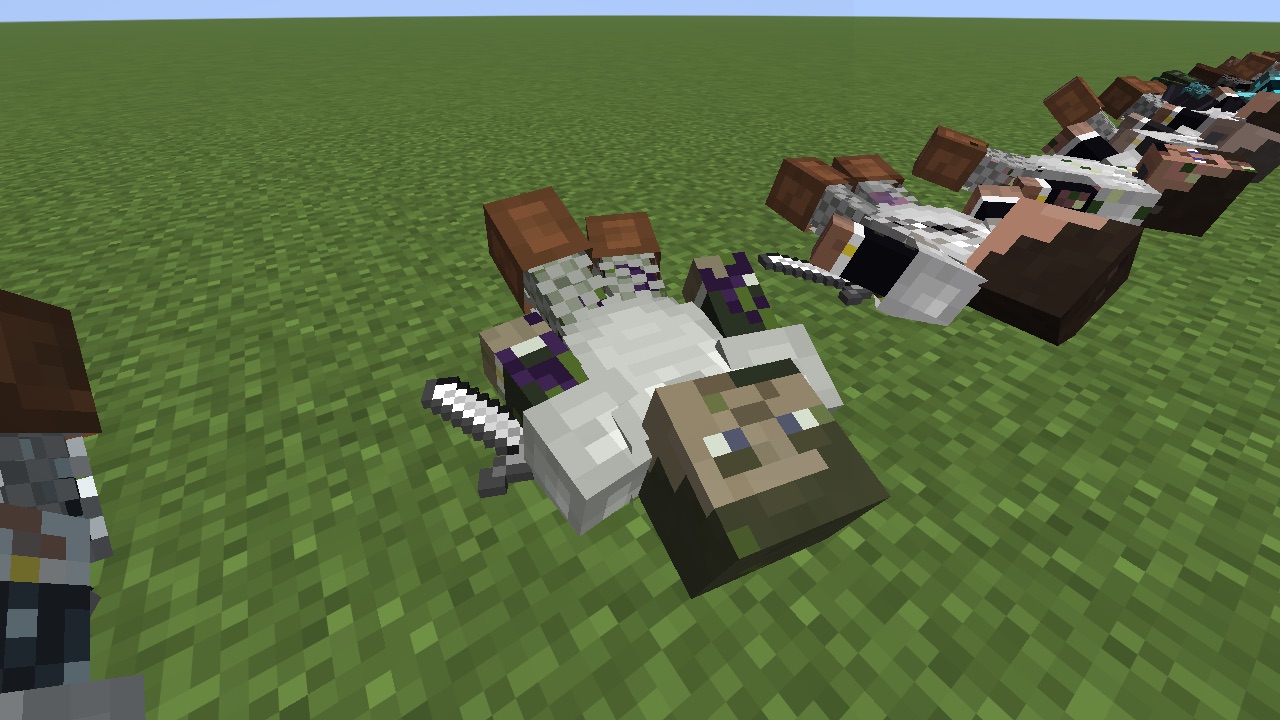 Poison |
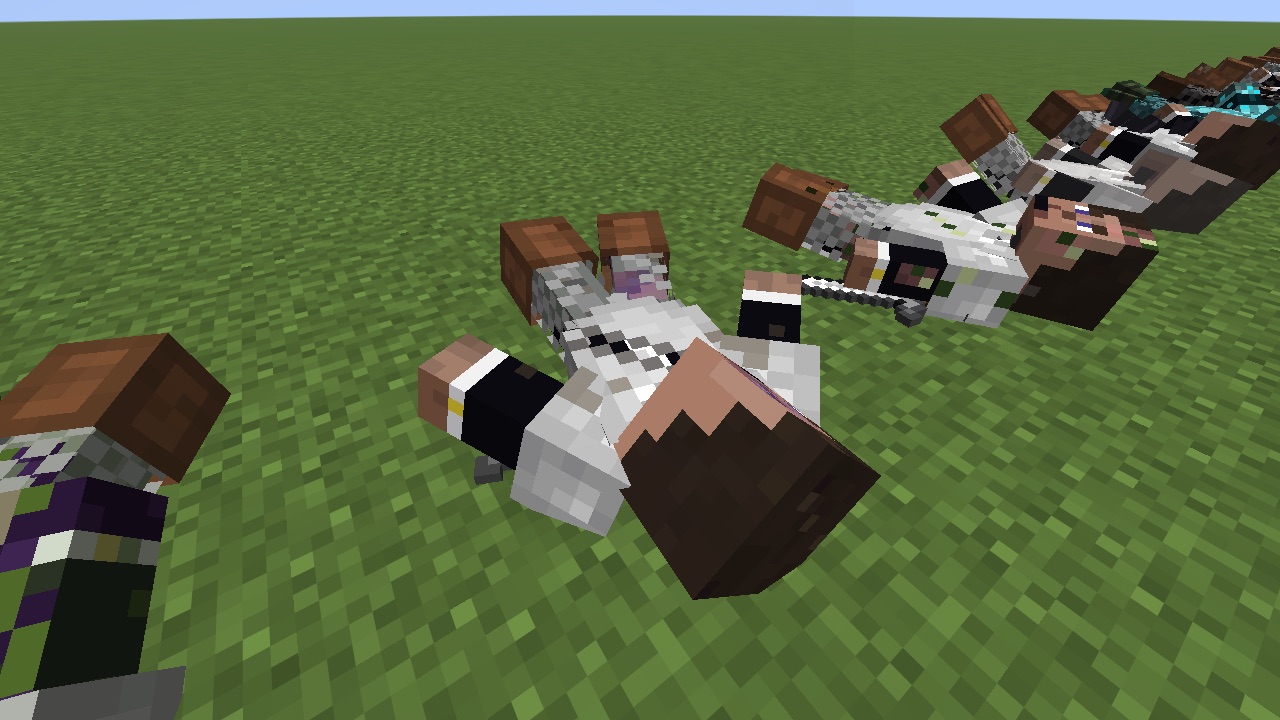 Slain |
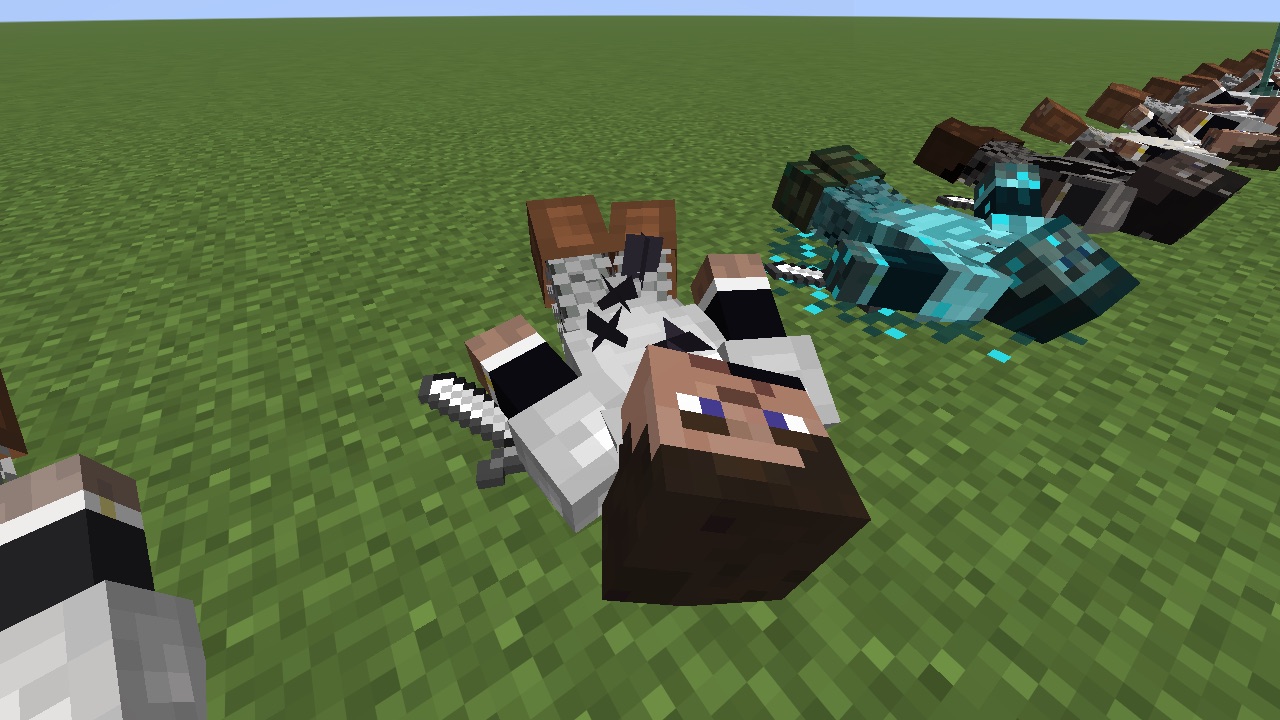 Bee stings |
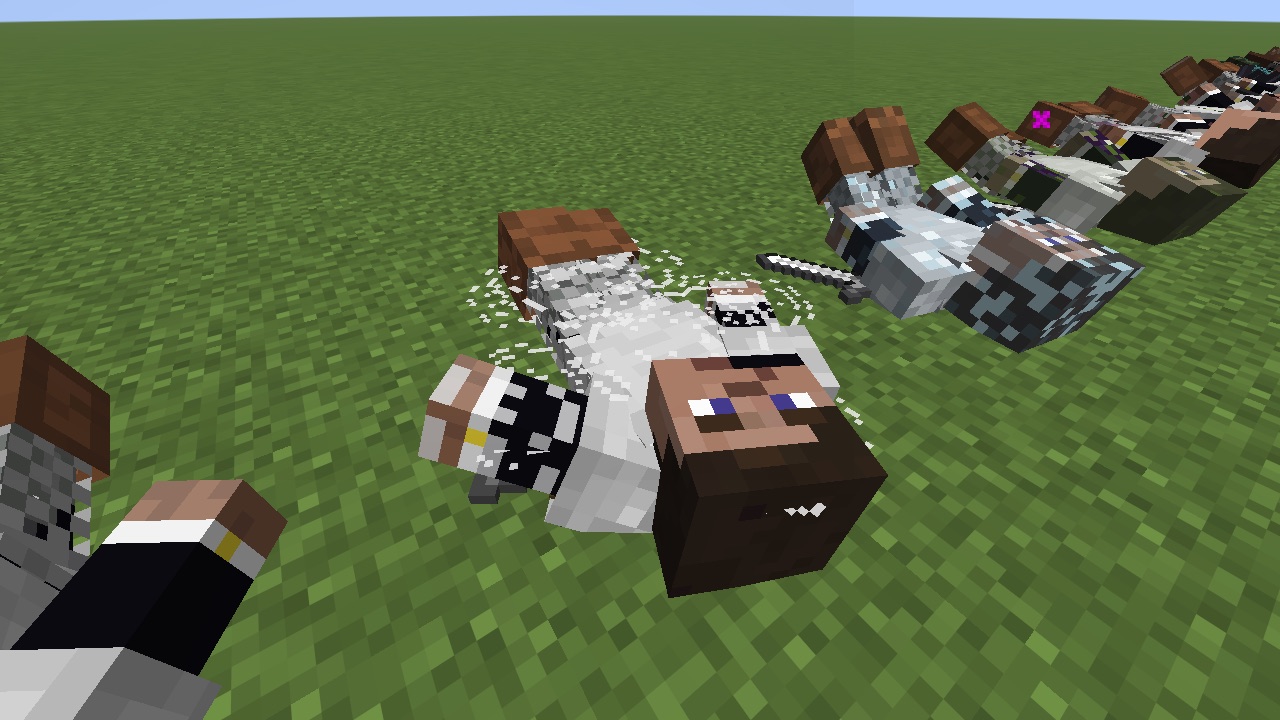 Spider |
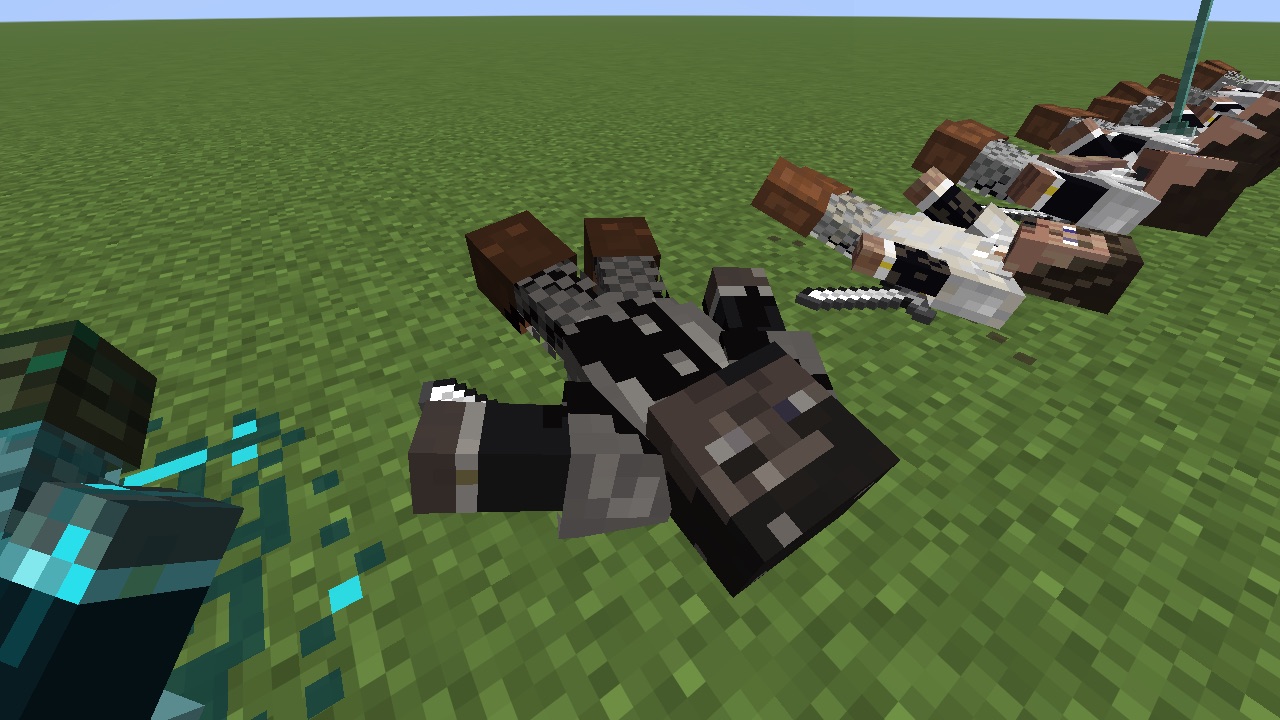 Wither |
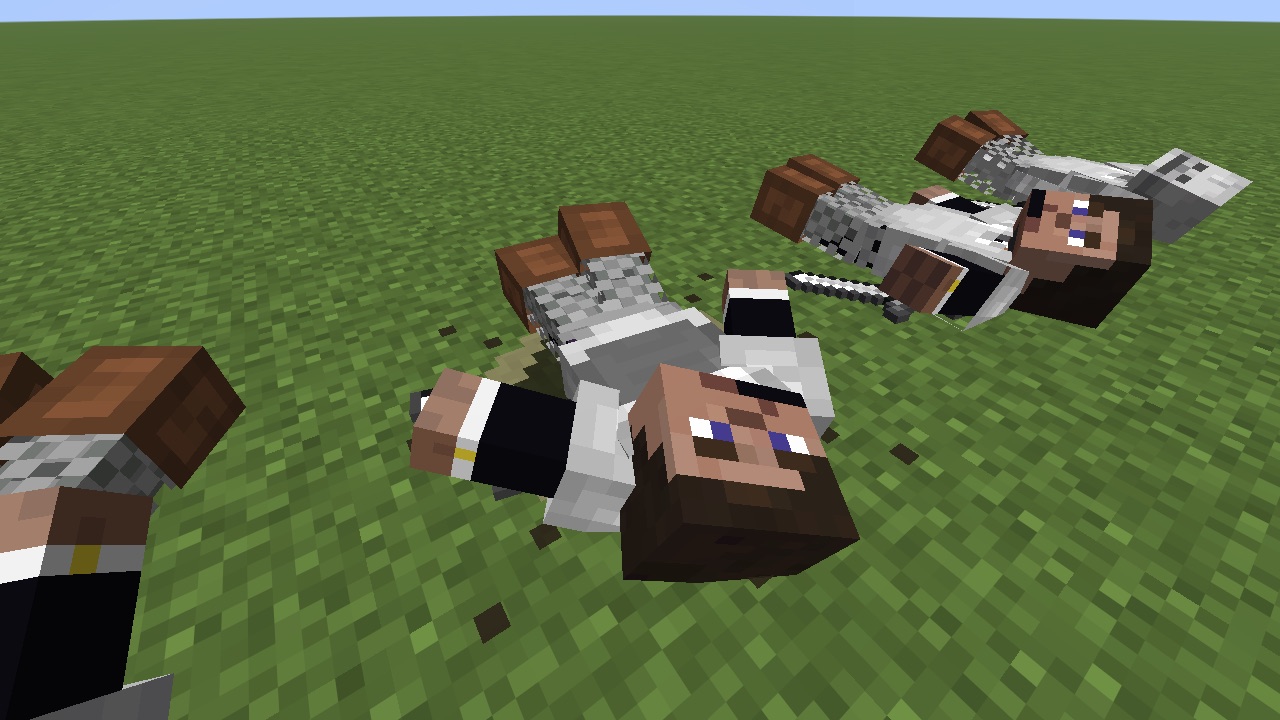 Mace |
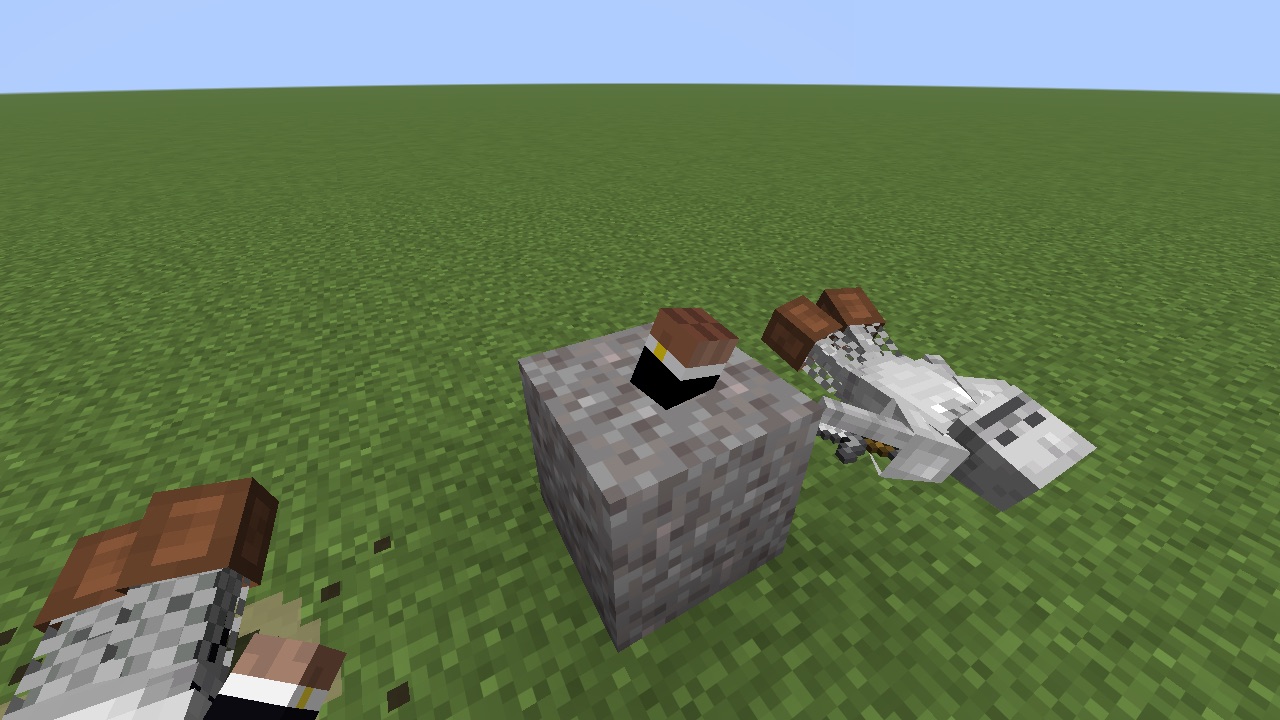 Buried |
Also: fire, starvation, cactus and berry bushes, anvils and falling blocks, stalactites, tridents and suffocation. Every body closes its eyes and gets a small random variation of pose, so no two lie the same way.
How to use it
| Action | What it does |
|---|---|
| Right-click a body | Opens the recovery screen |
| Shift + right-click a body | Takes everything that fits, without opening the screen |
| Take all button | Same as Shift + right-click, from inside the screen |
| Shift-click a stack | Takes just that stack |
| Punch an empty body (3 hits) | Clears it away |
/laidtorest bodies |
Lists your unrecovered bodies with their coordinates |
Operators also get /laidtorest list, inspect, tp, repair and delete. Server rules (access, timers, reach) live in config/laidtorest-server.properties, and death scenes can be turned off per client in config/laidtorest-client.properties. See the README for every setting.
Good to know
- Install it on both the server and every client. Fabric needs Fabric API.
- keepInventory is respected: if the game rule keeps your items, no body is created.
- Totems work as normal; a death you survive doesn't leave a body.
- Accessory slots (Curios, Trinkets) aren't restored to their original slots yet; those items come back into your inventory.
- Don't run Laid to Rest alongside another mod that also captures death drops.