
Compatibility
Minecraft: Java Edition
Platforms
Supported environments


Tags
Creators
Details
Lattice
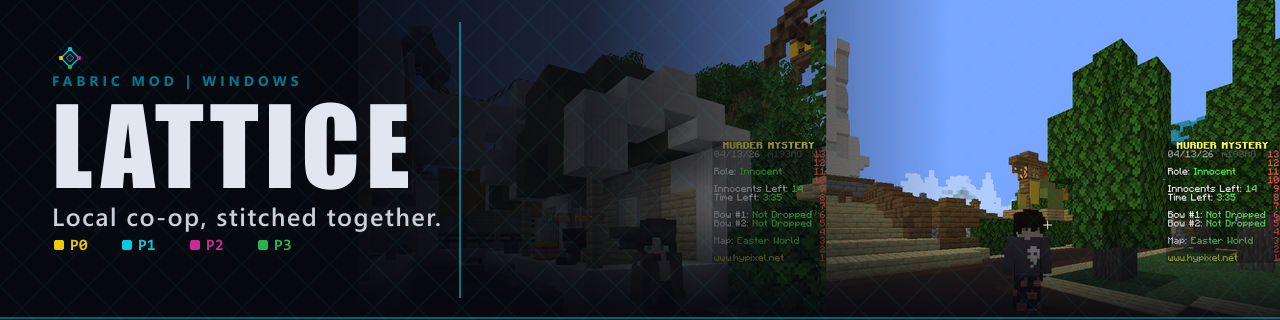
Local couch co-op for Minecraft Java. Run multiple Minecraft instances on one Windows PC and give each local player their own keyboard, mouse, cursor, HUD, and settings profile.
Lattice is the Minecraft adapter for Lattice Weaver, the Windows companion app that handles guided device setup and player-slot routing.
Download Weaver | Latest Release | Buy License | Support
What It Does
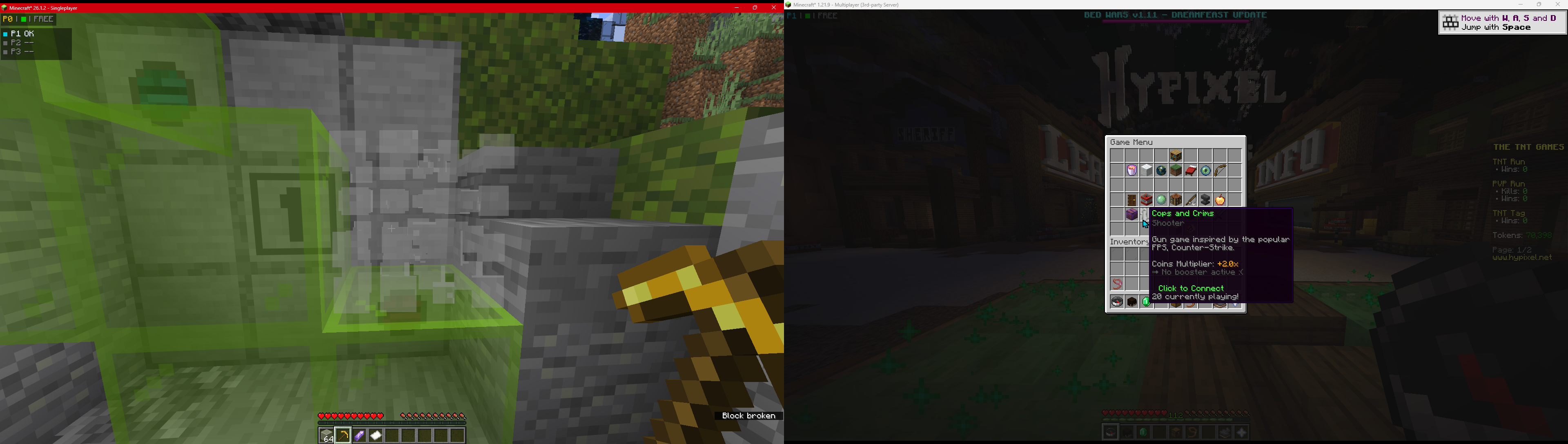
Lattice lets several people share one Windows PC and play Minecraft at the same time, each in their own instance with their own keyboard and mouse.
- Separate controls per player - P1+ keyboards and mice are routed to their assigned Minecraft instances.
- P0 stays native - the main player keeps normal Windows control for launchers, setup, and desktop use.
- Slot-aware HUD and cursors - see each player's connection/routing state in-game.
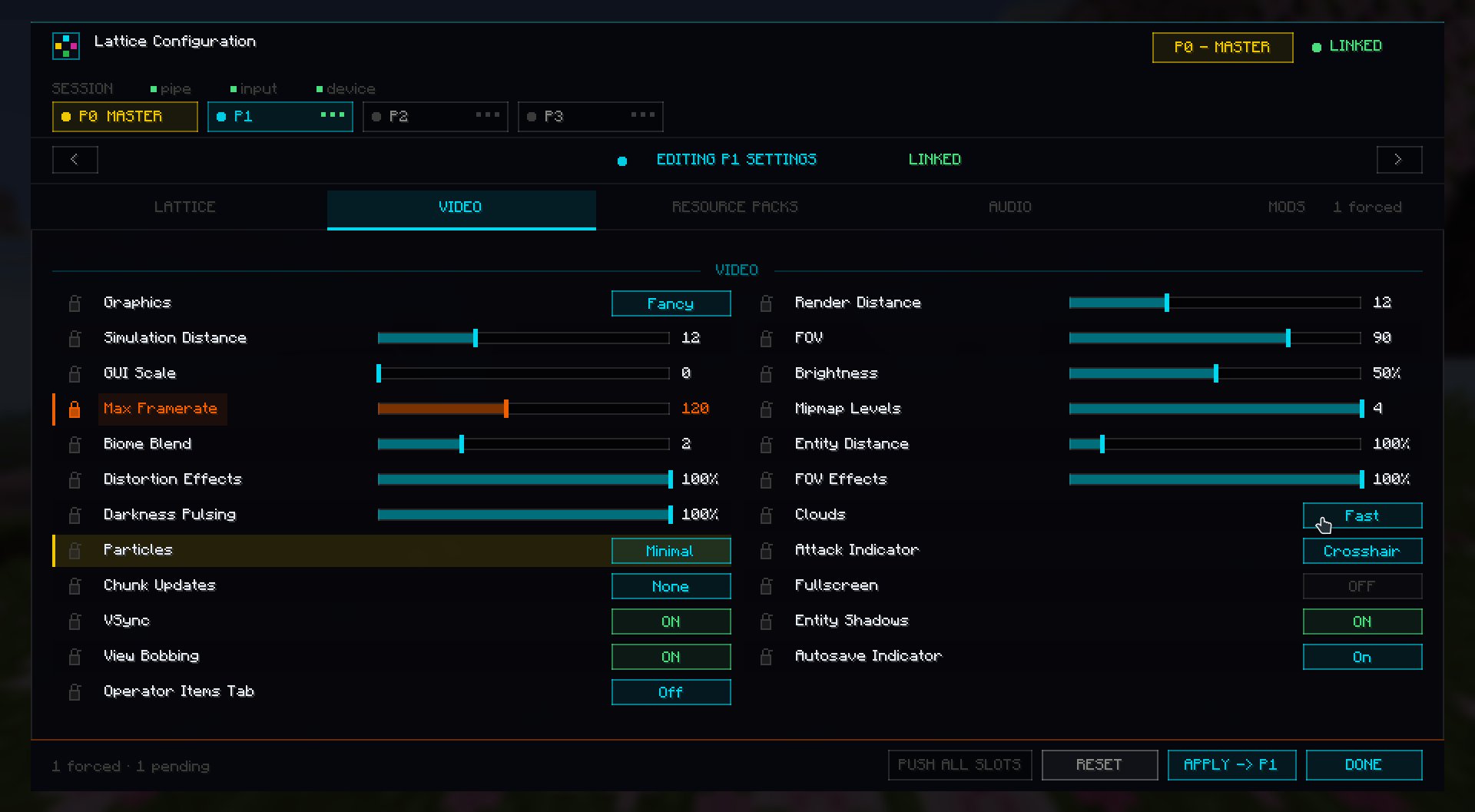
- P0 master settings - Player 0 can manage routed players' audio, video, resource packs, profiles, and selected mod config values.
- Lockable settings - force settings on routed-player instances where supported.
- Profile-aware setup - per-instance options and controls can be saved and restored.
- Multi-instance friendly - designed for launchers such as MultiMC/Prism-style instance folders.
Setup Summary
- Install Fabric Loader for the Minecraft version you want to run.
- Install Fabric API. Install Mod Menu if you want the in-game config entry.
- Put the matching Lattice jar in each instance's
modsfolder. - Download and run Lattice Weaver from files.bide.cx.
- Use Weaver's guided setup to choose P0 native devices and P1+ routed devices.
- Assign each Minecraft instance a player slot through Weaver's launcher setup tools or JVM args.
- Start Weaver, then launch the Minecraft instances.
Example JVM args if setting slots manually:
-Dlattice.player=0  # Player 1 / P0
-Dlattice.player=1  # Player 2 / P1
-Dlattice.player=2  # Player 3 / P2
Supported Minecraft Versions
Lattice currently supports Fabric-based Minecraft versions from 1.20 through 26.1.2.
Use the file whose name matches your target compatibility range:
| Minecraft version | Lattice file range |
|---|---|
1.20 |
1.20 |
1.20.1 - 1.20.6 |
1.20.1-1.20.6 |
1.21 - 1.21.4 |
1.21-1.21.4 |
1.21.5 |
1.21.5 |
1.21.6 - 1.21.8 |
1.21.6-1.21.8 |
1.21.9 - 1.21.11 |
1.21.9-1.21.11 |
26.1 - 26.1.2 |
26.1-26.1.2 |
Master Controls
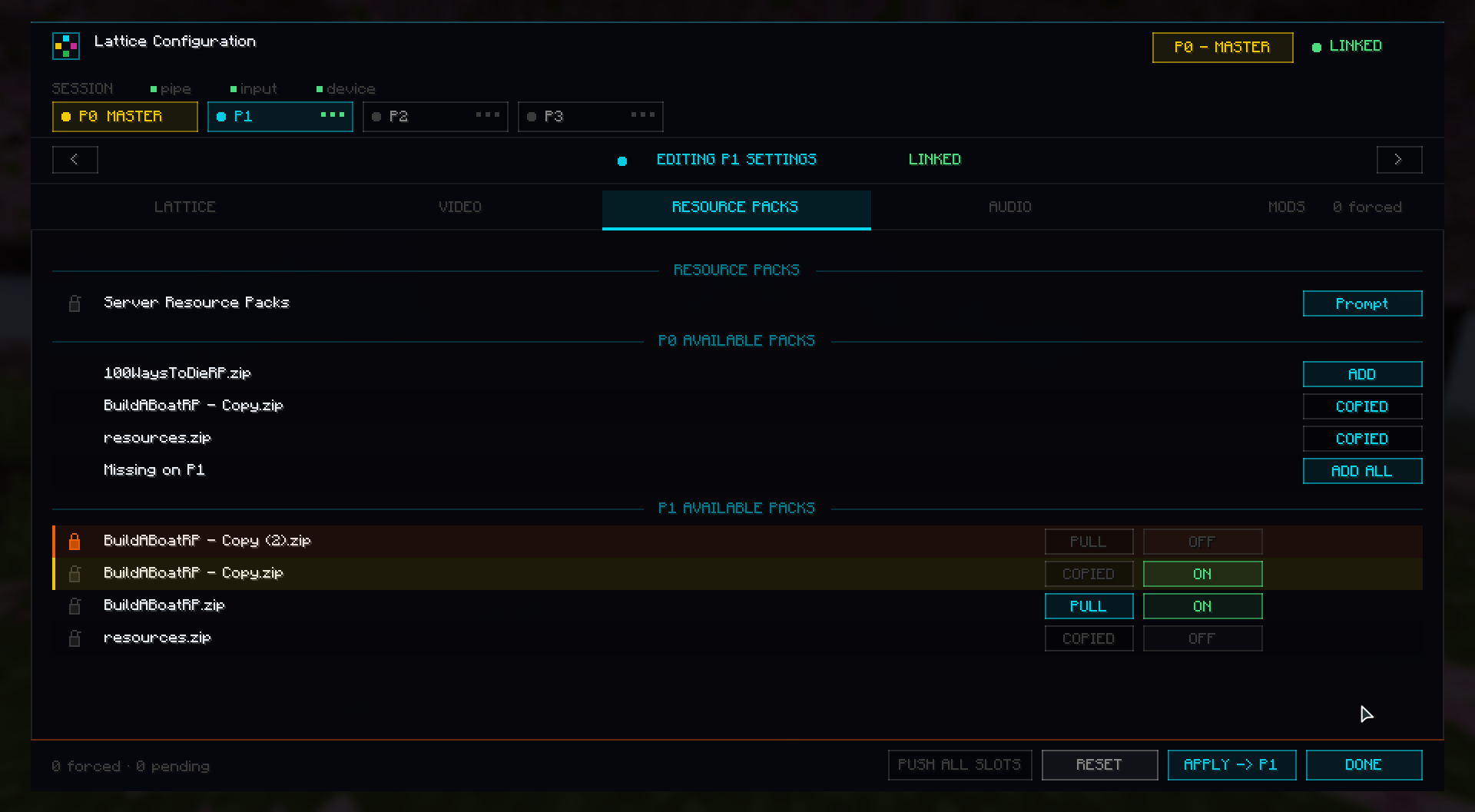
From the P0 configuration screen, Lattice can stage and push supported settings to routed-player instances.
Current control areas include:
- Lattice HUD and cursor options.
- Vanilla audio settings.
- Vanilla video settings.
- Resource-pack copy, enable, disable, and lock controls.
- Per-slot profile selection.
- Selected mod config files where compatible.
Some settings vary by Minecraft version or by the target mod's config format, so the control surface may differ slightly between instances.
Lattice Weaver Companion
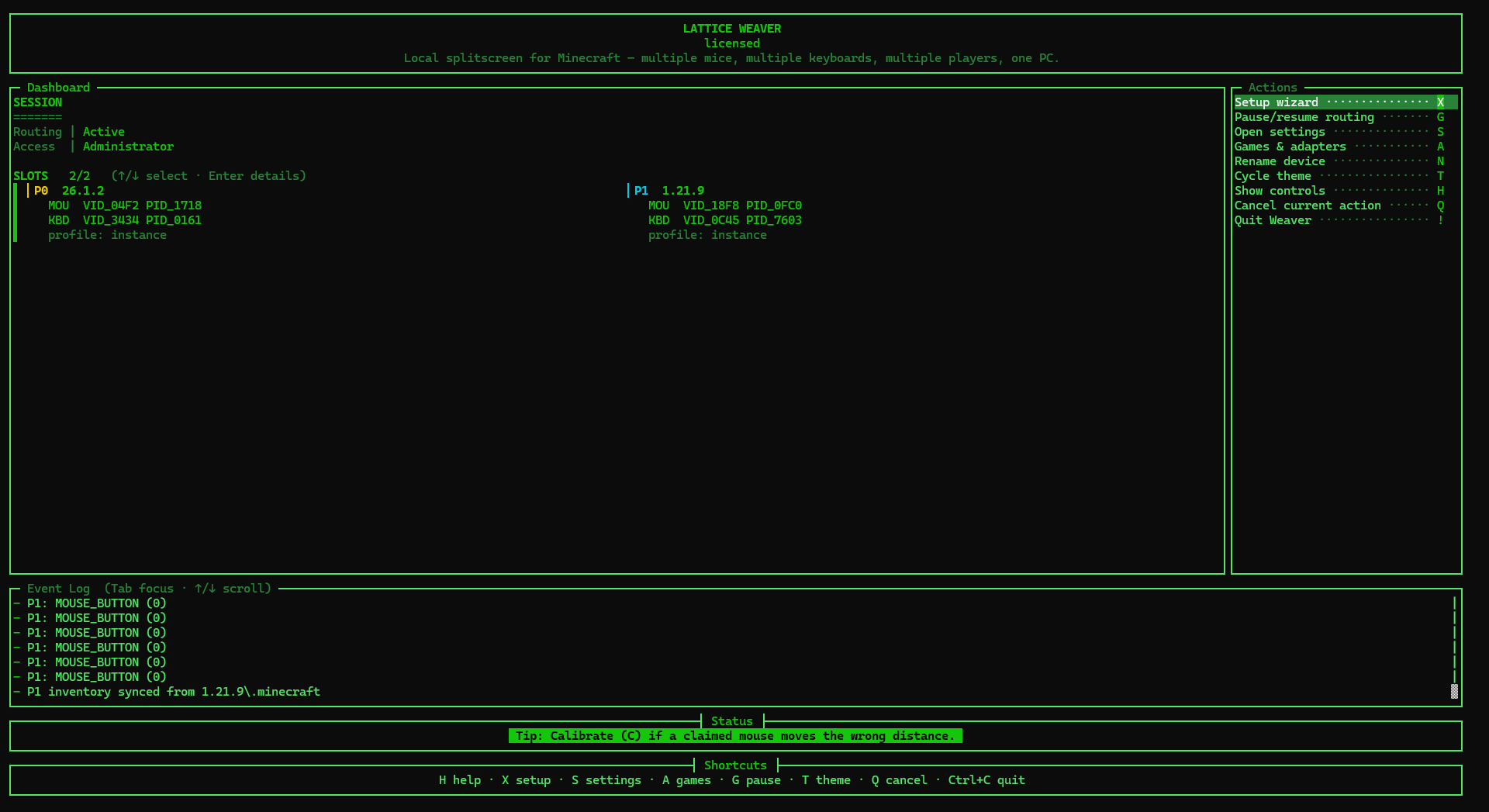
This mod requires Lattice Weaver. Weaver is distributed separately because it handles Windows-side setup, device assignment, player slots, and game-adapter connections.
- Includes a free trial.
- One-time license unlocks continued use.
- Downloads, checksums, and setup files are available at files.bide.cx.
Requirements
- Windows 10 or 11.
- One Minecraft instance per player.
- Fabric Loader and Fabric API.
- Lattice Weaver companion app.
- Extra keyboard/mouse devices for routed P1+ players.
Notes
- This Modrinth page is only for the Minecraft mod/adapter side of Lattice.
- The Weaver companion remains closed-source and is distributed as a release binary.
- Browser and experimental adapters are not part of this Minecraft Modrinth package.