Compatibility
Minecraft: Java Edition
Platforms
Supported environments


Links
Tags
Creators
Details
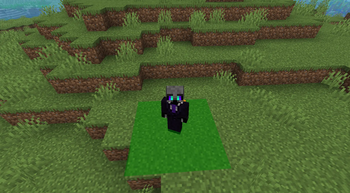
Gridlocked
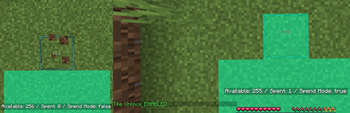
Tile Unlock Toggling
Moving outside of unlocked tiles will push you back. Press 'B' (default) to switch to Unlock mode to buy the tile you're trying to walk into.
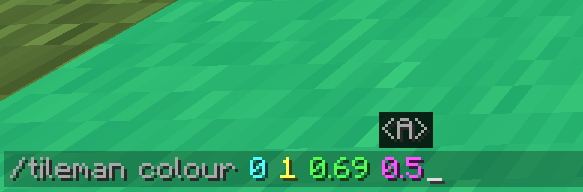
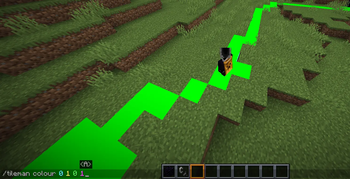
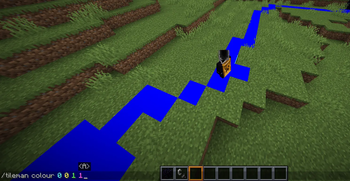
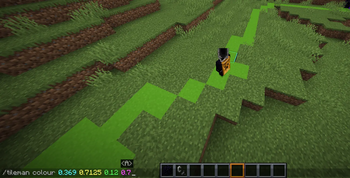
Custom Colours!
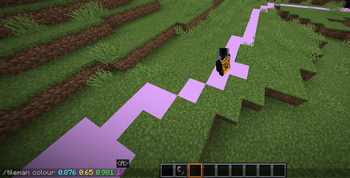
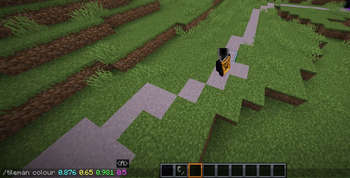
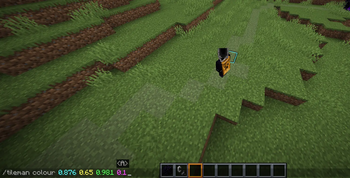
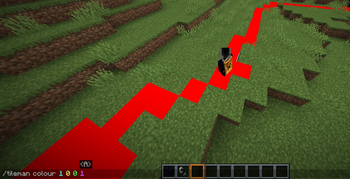
You can customize your tile colours (specific to each player!) with floating point R G B A(opacity) values, from 0.0 to 1.0!
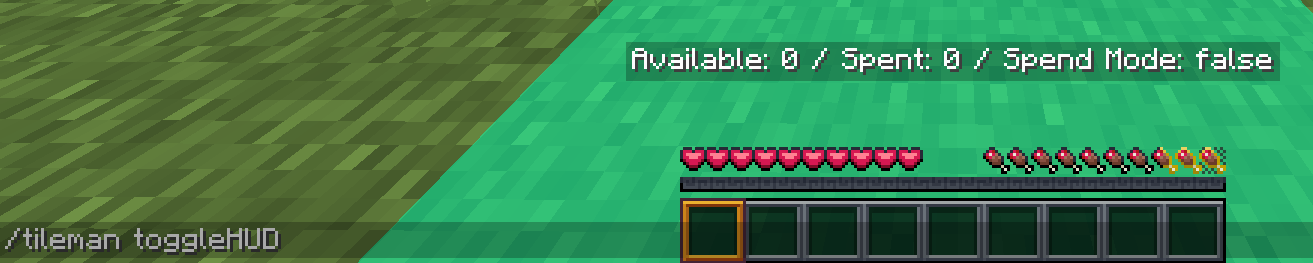
Toggleable Heads-Up Display!
You can turn on a tracker HUD that updates as you gain and spend tiles!
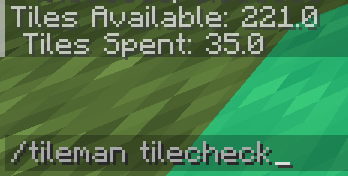
Hate HUDs?
If you don't like GUI elements always on-screen, you can check what tiles you have/use on-demand.
Infinite Y Unlocks
Tiles are saved with X and Z coordinates. Y coordinates aren't tracked, so unlocking them at say 10 50 10 will *also* give you 10 49 10, 10 48 10, and so on. (Will add an optional hard mode version later so you HAVE to buy Y tiles)
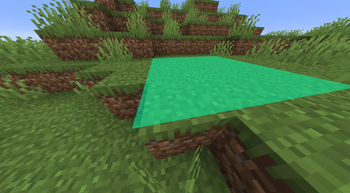
Juuust right...
Currently, tile height is 0.13 units higher than the block they're on, to account for 1-layer snow blocks without z-fighting. I'd like to change this in the future, but this will do for now :3
Free Portal Tiles
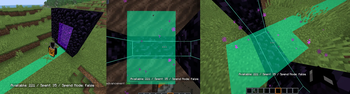
When entering the Nether through a portal, the mod will check that the block you're standing in is, indeed, a portal block, and will give you the 2x6 tiles around it to you for free, to prevent softlocks.
Moar Free Portal Tiles
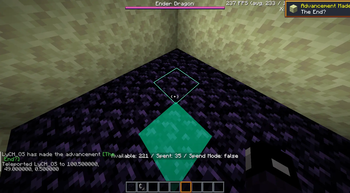
The End's obsidian platform at 100 48 0 also has a free tile unlocked so you don't get stuck. Granted, there's not much you can do with 1 tile, but it'll do!
UnStuck Command!
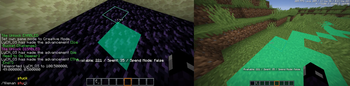
JUST IN CASE there are some edge cases I've missed where the player can get softlocked, you can run '/tileman stuck' to teleport back to the starting grid, and reset your bounceback coordinates.
Spectator Free-move
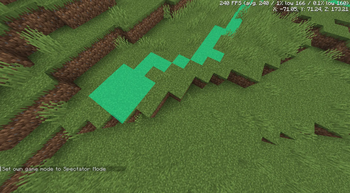
Spectator mode stops Tileman's tile processing for that player so they can look around without spending (or *needing*) tiles! Just be warned, returning to a normal gamemode will send you back to the last valid position, WITH COMPOUNDING DISTANCE FORCE.

To Walk Through Friends
Players are automatically added to a default 'tileman' team, for general purpose. May change in the future.

Toggle PVP
R
G
B
Total Colour Control