
Compatibility
Minecraft: Java Edition
Platforms
Supported environments


Tags
Creators
Details
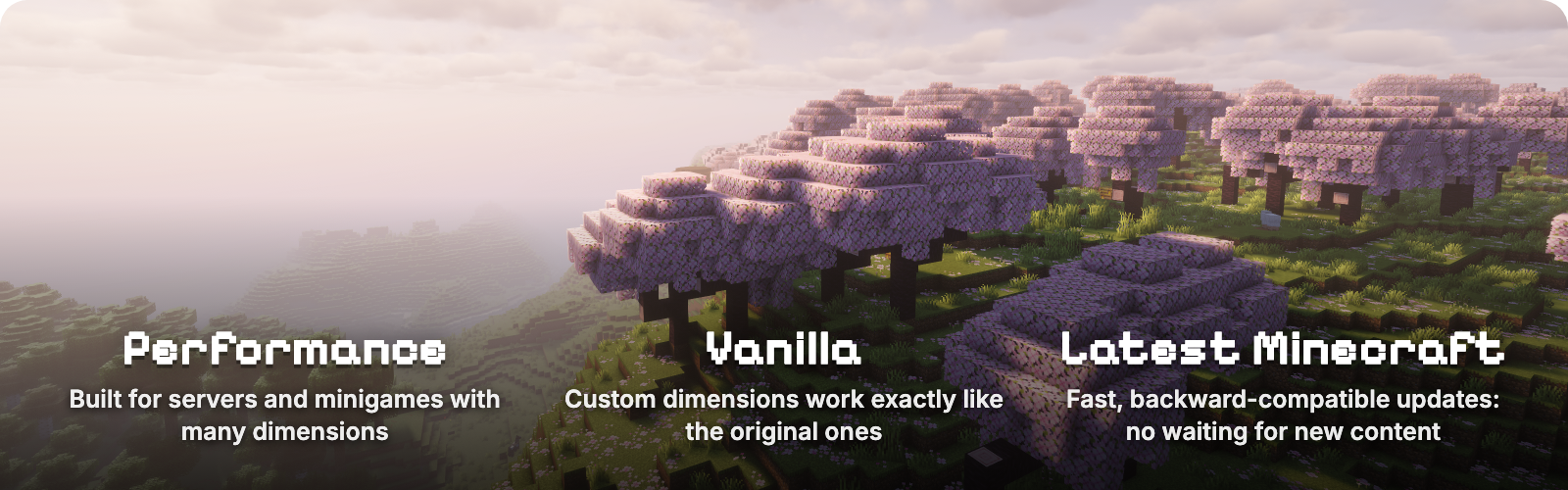





Worlds lets a Fabric server run as many worlds as it wants, the way Multiverse does on Paper. Create, list, delete and teleport between worlds with in-game commands, and give each one its own time, weather and game rules. Every world plays like real vanilla Minecraft, down to the End dragon, which also makes Worlds a base other mods build their dimensions on. Worlds from World Manager or Multiworld can be recreated with one command each.

|

World types
|

- The End dragon fight, portals, maps and ender pearls work in every world you create, not only in the original three.
- Own weather and time. Vanilla
/weatherand/timerun inside a world change only that world. - Own game rules. Keep inventory, PvP, mob spawning, daylight and more, set with vanilla
/gameruleinside the world. Rules you leave alone follow the server, and/gamerule <rule> inherithands one back. With Worlds installed on the client, the Game Rules screen shows which rules the world changed. - Nothing new to learn. No extra commands for weather, time or rules, and the Overworld, Nether and End behave exactly as in vanilla.

- Load on demand. A world loads when a player enters it and unloads a minute after the last player leaves, so you can keep hundreds of worlds without paying for idle ones.
- Updated within a week of each Minecraft release. Worlds follows the newest Minecraft version; older versions stay on the Versions tab.
- A base for other mods. Mods register their own world types through the Worlds API and let Worlds handle creating, loading, saving and teleporting. Stargate is built on it; API.md has the guide and the Gradle setup.

| Command | What it does |
|---|---|
/worlds create <id> [seed] |
Creates an overworld |
/worlds create <id> from-preset <preset> [dimension] [seed] |
Creates a world from a world preset, for example minecraft:flat or minecraft:amplified |
/worlds create <id> from-dimension <type> [seed] |
Creates a world of a dimension type, for example minecraft:the_nether or minecraft:the_end |
/worlds tp <id> [players] |
Teleports you or other players to a world's spawn |
/worlds list [loaded|unloaded] |
Lists worlds; hover for details, click to teleport |
/worlds delete <id> |
Deletes a world after moving everyone out of it |
/worlds settings spawn [here|<x> <y> <z>] |
Shows or sets the spawn of the world you are in |
/worlds settings loadOnStartup [true|false] |
Shows or sets whether the world you are in loads when the server starts |
/gamerule <rule> <value> |
In a created world, sets a rule for that world only |
/gamerule |
In a created world, lists the rules the world changed |
/gamerule <rule> inherit |
In a created world, makes a rule follow the server again |
A world id without a namespace gets minecraft:, so /worlds create mining creates minecraft:mining. Run any command for another world with /execute in <world> run .... /worlds commands need operator level 3; /gamerule needs level 2, as in vanilla.

A resource world you can reset
/worlds create mining
/worlds tp mining
/worlds delete mining
/worlds create mining
A creative build world with no mobs and endless daylight
/worlds create build from-preset minecraft:flat
/worlds tp build
/gamerule spawn_mobs false
/gamerule advance_time false
/gamerule advance_weather false
A safe lobby where new players spawn
/worlds create lobby
/worlds tp lobby
/setworldspawn
/gamerule pvp false
/gamerule spawn_monsters false
Keep inventory only in an arena
/execute in minecraft:arena run gamerule keep_inventory true
Moving from World Manager or Multiworld: replace it with Worlds, then run /worlds create <id> from-dimension <type> <seed> with the id, type and seed each world had. Classic Overworld, Nether and End worlds are supported.
Requirements
- Minecraft 26.3
- Fabric Loader 0.18.4+ and Fabric API
- Java 25
Recent updates
- 1.10.0 Per-world game rules through vanilla
/gamerule, and a fix for a rare "Exception generating new chunk" crash when several worlds generate structures at once. - 1.9.0
/worlds listwith loaded and unloaded worlds, hover details and click-to-teleport. - 1.8.26 A world that holds the world spawn stays loaded, and deleting it moves the spawn back to the Overworld.
The full history is in the changelog.
You can support this project by hosting your server on Pixly Hosting.