
Compatibility
Minecraft: Java Edition
Platforms
Supported environments


Tags
Creators
Details
Licensed MIT
Published 4 months ago
Updated 4 months ago
Bridges the Mewsic desktop music player with Minecraft via a local WebSocket server. Displays the currently playing track on the Game Menu Screen.
This mod is made to schowcase the plugin functionality of the Mewsic App by using a plugin and a minecraft mod to connect and control the mewsic app within minecraft itself. This can be useful if you're just chilling and dont want to switch apps to change mewsic or if you're recording and dont want to reveal your desktop to viewers.
Installation
Mewsic App >=v0.9.4 is REQUIRED for this mod to work. Download Mewsic here.
- In mewsic go to the Plugins tab.
- Enable The Minecraft Bridge built-in Plugin.
- Open Minecraft with this mod installed.
- It Should automatically connect. if not, click reconnect in the plugin manager.
Screenshots
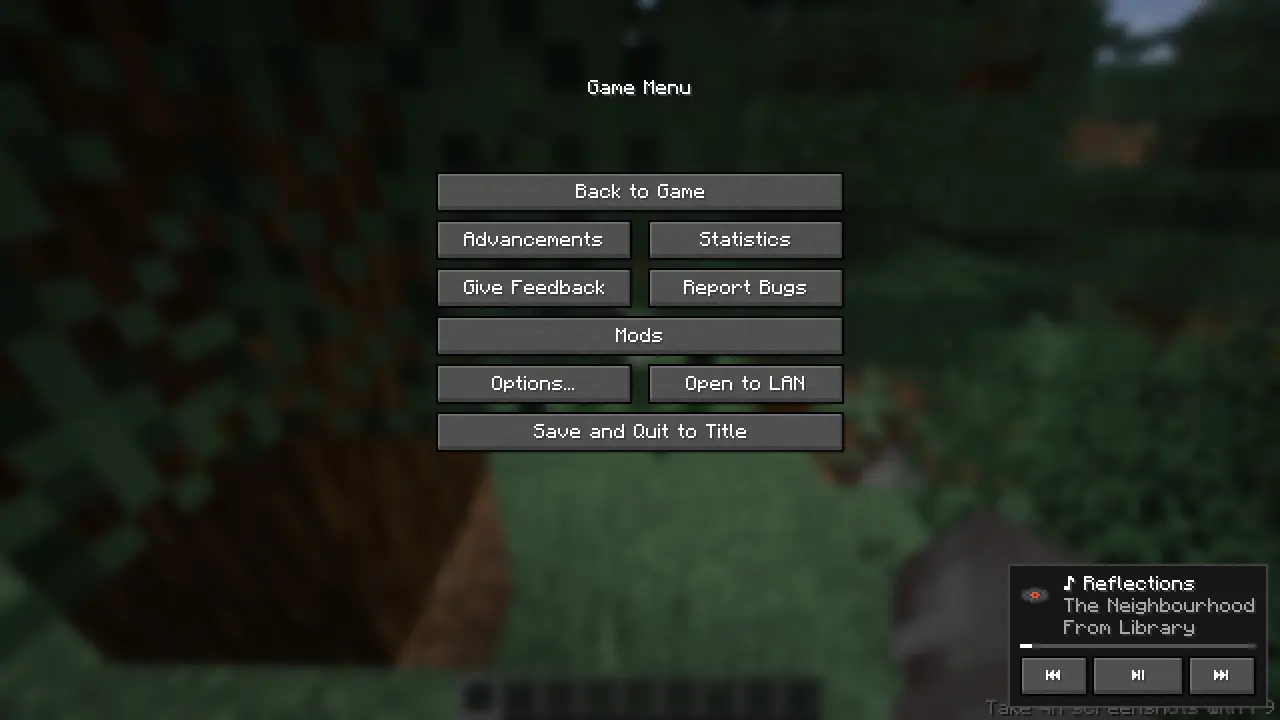 Auto-Adjusting control UI based on track details.
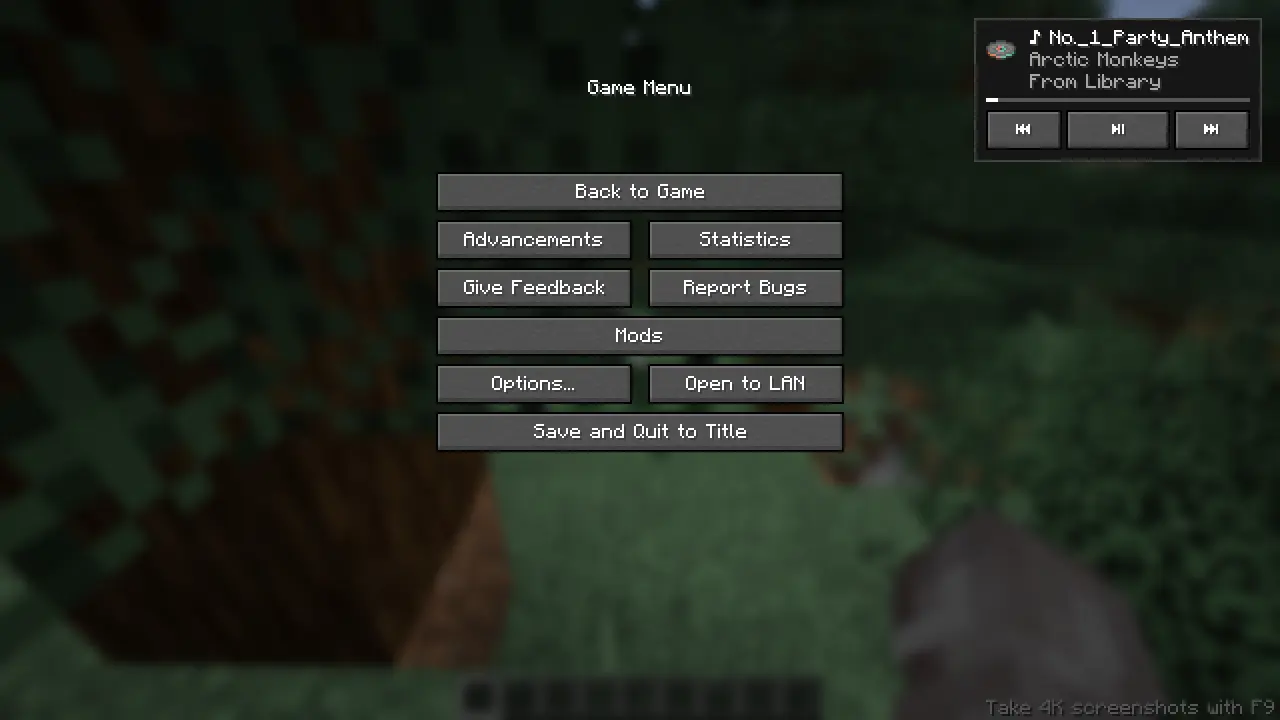 Move the control UI to your preferred place with your mouse!
Features
Commands are available to use the player.
/mewsic play
/mewsic pause
/mewsic next
/mewsic previous
/mewsic shuffle
/mewsic repeat <mode> (where mode can be "on","off","one")
/mewsic playlist <playlistname> (playlist names are auto parsed on first connection)
/mewsic track <trackname> (track names are parsed on first connection)
/mewsic reconnect (drop the existing connection witht the app and re-initiates the websocket, use after adding/removing songs, adding/removing playlists)