
Compatibility
Minecraft: Java Edition
Platforms
Supported environments


Tags
Creators
Details
Licensed MIT
Published 7 months ago
Updated 7 months ago
Attention!
- Works only with sites that has MyATM support.
- You can find example of that type of sites here.
- License - MIT
- You can get help or send bug reports on Discord
How to Setup:
- Run your site with MyATM support.
- Put MyATM.jar into the "mods" folder.
- Run the game and enter the world.
- Put your bank_name, site_link and api_password (Check README in example site), from site to - myATM.cfg (There is Example in cfg).
- Restart the game.
- Rename your Card Linker on anvil into Bank_Name from myATM.cfg and place it.
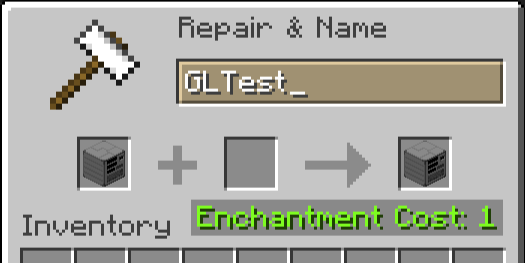
- Rename your Terminal into Bank_Name=Account_Number_From_Site (Example: GLTest=39576316) and place it.
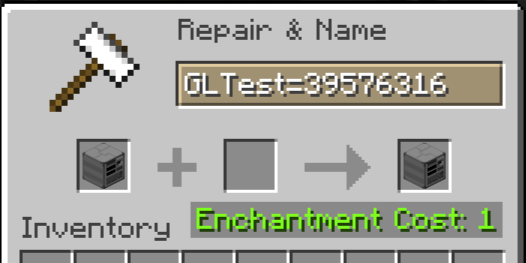
- Profit
How to use:
- Create account on site.
- Put blank card into ATM.
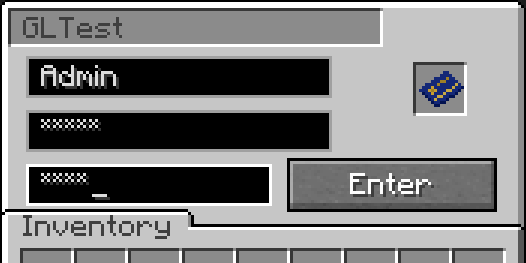
- Use you account data (Login and Password) and create PIN in ATM. It create card, linked to your account.
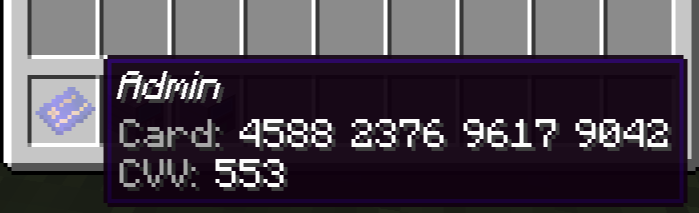
- Put your card in Terminal.
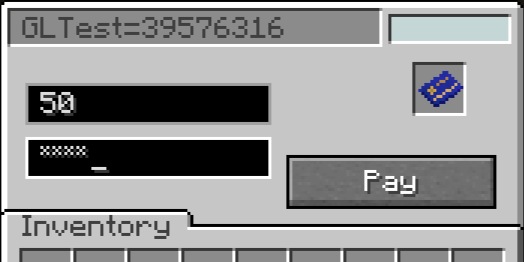
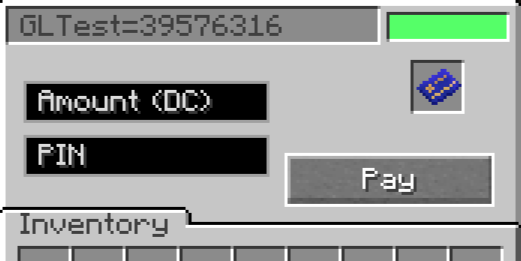
- Enter amount and PIN to pay.
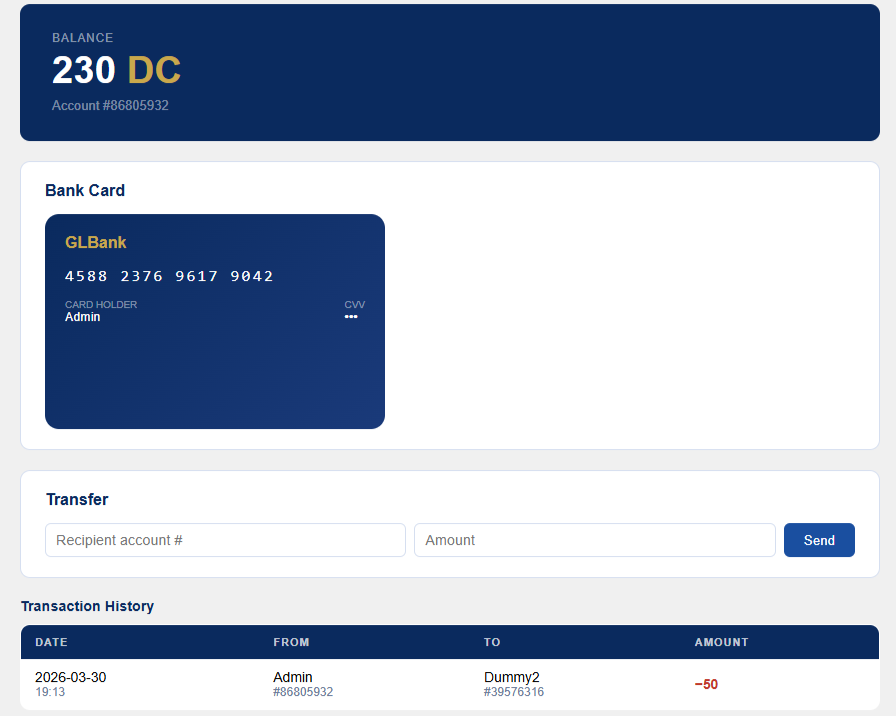
- How it looks on example site
In latest release:
- Multiple banks support. (add new lines with 'bank_name':'site_link':'api_password' in myATM.cfg)
- Simple and fast in-game payment.
- Improved block textures.
- Replace green text in Terminal with in-GUI light signal.
Soon:
- Simplified addition of new currencies (currently only through code changes).
- Multiple cards on account.
- Clear separation of cards from different banks
- Depositing and withdrawing cash from an ATM