
Neo-Economy
A player-driven economy: real bank accounts, real currency, and shops your players run themselves.
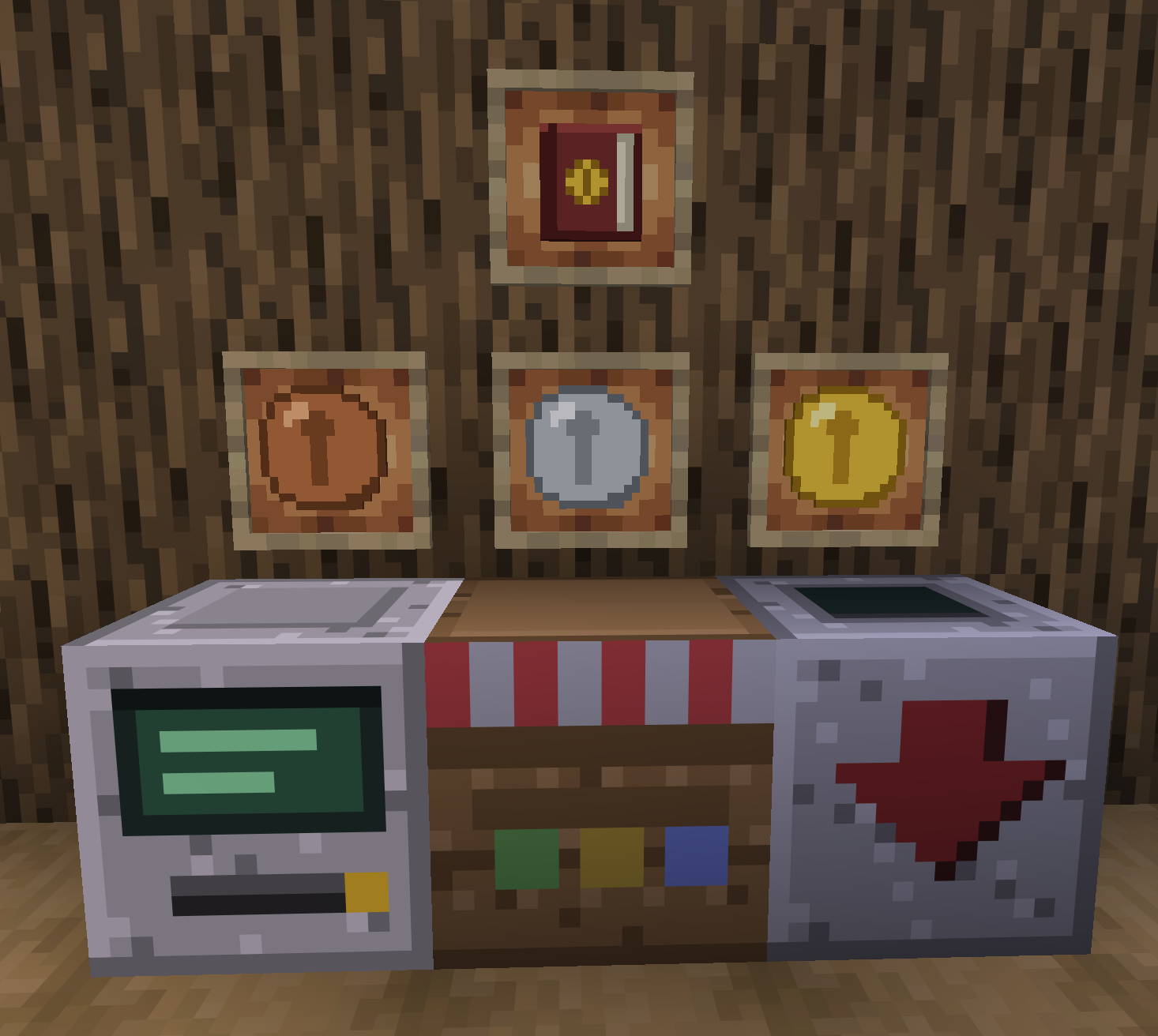
Neo-Economy adds three blocks and a currency. Everything else, the prices, the markets, the netherite speculation -> is up to your server.
🏦 The Bank Terminal
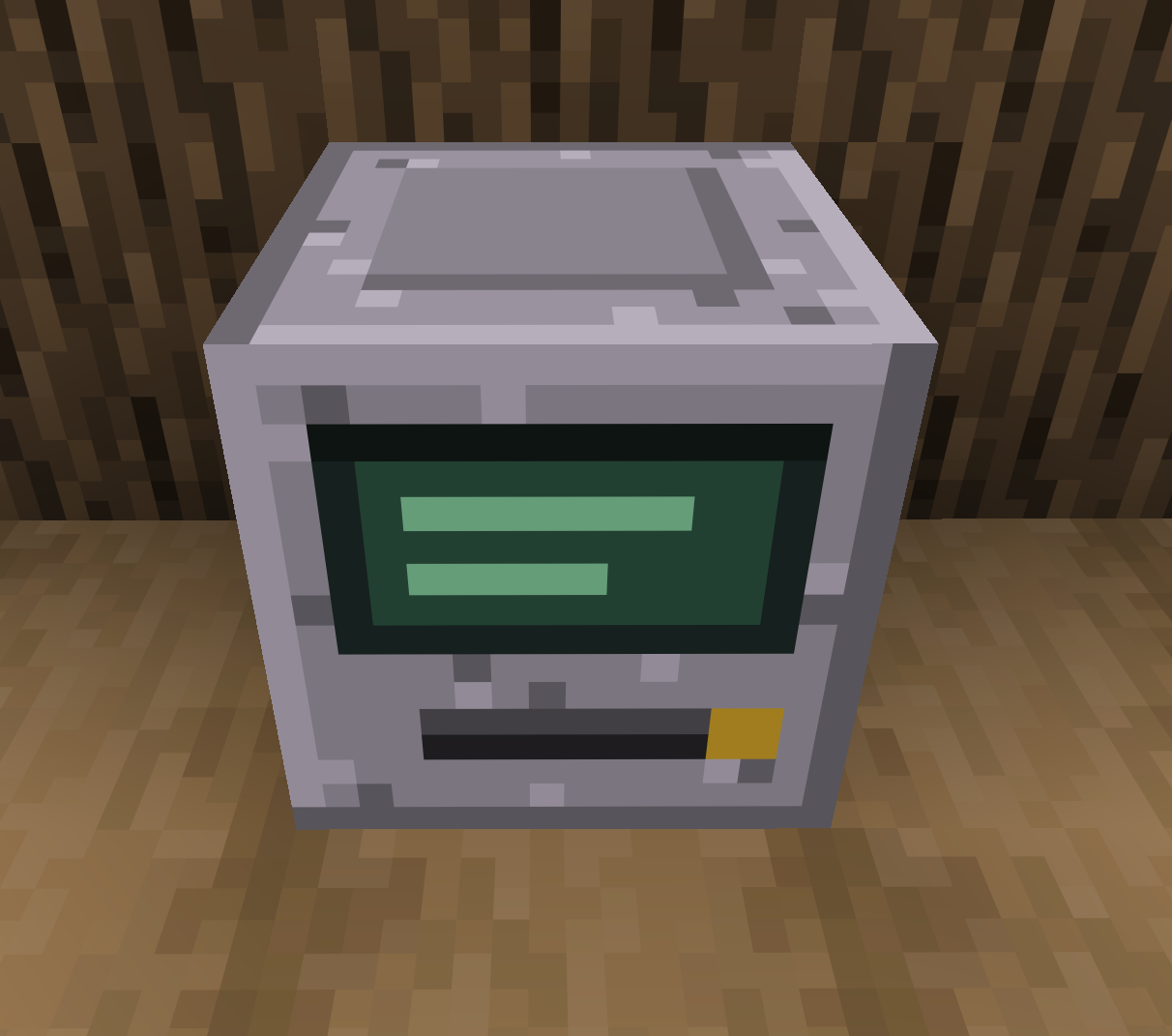
Every player gets an account, created on first join and saved with the world. The terminal gives them four tabs:
| Tab | What it does |
|---|---|
| Deposit | A slot takes coins and valuable resources. Credited instantly. |
| Withdraw | Turns a balance into physical coins, with quick-amount buttons. |
| Transfer | Sends money to another player, even while they're offline. |
| History | The account's last twenty transactions. |
The deposit slot only accepts items that carry a value, so nobody drops their diamond sword in by accident.
📉 Prices That Move
The bank doesn't pay the same rate forever. Every deposit pushes an item's price down, and it recovers on its own over time.
Dump ten thousand iron ingots and iron crashes for everyone. Spread your deposits across different resources and you keep your margins.
This answers the oldest problem in modded economies: once a resource is automated its production is free, and a fixed price turns the bank into a money printer. Here a flooded resource stops paying by itself, without an admin chasing players around a config mid-season.
The price guide shows the current rate, an arrow when it drifts from the base price, and the exact percentage on hover.
How fast prices fall, how low they can go, how quickly the market recovers: all of it is tunable per world, and an individual item can carry its own settings. A 25,000-coin trophy shouldn't collapse as fast as an iron ingot.
Coins themselves never move. Their value has to stay exact, or withdrawing and re-depositing would quietly create or destroy money.
🏪 The Market Stall
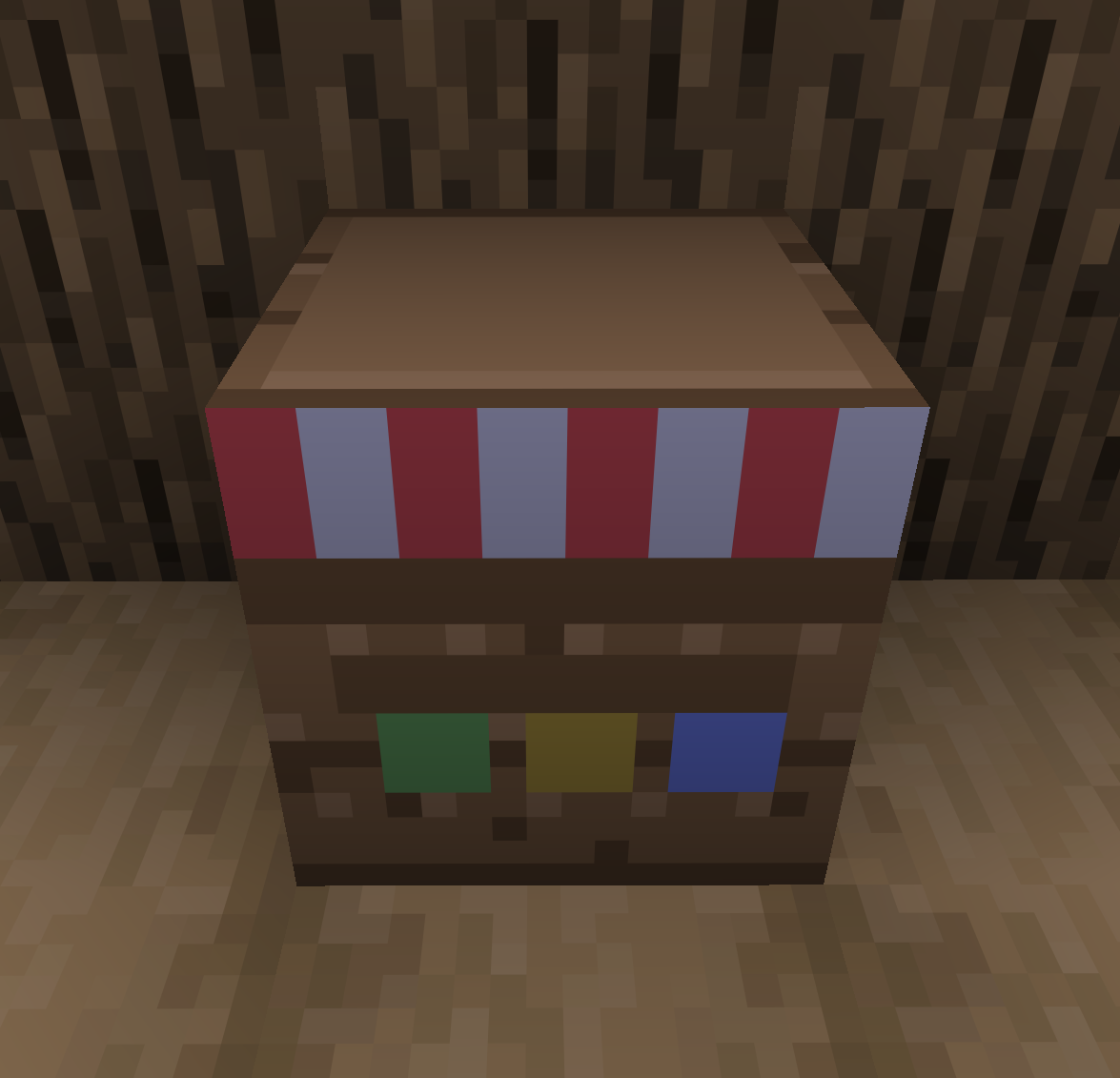
Whoever places the block owns it. Only they see the configuration; everyone else gets the shop front.
As the seller: six sale slots, a 27-slot stock and a separate till. You build each listing at your own pace, pick the item, the bundle size, the price, then flip the switch to put it on sale. While the switch is off, the listing stays hidden from customers. Once it's on, the row locks: no more selling something at a half-typed price.
As the customer: a clean list of what's for sale, with prices and availability. Click to buy one bundle, Shift+click for eight.
Each listing picks how it wants to be paid:
- Bank transfer: the buyer is debited, the seller credited, even if they're offline.
- Physical coins: the buyer pays from their pockets, coins land in the till. Change is given automatically.
Stalls work with hoppers and pipes: items go in to the stock, coins come out of the till. Nobody can siphon someone else's goods.
⚙️ Automatic Deposit
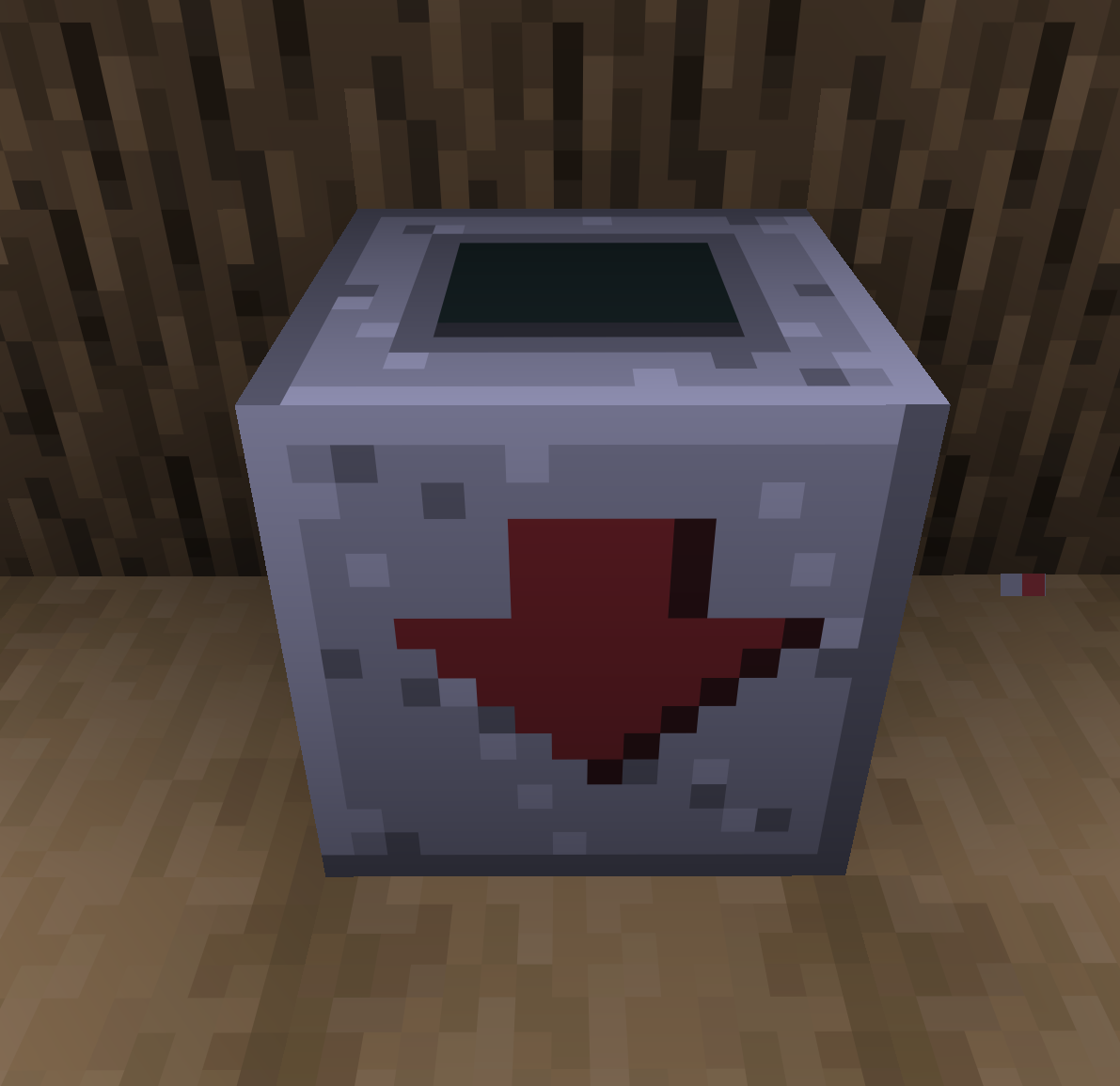
A third block, with no interface: whatever you push into it is sold to the bank and credited to whoever placed it. Hoppers, pipes, conveyors or anything that can insert. It's the wire between a farm and a bank account.
It only takes what the bank buys and refuses the rest at the door, so a mis-plugged hopper backs up instead of swallowing gravel. Nothing ever comes back out. Right-click it to see whose it is, and your balance if it's yours.
Its deposits go through the same live prices as the counter: a farm wired into it crashes the resource it floods, exactly like a player emptying chests by hand.
This is the only way to automate income in the mod. A server that would rather see money earned by hand switches off
deposit.auto_deposit_enabled: the block stays craftable but stops accepting anything, and says so when handled. To remove it entirely, drop its recipe with a datapack.
🔎 Finding the Shops
A market only works if you can find who sells what. /shops lists everything on sale across the server. One line per offer, with the item, the price, the shop and the stock. Search by item, shop or seller. Sort by price, distance or name.
The registry never scans the world. Stalls announce themselves. So you can find the shop of someone who hasn't logged in for three weeks, in a chunk nobody has loaded.
Servers that would rather not hand out coordinates can switch them off. Shop names stay visible.
📖 The Price Guide
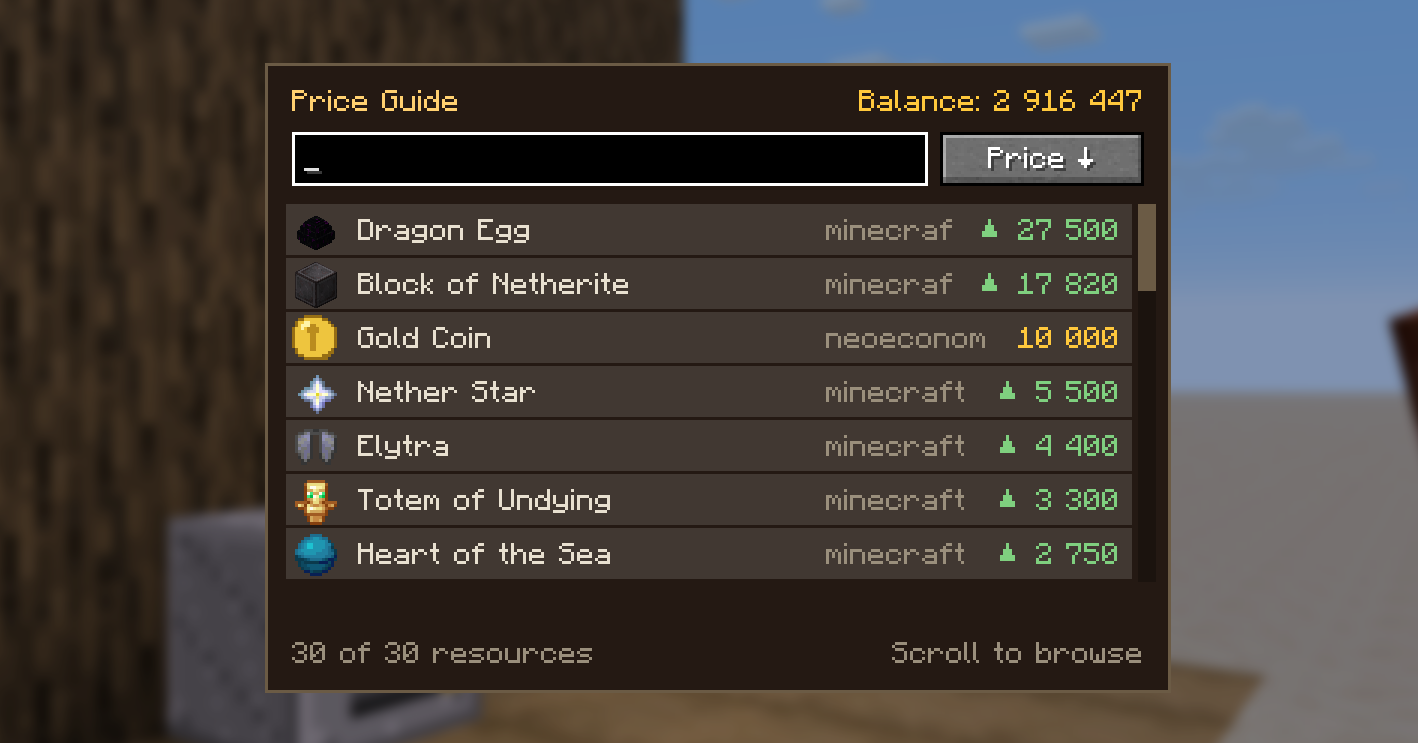
A book, craftable from the start, listing everything the bank accepts. Search by name or by mod, sort by price, see full-stack values and the exact coin breakdown.
Nothing in it is hardcoded. It reads the values actually loaded on the server, so a resource added by a datapack shows up on the next /reload.
🪙 Currency
| Coin | Value |
|---|---|
| Copper Coin | 1 |
| Silver Coin | 100 |
| Gold Coin | 10,000 |
Coins can't be crafted. The bank is the only issuer, which closes the loop: you earn money by depositing resources, not by minting your own.
For modpacks and servers
Deposit values live in a NeoForge data map, not in the code. Any datapack or KubeJS can price your modpack's resources without recompiling anything:
{
  "values": {
    "allthemodium:allthemodium_ingot": 2500,
    "#c:ingots/steel": 25,
    "minecraft:diamond": { "value": 250, "replace": true },
    "minecraft:dragon_egg": { "value": 25000, "saturation": 1250000 }
  },
  "remove": ["minecraft:coal"]
}
Keys accept tags, so a single entry covers steel from Mekanism, Thermal, Create and Immersive Engineering at once. Use remove to drop a resource and replace to start from a blank slate. A /reload applies everything. An example datapack ships with the source.
saturation is how much money the bank can pay for an item before its price halves — the knob that decides whether a resource is a trickle or a flood.
Everything else lives in a per-world config file: whether prices move at all, how far they fall, how fast they recover, whether the automatic deposit block works at all, and whether the shop registry gives out coordinates.
Commands
| Command | Permission | Effect |
|---|---|---|
/balance |
everyone | Check your balance |
/pay <player> <amount> |
everyone | Send money |
/shops |
everyone | Open the shop registry |
/eco balance [player] |
op for others | Check a balance |
/eco give|take|set <player> <amount> |
op | Adjust an account |
/eco top |
everyone | The ten richest accounts |
Compatibility
- NeoForge
- Works in singleplayer and multiplayer
- No dependencies
- Each Minecraft version has its own release line — check the file list
- Accounts are tied to the world and shared across dimensions
- English and French translations included
All money logic runs server-side. The client only ever sends intent, never a price, never a balance.
Project status
Young. Everything described here is implemented and running on a server, but the mod hasn't been through a busy season yet. Prices, in particular, want tuning against your own pack.
AI Usage
This project is written and maintained by a human (myself). AI is used as an assistant for documentation, code review, and testing.
AI is also used to automatically generate commit messages and changelogs, helping me spend more time focusing on development.
Since a significant portion of the project's documentation and descriptions is AI-generated, I have tagged this project with "Disclosure of AI-generated content" for transparency.
License
MIT — code and artwork alike. Do what you like with it.