
Compatibility
Minecraft: Java Edition
Platforms
Supported environments


Tags
Creators
Details
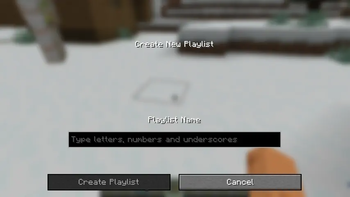
Create a New Playlist
Although it says "Type letters, numbers and underscores", actually any unicode character is supported.
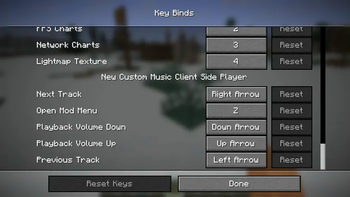
Default Key Mappings
You can find and change your key binds about this mod here.
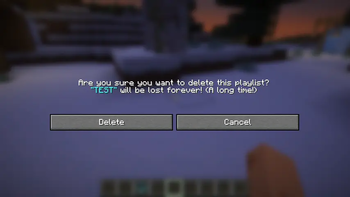
Delete a Playlist
If you choose to delete, it will be lost forever! (A long time!)
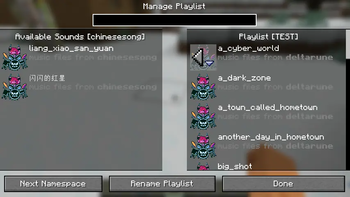
Edit Playlist
Edit the existing music files just like you choose which resourcepacks to load.
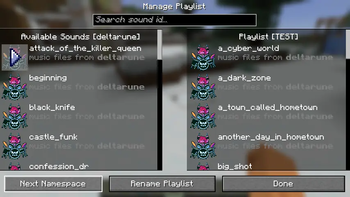
Change Namespace
Use "Next Namespace" button to switch between different namespaces.
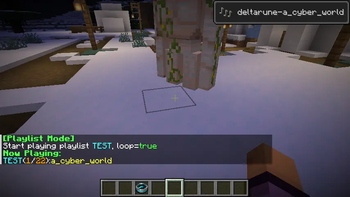
Play a Playlist
When you play a playlist, a toast and a chat feedback will show.
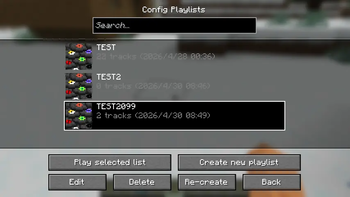
Configure Playlists Screen
You can create, recreate, edit, delete or play your playlists here!
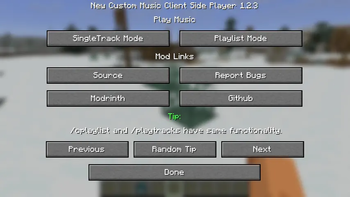
Mod Screen
You can choose whether you want to play SingleTrack Mode or Playlist Mode, and view some useful tips here!
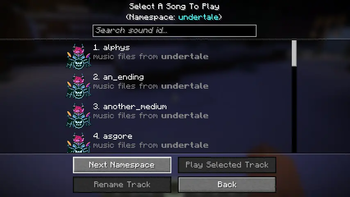
Namespace Showcase 1
This a namespace called "undertale" in my custom "UTDR Music Pack" resourcepack.
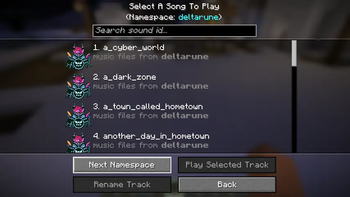
Namespace Showcase 2
This a namespace called "deltarune" in my custom "UTDR Music Pack" resourcepack.
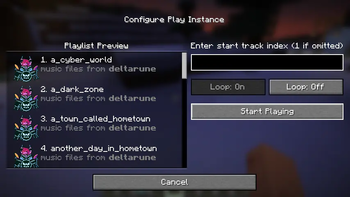
Play Your Playlist
Preview your playlist, choose the start song index and the playmode( loop, not loop) here!
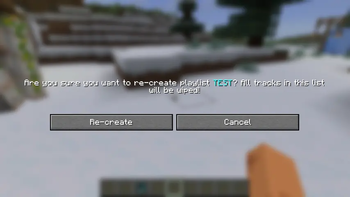
Recreate a Playlist
It's just another name for "Clear all songs".
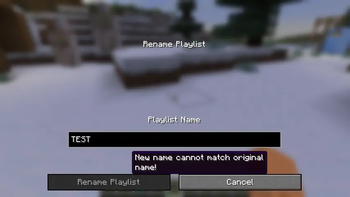
Rename a Playlist
The new playlist name can't be empty, or match the original one. Feel free to use unicode characters.
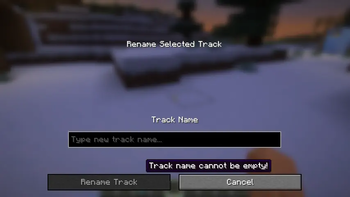
Rename a Track
The new track name can't be empty or match with the original one, but you can use unicode characters. In the search box, you can search by both sound id which can't be changed or display name which you can modify here!
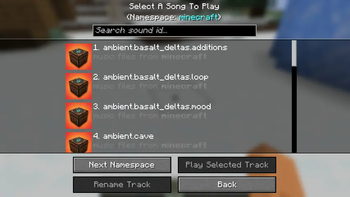
Minecraft Namespace Songs Icon
This is how music files icon from minecraft namespace looks like.
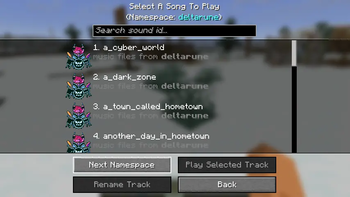
Non-Minecraft Namespace Songs Icon
This is how music files icon not from minecraft namespace looks like.
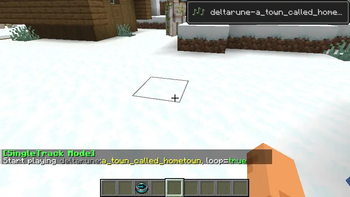
Play in SingleTrack Mode
When you play in single track mode, a toast and a chat feedback will show.